Drop your draft in
Paste the caption into a new post and add your media. Check your business name, location, and offer details before publishing.
Turn “open now” into “see you today” with clear posts that tell nearby customers what’s new.
Disclaimer: AI-generated content can contain mistakes, so review every draft before publishing. Read our privacy policy to learn how SocialBu handles data.
SocialBu turns the caption you just wrote into scheduled Google Business Profile posts. Copy your draft into a new post, then review it before scheduling.
Paste the caption into a new post and add your media. Check your business name, location, and offer details before publishing.
Choose update, offer, or event and add any required dates, terms, and links. Where supported, add a button like Call, Book, or Learn More.
Select your connected locations and choose the day and time. Review the final post, and SocialBu publishes for you.
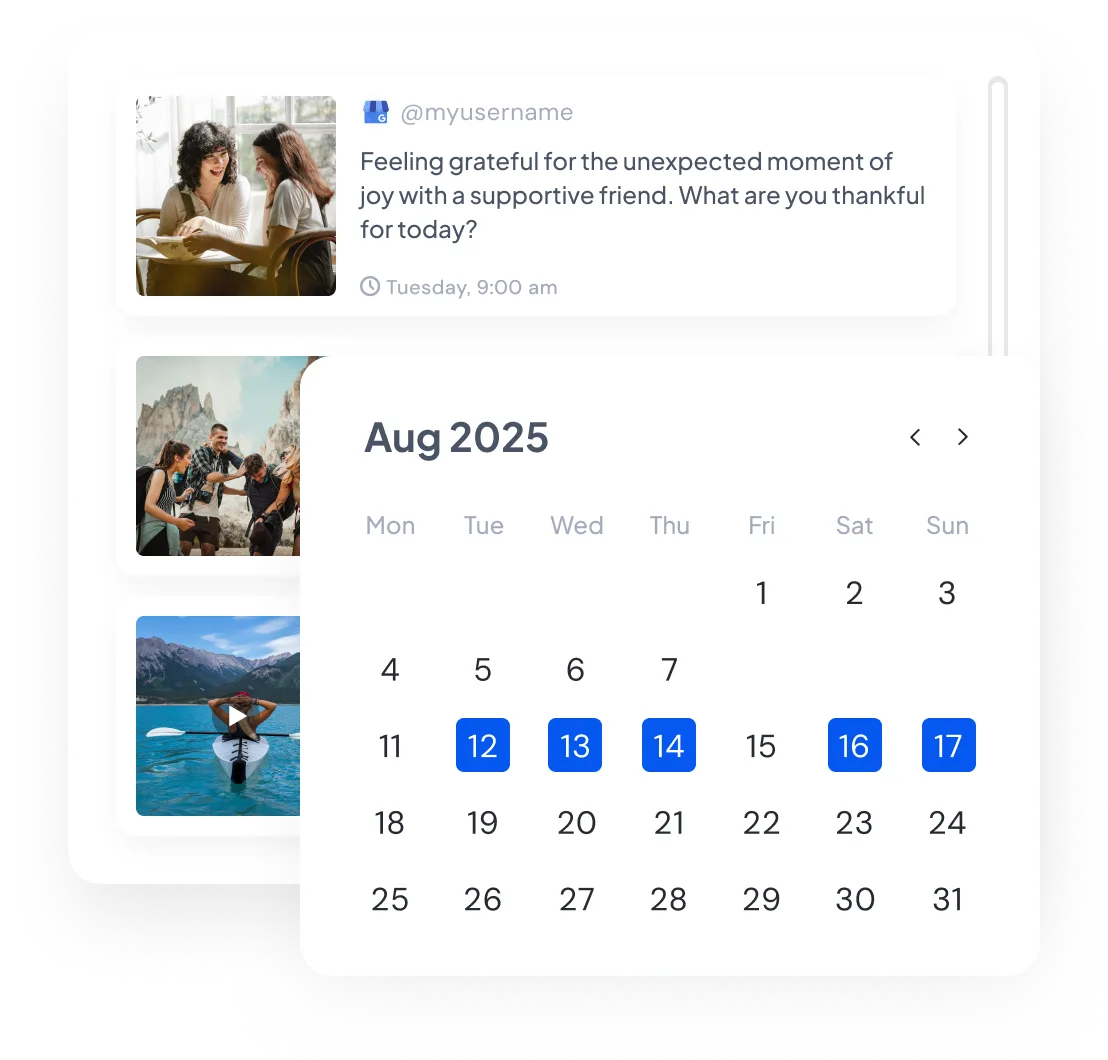
See your whole month with real post previews, and drag a post to a new day when plans change.
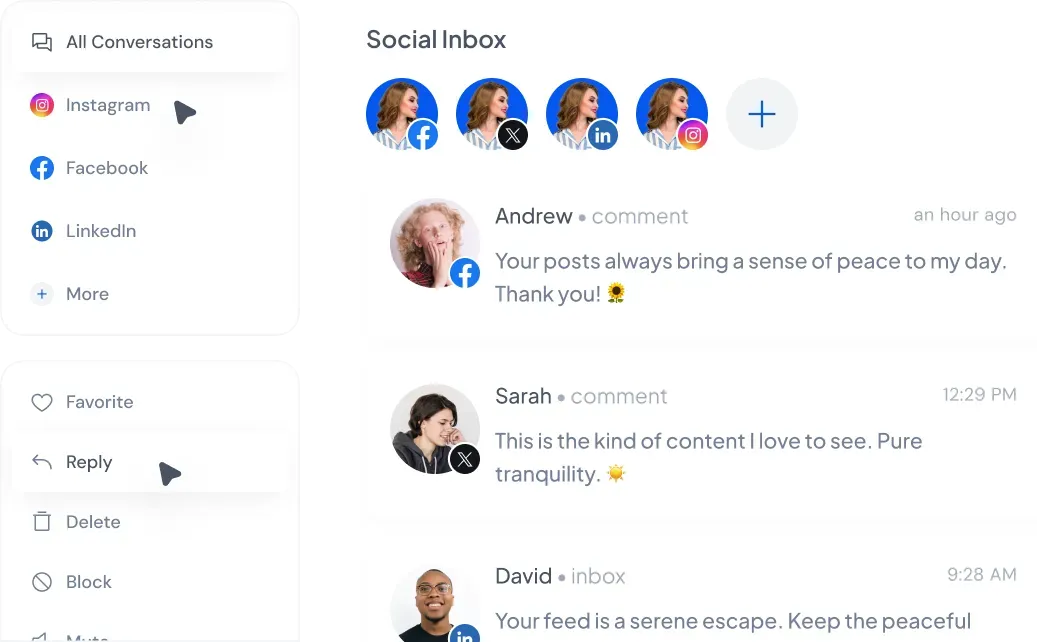
Reply to supported Google reviews from your connected locations without switching tabs.
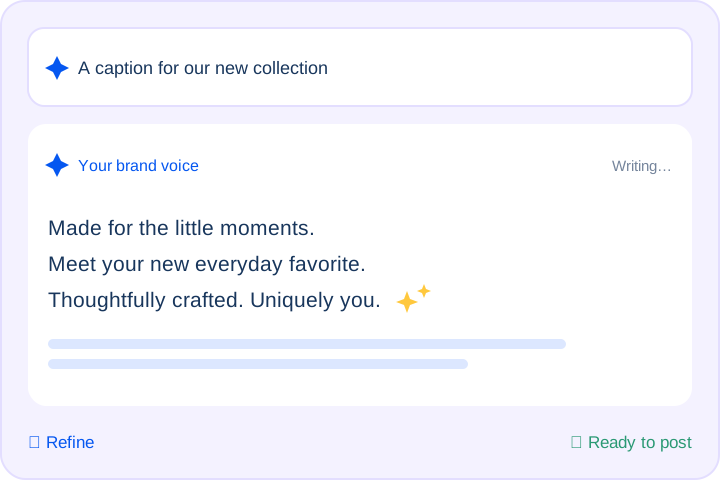
Describe your offer, event, or update and set a tone that matches your business. Review the draft and adjust the wording before publishing.
Track every post’s status at a glance, retry failures, and review captions for accuracy and Google’s content guidelines.
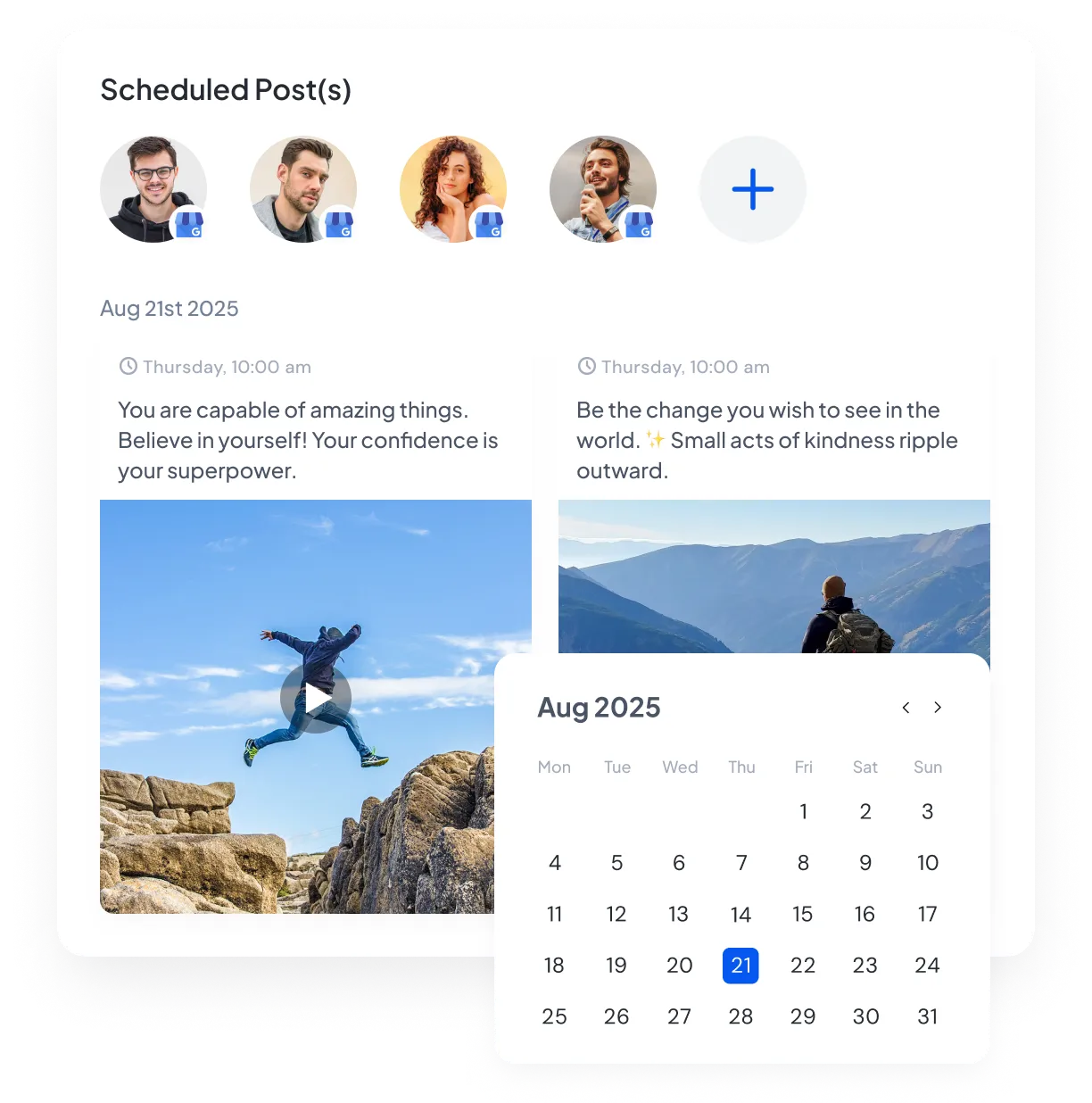
Connect your Google Business Profile locations, paste your draft, choose the post type, and pick a time. Review dates, links, and local details before scheduling.
Whether you run one storefront or manage dozens of locations, SocialBu’s Google Business Profile caption generator helps you turn a quick update into a clear draft you can review and publish.
Prepare regular updates for your business or local SEO clients. Draft posts in the right tone, review them, and plan a month of content in SocialBu.
Restaurants, salons, clinics, gyms, and retail shops have useful news to share, but writing regular updates takes time. Describe an offer, event, or announcement, choose a tone, and get a clear draft that tells customers what’s new and why to visit.
Plumbers, electricians, photographers, and tutors can share more than storefront photos. Draft posts about recent jobs, seasonal services, and availability to show nearby customers what you offer and when you are open for work.
Keeping several profiles current means writing for each location. Generate a post, adjust the local details, and schedule updates for your connected locations from one SocialBu dashboard.
Hear from marketers, founders, and agencies who use SocialBu to manage social media every day.
Here’s everything you need to know about our free GBP caption generator.
Yes. You can try the tool without logging in or entering a credit card. Describe your business update, offer, or event, then choose your tone, goal, length, and one or three variations. Usage limits apply, and the tool will tell you when to try again or sign up for more generations.
 Larry Kim, Founder
 Kate Gross, Manager
 Pasquale M., Founder
 Michael M., Marketing Manager
 Ian M., Associate