Schedule social media posts from ChatGPT
Connect the SocialBu plugin to create drafts, schedule posts, review your publishing calendar, and check available analytics directly in ChatGPT.
Connect with ChatGPTTry this prompt
Show my connected SocialBu accounts and next week's scheduled posts.How to connect SocialBu to ChatGPT
Write faster
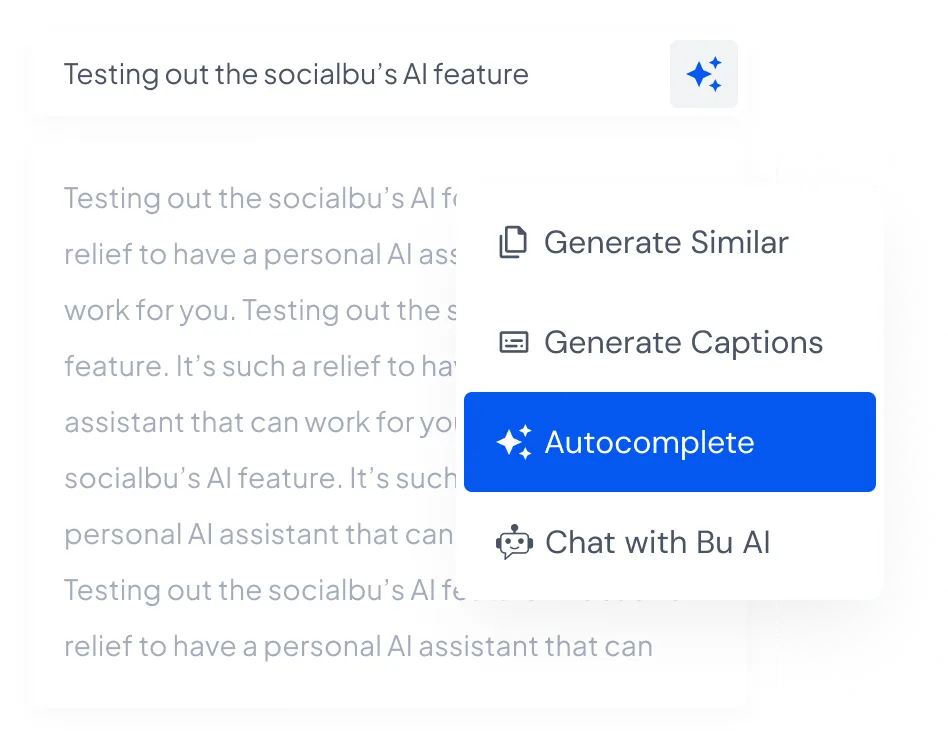
Autocomplete with AI
Get helpful continuations while writing posts, from quick sentence ideas to full paragraphs that match your tone and campaign goal.
Generate content
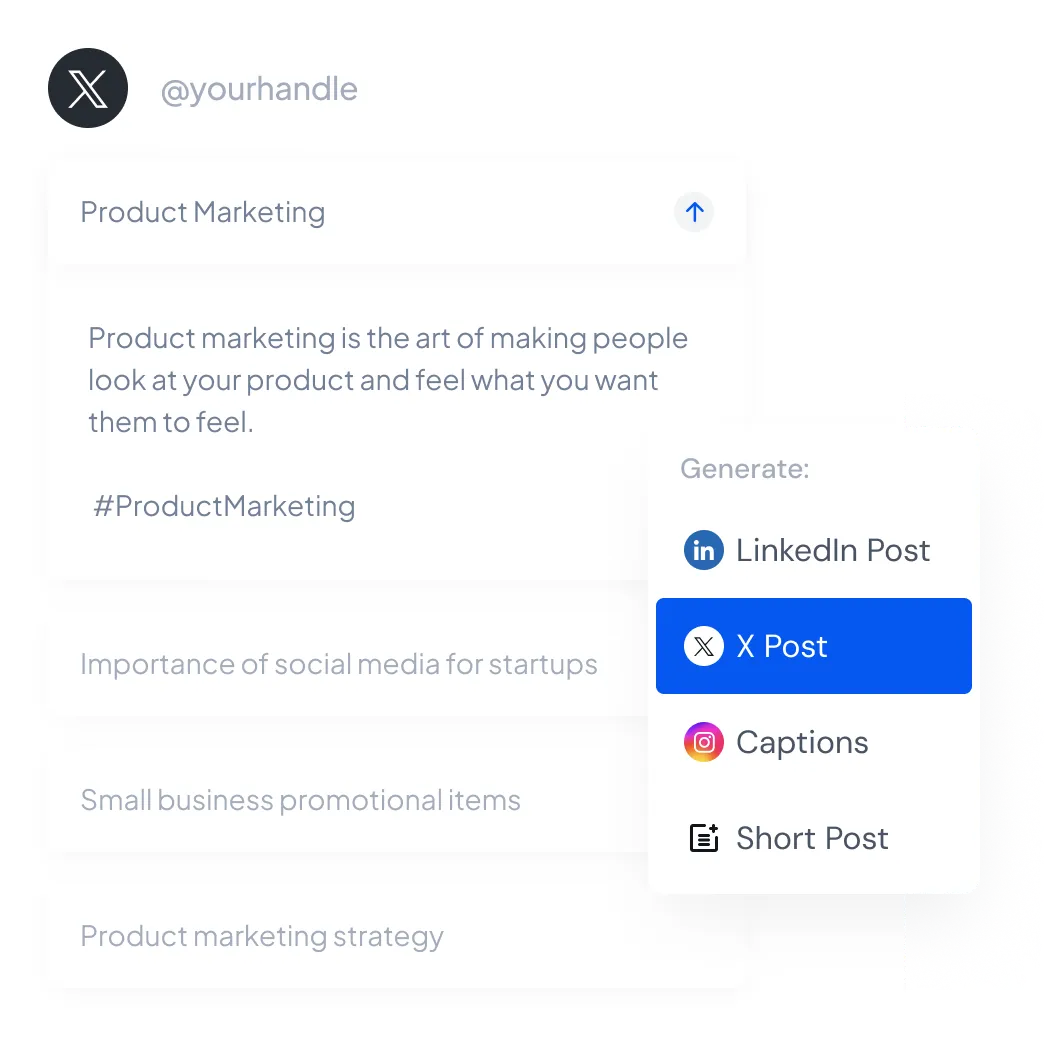
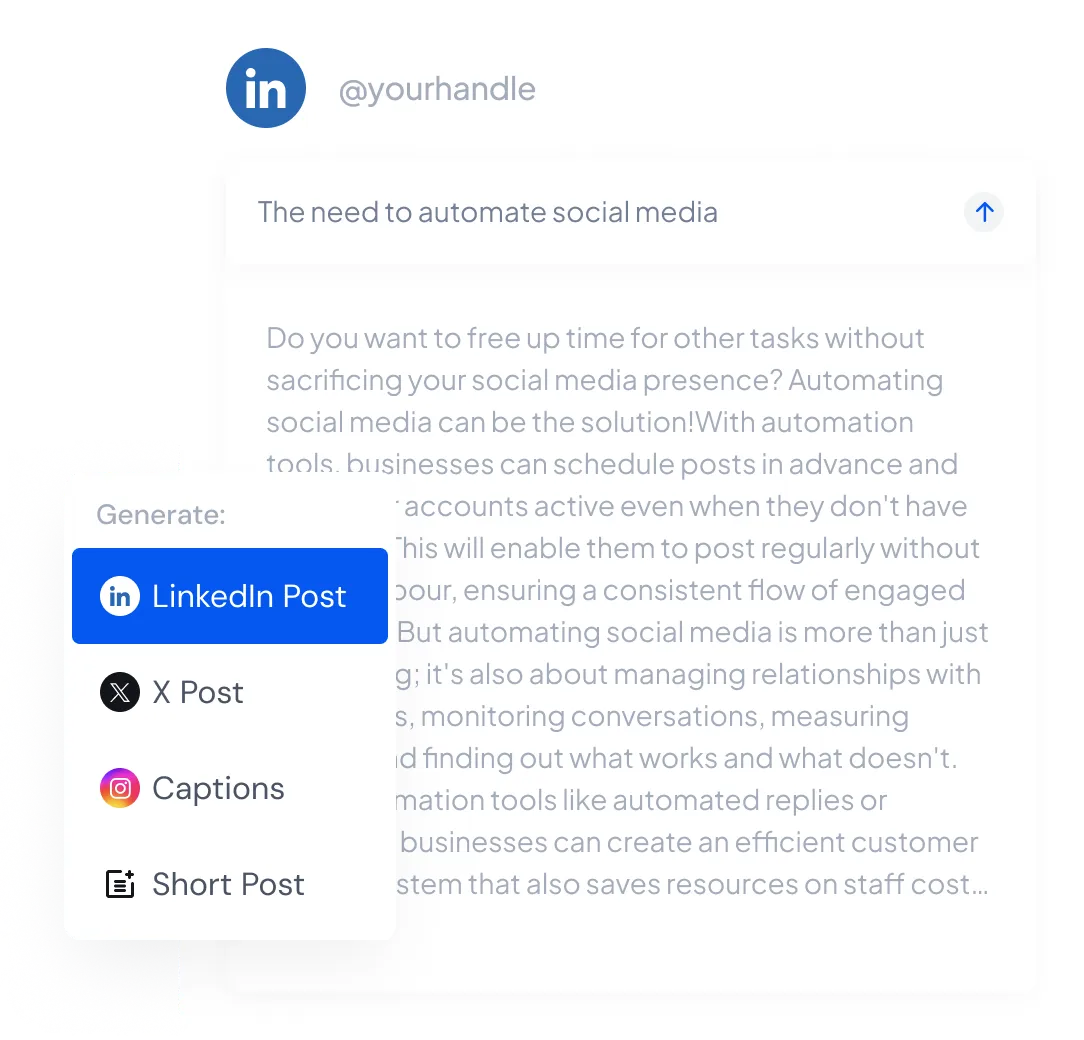
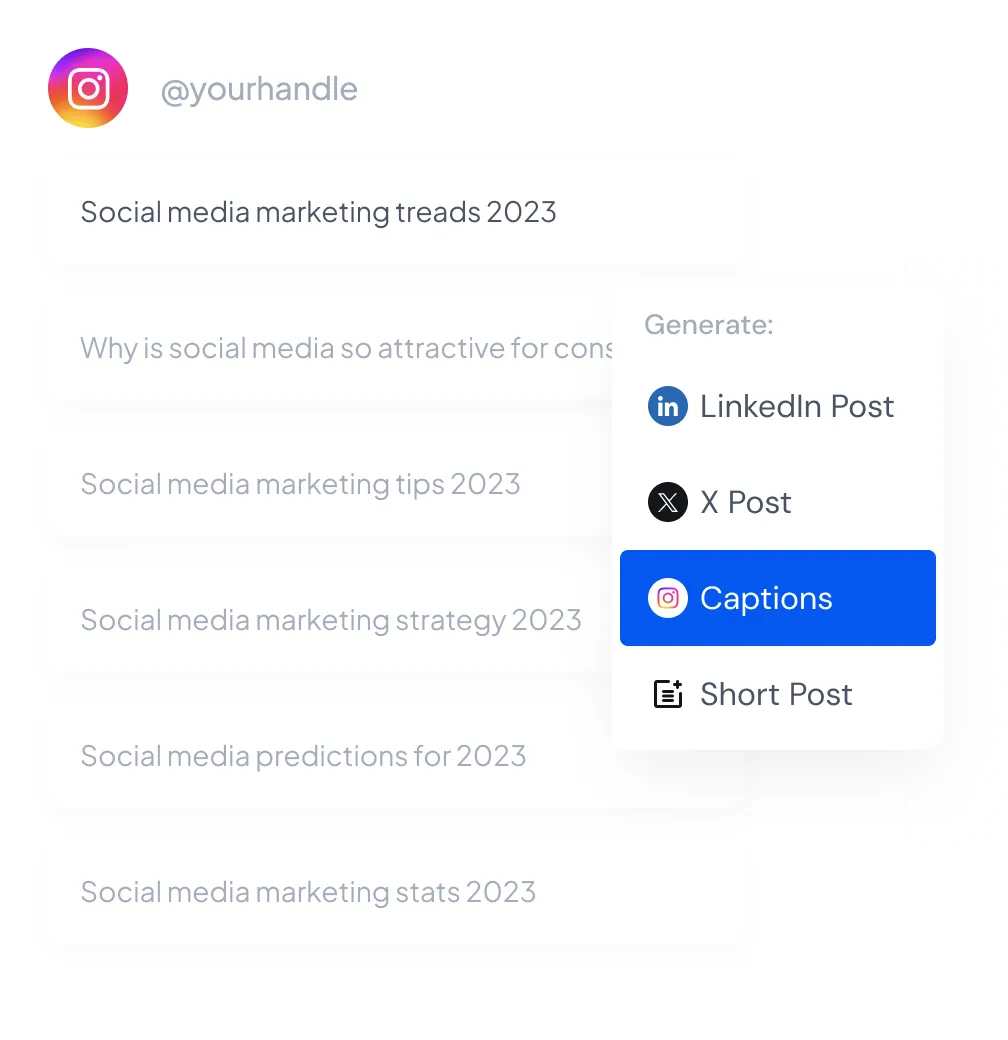
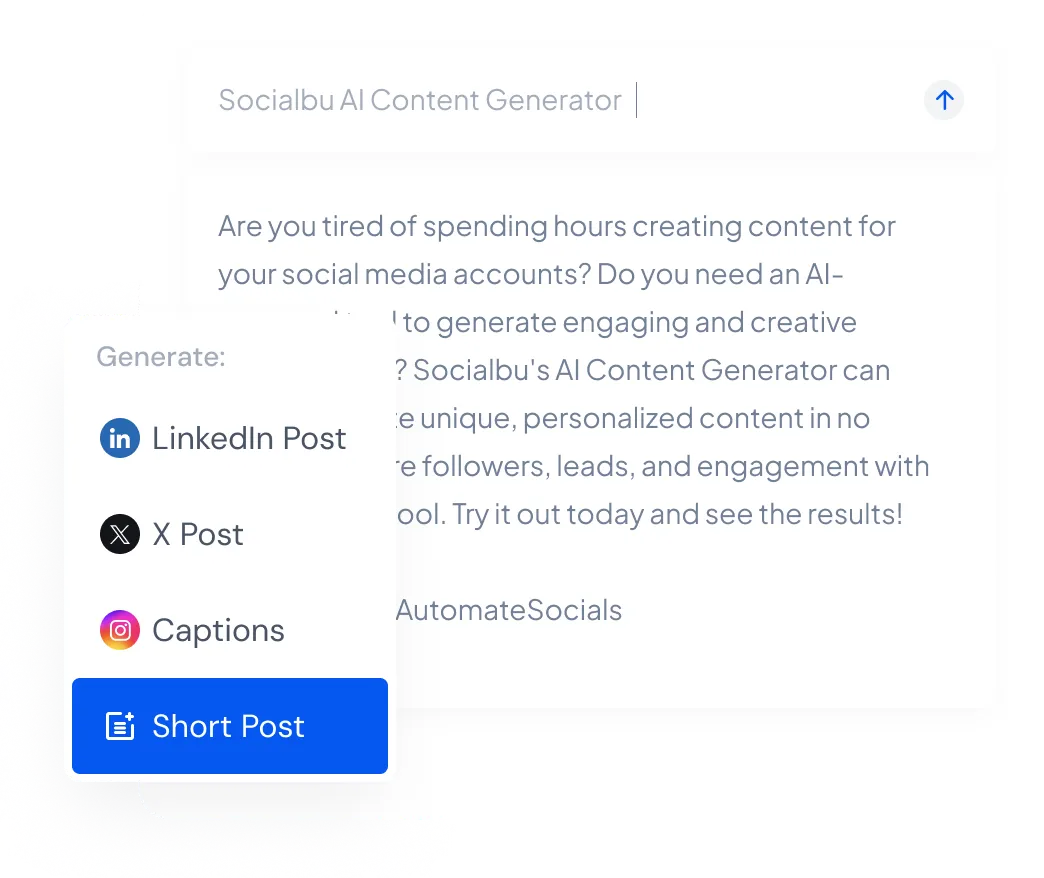
Create posts and captions for every channel
Use AI to quickly draft X posts, LinkedIn updates, Instagram captions, and short social posts that are ready to refine and schedule.
Turn an AI draft into a scheduled post
Review your draft, choose the connected accounts, and add any required images or video. Use SocialBu's publishing calendar to pick a date and time, or save the post for review before scheduling.
Need something more specific? SocialBu also has a growing library of free AI tools for captions, hashtags, hooks, scripts, replies, usernames, and more.
Explore AI tools Start for freeTry SocialBu free and turn AI-generated ideas into scheduled posts.
Reuse what works
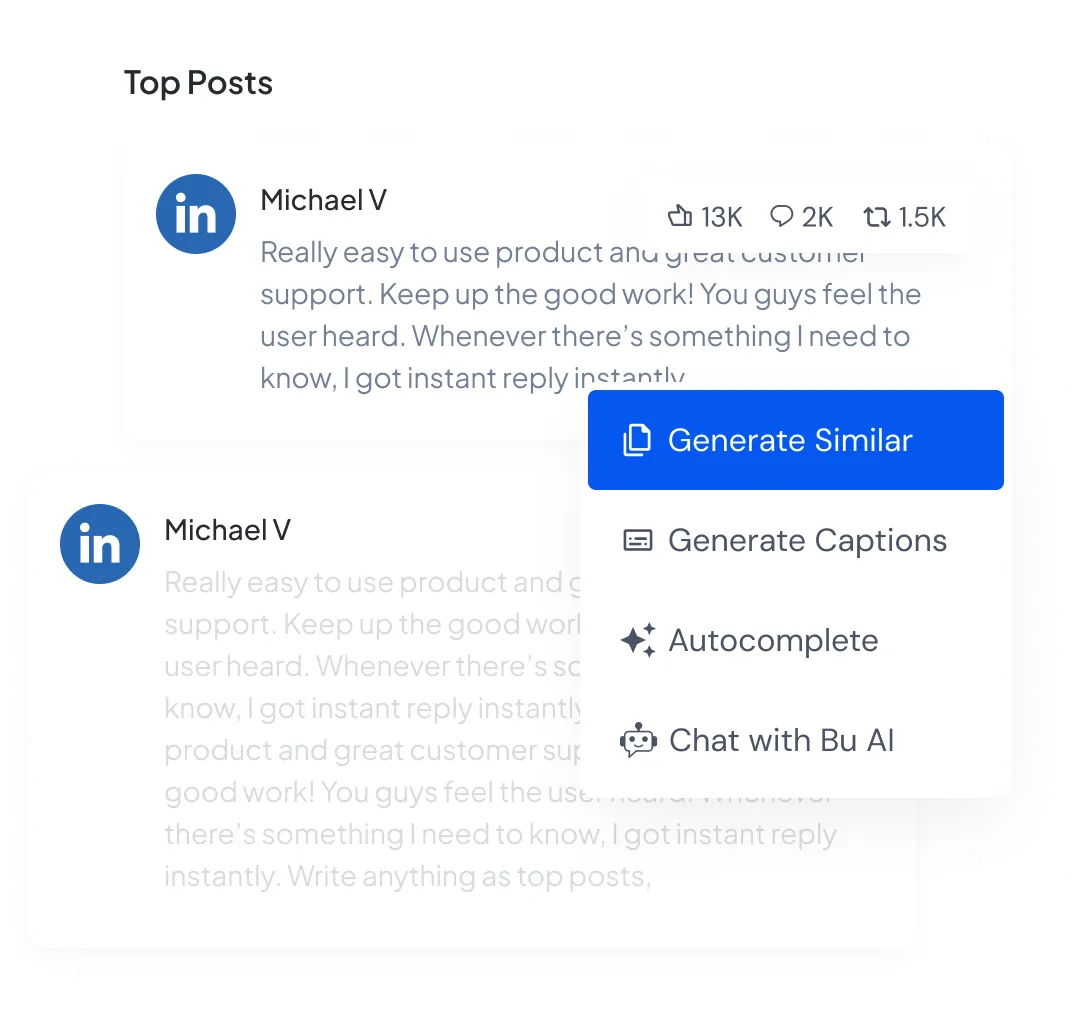
Generate similar posts using AI
Turn a strong post into fresh variations for different channels, campaigns, and audiences while keeping your message consistent.
Plan with confidence
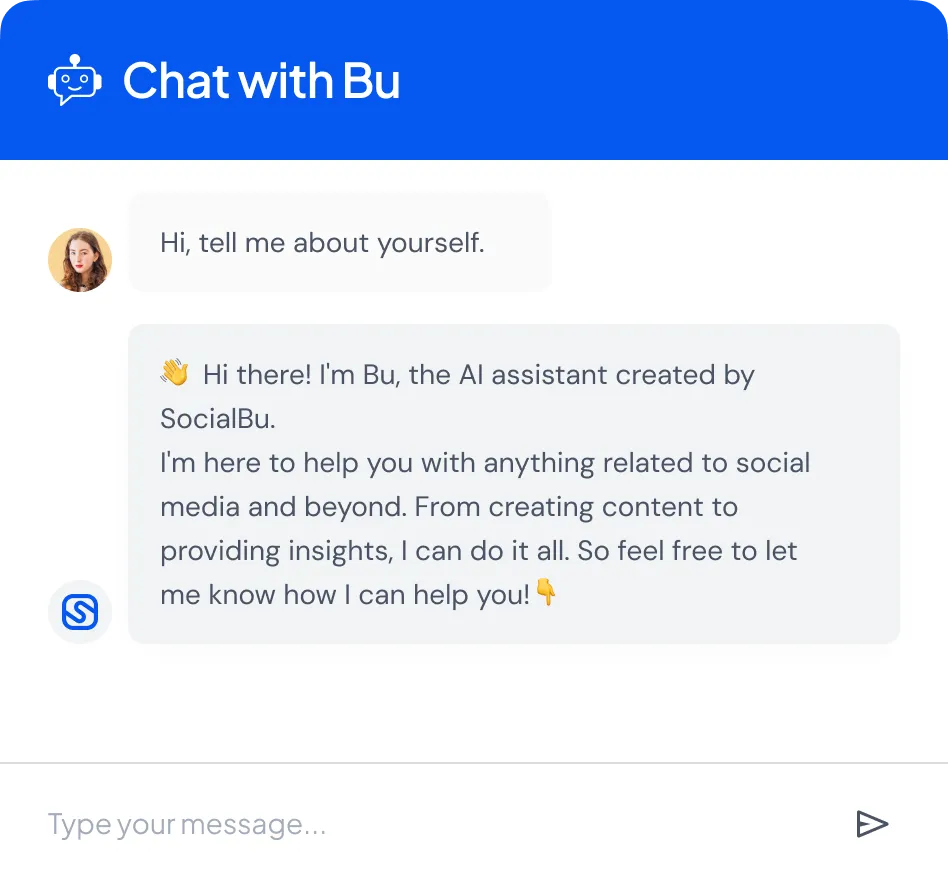
Your personal AI assistant
Ask for content ideas, campaign angles, post improvements, and quick help when you need a practical next step.
Find better ideas
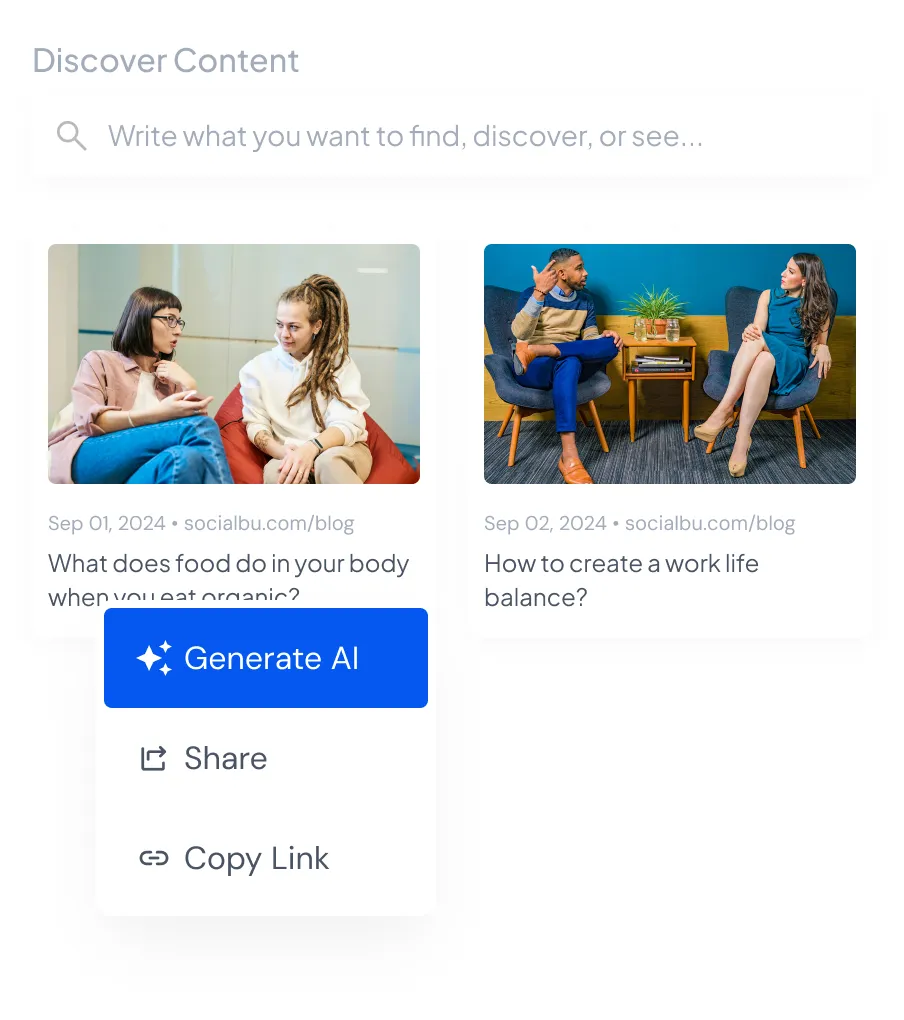
Curate content using AI
Discover useful content ideas faster, then shape them into posts your audience will actually care about.
Polish every post
Generate captions with AI
Create stronger captions for your posts and campaigns, then adjust tone, length, and style before scheduling.
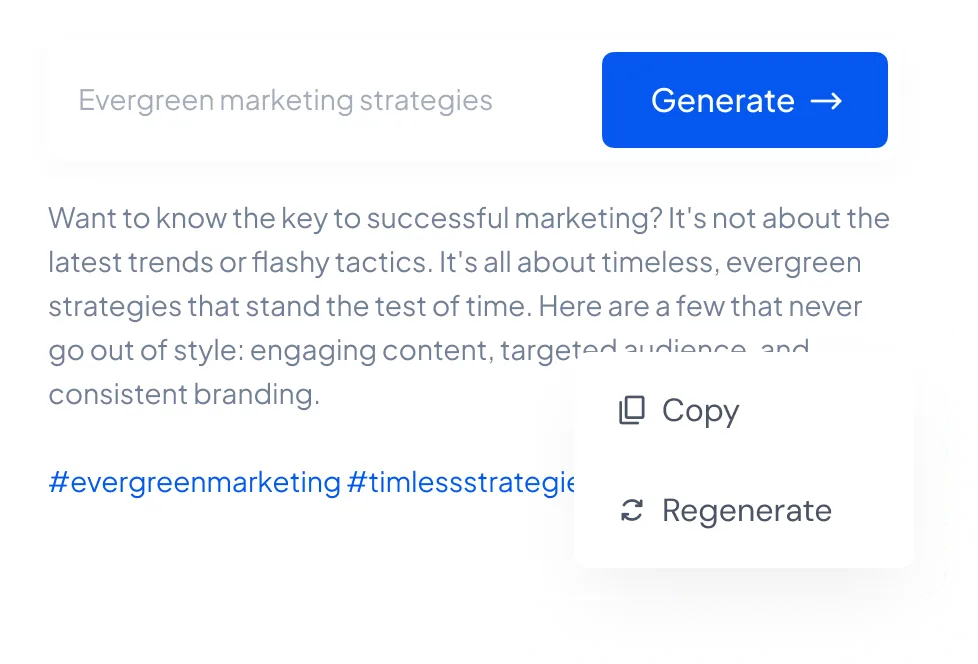
Using AI to create social media content
What should I include in a social media prompt?
Include the platform, audience, topic, tone, and action you want readers to take. For example: “Write three Instagram caption drafts for a bakery's new sourdough loaf. Use a friendly tone and invite readers to visit on Saturday. Avoid discounts or claims I haven't provided.” Check facts and edit the result before publishing.
Do I need ChatGPT to use SocialBu's AI tools?
No. SocialBu has built-in tools for post ideas, captions, and rewriting. The ChatGPT plugin is another way to work with your SocialBu account. AI feature access and usage depend on your plan and available credits; you can also try the free AI tools within their usage limits.
Manage your social media with SocialBu
Manage your social media with SocialBu
Connect your accounts and try SocialBu free for 7 days.