Plan campaigns across accounts
Manage one professional account or every account you run from the same calendar.
Match each post to the right format
Schedule feed posts, carousels, Reels, Trial Reels, and Stories with the media they need.
Keep up after publishing
Handle supported messages and comments, then see available account and post metrics.
What you can manage for Instagram in SocialBu
Available features depend on your plan, account type, and what Instagram allows for that account.
Publish every supported Instagram format
Schedule feed images or video, image carousels, Reels, Trial Reels, and Stories. Instagram publishing requires supported media.
Set the options for each format
Add a first comment, AI-generated content label, location, thumbnail, alt text, Reel feed-sharing choice, Trial Reel follower-sharing choice, or collaborators when available.
Schedule one account or many
Publish now or choose a future time, customize content for each selected professional account, and see every account and date on the calendar.
Continue a caption with AI autocomplete
Use AI autocomplete to continue the text in the composer. Availability depends on your plan.
Use approvals for team or client work
Publish directly when you work alone, or let an authorized teammate approve or reject the profile, caption, media order, format, options, and time.
Schedule campaigns in bulk
Import Instagram posts from CSV with their account, format, media, caption, options, and publishing time.
Reuse a posting schedule
Add posts to a queue with recurring time slots, or create an RSS rule when the feed provides media Instagram accepts.
Manage messages and comments
Use Respond to reply, react to supported messages, hide or unhide comments, and delete supported items when the professional account is connected through Instagram Login.
See Instagram results
Use Analyze for the profile, audience, reach, interaction, and format-specific content metrics SocialBu can retrieve.
Important support details
- SocialBu connects Instagram professional accounts, not personal accounts.
- Respond requires the account to be connected through Instagram Login.
- Mixed image-and-video carousels, Story links, and Story GIFs are not supported.
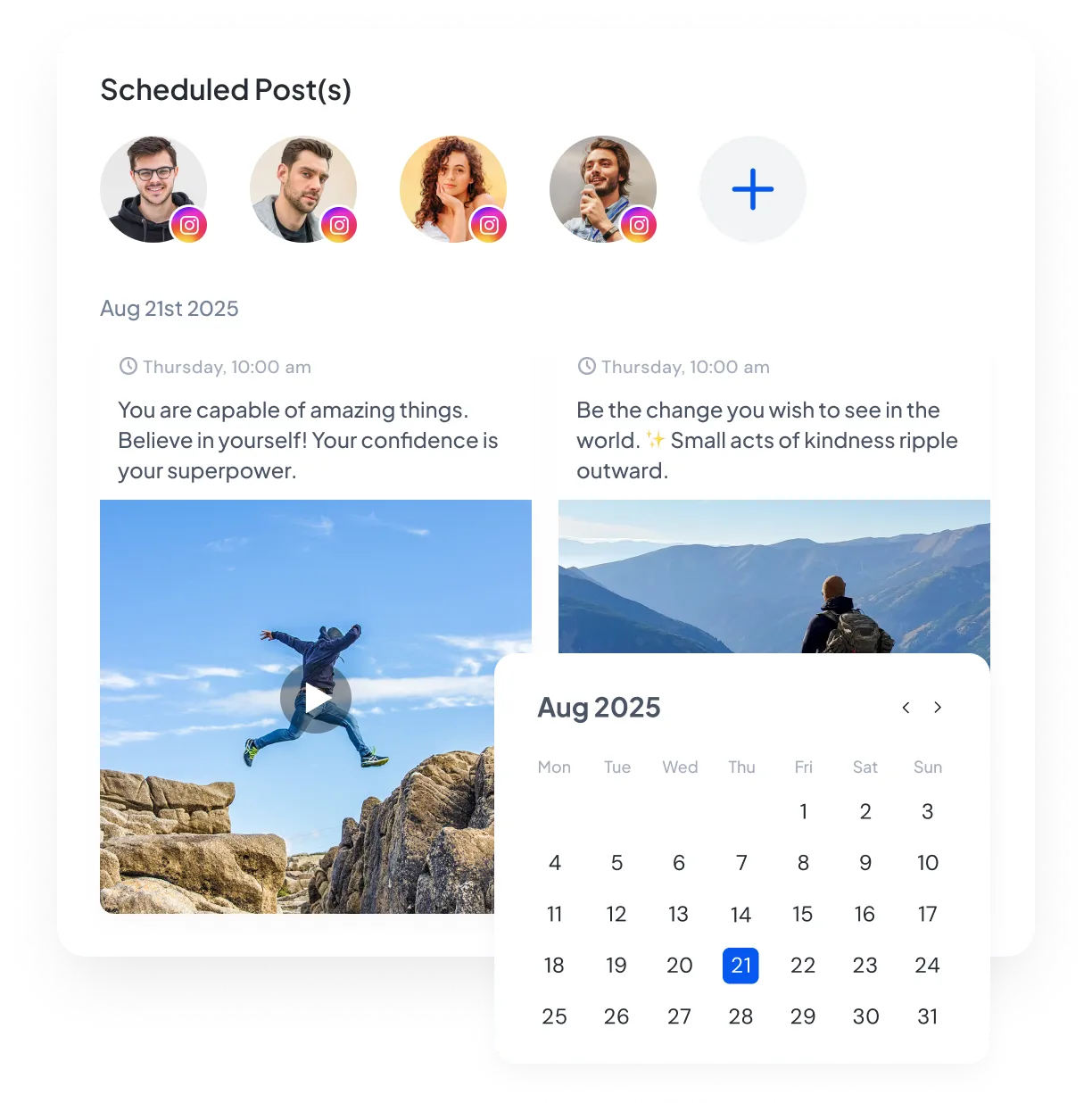
Manage every Instagram account from one publishing calendar
Choose an Instagram professional account, create the post, and publish now or set a future time. The calendar shows the account for every scheduled post.
Use the Instagram format that fits the campaign
Publish a feed post, image carousel, Reel, Trial Reel, or Story with the caption and media that format allows. Add a first comment, video thumbnail, or collaborators when available. Personal Instagram accounts cannot be connected, and mixed image-and-video carousels or Story links and GIFs are not supported.

Know what has gone out and what comes next
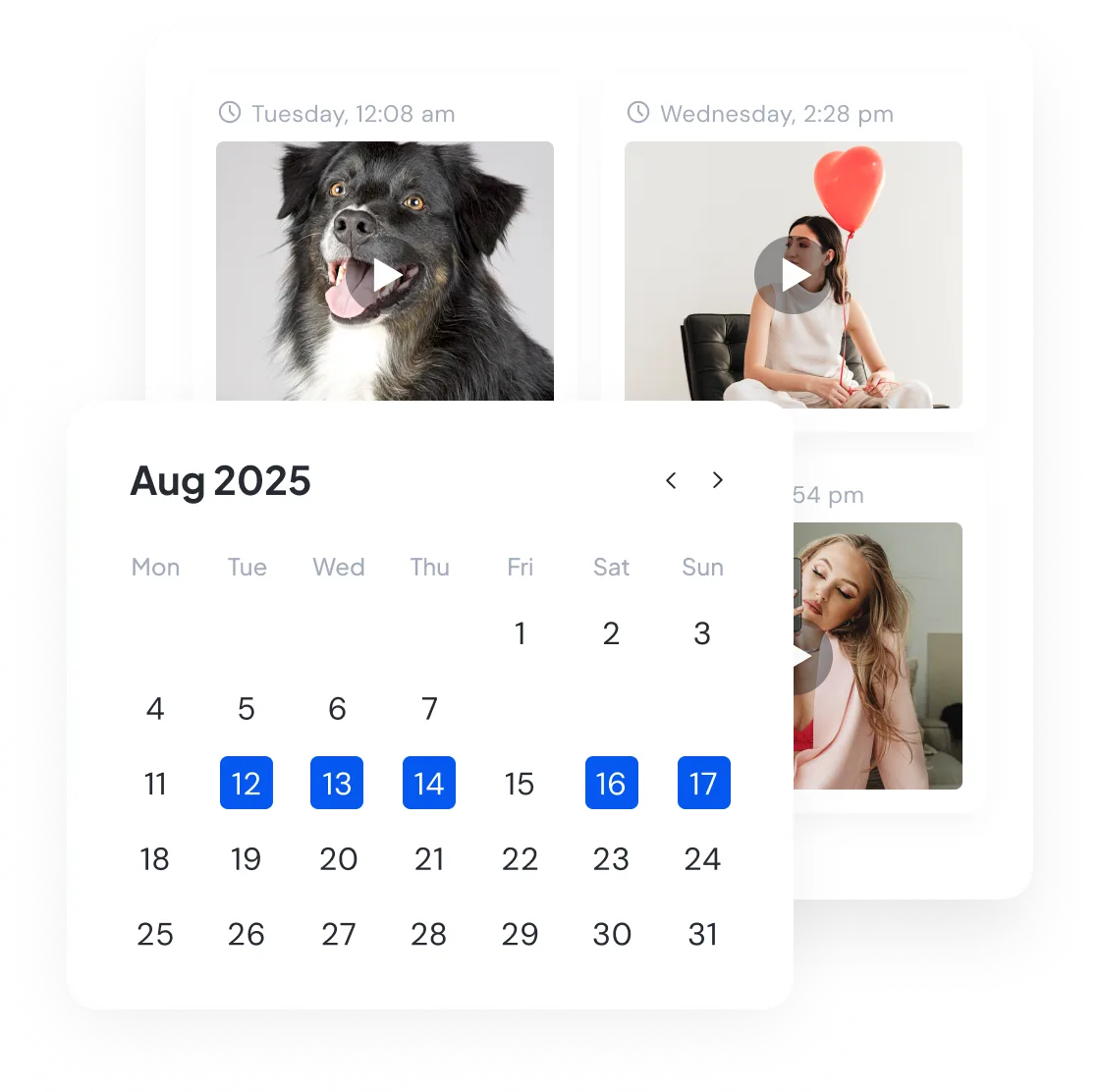
View scheduled and published Instagram posts by account and date. Filter to one profile or see its posts alongside the rest of your social calendar.
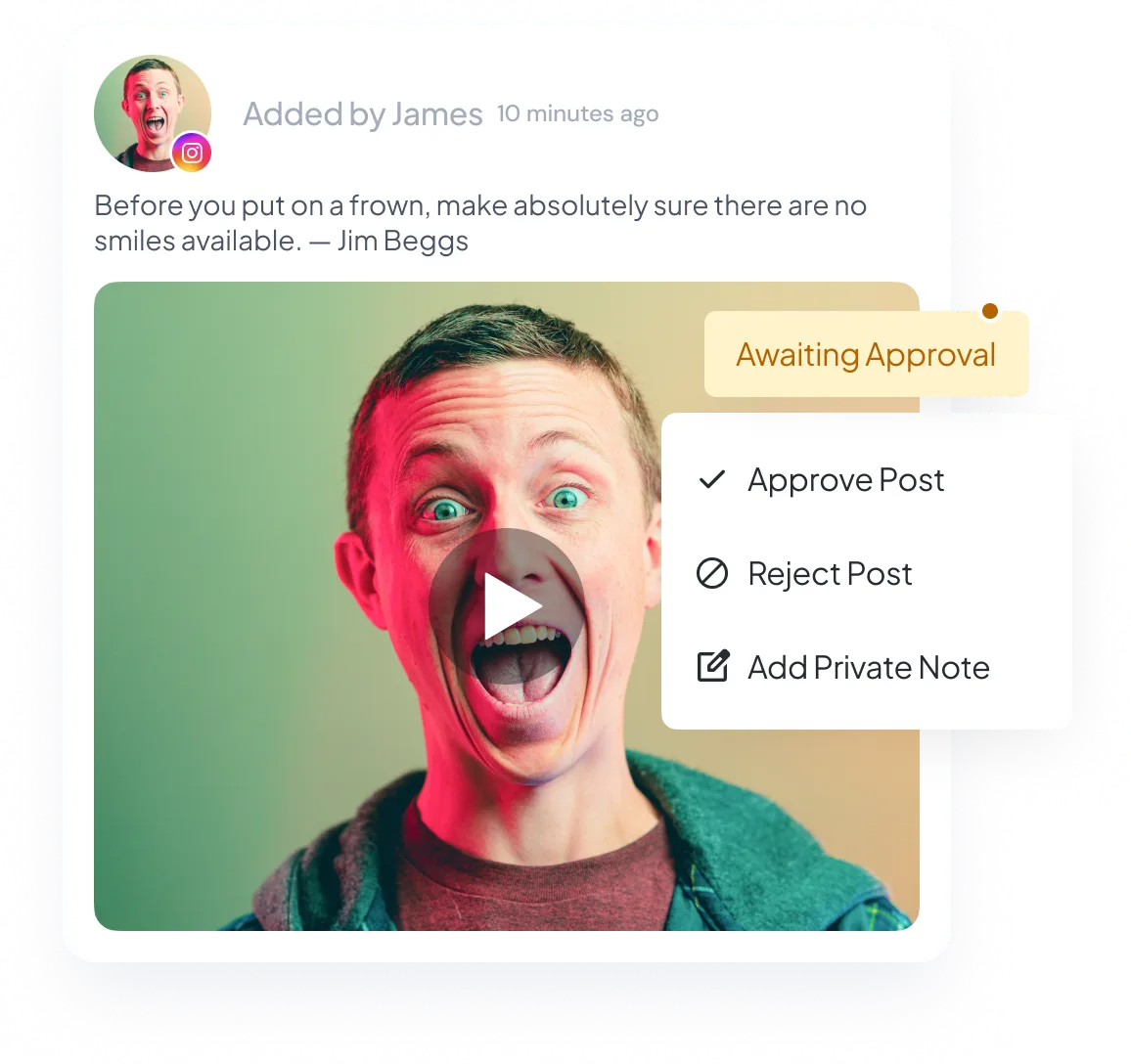
Let clients or teammates approve Instagram posts
If a client or teammate needs to approve a post, send it with the profile, caption, media order, format, options, and publishing time included.
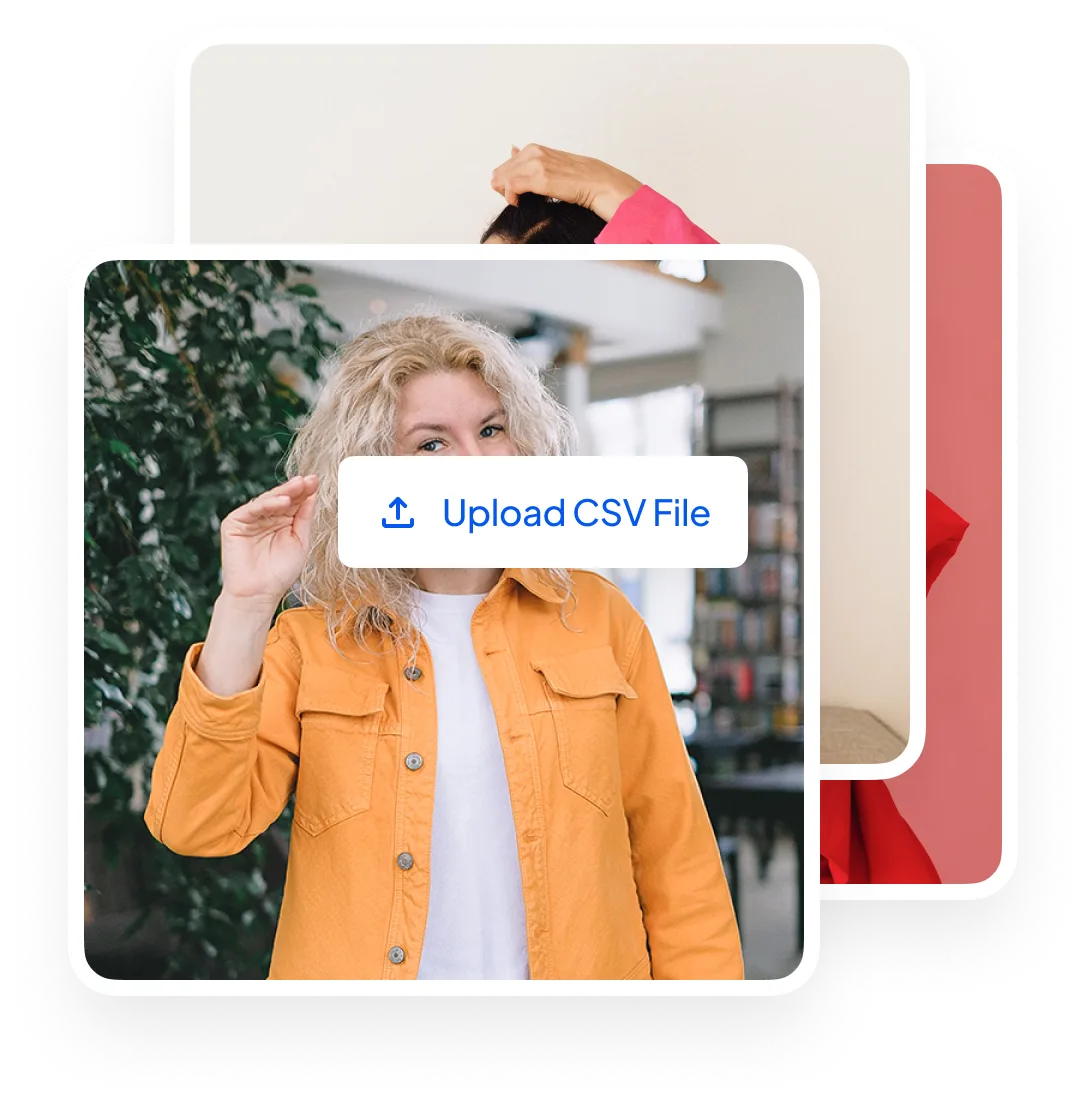
Load an Instagram campaign from a CSV
Add posts to the CSV template and import them together with their accounts, formats, media, and publishing times. Use it for a larger launch or a busy multi-account calendar.
Publish new RSS items to Instagram
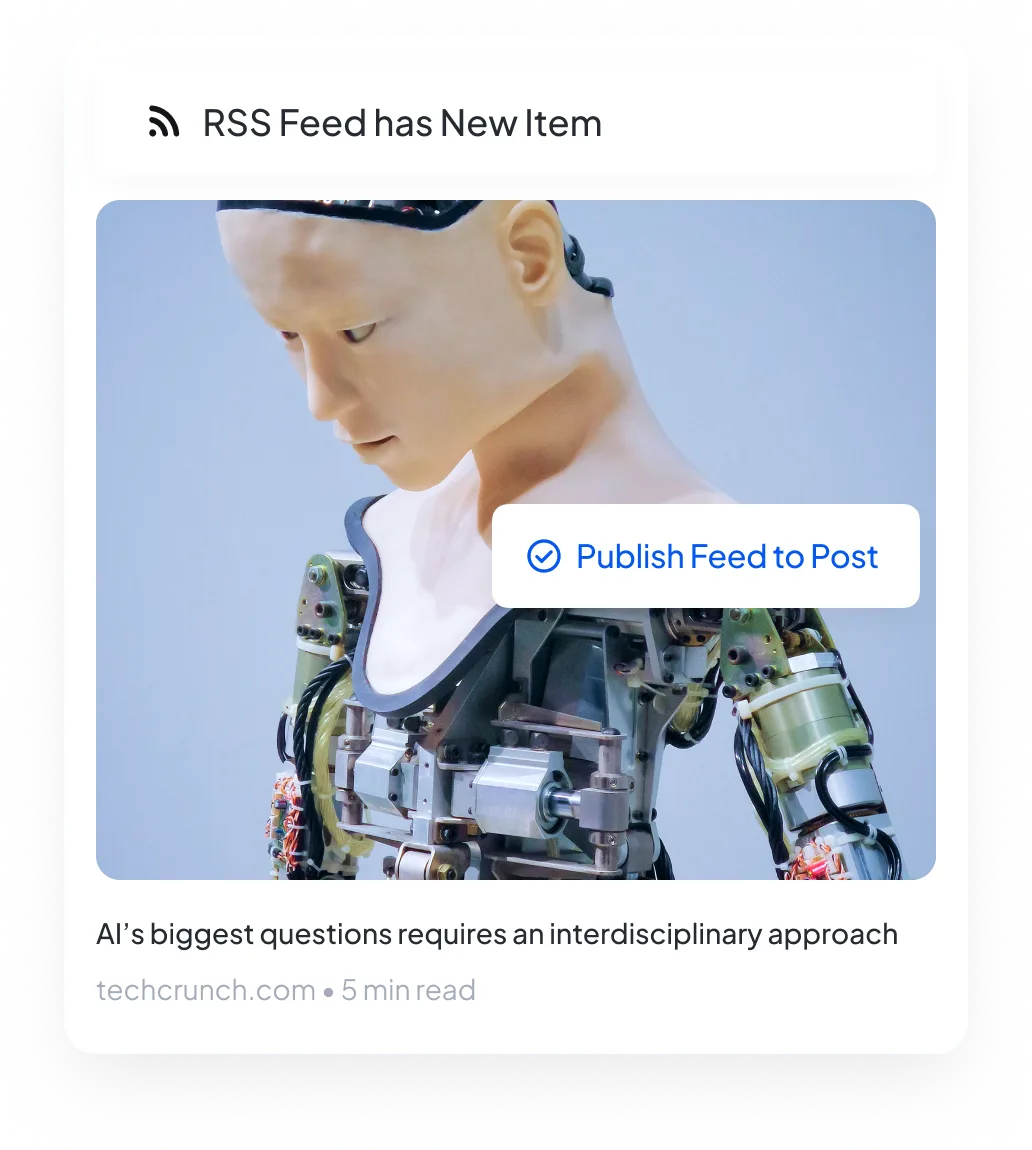
Connect your RSS feed and choose an Instagram account. SocialBu can create a post for each new feed item when the feed provides media Instagram accepts.
Manage Instagram messages and comments in Respond
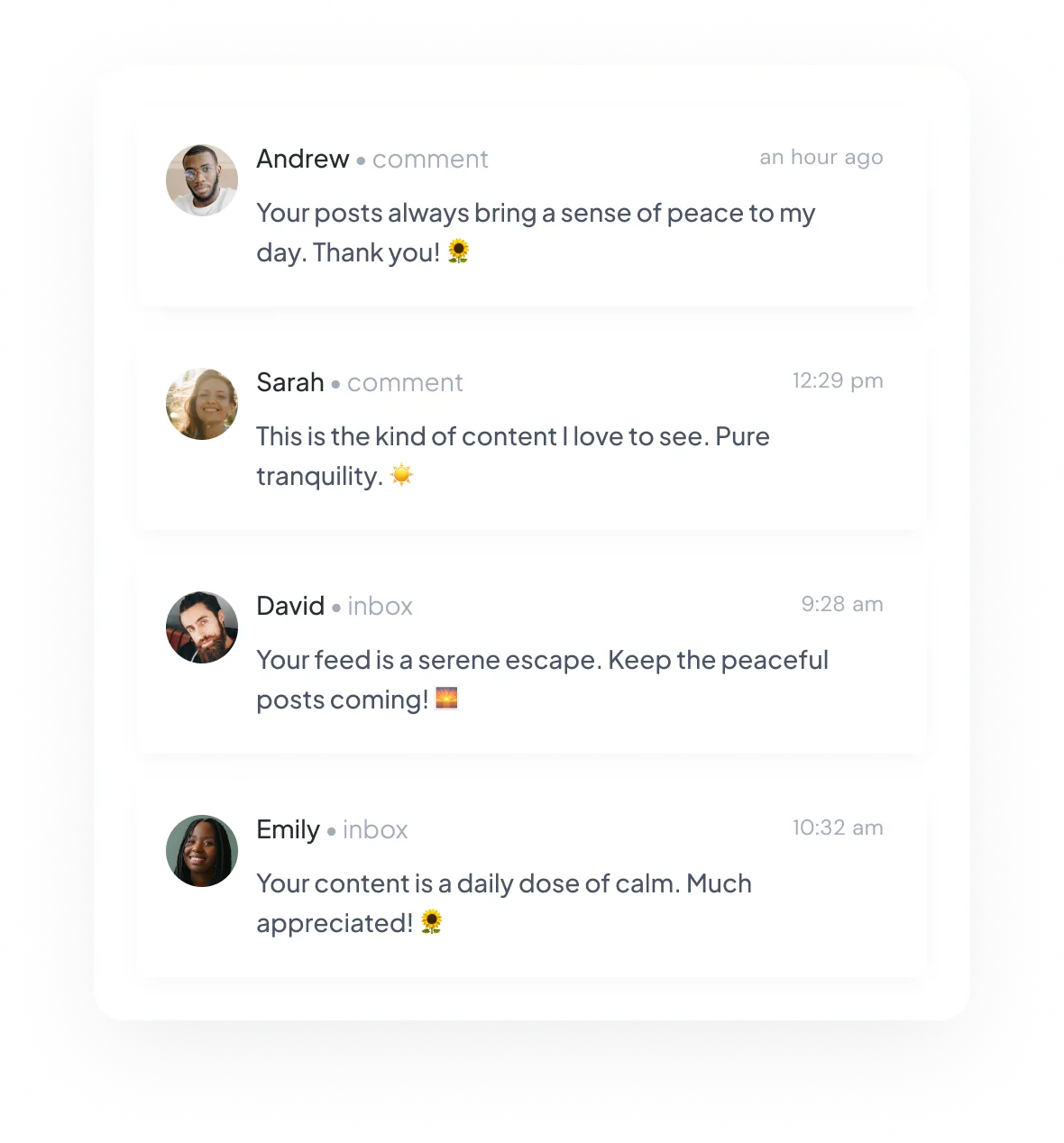
Read supported Instagram messages and post comments in Respond. See the profile and assign the conversation to a teammate when needed.
See which posts people save, share, and reply to
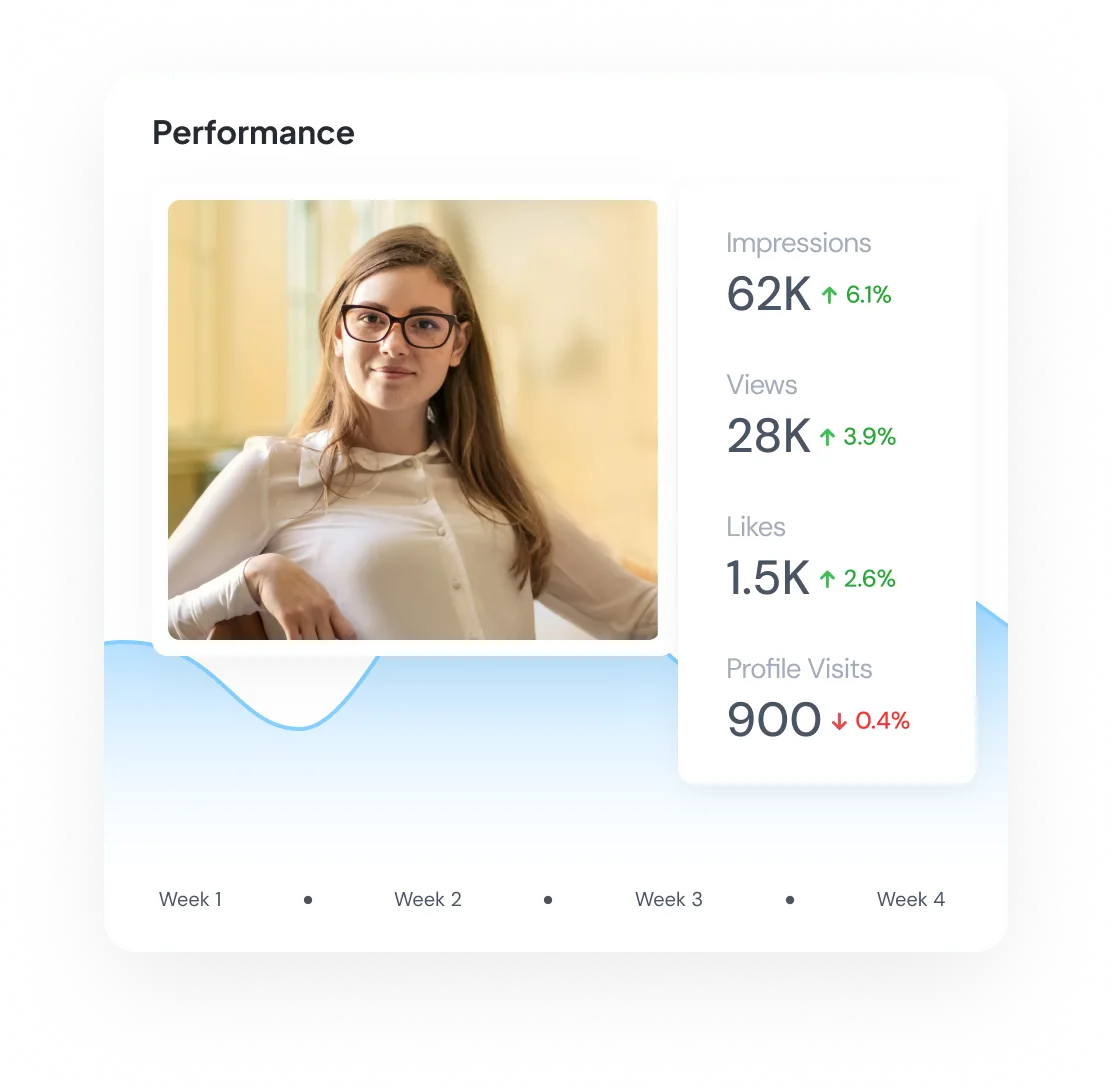
Compare reach, saves, shares, replies, interactions, and audience metrics for the accounts and dates you select.
Run Instagram publishing and conversations together
Use Publish for feed posts, carousels, Reels, Trial Reels, and Stories across every connected professional account. CSV imports, queues, and supported RSS rules help with larger campaigns and repeat work.
After publishing, use Respond for supported messages and comments, then use Analyze to compare available profile, audience, and content results.
Start scheduling Instagram posts
Manage Instagram from the same calendar as your other social accounts. Plan a few posts or a full campaign with the right format, media order, caption, first comment, thumbnail, and alt text for each post.
Cancel anytime. Free for 7 days.