Add your draft
Paste your caption and pin title into a new pin and add your image or video. Review the title and description in their separate fields.
Turn your pin idea into editable titles and descriptions with natural keywords and a clear next step.
Disclaimer: AI-generated content can contain mistakes, so review every draft before publishing. Read our privacy policy to learn how SocialBu handles data.
SocialBu turns the caption you just wrote into scheduled pins on your boards. Copy your draft into a new pin, then review it before scheduling.
Paste your caption and pin title into a new pin and add your image or video. Review the title and description in their separate fields.
Pick the board and destination link for each pin while keeping one master caption.
Choose the day and time, select your Pinterest account, and SocialBu publishes for you.
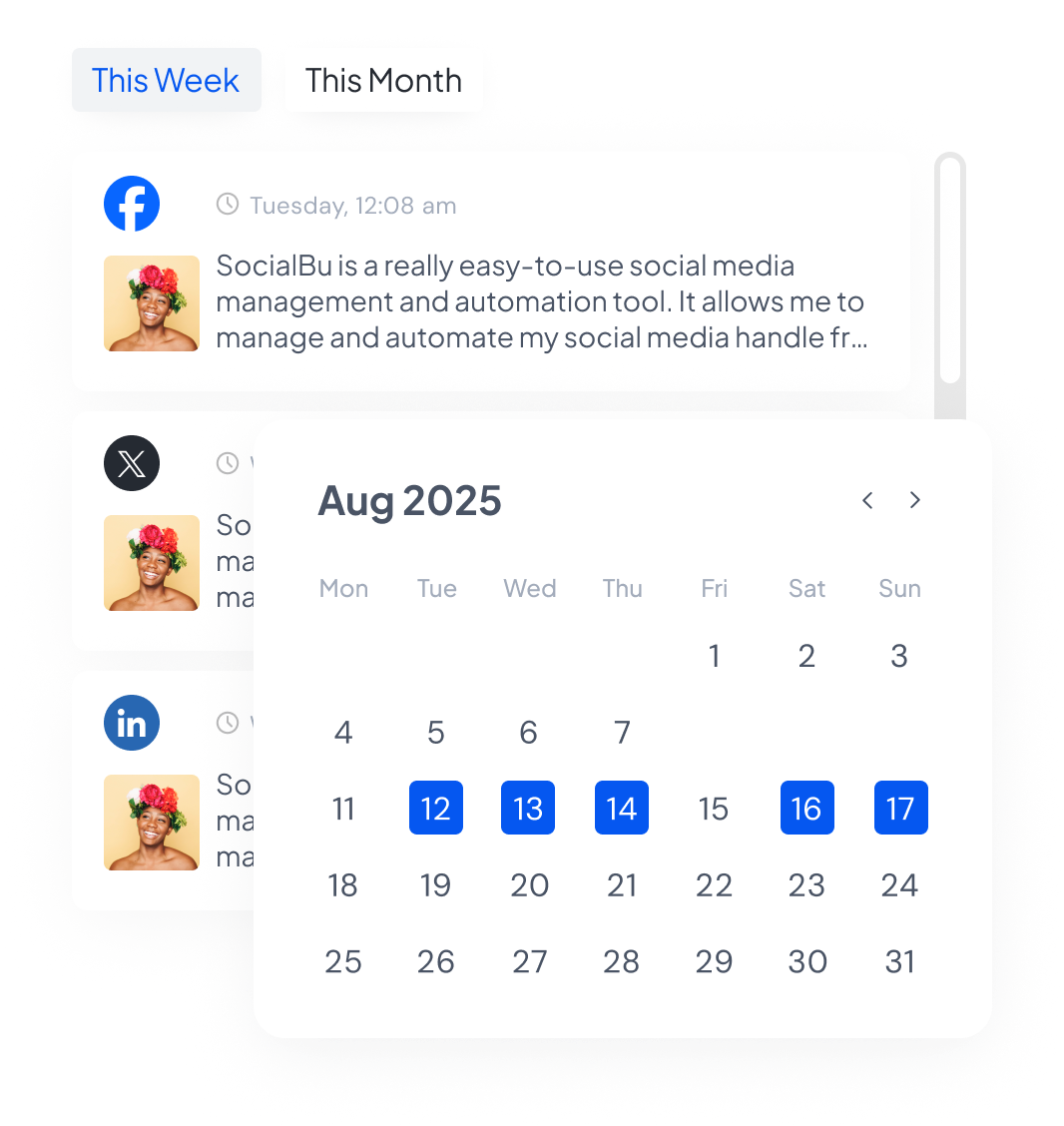
See your whole month of pins with real previews, and drag a pin to a new day when plans change.
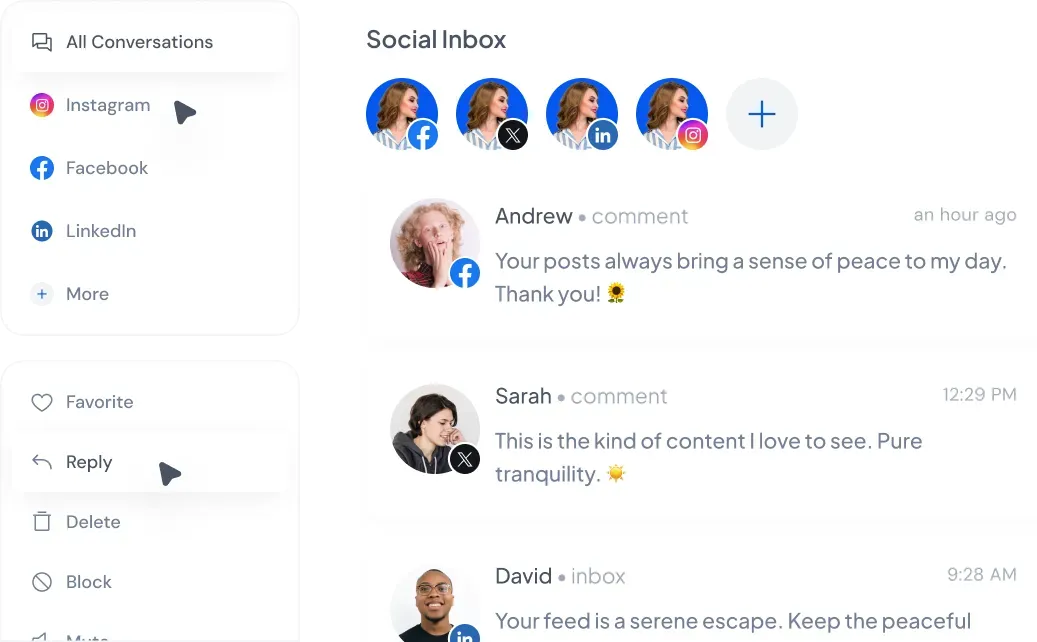
Answer supported comments and messages from your other connected social accounts without app-hopping. Pinterest comments are not available in SocialBu’s inbox.
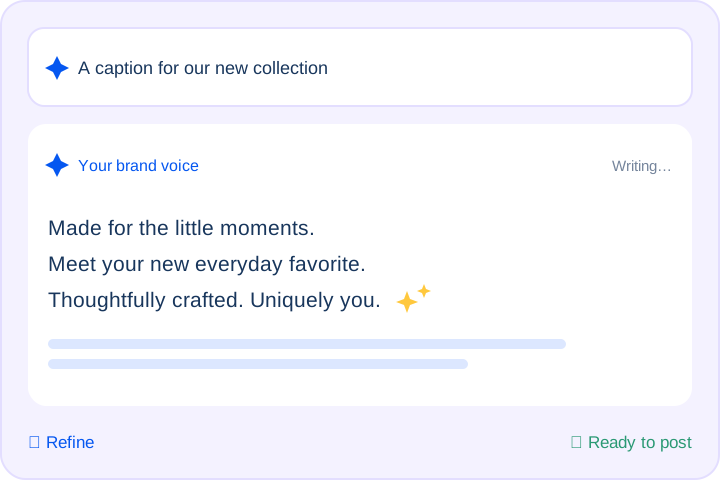
Draft and refine pin captions with keyword-first suggestions that match your brand voice.
Track every pin’s status at a glance, retry failures, and keep captions clean and keyword-rich.
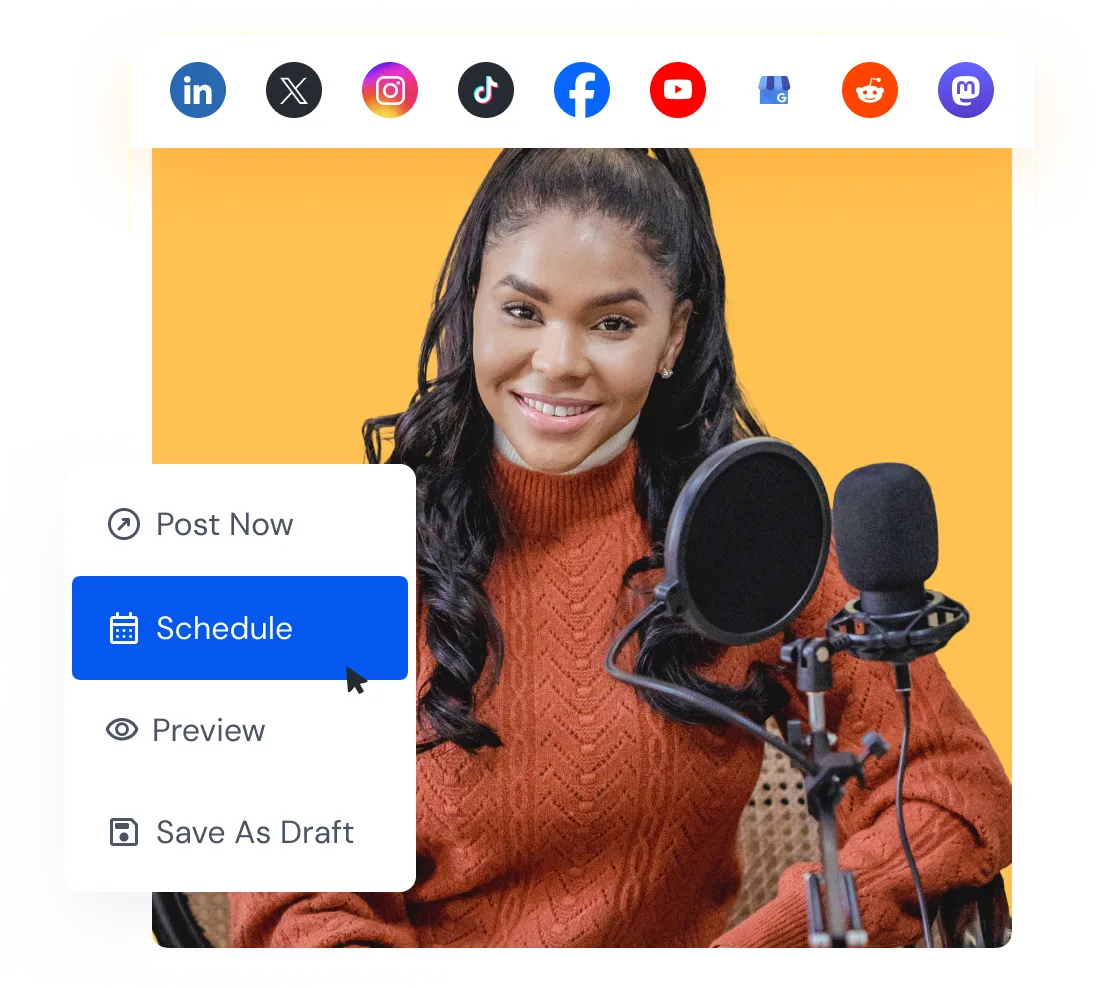
Connect Pinterest, paste your caption, and pick a time. Review your pin title, board, destination link, and media before scheduling.
Draft pin copy for a blog, product, business, or client account, then review each version before publishing.
One blog post can become a dozen pins, but writing a fresh caption for each one is slow. Describe the post once, pick a goal like driving website traffic, and the Pinterest pin description generator gives you keyword-rich caption drafts with a clear title and optional hashtags for each angle.
Shoppers on Pinterest search for ideas before they search for products, so your captions need the right words up front. Enter a product, its key benefit, and the action you want, and the Pinterest product description generator writes Pinterest ecommerce caption drafts that name what it is, who it helps, and where to buy.
Planning a month of pins across several clients means writing a lot in a lot of voices. Generate up to five caption versions for each pin, with a different angle, opening line, and call to action, then keep the best one. Set the tone for each brand before generating.
Your pins work harder when they sound like one person behind them. Choose a tone such as inspirational, educational, or playful, and the Pinterest caption assistant uses that voice for each title, description, and call to action. Review drafts for consistency across your boards.
Hear from marketers, founders, and agencies who use SocialBu to manage social media every day.
Everything you need to know about our free Pinterest caption generator, writing for Pinterest search, and planning your presence on Pinterest.
Yes. It is a free Pinterest caption generator with no login and no credit card. Get caption drafts, pin titles, and optional hashtags. Usage limits apply.
 Larry Kim, Founder
  Kate Gross, Manager
  Pasquale M., Founder
  Michael M., Marketing Manager
  Ian M., Associate