Drop your draft in
Paste the caption into a new post and add your media. Nothing to reformat.
Describe your video, choose a tone, and create editable captions with optional hashtags and emojis.
Disclaimer: AI-generated content can contain mistakes, so review every draft before publishing. Read our privacy policy to learn how SocialBu handles data.
SocialBu turns the draft you just wrote into scheduled posts on every channel, without the copy-paste shuffle.
Paste the caption into a new post and add your media. Nothing to reformat.
Tweak the wording for each network while keeping one master post.
Choose the day and time, select your accounts, and SocialBu publishes for you.
See your whole month with real post previews, and drag a post to a new day when plans change.

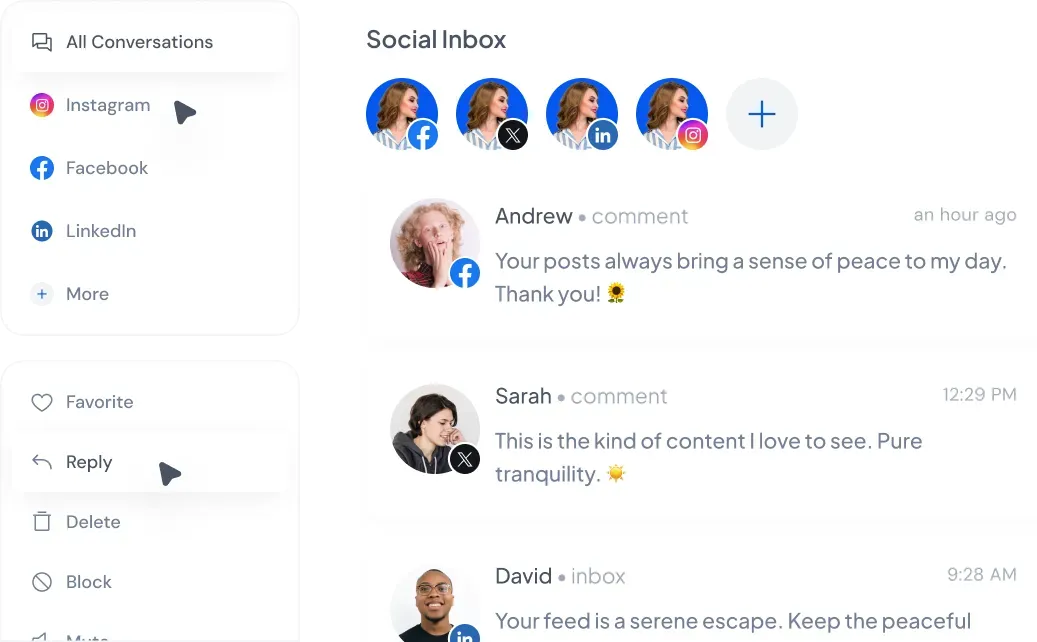
Answer supported comments and messages from your connected accounts without app-hopping. Inbox availability varies by network and account type.
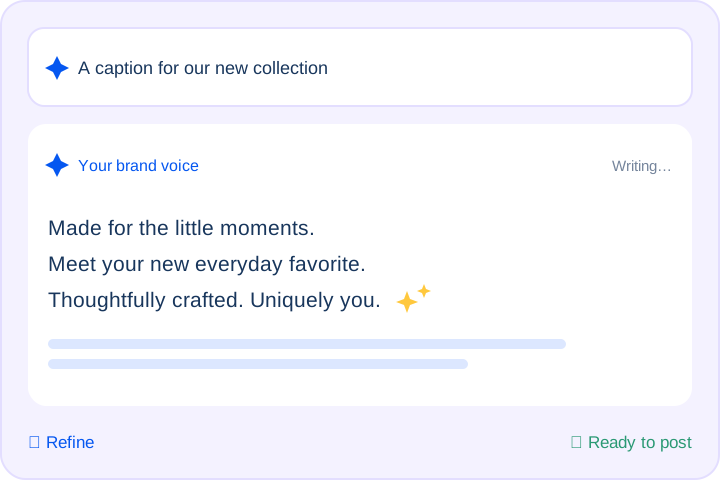
Draft and refine posts with suggestions that match your brand voice.
Track every post’s status at a glance and retry failures. On supported networks, add links or hashtags as a first comment to keep captions clean.
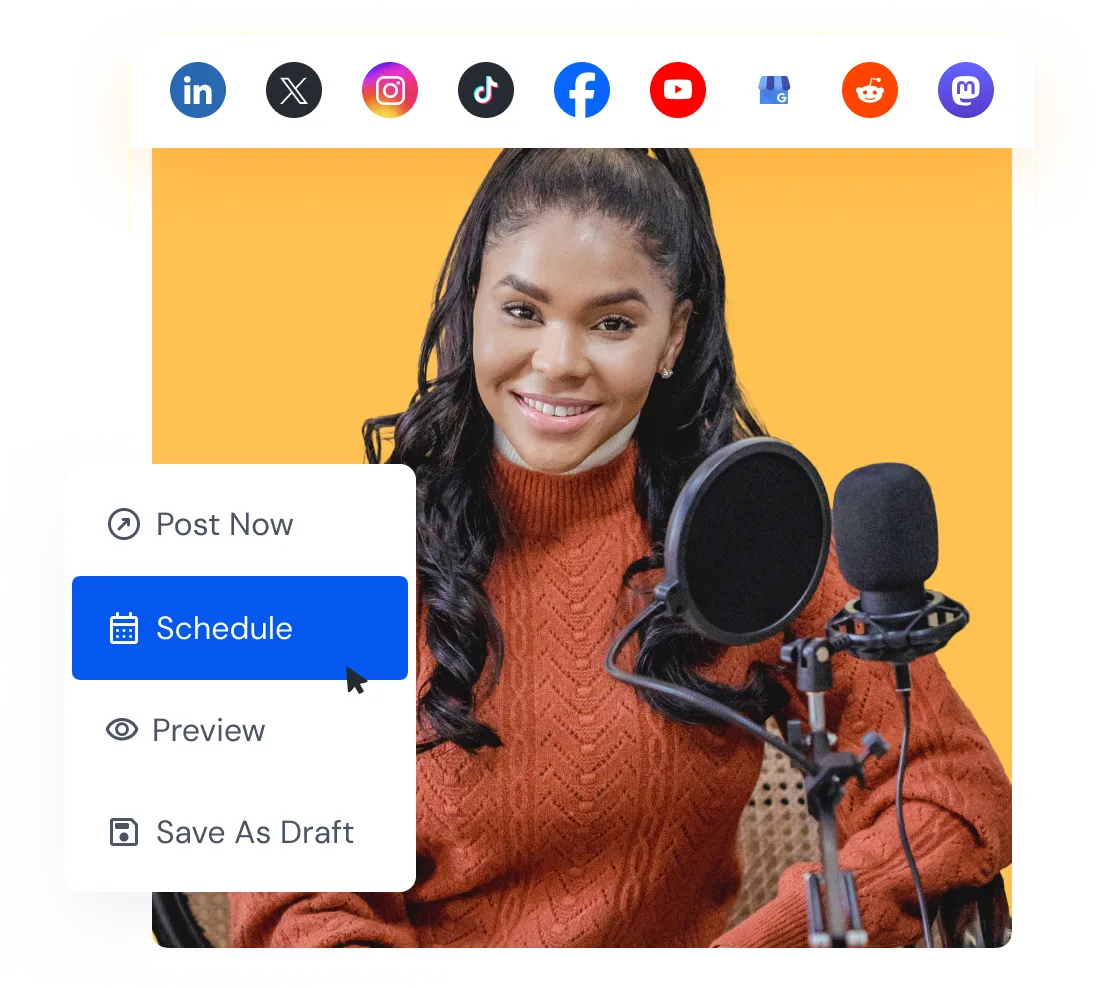
Connect your accounts, paste your draft, and pick a time to schedule your post.
Draft captions for your next video, your business, or the accounts you manage. Describe the content and review the wording before posting.
Prepare TikTok content across connected accounts. Generate captions for each brand, then use SocialBu’s team collaboration and review workflow to prepare and schedule posts. Account and team limits depend on your plan.
Juggling five clients with five voices? Use the tone of voice selector to draft on-brand TikTok captions for each account, then review and schedule your posts so nothing slips through.
Skip the cycle of typing and deleting. Get TikTok caption drafts with hooks and optional hashtags and emojis in one click, so you can spend your energy filming and developing your next idea.
Sound like a full social team without hiring one. Generate captions for launches, TikTok Shop promos, and everyday videos, with calls to action that tell viewers what to do next.
Hear from marketers, founders, and agencies who use SocialBu to manage social media every day.
Everything you need to know about SocialBu’s free AI TikTok caption generator, answered clearly.
Yes. It’s a free TikTok caption generator with no sign-up or login required to try it, built for creators and brands. Usage limits apply.
 Larry Kim, Founder
  Kate Gross, Manager
  Pasquale M., Founder
  Michael M., Marketing Manager
  Ian M., Associate