Drop your draft in
Paste the tweet into a new post and add your image or video. Nothing to reformat.
Draft X captions from your topic, audience, and goal, then edit the wording before posting.
Disclaimer: AI-generated content can contain mistakes, so review every draft before publishing. Read our privacy policy to learn how SocialBu handles data.
Copy the tweet you just wrote into SocialBu, then review and schedule it for your connected X account.
Paste the tweet into a new post and add your image or video. Nothing to reformat.
Tighten the wording to fit the character limit while keeping one master post.
Choose the day and time, select your X accounts, and SocialBu publishes for you.
See your whole month of tweets with real previews, and drag a tweet to a new day when plans change.

Answer supported replies and mentions from your connected X accounts without app-hopping. Availability depends on your X connection and permissions.

Draft and refine tweets with suggestions that match your voice.
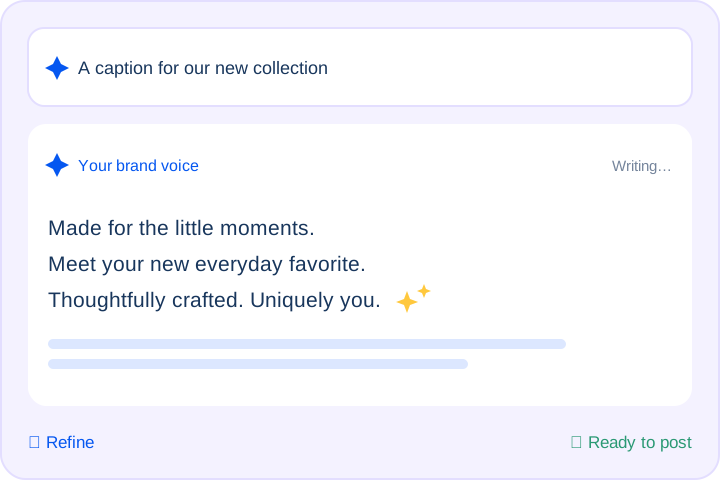
Track every tweet’s status at a glance, retry failures, and keep posts clean and on-message.

Connect your X account, paste your draft, and pick a time. Review your post before scheduling.
Whether you tweet daily or manage a full content calendar, turn a rough thought into an X caption draft you can review and edit.
Writers, coaches, developers, and other creators grow on Twitter by sharing timely, opinionated posts, but finding the right words every day is hard. Enter a topic or half-formed idea, choose a tone such as witty, bold, or conversational, and get short, punchy captions to review and make your own.
Handling client accounts requires a steady flow of short posts that match each client’s voice and goals. Agencies and in-house teams can generate several variations, review them, and choose the strongest for each account, leaving more room for strategy and reporting.
Promotions, restocks, and flash sales need to be announced quickly with a clear next step. Business owners can describe the offer and the action they want, and generate conversion-focused caption drafts without copywriting experience.
Managing several accounts means switching between voices and keeping every post on message. Generate multiple caption options for each account, control the tone, and pick the version that fits best. Review each caption to keep a consistent brand voice across your accounts.
Hear from marketers, founders, and agencies who use SocialBu to manage social media every day.
Everything you need to know about SocialBu’s free X (Twitter) caption generator.
Yes. You can try it without signing up or entering a credit card. Usage limits apply. SocialBu’s scheduling, collaboration, and analytics features depend on your plan and connected account.
 Larry Kim, Founder
  Kate Gross, Manager
  Pasquale M., Founder
  Michael M., Marketing Manager
  Ian M., Associate