
Give each teammate the right access
Add members to a team and choose permissions for team settings, posts, approvals, queues, accounts, reports, and other available areas. Teammates work through SocialBu instead of receiving the login details for connected social accounts.

Separate accounts by team or brand
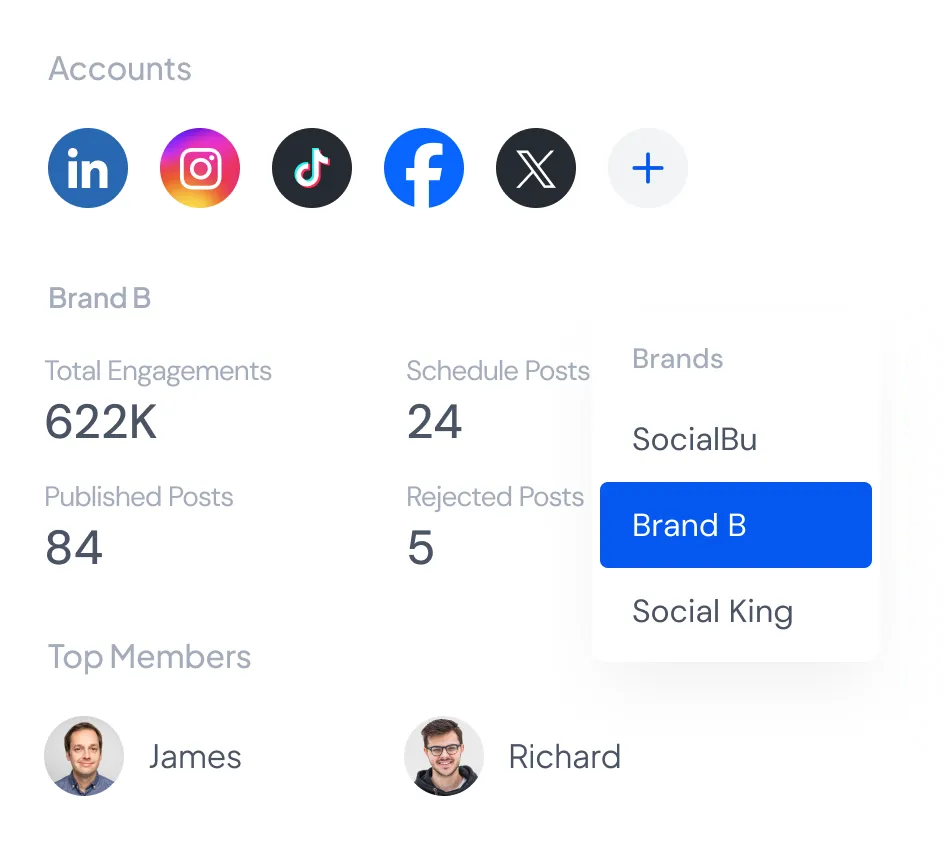
Group the relevant accounts and members in each team so people see the work they are responsible for. The number of accounts, teams, and members available depends on your plan.
Review posts before publishing
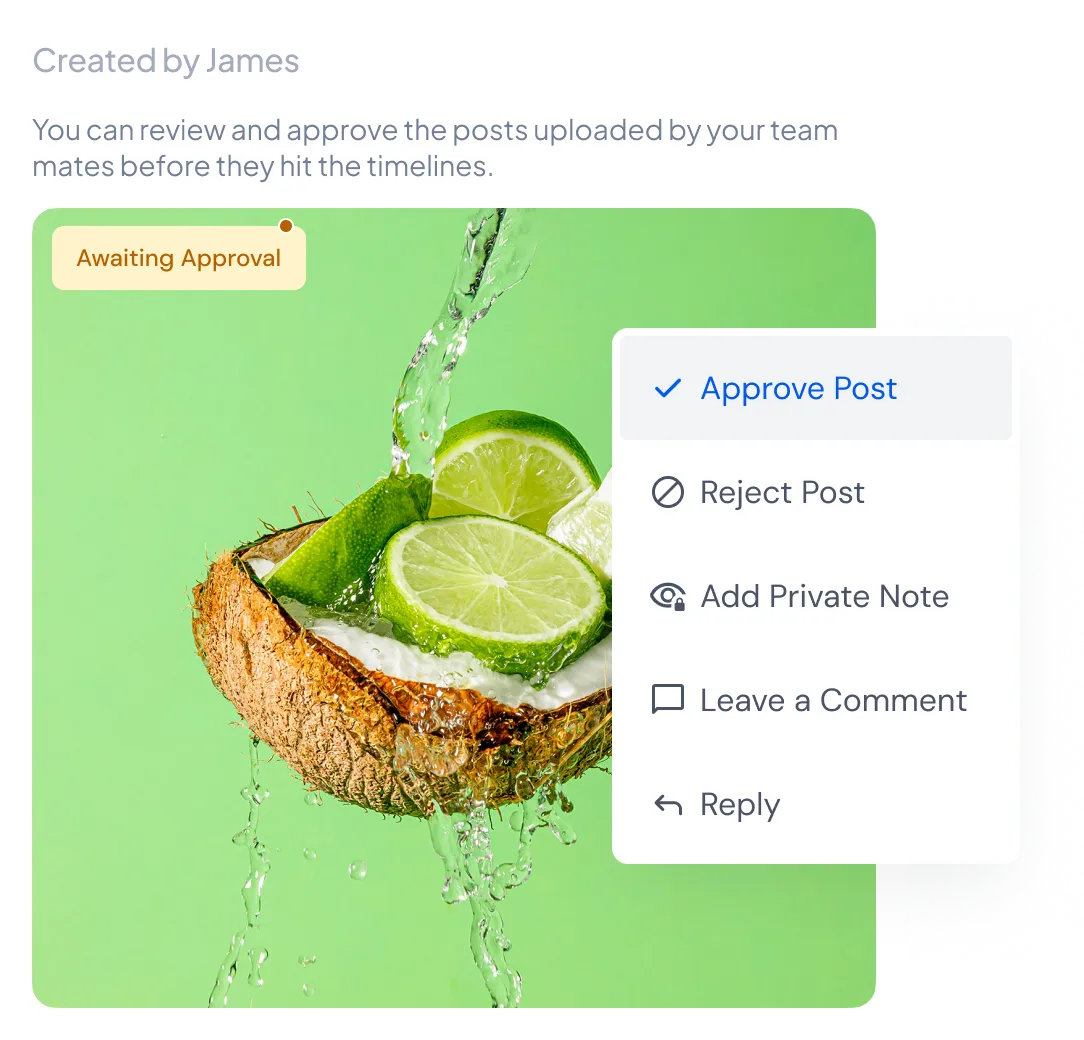
Require content approval for a team and give selected members approval permission. Posts that need review stay in the awaiting approval view until an approver approves them or rejects them with a reason.
Discuss inbox conversations privately
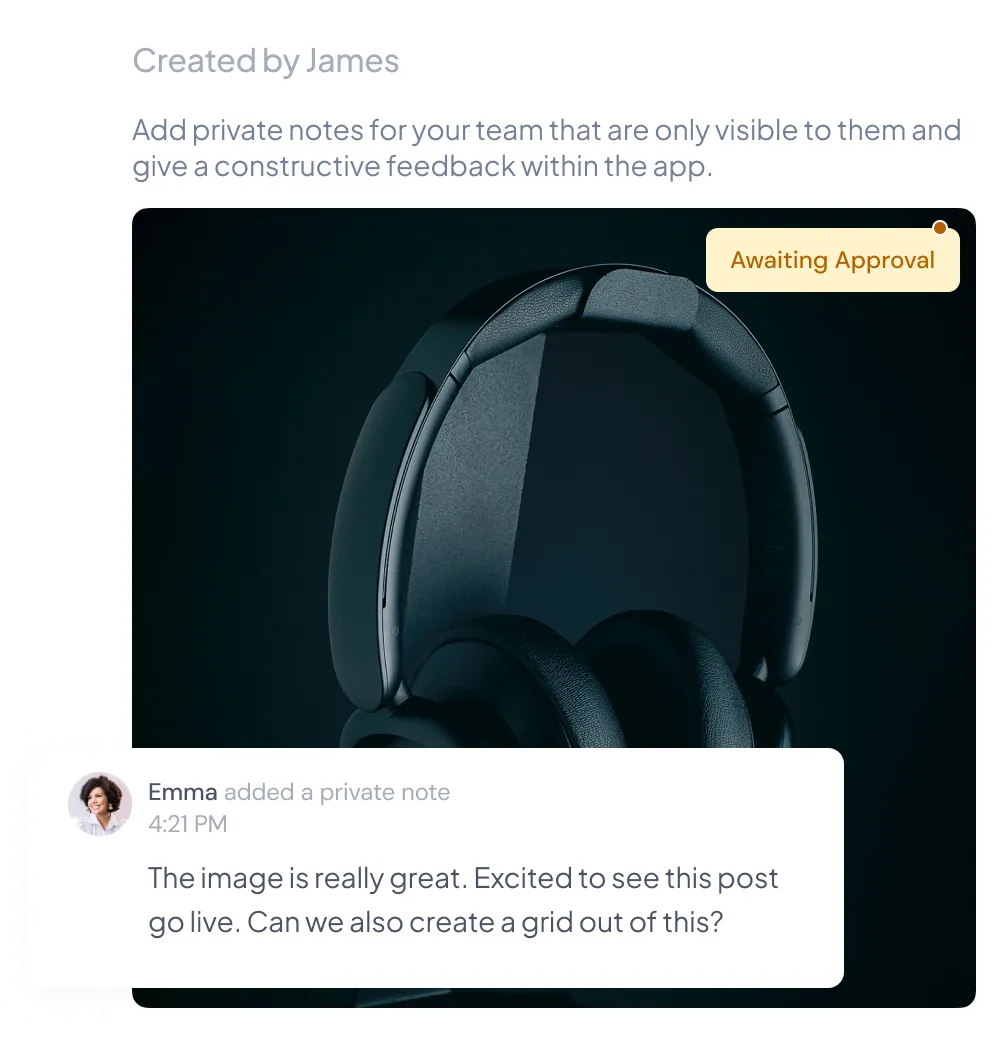
Add an internal note inside supported message conversations when a teammate needs context before replying. Notes remain inside SocialBu and are not sent to the person on the social network.
Keep publishing and conversations connected
Teammates can work from the same publishing calendar and use the social inbox according to their team permissions. Compare account and member limits on the pricing page before you choose a plan.
Set up your team in SocialBu
Set up your team in SocialBu
Start a 7-day free trial and invite the people who help manage your accounts.