Coordinate every location
Plan updates for one connected location or every location from the same calendar.
Publish local updates, events, and offers
Add the dates, terms, links, media, and calls to action each location needs.
Connect reviews with local results
Handle supported reviews and see available calls, clicks, views, and directions for each location.
What you can manage for Google Business Profile in SocialBu
Available features depend on your plan, account type, and what Google Business Profile allows for that account.
Publish updates, events, and offers
Create standard updates, dated events, or offers with coupons, links, terms, and one image. Supported calls to action include Book, Order, Shop, Learn More, Sign Up, and Call. You can also save the image to the location gallery.
Schedule every connected location
Publish now or choose a future time, customize the update for each selected location, and see every location and date on the calendar.
Continue a draft with AI autocomplete
Use AI autocomplete to continue the text in the composer. Availability depends on your plan.
Use approvals across teams or locations
Publish directly when you work alone, or let an authorized teammate approve or reject the location, post type, dates, terms, media, call to action, link, and time.
Schedule location updates in bulk
Import standard updates, events, and offers from CSV with their locations, dates, media, links, and offer details.
Reuse a posting schedule
Add updates to a queue with recurring time slots, or create an RSS rule for supported feed updates.
Reply to location reviews
Use Respond to read supported Google reviews and publish replies. Each review shows the Business Profile location it came from.
Compare available local results
Use Analyze for the Maps views, website clicks, call clicks, direction requests, and review count SocialBu can retrieve for a connected location.
Important support details
- Each Business Profile location must be connected separately with a Google account that has the required permissions.
- SocialBu schedules posts and retrieves supported reviews and metrics. It does not verify a listing or change its ownership.
How to schedule Google Business Profile posts in SocialBu
-
Connect each Google Business Profile location with a Google account that can manage it. Confirm which location the update belongs to.
-
Open the composer, select the location, and choose a standard update, event, or offer. Customize versions when dates or wording differ by location.
-
Add the update text and one supported image if needed. For an event, check the start and end. For an offer, review the coupon, link, and terms.
-
Check the call to action and its destination where applicable. If another person needs to review the post, send them the location details and schedule together.
-
Pick the publishing time or add the post to a queue. For an event or offer, check those dates separately from the time the post first goes live.
Choose the button and image for the location
Choose Call when the next step is a phone call. A button such as Book or Learn More needs a destination URL. Attach one image and make sure it belongs to the selected location. For an Event or Offer, SocialBu also requires a title of up to 58 characters and an end time after the start.
Keep every location on one publishing calendar
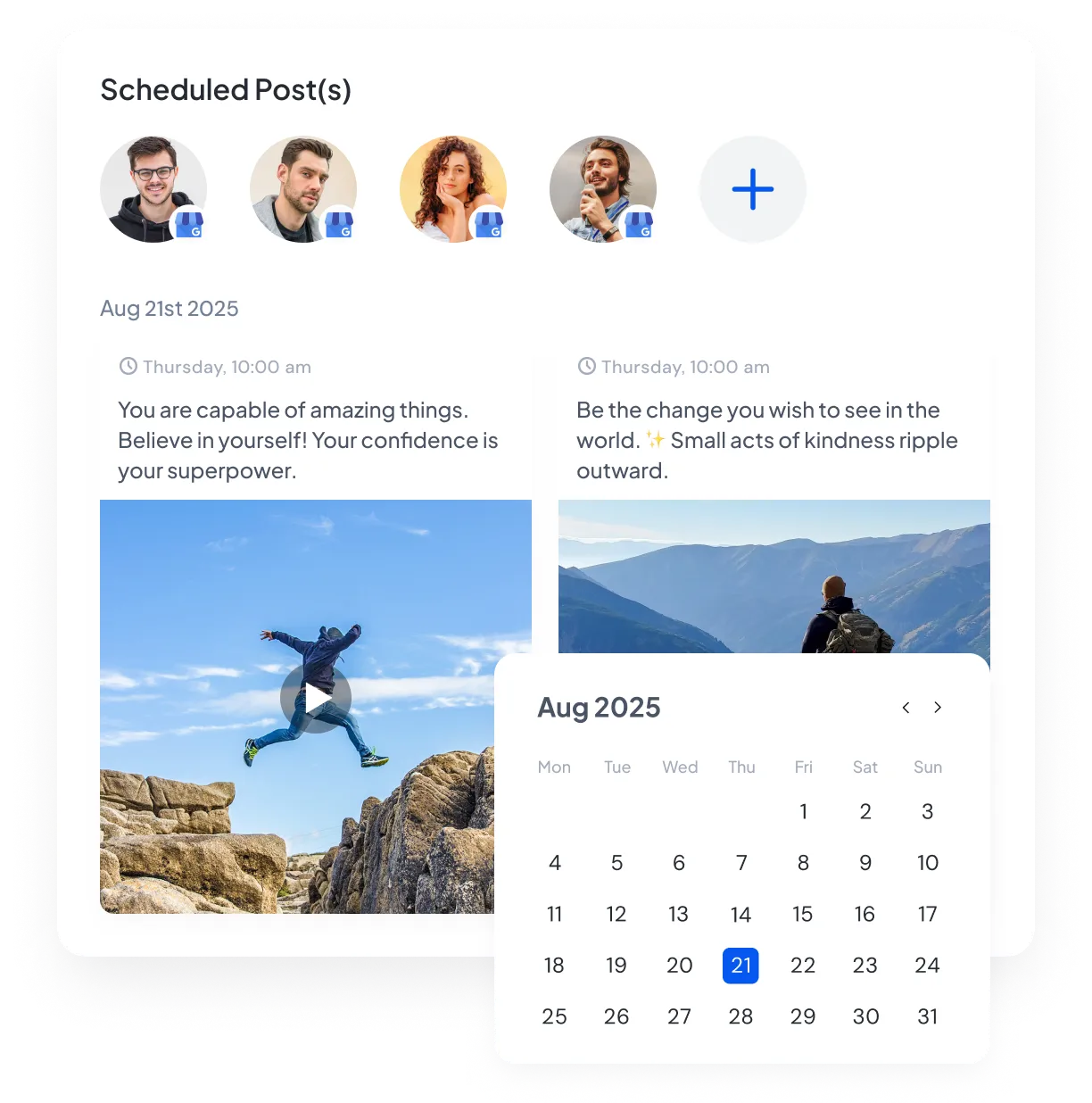
Schedule updates for one location or several and customize each one when local details differ. The calendar shows the location, post type, status, and date for every update.
Give each post type the details it needs
Choose a standard update, event, or offer. Events require a title with start and end times. Offers require a title and date range, with optional coupon, link, and terms fields. Standard posts can use a supported call-to-action button.

See what is live and what comes next at every location
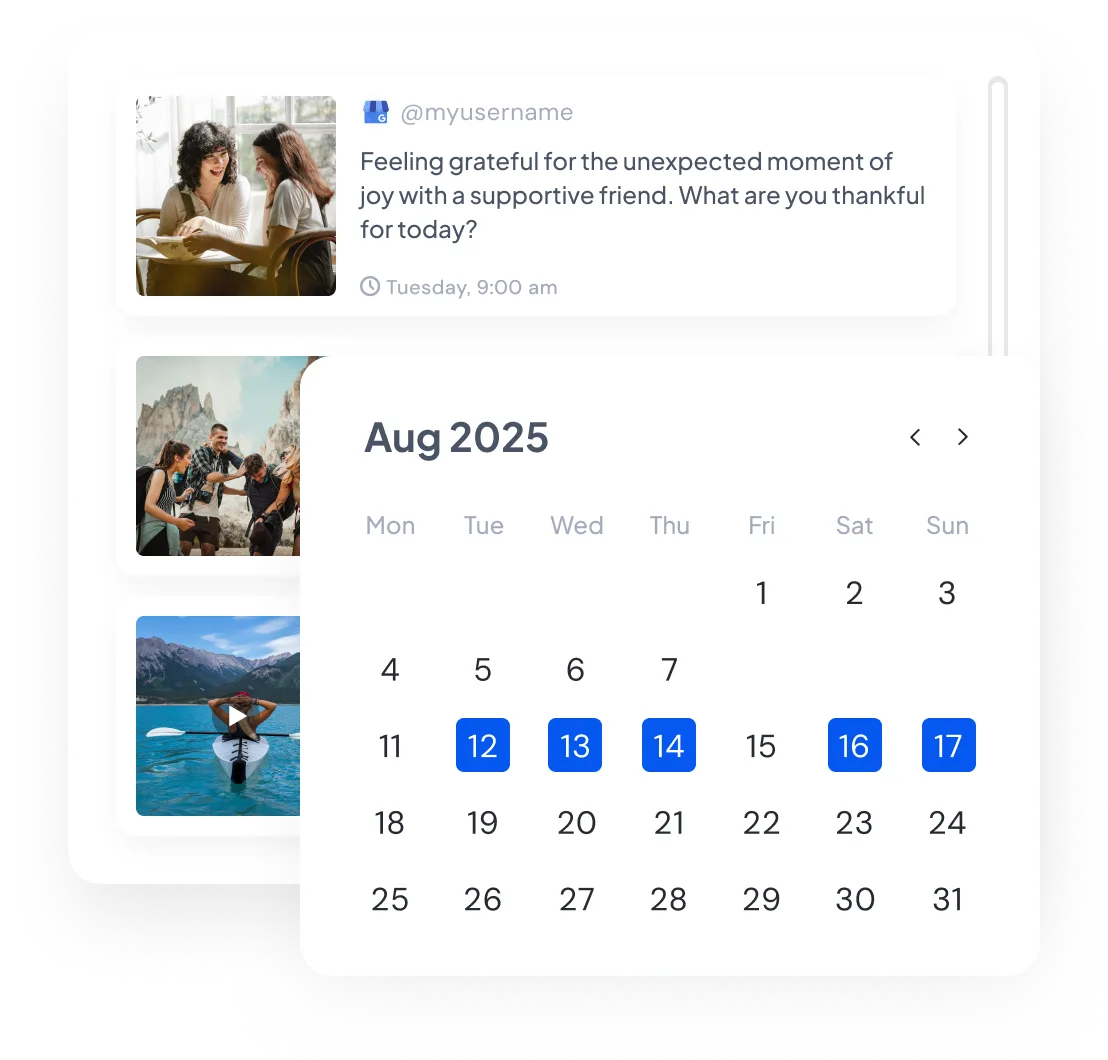
View scheduled and published updates by location and date. Filter to one branch or see all connected locations on the calendar.
Let local managers approve updates when needed
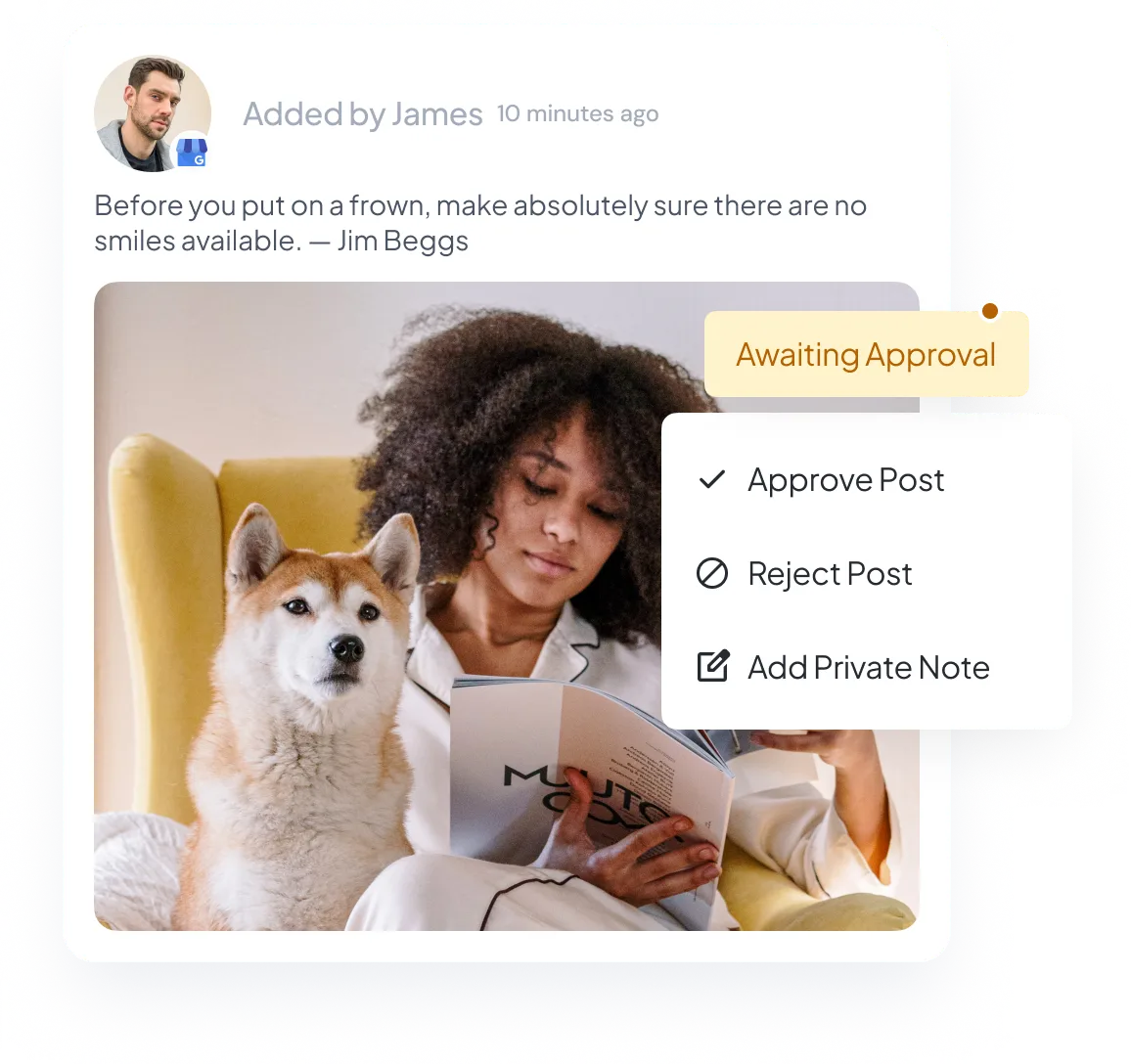
If a local manager needs to approve an update, send it with the location, post type, dates, offer details, media, call to action, link, and publishing time included.
Update several locations from one CSV
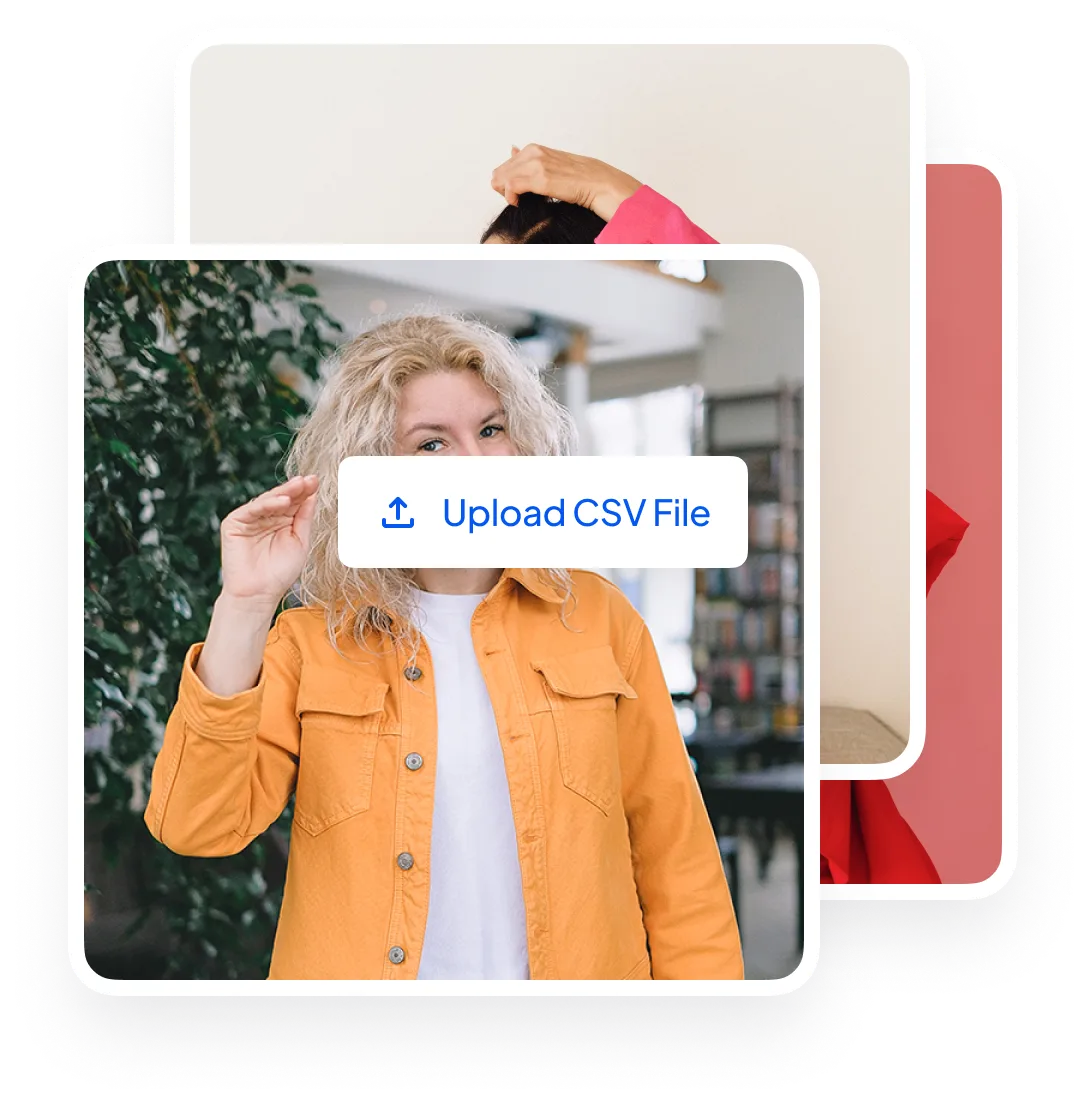
Add updates, events, and offers to the CSV template and import them together with their locations and publishing times. Use it for campaigns that need to reach several branches.
Turn new feed items into location updates
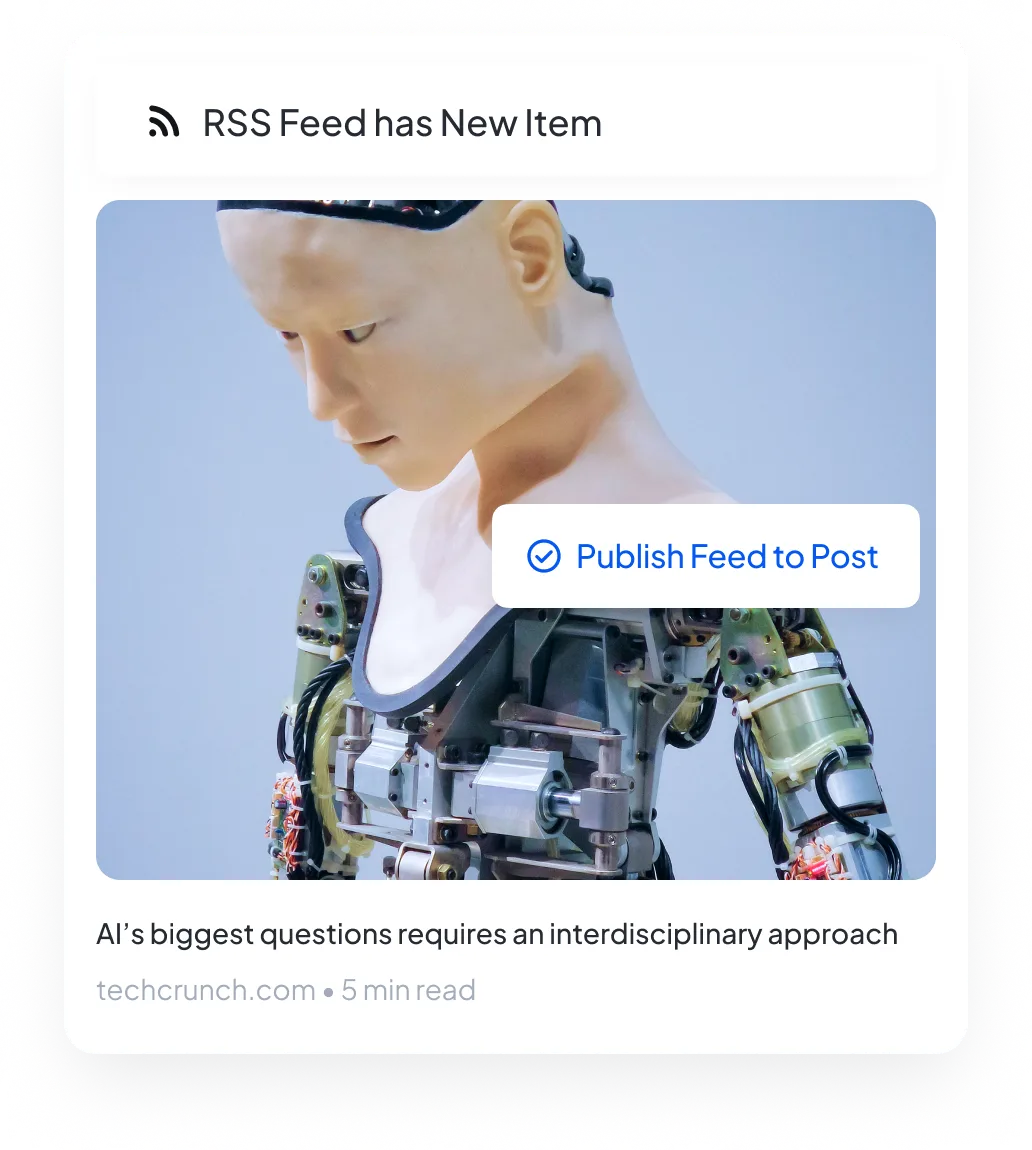
Connect your RSS feed and choose a Business Profile location. When the feed has a new item, SocialBu can turn it into a standard update or place it in your publishing queue.
Compare available results by location
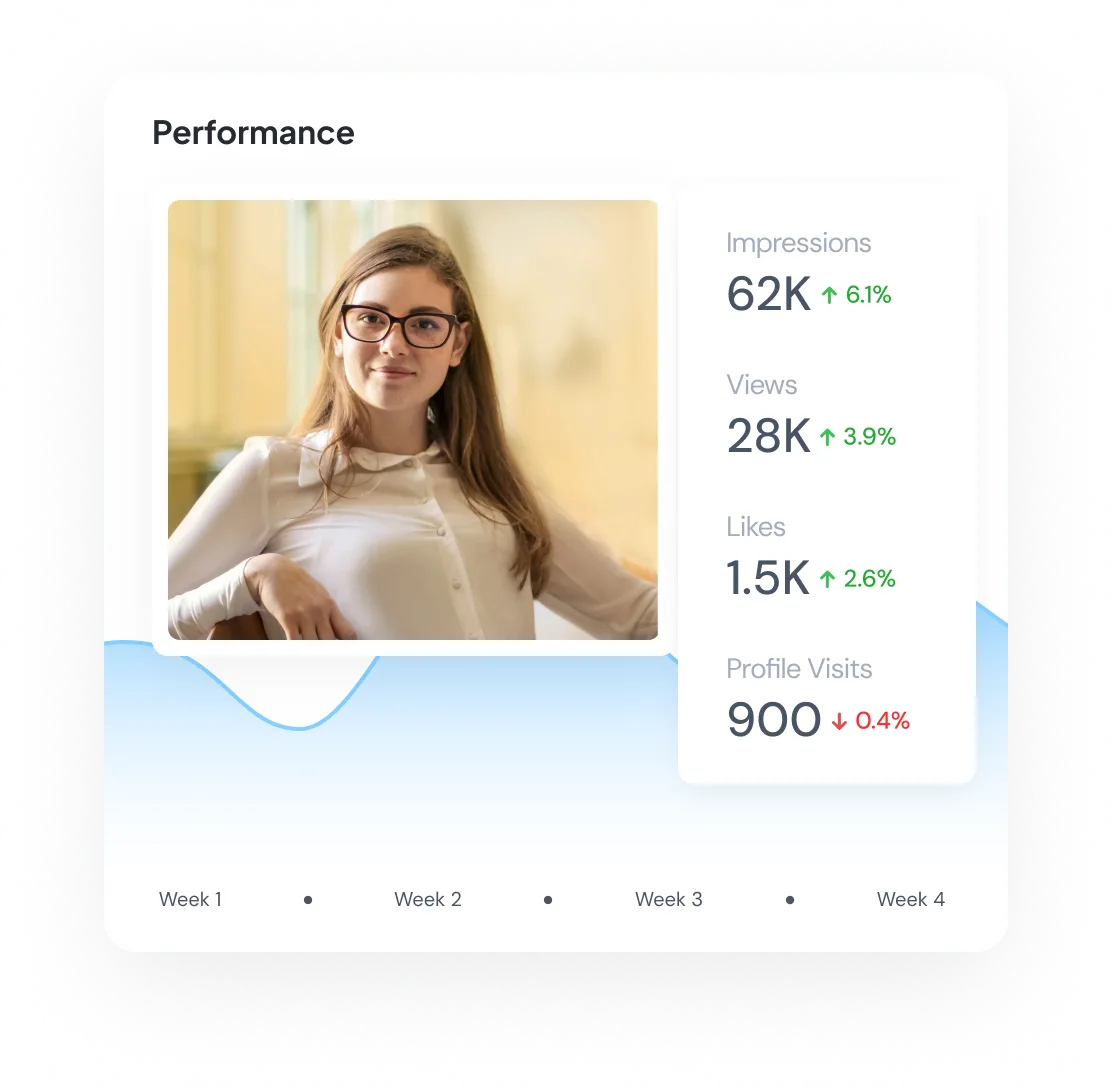
Compare Maps views, website clicks, call clicks, direction requests, and review totals for the locations and dates you select.
Keep local publishing, reviews, and results connected
Use Publish for location updates, events, and offers. CSV imports, queues, and supported RSS rules help with repeat work across connected locations.
Each Business Profile location must be connected separately with a Google account that has the required permissions. SocialBu does not verify listings or change their ownership.
After publishing, use Respond for supported location reviews and replies, then use Analyze to compare the local results available for the locations and dates you select.
Review time-sensitive updates by location
For a weekend event, use the calendar to check when the update will appear and check the event dates in the post itself. If two locations have different hours or terms, enter those details for each location. Verify that every button opens the correct booking or offer page before scheduling.
Google Business Profile scheduling FAQ
Can a GMB post scheduler publish offers and events?
Yes. SocialBu schedules standard Google Business Profile updates, events with dates, and offers with supported coupon and terms fields.
Can I schedule updates for several locations?
Yes. Connect each location separately and customize its copy, dates, and links before scheduling.
Can I add a button to a Google Business Profile post?
Standard updates and events can include a call to action such as Book, Order, Shop, or Call. Offers use their own link field.
Can I answer reviews for each location?
Yes. Respond can collect supported reviews for a connected location and publish replies.
Which Business Profile metrics can I track?
Analyze can show available Maps views, website clicks, call clicks, direction requests, and review counts for the connected location.
Related resources for Google Business Profile




Start scheduling Google Business Profile posts
Manage Google Business Profile from the same calendar as your other social accounts. Plan a few posts or a full campaign with the right location, post type, dates, offer details, and call to action for each post.
Cancel anytime. Free for 7 days.