Manage one account or many
Plan X posts beside the rest of your social calendar.
Schedule complete threads
Publish the first post and every follow-up reply as one thread.
Keep up after publishing
Handle supported replies, monitor relevant posts, and compare available engagement results.
What you can manage for X in SocialBu
Available features depend on your plan, account type, and what X allows for that account.
Publish posts, media, and threads
Create text, image, GIF, or video posts, then add each follow-up reply in the order it should publish. Include media alt text and a Made with AI disclosure when it applies.
Schedule one X account or many
Publish now or choose a future time, customize content for each selected account, and see every account and date on the calendar.
Continue a draft with AI autocomplete
Use AI autocomplete to continue the text in the composer. Availability depends on your plan.
Use approvals for team or client work
Publish directly when you work alone, or let an authorized teammate approve or reject the account, first post, follow-up replies, media, alt text, disclosure, and time.
Schedule posts in bulk
Import X posts and thread replies from CSV with their media, alt text, disclosure, and publishing time.
Reuse a posting schedule
Add posts to a queue with recurring time slots, or use an RSS automation to create posts from new feed items.
Manage replies and post actions
Use Respond to read and reply to supported X replies, like or unlike items, repost or undo a repost, and delete supported items.
Find X posts about topics you care about
Use Listen to track posts that match a keyword, mention, or topic you describe in your own words.
Compare X results
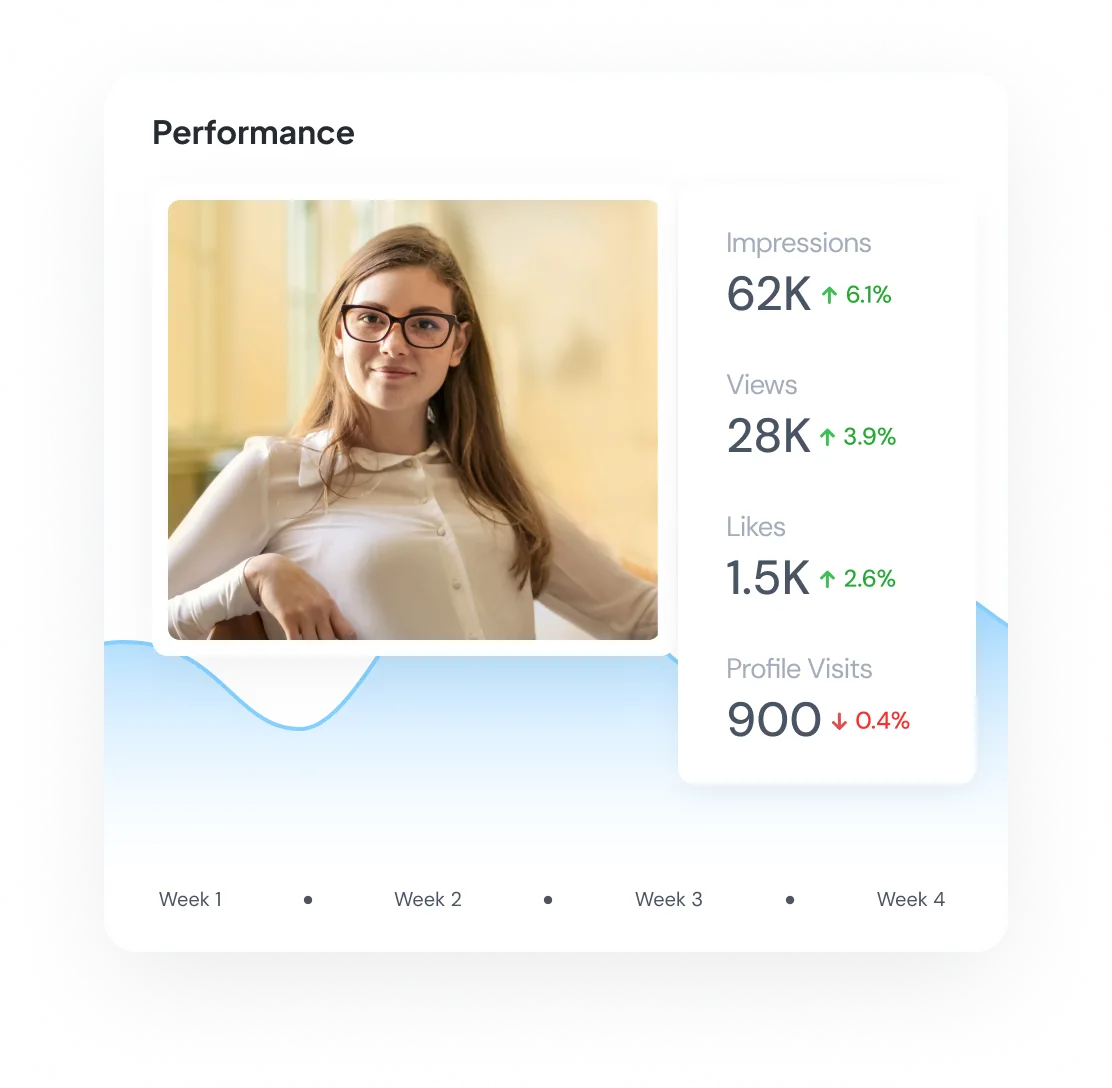
Use Analyze for followers, bookmarks, reposts, likes, replies, quotes, and impressions.
Important support details
- Text limits and the metrics SocialBu can retrieve depend on the connected X account and the access X provides.
- RSS and queued posts still have to meet X media, text, and account requirements.
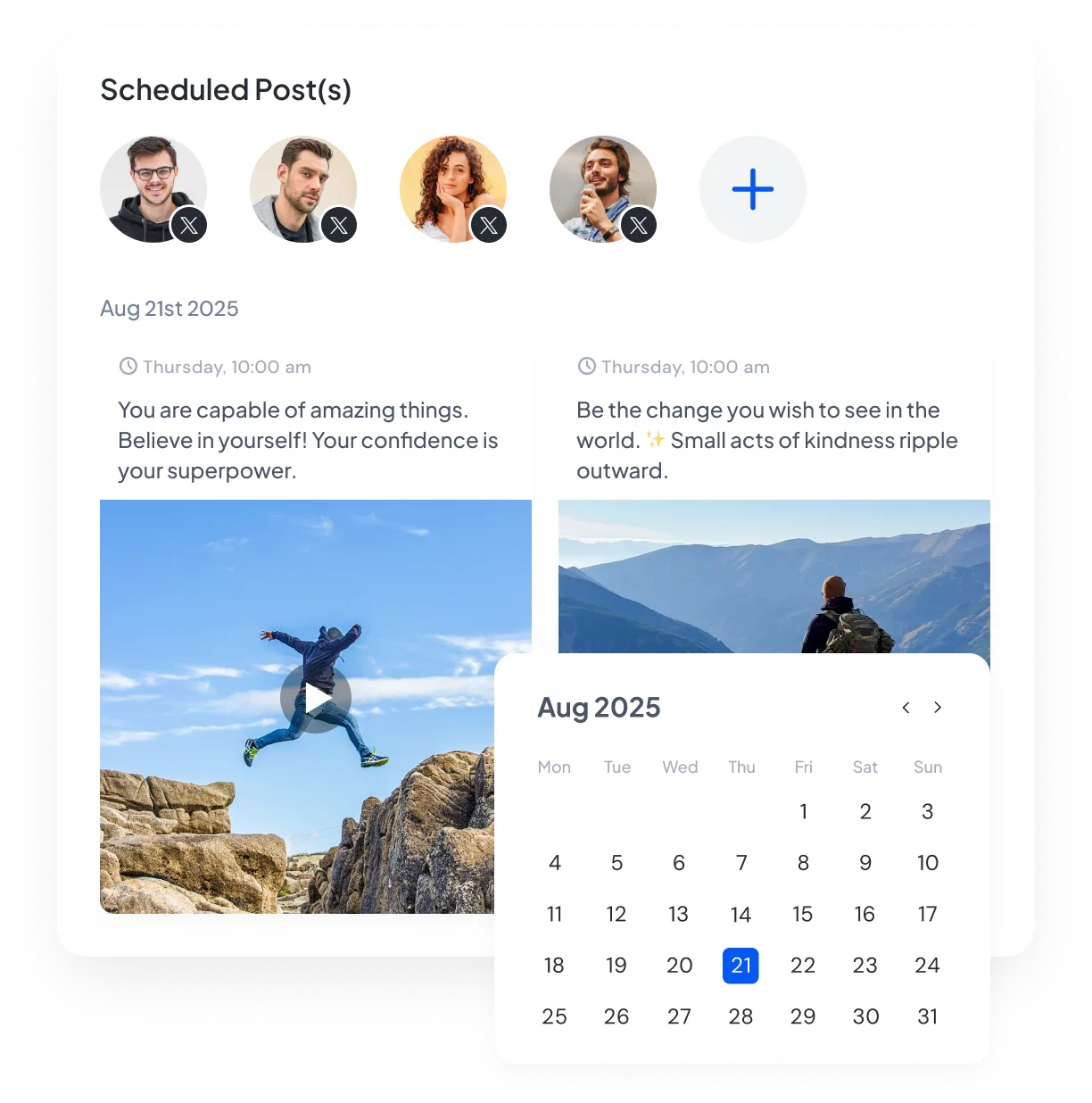
Schedule posts for one X account or many
Schedule posts for one or more X accounts and customize the text for each one when needed. See every account, post status, and publishing date on the calendar.
Add alt text to images and video
Attach supported images or video and add alt text for the people who need it. The description publishes with the media on the selected X account.

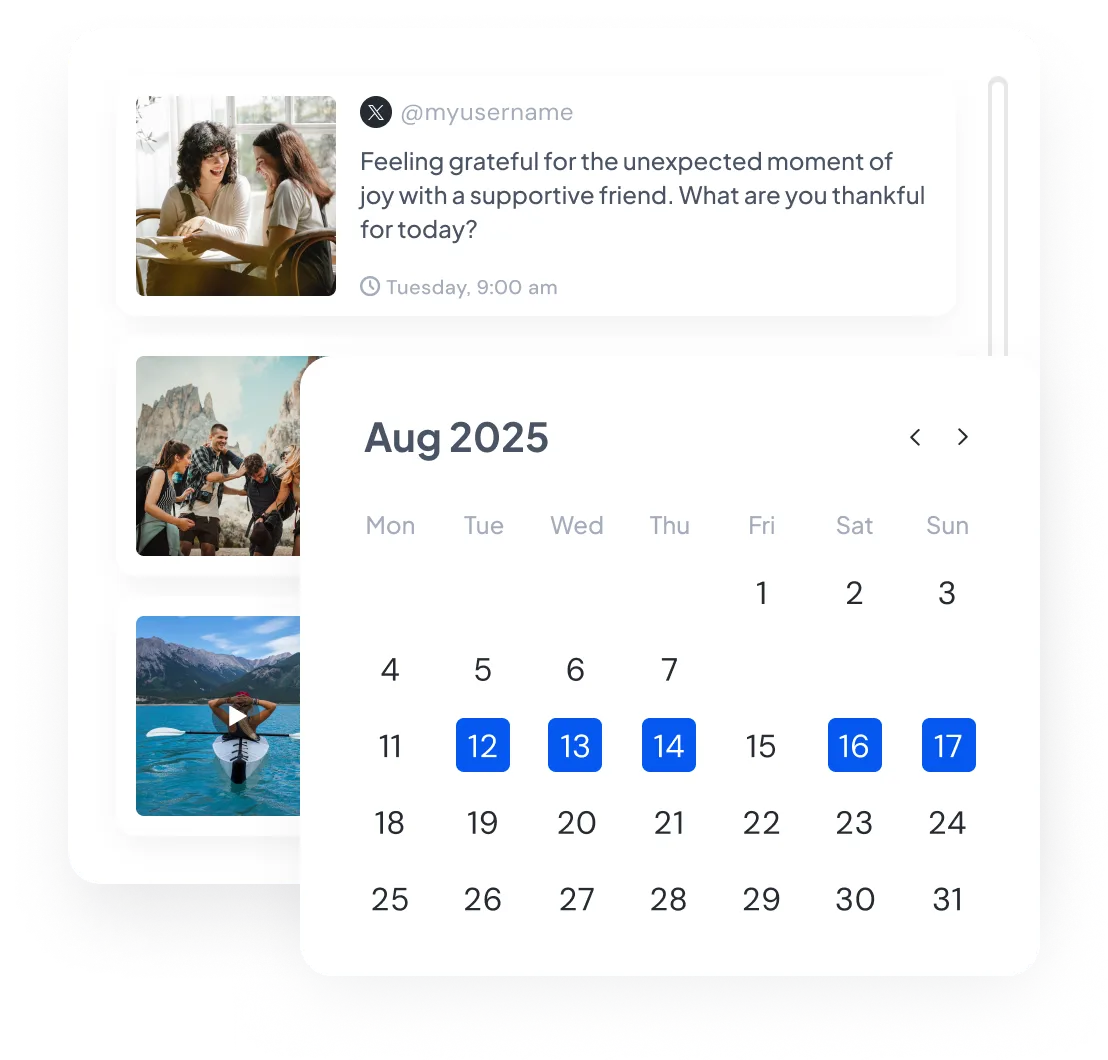
See when every post and thread is due
View scheduled and published X posts by account and date. Filter to one profile or see its posts alongside the rest of your social calendar.
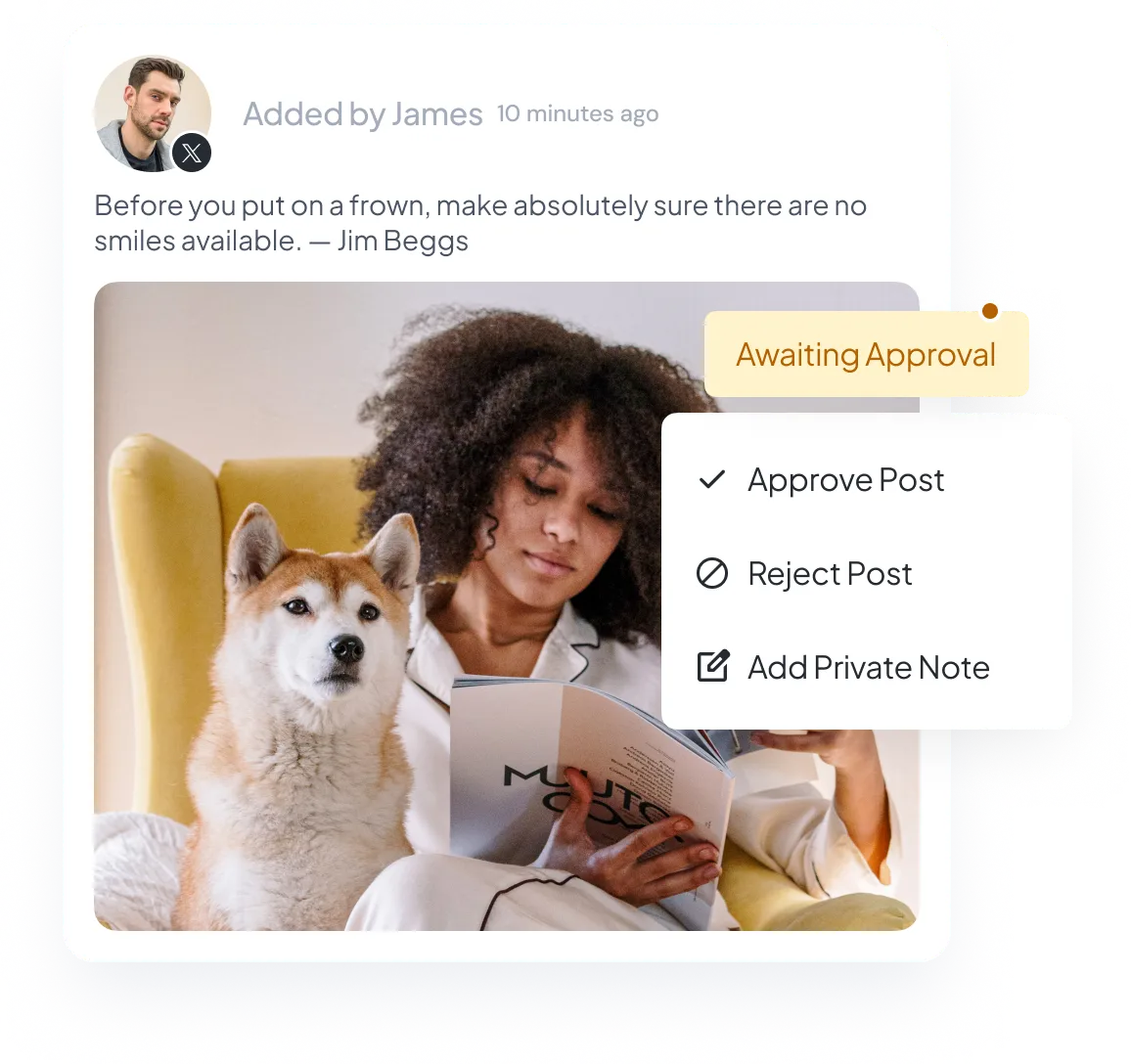
Let clients or teammates approve the full X thread
If a client or teammate needs to approve the thread, send it with the account, every post, media, alt text, disclosure, and publishing time included.
Schedule an X campaign from one CSV
Add posts and thread replies to the CSV template and import them together with their accounts, media, alt text, and publishing times. Use it for a larger campaign or several active accounts.

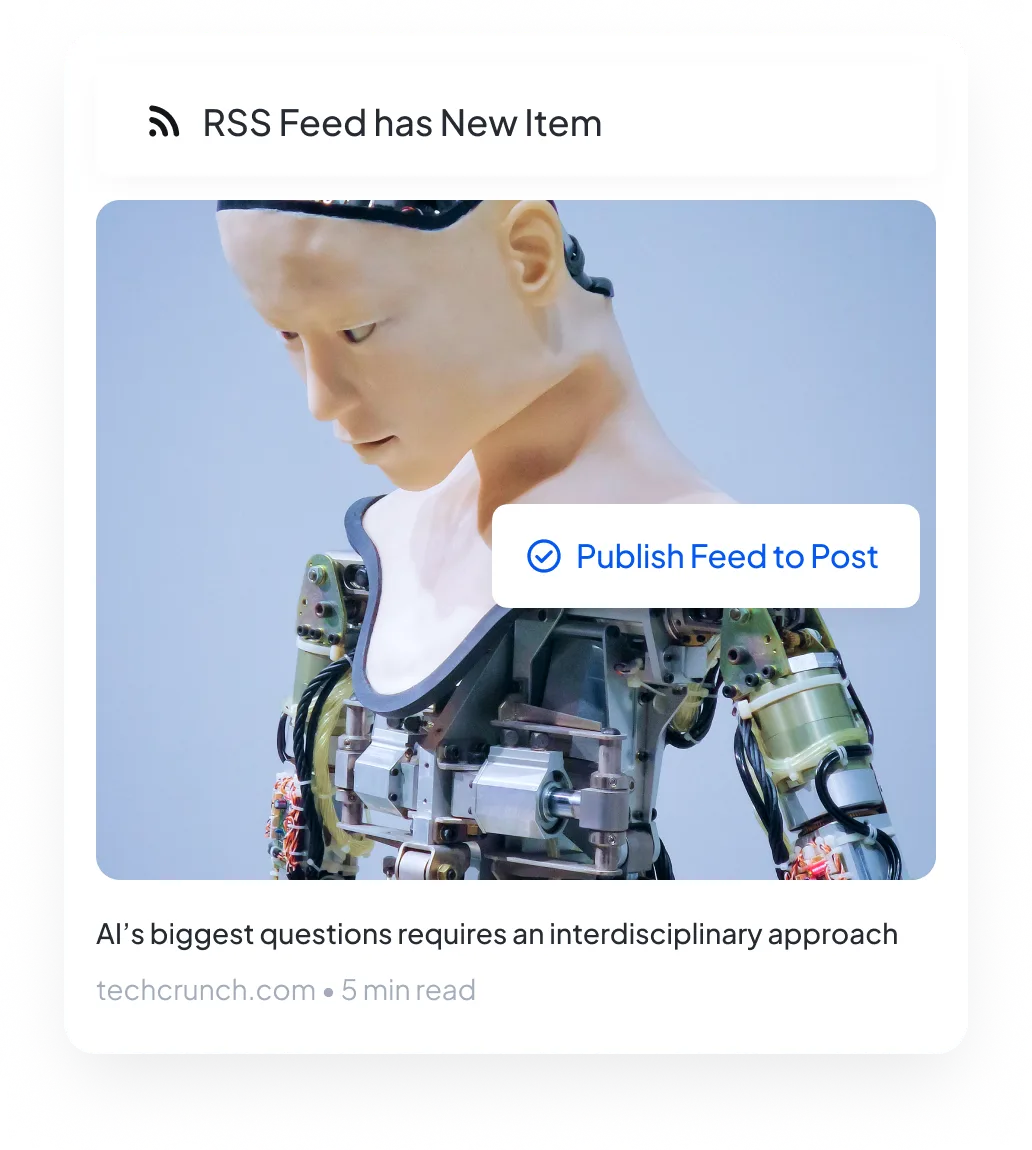
Share new feed items on X automatically
Connect your RSS feed and choose an X account. When the feed has a new item, SocialBu can create a post or add it to a publishing queue.
Handle X replies in Respond
Open a supported reply in Respond and write back from the shared inbox. Like or repost supported items, or assign the conversation when another teammate should handle it.
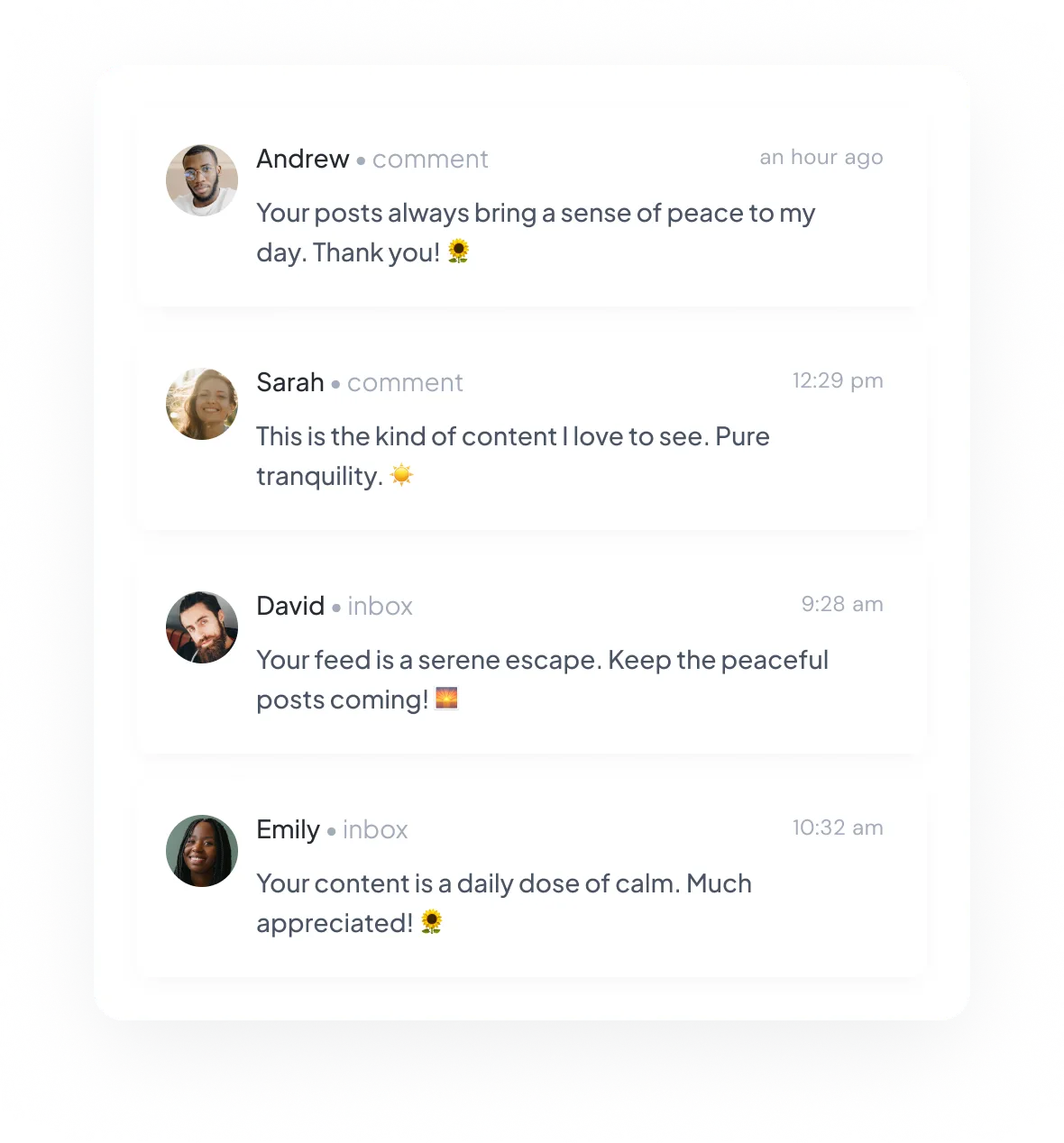
Track matching X posts with Listen
Create a listening stream for keywords, mentions, or a topic you describe in your own words. See matching X posts as SocialBu collects them.

See engagement and follower data by X account
Compare impressions, likes, replies, reposts, quotes, bookmarks, and follower totals for the account and dates you select.
Run X publishing, conversations, and results together
Use Publish for standalone posts and full threads across every connected account. CSV imports, queues, and supported RSS rules help with larger campaigns and repeat content.
Create separate posts when two accounts need different media or threads. Customize the text for each account when the same post will publish to several accounts.
After publishing, use Respond for supported replies and actions, Listen for matching conversations, and Analyze for available account and post results.
Start scheduling X posts
Manage X from the same calendar as your other social accounts. Plan a few posts or a full campaign with the right thread order, media, alt text, and disclosure for each post.
Cancel anytime. Free for 7 days.