Plan across accounts and boards
Organize Pins by account, board, and date from the same calendar.
Send each Pin to the intended page
Add the website, product, or campaign link that should open from the Pin.
See what people save and open
Compare impressions, saves, clicks, comments, reactions, and available video results.
What you can manage for Pinterest in SocialBu
Available features depend on your plan, account type, and what Pinterest allows for that account.
Publish image and video Pins
Attach one supported image or video, choose the required board, and add a description, Pin title, alt text, and destination link. Video Pins also require a thumbnail.
Schedule one account or many
Publish now or choose a future time, customize Pin copy for each selected Pinterest account, and see every account, board, and date on the calendar.
Continue a description with AI autocomplete
Use AI autocomplete to continue the Pin description in the composer. Availability depends on your plan.
Use approvals for team or client work
Publish directly when you work alone, or let an authorized teammate approve or reject the account, visual, board, description, title, alt text, link, and time.
Schedule Pins in bulk
Import Pins from CSV with their board, description, media, title, alt text, link, thumbnail, and publishing time.
Fill recurring time slots
Add Pins to a publishing queue. SocialBu schedules each one in the next available time slot.
See Pinterest results
Use Analyze for followers, monthly views, impressions, saves, Pin clicks, reactions, comments, and the available video metrics.
Important support details
- Every Pin requires a board and one supported image or video. Video Pins also require a thumbnail.
- Direct RSS publishing, Respond, and Listen are not currently available for Pinterest in SocialBu.
Choose the right board for each Pin
Choose the board, add one image or video, write the description, title, and alt text, add the destination link, and choose when the Pin should publish.

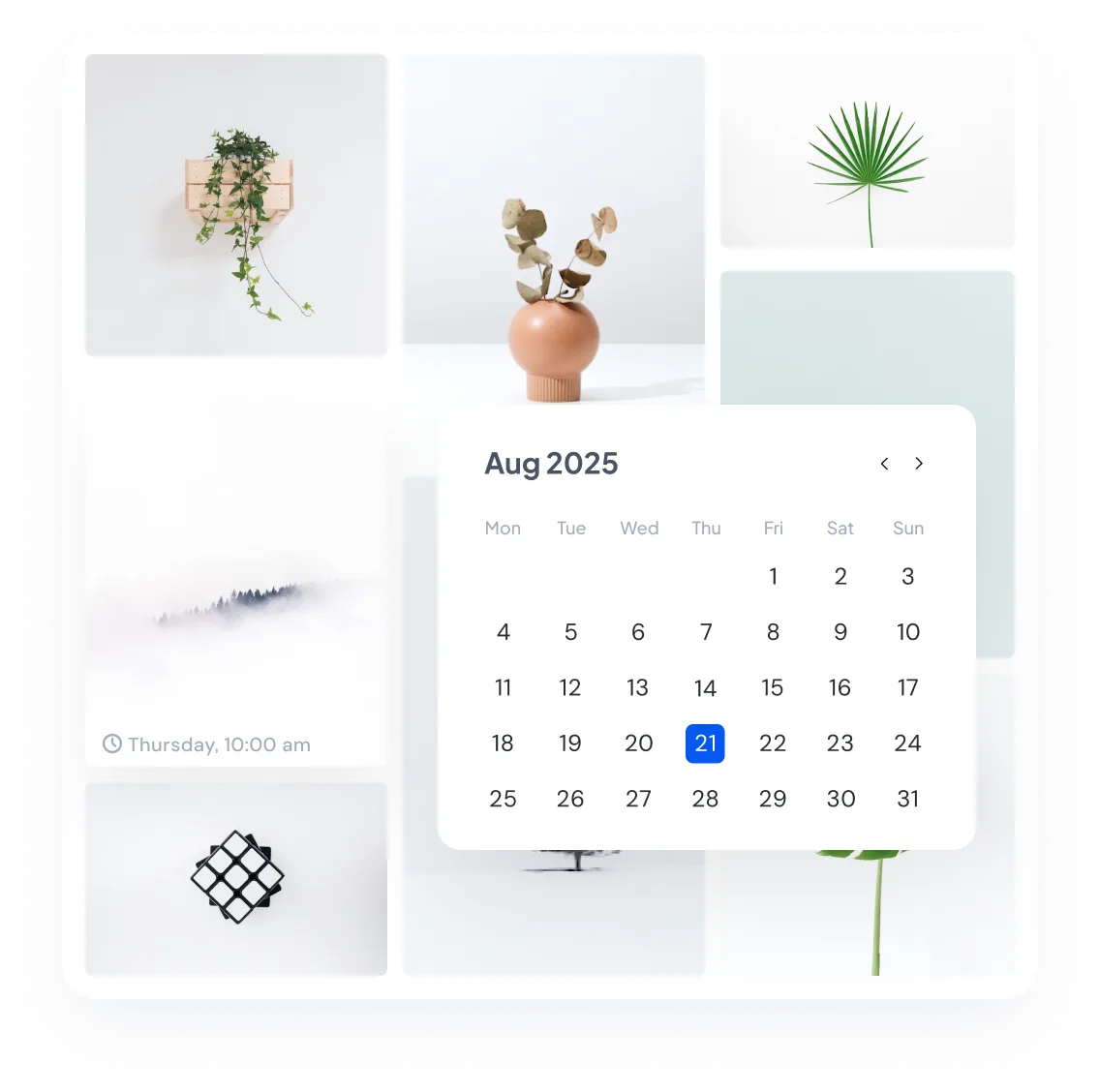
See the whole Pinterest plan by board and date
View scheduled and published Pins by account, board, and date. See what is live, when each Pin will publish, and which board receives it.
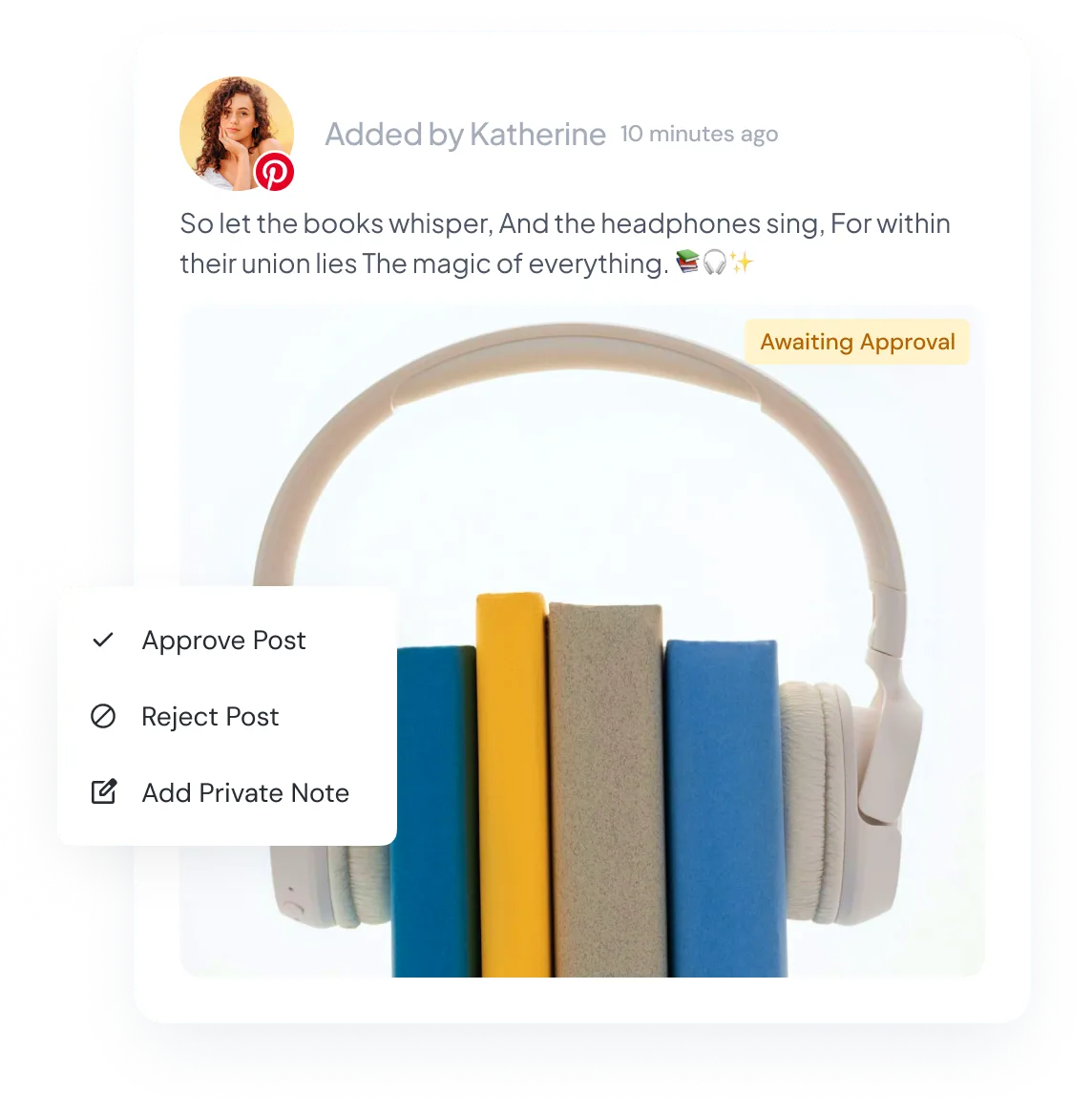
Let clients approve the board and destination
If a client or teammate needs to approve a Pin, send it with the board, description, title, alt text, visual, destination link, and publishing time included.
Fill the Pinterest calendar from a CSV
Add Pins to the CSV template and import them together with their boards, visuals, links, and publishing times. Use it for a larger campaign or several active accounts.

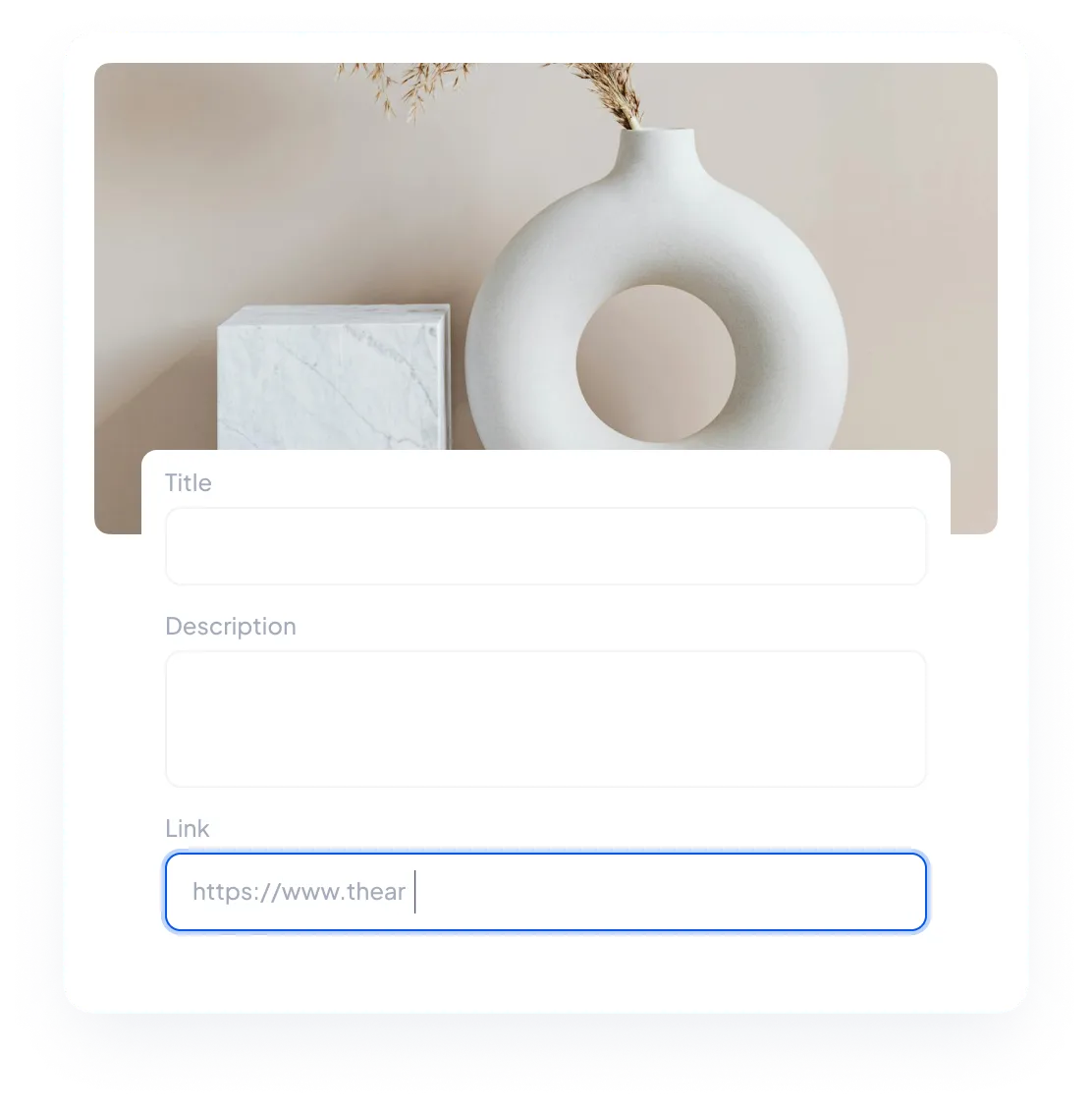
Send every Pin to the intended page
Add the website, product, or campaign URL that should open from the Pin. Use a separate destination when the same visual supports different products or campaigns.
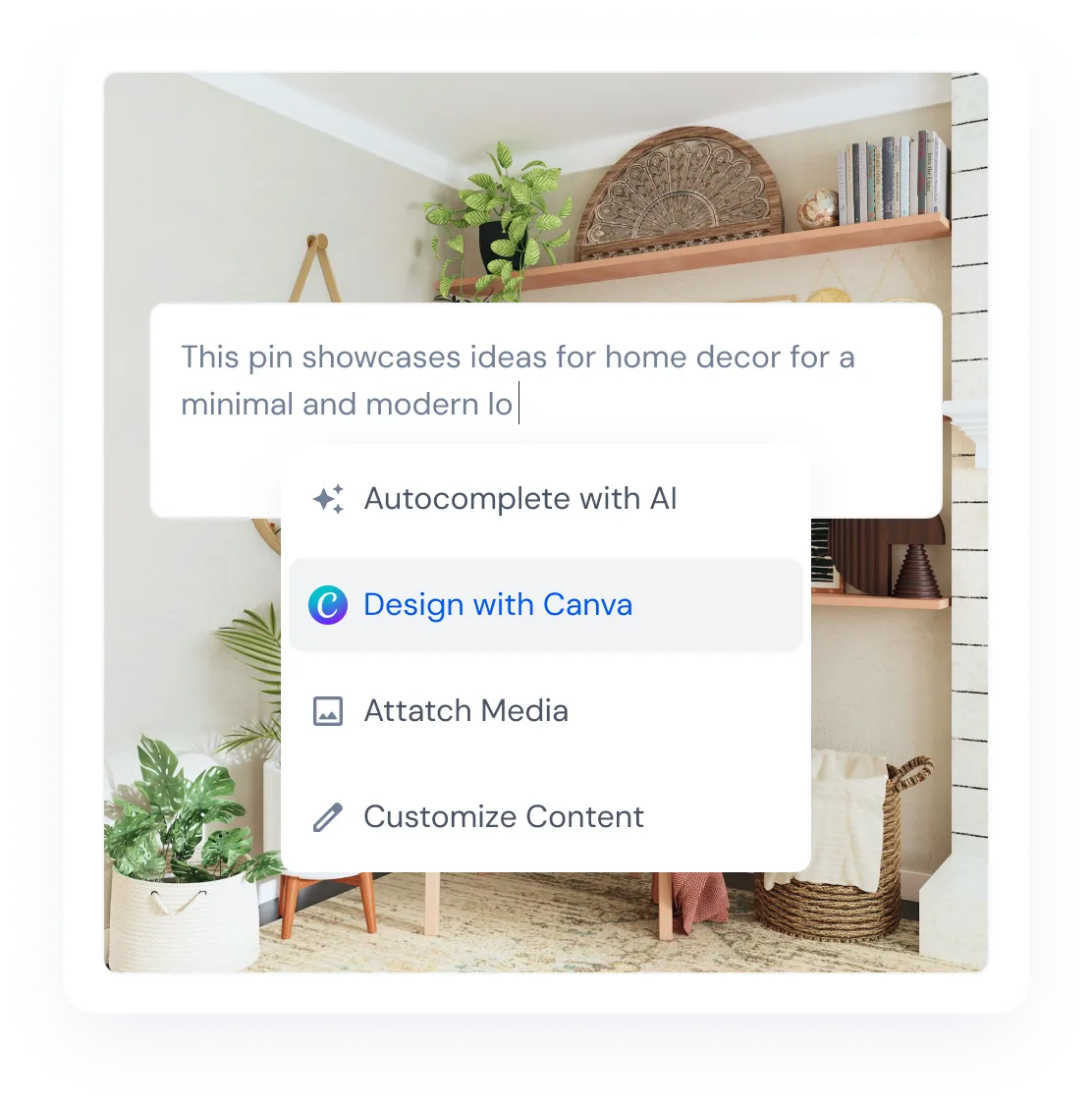
Finish a Pin description with AI autocomplete
Use AI autocomplete to continue the Pin description, then edit the suggestion before scheduling.
See which Pins people view, save, and open
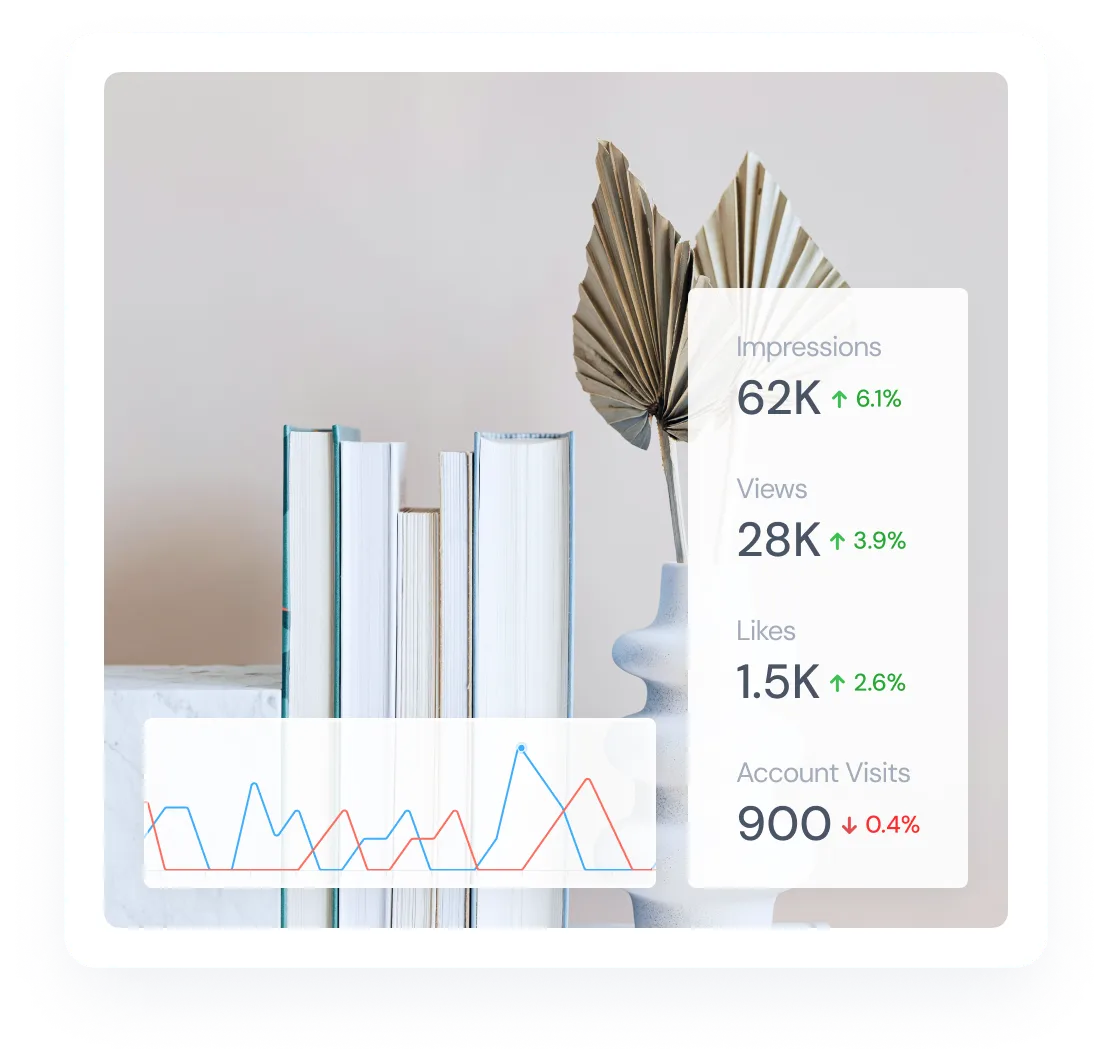
Compare impressions, engagements, Pin clicks, saves, followers, and monthly views for the account and dates you select.
Keep Pinterest publishing tied to boards and results
Use Publish for image and video Pins across every connected account and board. CSV imports and publishing queues help fill larger campaigns and recurring time slots.
Create separate Pins when the same visual needs different boards or destination pages. You can also import Pins from CSV or add them to a publishing queue.
After publishing, use Analyze to compare the Pinterest metrics available for the account and dates you select.
Start scheduling Pinterest posts
Manage Pinterest from the same calendar as your other social accounts. Plan a few posts or a full campaign with the right visual, board, description, title, alt text, and destination link for each post.
Cancel anytime. Free for 7 days.