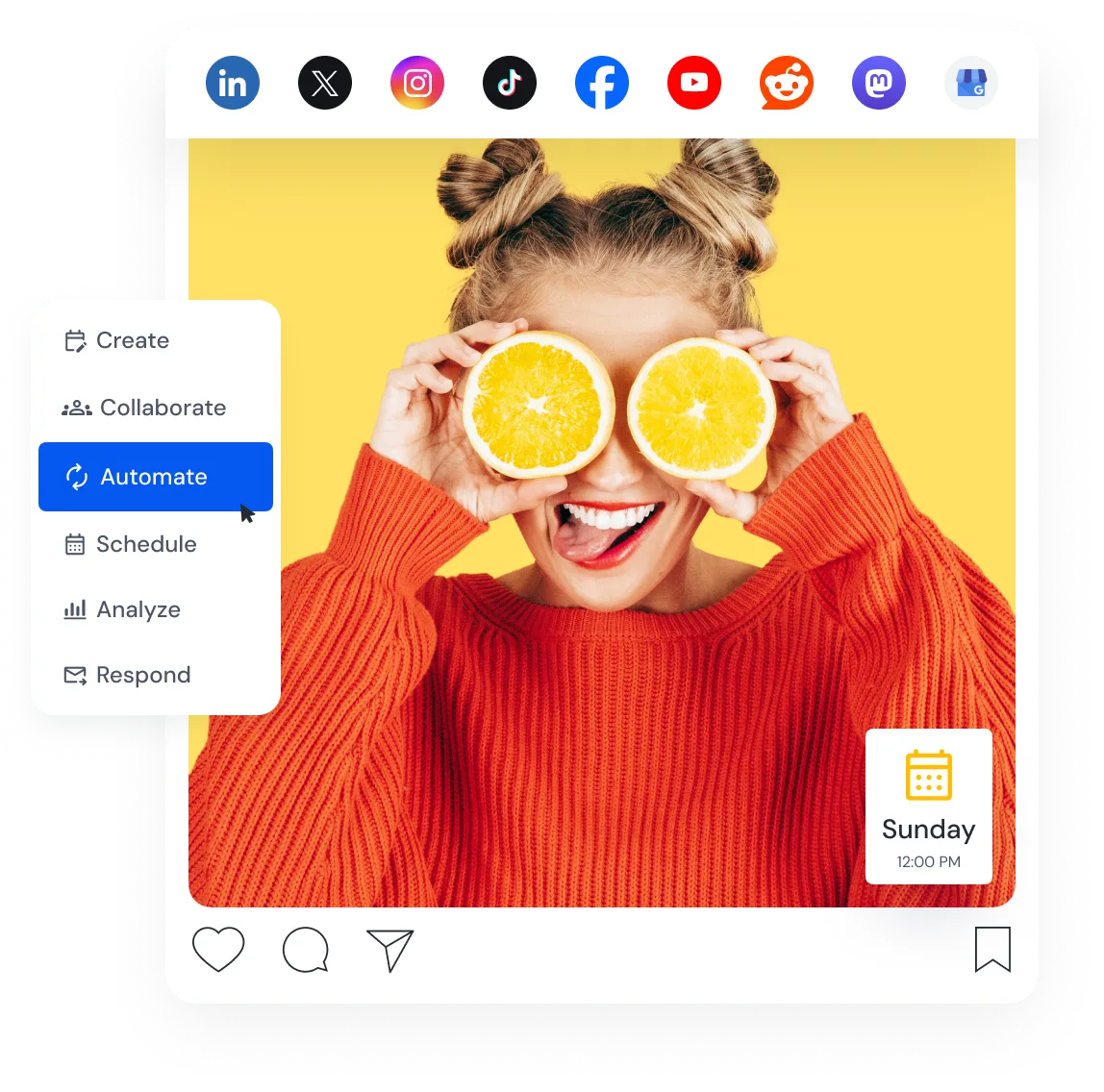
Supported Platforms


MCP Server
Work with SocialBu through your AI assistant
Use a compatible MCP client to create posts, review schedules, and manage supported SocialBu tasks in natural language.





Publish
Plan and schedule posts across your accounts
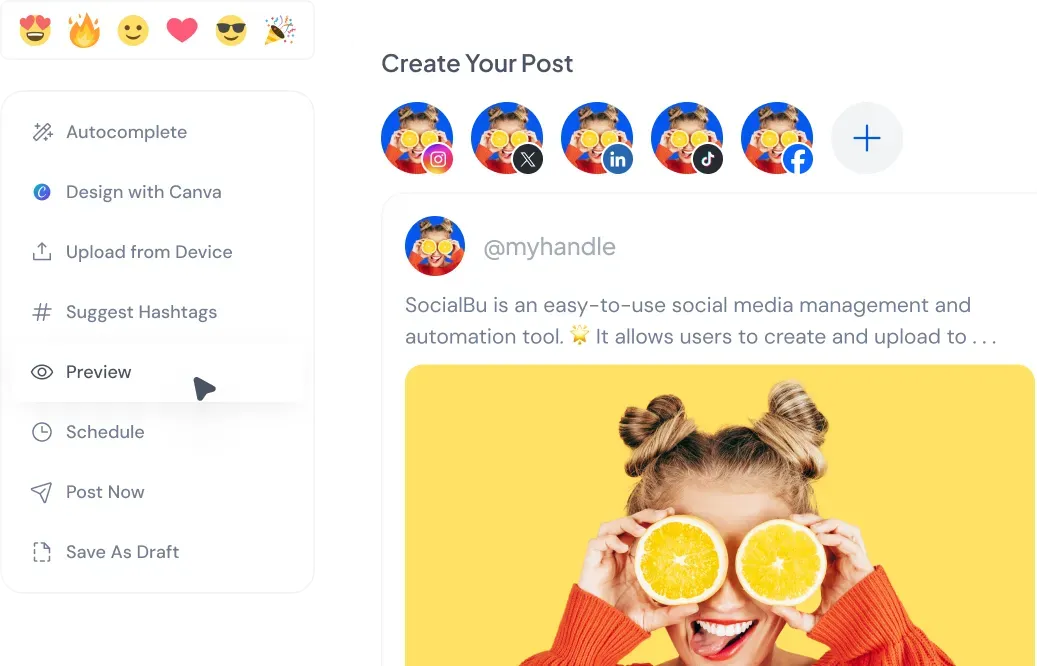
Create posts for multiple connected accounts, customize network-specific options, choose a publishing time, or add content to a queue. Explore SocialBu Publish.


Generate
Create and refine social posts with AI
Draft captions and other social content with AI tools, then edit the result before adding it to your publishing workflow. Explore SocialBu AI.

Curate
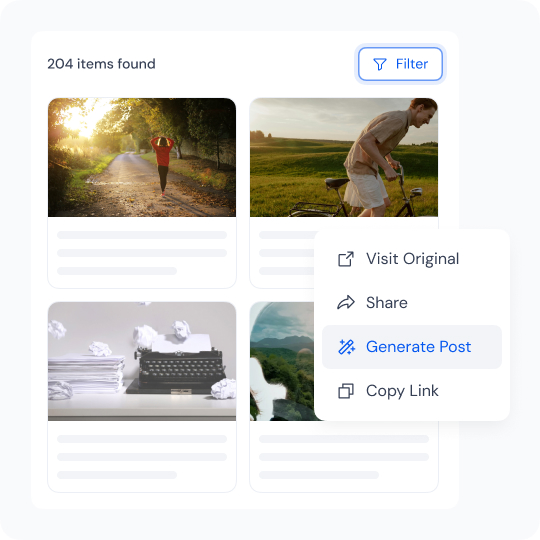
Find content worth sharing
Collect content from sources you follow, review relevant items, and turn selected links into social drafts. Explore SocialBu Curate.

Listen
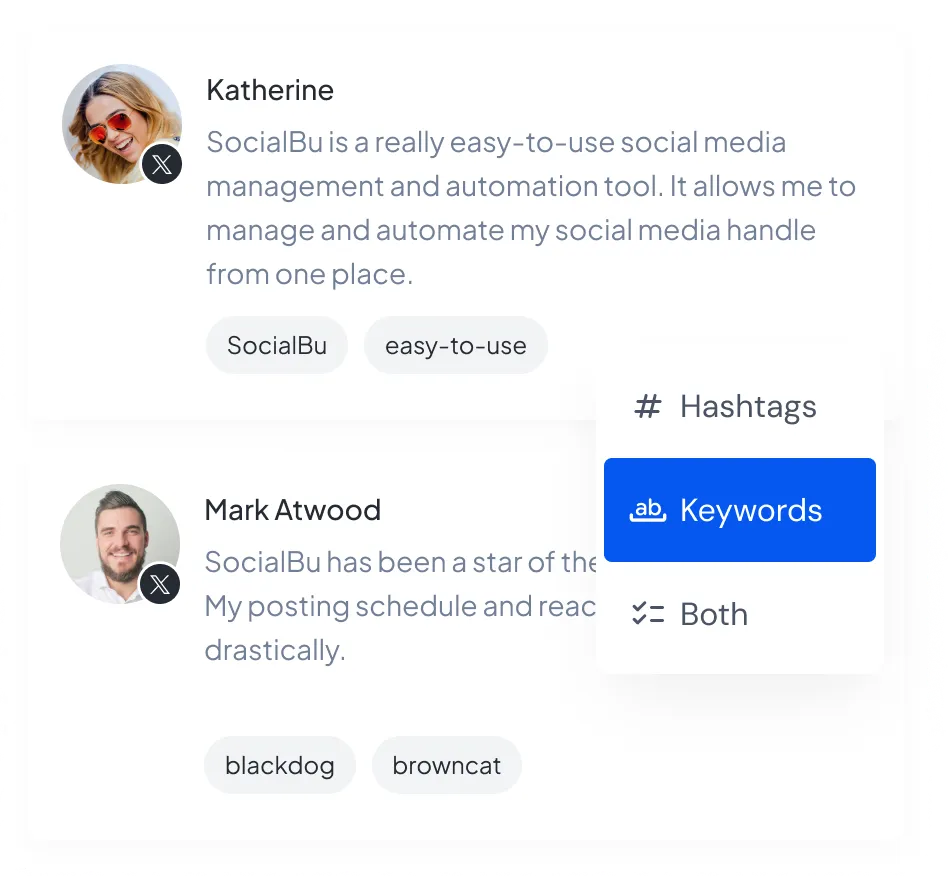
Track relevant mentions and keywords
Create listening streams for supported sources and review matching social conversations from SocialBu. Explore SocialBu Listen.
Respond
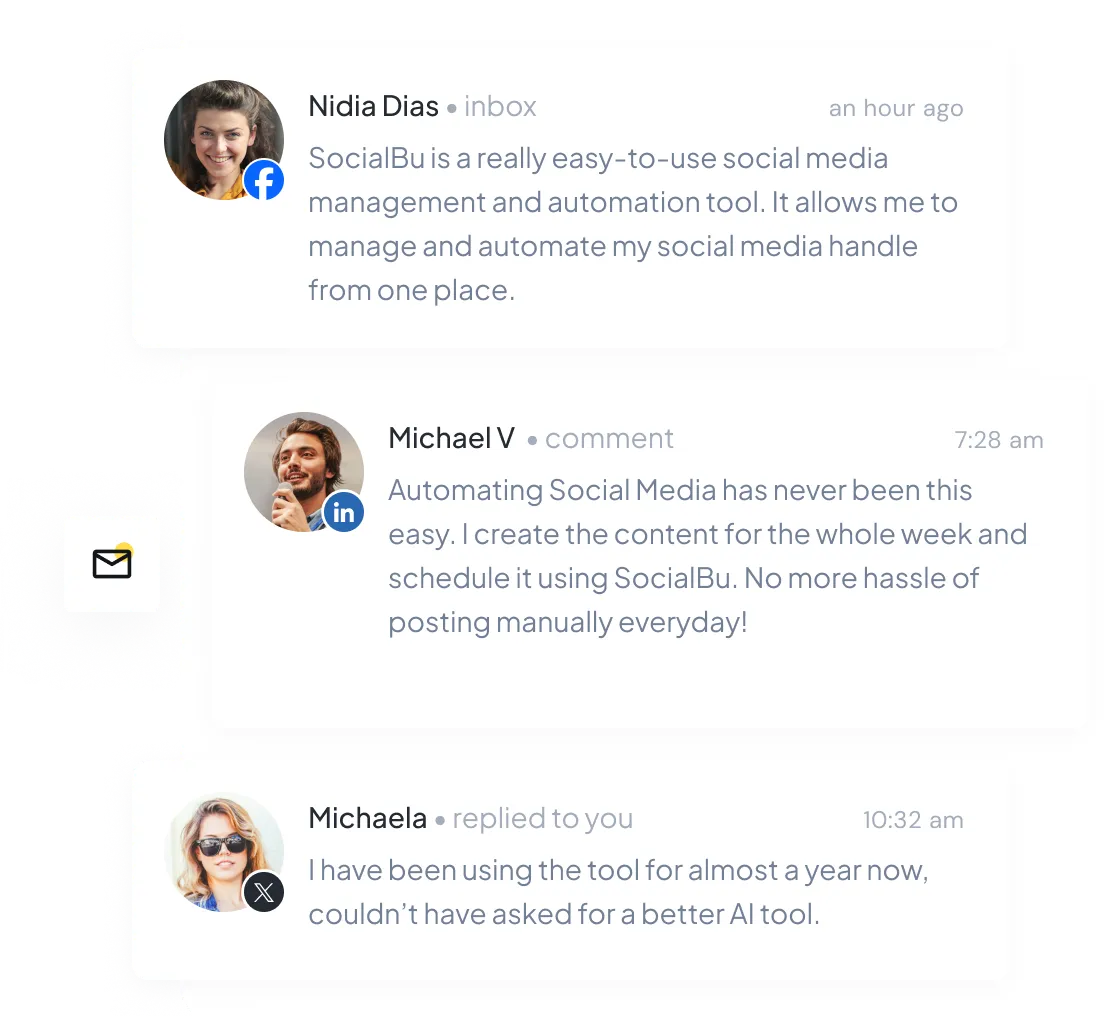
Manage social conversations from one inbox
View supported messages, comments, replies, and reviews across connected accounts. Assign conversations, update their status, and add private notes where available. Explore SocialBu Respond.
Automate
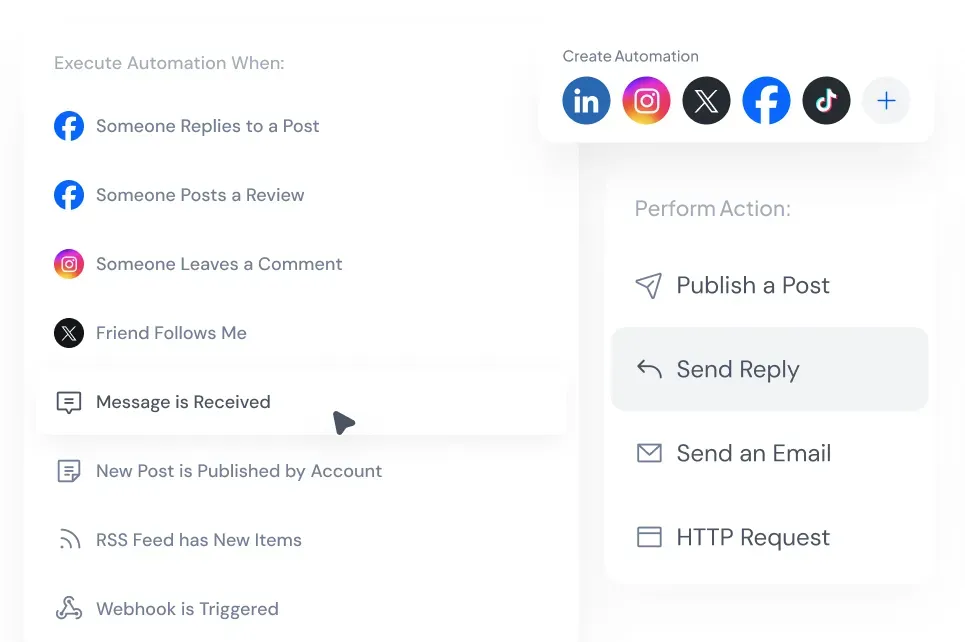
Automate repeat social media work
Build rules around RSS feeds, supported social activity, and webhooks. Choose the trigger, conditions, and actions that fit the workflow. Explore SocialBu Automate.

Analyze
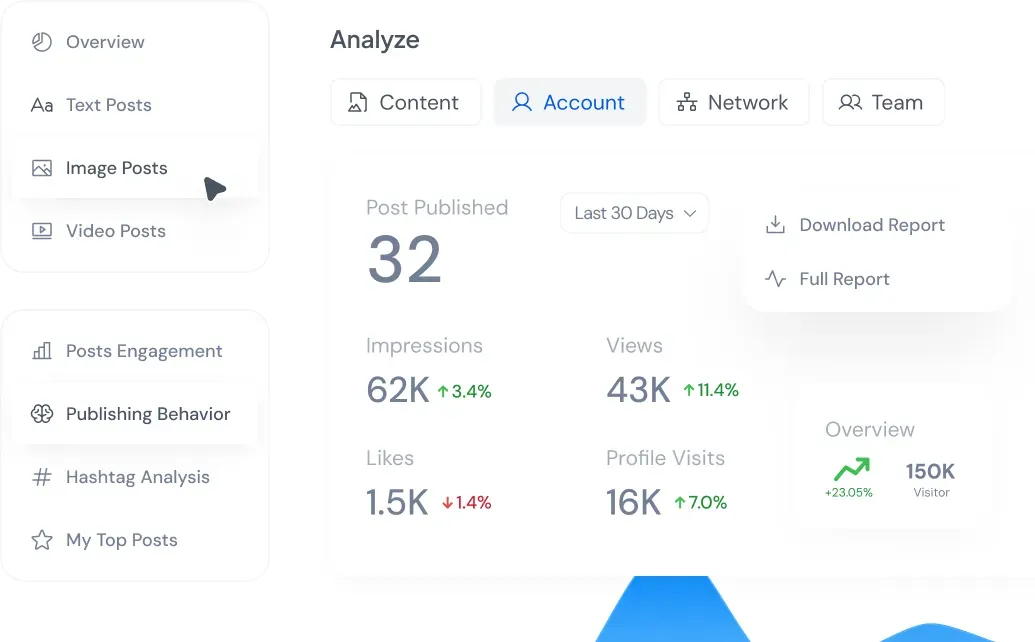
Compare performance across accounts
Review account, network, content, and team reports for the date range you select. Available metrics follow the data provided by each connected network. Explore SocialBu Analyze.

Collaborate
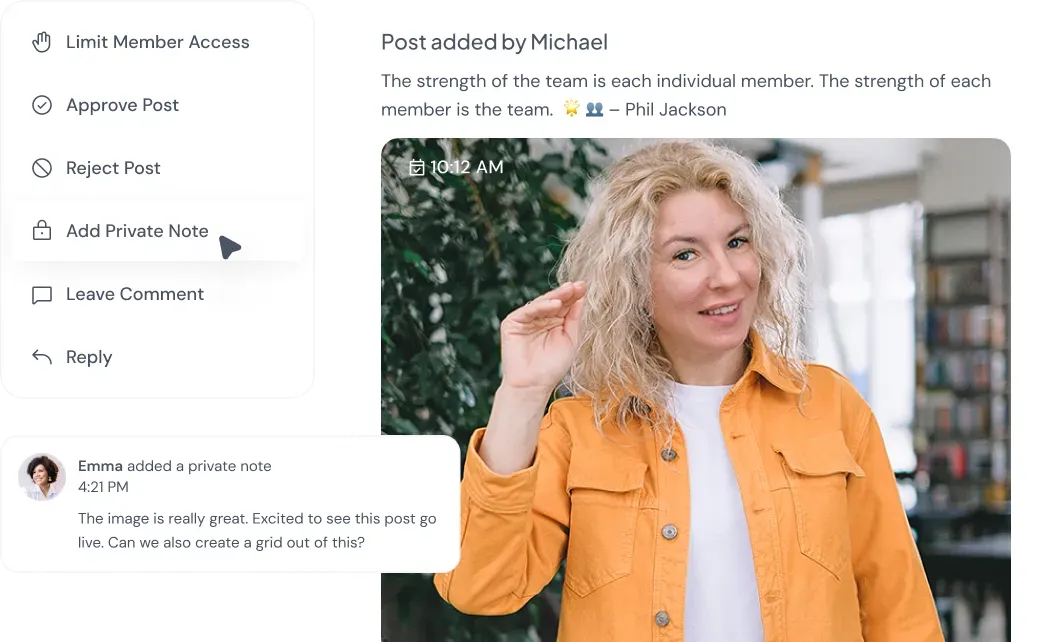
Give your team access without sharing passwords
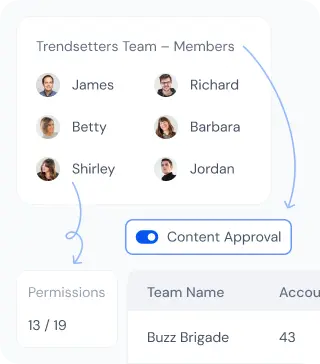
Invite teammates, control permissions, and require approval before selected posts are published. Team and account limits depend on your plan. Explore SocialBu collaboration.
What SocialBu customers say
Read feedback from customers who use SocialBu to manage their social media.

Michael M.

Marketing Manager at CMHWorks
I would highly recommend Socialbu to anyone that wants to effectively manage all their social feeds in one place. It by far offers the most features for the money.

Eric G.
Freelance Social Media Manager
Great application and customer service. This has really helped me save time for posting, because now I do not have to do it manually. I am really happy with it.

Mick G.
Head of Sales and Marketing
It's been such an easy and smooth journey starting with socialbu. Good pricing, easy tool, great support. A no brainer.

Ian M.

Associate at St Andrews South Brisbane
SocialBu is beauty. Easy to use and simple set up. I use the automation which works well. And responding is simple. I am happy with the software.

Larry Kim
Founder of Wordstream
SocialBu helps me stay on top of the social media game, creating compelling original content for my social media channels with its AI-powered features. I strongly recommend giving it a shot.

Eeva L.
Marketing Agency Owner
Very happy to be part of the SocialBu family and I highly recommend it. It's not just a tool but a partnership that listens and evolves with you.

Kate Gross
Manager from FixThePhoto
SocialBu saves me time, letting me easily manage my social networks. Its greatest perk is seamless communication with followers, team members, and content alike. Highly recommended.

Pasquale M
Founder at Increasily
Amazing experience! The product works very well without hiccups. Customer Service is very responsive and ready to help and answer any questions
Use SocialBu wherever you work
Plan and publish on the web, from your phone, or with the Chrome extension.



Resources and guides
Learn how to plan, publish, and manage your accounts with SocialBu.


Manage your accounts with SocialBu
Manage your accounts with SocialBu
Start a 7-day free trial and see how publishing, engagement, automation, reporting, and team workflows fit together.