Drop your caption in
Paste it into a new post and add your photo or video. Hashtags stay intact.
Write captions that genuinely perform, stop the scroll, and earn saves.
Disclaimer: AI-generated content can contain mistakes, so review every draft before publishing. Read our privacy policy to learn how SocialBu handles data.
SocialBu turns the caption you just wrote into a scheduled Instagram post, without the copy-paste shuffle.
Paste it into a new post and add your photo or video. Hashtags stay intact.
Choose Reel, carousel, or Story and preview exactly how it will look.
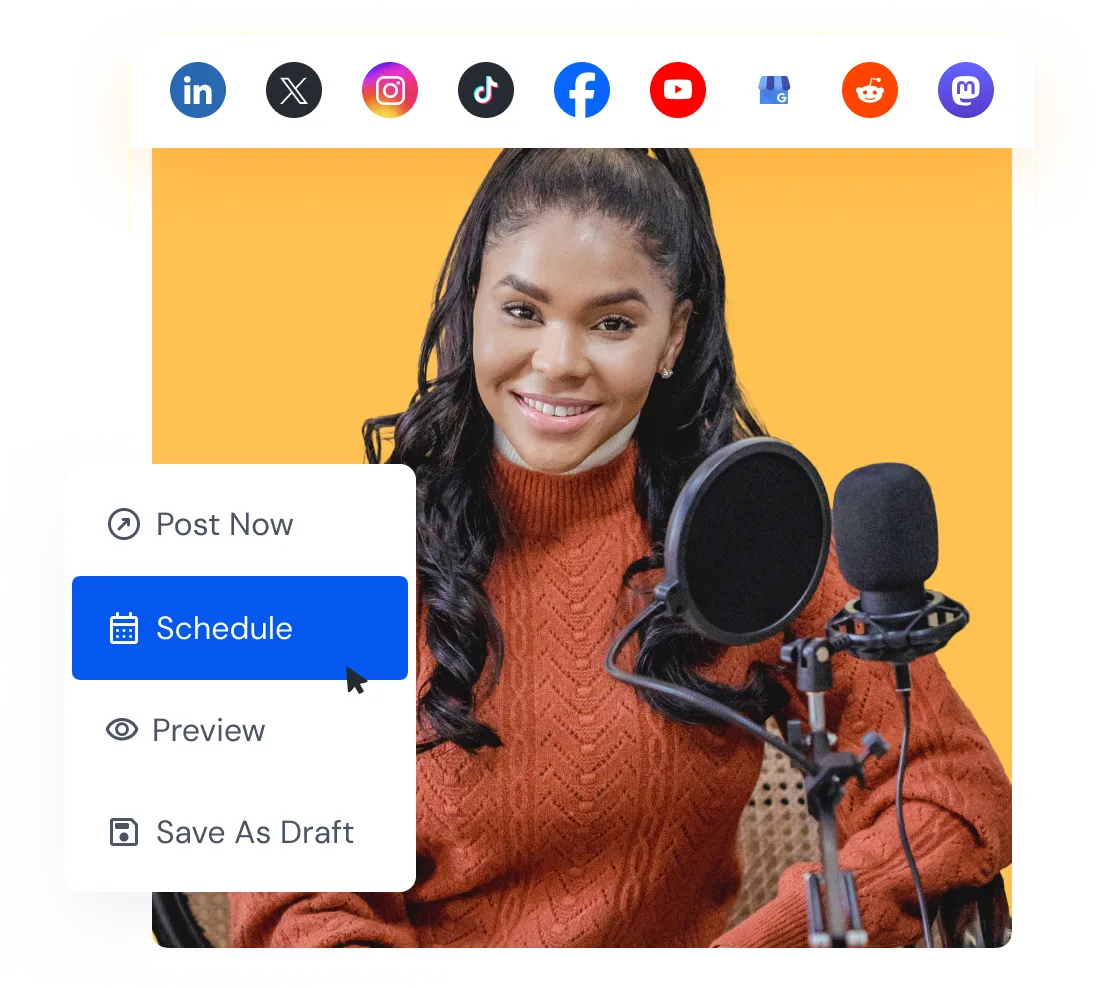
Select your accounts and time. SocialBu publishes for you.
Connect your accounts, paste your draft, and pick a time. Your first scheduled post can be live in minutes.
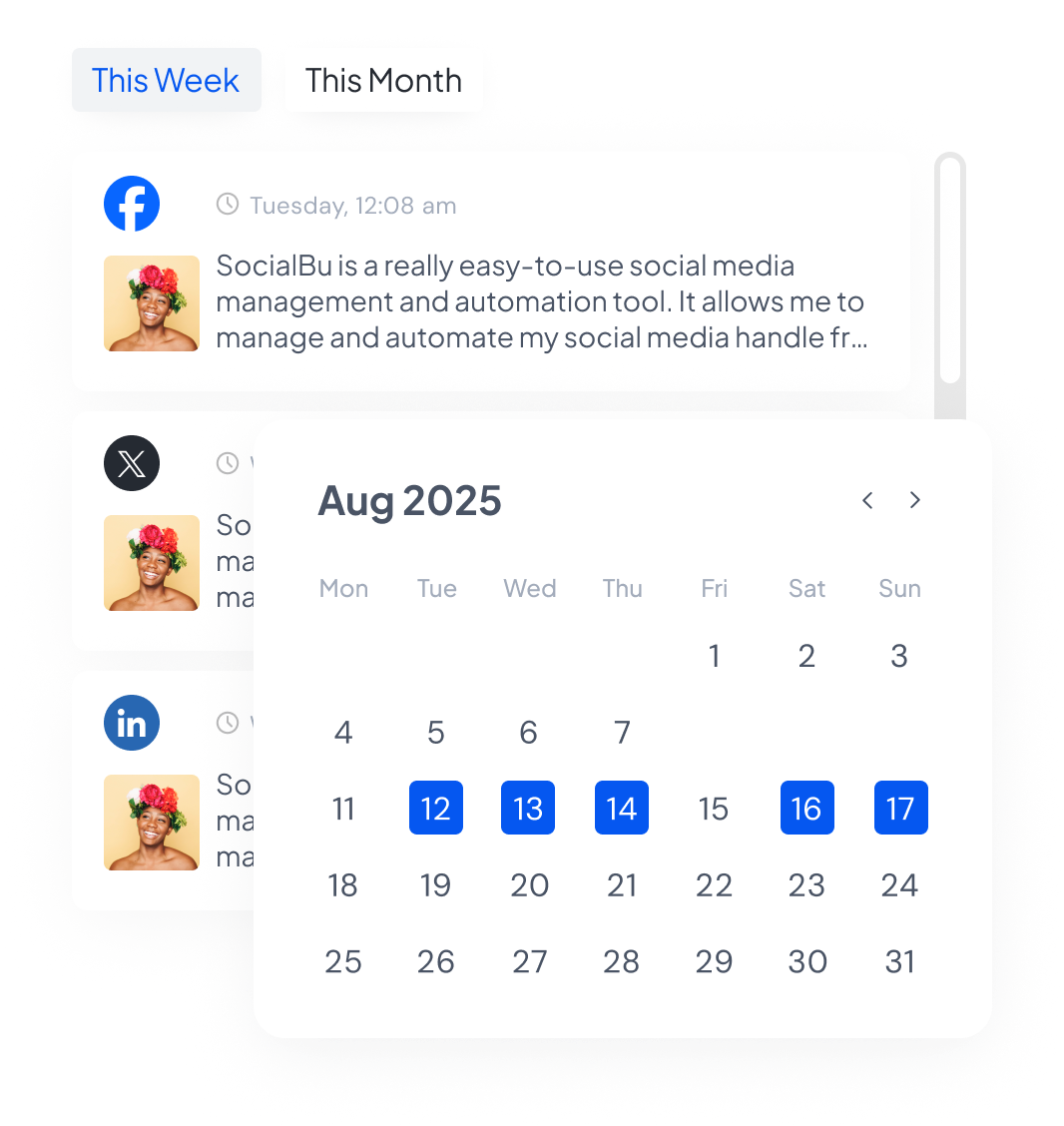
See your whole month with real post previews, and drag a post to a new day when plans change.
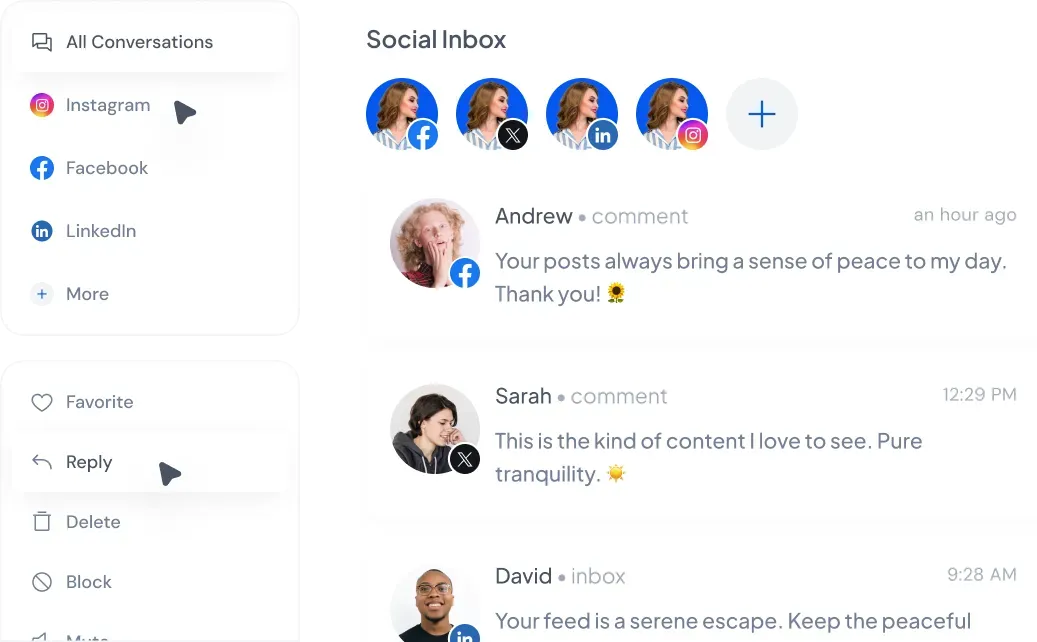
Answer comments from every account without app-hopping.
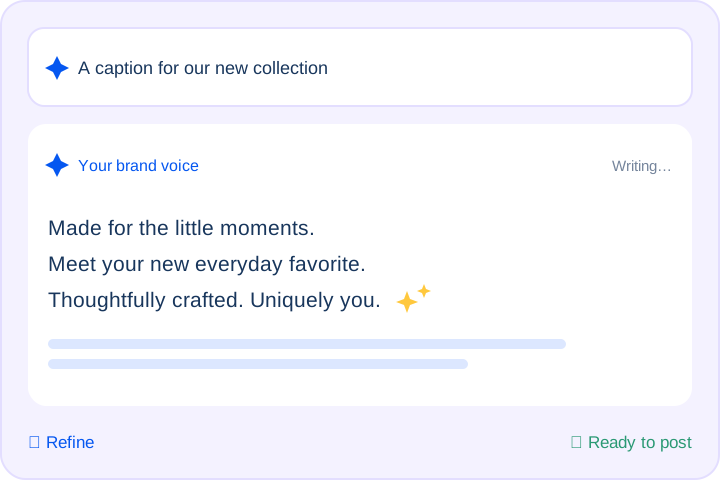
Draft and refine posts with suggestions that match your brand voice.
Track every post's status at a glance, retry failures, and auto-add links or hashtags as a first comment to keep captions clean.
Generate, plan, and schedule posts in a few clicks. Track competitors, collaborate with your team, get insights, and automate repetitive tasks.
From Reels and carousels to launches and daily posting, here are ways people use SocialBu’s Instagram caption generator to turn a rough idea into a publish-ready caption.
The first line helps someone decide whether to read the rest or keep swiping. Describe your post, pick a tone, and choose one or three captions. When you generate three, each takes a different angle. You can compare openers without writing from scratch every time.
Give followers something useful to return to or send to someone else. The generator uses your goal to guide the structure and closing call to action, like “save this for later” or “send this to someone who needs it” when it fits your brief. Review the draft so the value and next step are clear.
A Reel caption, a carousel caption, and a Story caption each do a different job. Mention your format in the description and choose Shorter or Longer to guide the draft. Ask for short, punchy lines for a Reel or more context for a story-led carousel, then edit the caption to fit your content.
Use natural keywords that describe your content and help readers understand the topic. The generator asks for a relevant keyword in the copy and, when hashtags are enabled, 5–8 relevant suggestions. You get caption text and hashtag ideas in one step. Review the suggestions for relevance before publishing.
Posting often is hard when your tone drifts from one caption to the next, and harder still across several accounts. Set the tone and audience for each account, then generate a new set each time. Mix and match elements from the three options when selected, and edit the final caption so your feed stays recognizable.
Hear from marketers, founders, and agencies who use SocialBu to manage social media every day.
Everything you’d want to know about SocialBu’s free Instagram caption generator.
Describe your post, pick a tone, and hit generate. Choose one or three editable captions, with optional hashtags and emojis. No account required. Review each draft before posting.
 Larry Kim, Founder
  Kate Gross, Manager
  Pasquale M., Founder
  Michael M., Marketing Manager
  Ian M., Associate