



01
Lead With the Offer
Discounts, new arrivals, or seasonal deals are easier to understand when the value appears in the first line instead of being buried in the post.
Plan, generate, and publish Google Business Profile posts; all in one place.
Love your post? Take it live with SocialBu and schedule Google Business Profile updates in advance.
Explore GBP PublishingAI-generated content can contain mistakes. Review business details, dates, terms, links, and claims before publishing. Read our privacy policy.
Get a Google Business Profile post draft through a workflow built for local businesses. No writing skills needed.

Use a Google Business Profile-focused prompt to turn your topic and optional tone into a concise draft for review.
Generate the right kind of Google Business Profile draft for announcements, promotions, or events. The generator infers the intended type, while final dates, offer details, media, links, and other settings are added when publishing.

The generator adds action-oriented language when an offer or event clearly calls for it. Review the draft, then choose a supported call-to-action such as Book, Order, Shop, Learn More, Sign Up, or Call in SocialBu.
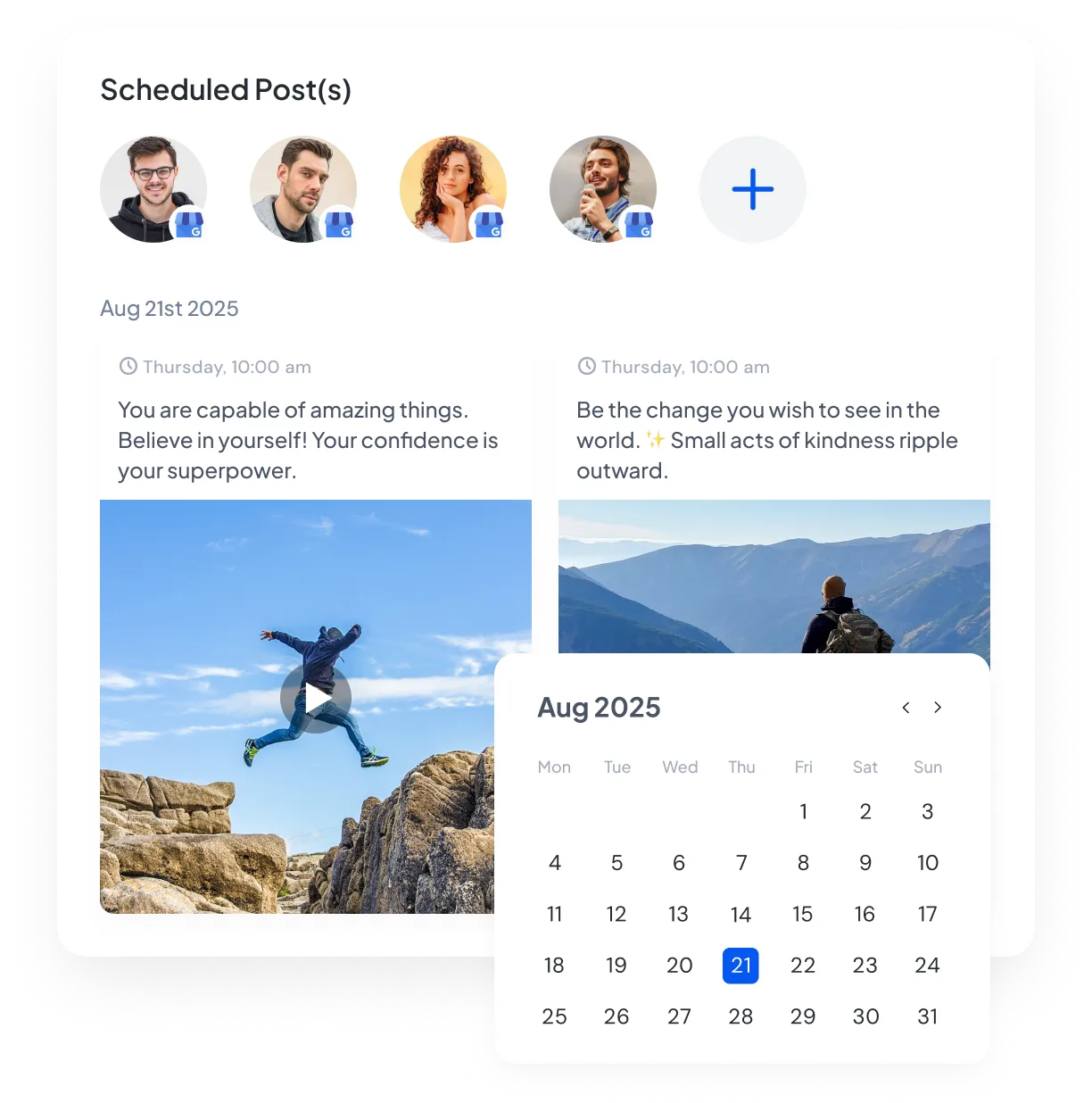
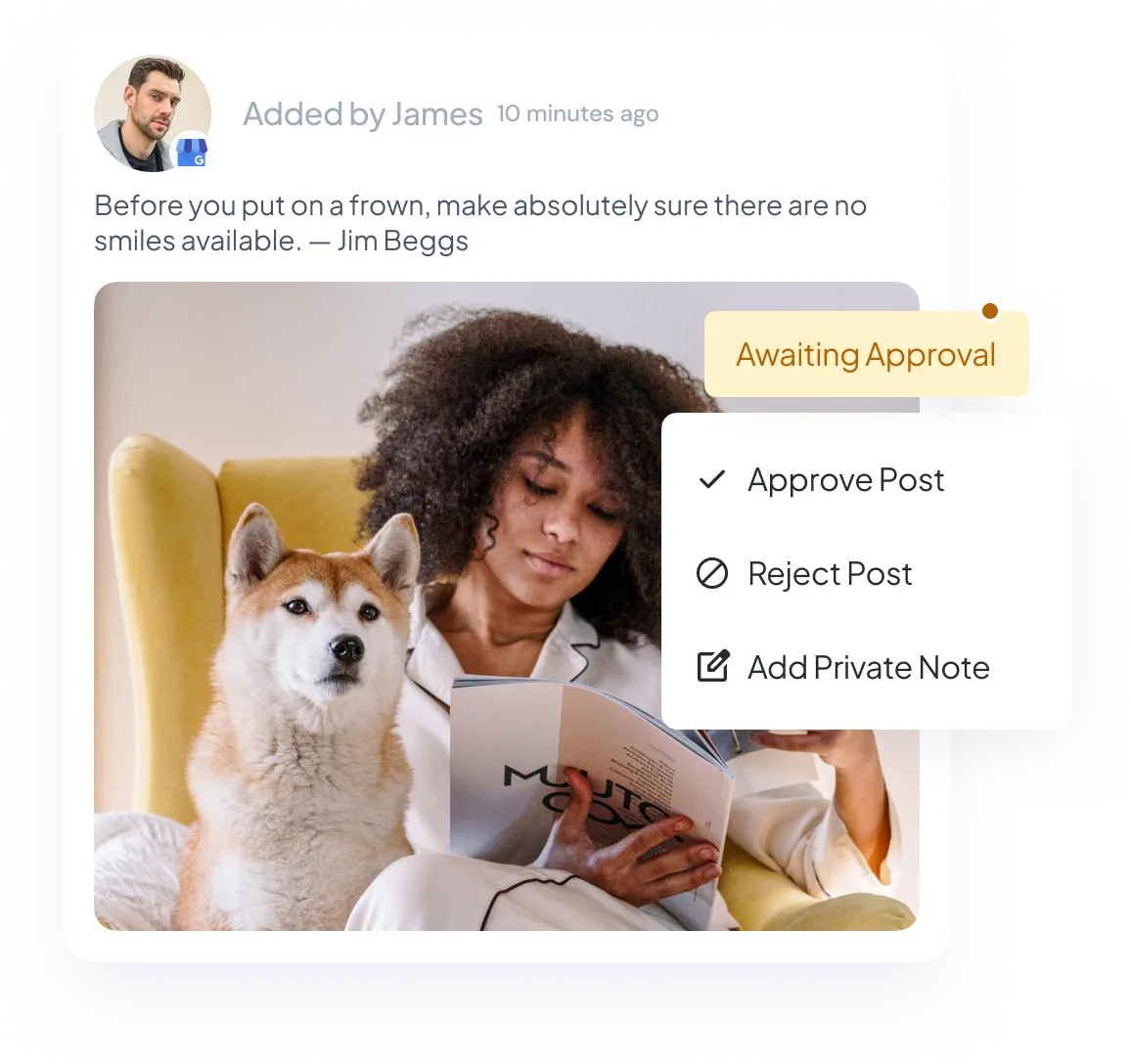
Enter a professional, friendly, urgent, or community-focused tone in the optional Tone field. The generator uses it to guide a readable draft without hashtags, emojis, markdown, or unsupported superlatives.
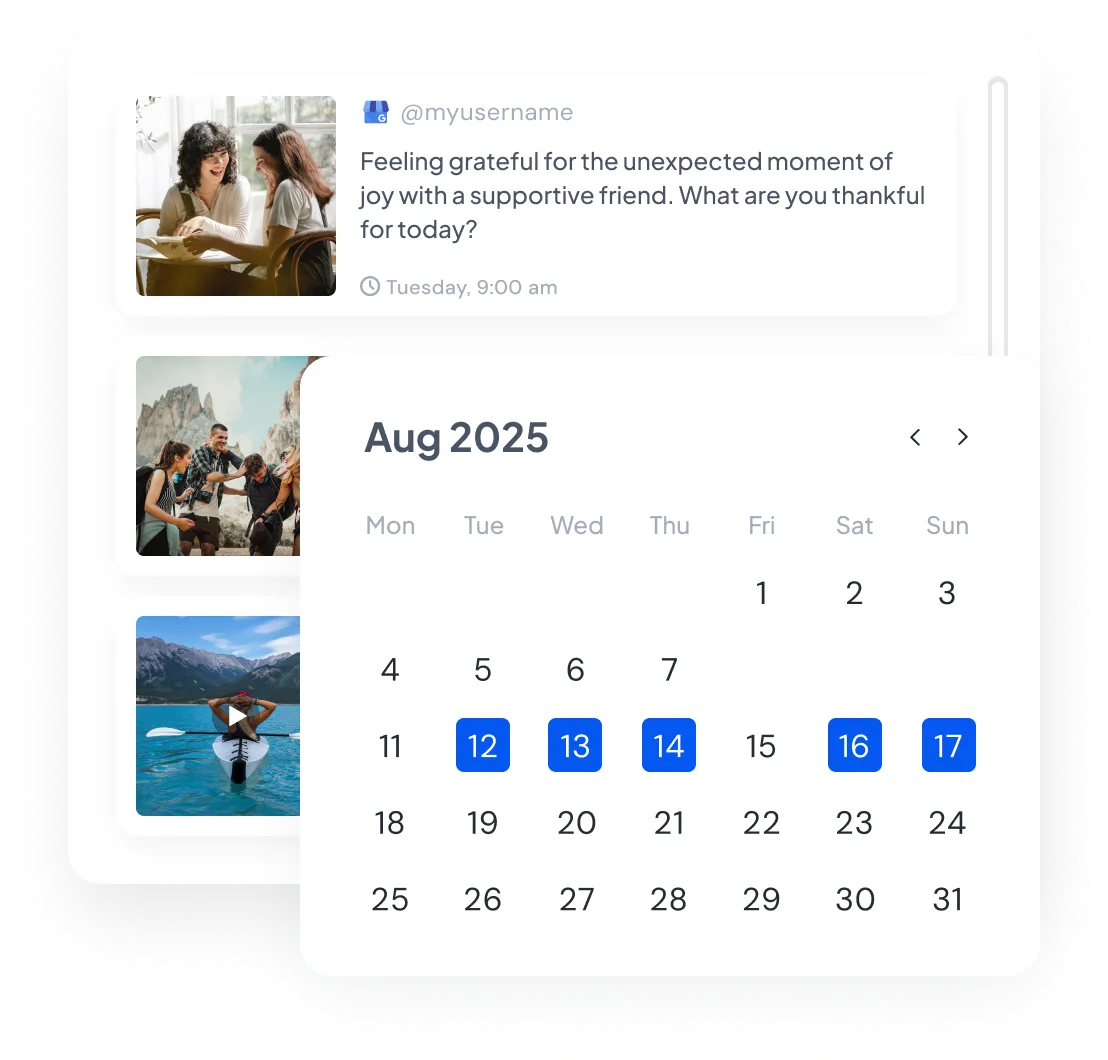
Use the generator to prepare timely updates and SocialBu to organize them on your publishing calendar. Posting does not guarantee local rankings, so keep your listing details, categories, hours, and reviews accurate too.
Posting consistently is only part of managing a Google Business Profile. These five tips can make each update clearer and more useful, whether you write it by hand or use a generator.
Discounts, new arrivals, or seasonal deals are easier to understand when the value appears in the first line instead of being buried in the post.
For an offer or event, a clear next step such as “Call now,” “Book today,” or “Order online” tells customers what they can do. Do not force a call to action into a general update.
Mix standard updates, offers, and events so your profile can cover business news, promotions, and timely local information instead of reading like one long advertisement.
Naming your neighborhood or service area can make a post more useful to nearby customers when that location is accurate and relevant.
Choose a posting rhythm you can maintain with current, useful information. A GBP post generator can help prepare drafts, while SocialBu keeps reviewed updates organized on the calendar.
Read source-linked feedback from people who use SocialBu.
Everything you need to know about our free GBP post generator, Google Business Profile posts, and local search visibility.
Yes. You can use the GBP post generator without an upfront cost or signing in. Usage limits apply, and the page will tell you when you need to wait or sign up for more generations.