Mastodon has grown into one of the most talked-about names in the decentralized social media network, an open, ad-free network built on independently run servers rather than a single company’s platform.
But that same decentralized structure is exactly what makes staying consistent harder than it looks.
Unlike centralized platforms, Mastodon wasn’t built with marketers and teams in mind, so scheduling isn’t always as straightforward. The good news: it’s easy once you have the right scheduler.
In this guide, you’ll learn what Mastodon scheduling is, how Mastodon works, exactly how to schedule posts using SocialBu, and the best practices and FAQs that come up most often.
What Is Mastodon Scheduling?
Mastodon scheduling is the process of writing a post in advance and setting it to publish automatically at a chosen date and time, instead of posting it live.
A Mastodon scheduler handles the publishing for you, including the text, media, and content warnings, so you don’t have to be online when the post goes out.
The difference between scheduled and real-time publishing is purely about timing, not quality; once a Mastodon scheduled post goes live, it looks and behaves exactly like a manually posted one.
How Mastodon Works (and Why Scheduling Is Different)
Before Mastodon scheduled posts make sense, it helps to understand the network they’re publishing into.
What Is the Fediverse?
Mastodon is part of the fediverse, short for “federated universe,” a collection of independent, interconnected social networks that all speak the same open language: the ActivityPub protocol.
Instead of one company owning every account and every server, thousands of independently operated servers link up, allowing users to follow, reply to, and share posts across server boundaries.
What Is a Mastodon Instance?
A Mastodon instance is one of those independently run nodes in the fediverse. Each one sets its own rules, moderation style, and community focus, and your identity is tied to it: usernames follow the format @yourname@yourserver.social, not a single global handle.
Which Mastodon Server Should You Join?
Deciding which Mastodon server to join depends on your goals more than anything else:
|
Beginner-friendly
mastodon.social
The original, general-purpose flagship instance, the easiest place to start.
|
Niche & industry
Topic-specific
Servers built around journalism, tech, art, or activism, with smaller but more engaged audiences.
|
Full control
Self-hosted
Larger brands sometimes run their own instance for full moderation and branding control.
|
Browse the full server directory at joinmastodon.org →
How to Schedule Mastodon Posts with SocialBu
Here’s how you can schedule Mastodon posts with SocialBu.
Step 1: Sign In to SocialBu
Head to socialbu.com and log in, or create a free account if you’re new.
Step 2: Connect Your Mastodon Account
Select the drop-down arrow next to Control Center and select Social Accounts. Click Add Account at the top, select “Add” next to Mastodon, and select your server.
You’ll be redirected through OAuth authorization, which grants SocialBu access via the official Mastodon API; your password is never shared.
Step 3: Create Your Post
Write your text, add hashtags, and attach images or videos. Add a content warning (CW) if the post needs a click-to-reveal label.
Step 4: Choose a Date and Time
Pick a specific publish time, or drop the post into a recurring slot using queue scheduling, part of a broader social media posting schedule, so your calendar fills itself.
Step 5: Review and Schedule
Double-check the preview, then confirm. SocialBu publishes automatically at the set time, even while you’re offline.

What You Can Schedule with SocialBu?
SocialBu is a diverse platform and allows you to schedule content in multiple formats. Here is everything you can schedule with SocialBu.
- Text Posts: Standard toots up to 500 characters, with hashtags built in for federated discovery.
- Images: Single images for full albums, scheduled and published exactly as composed.
- Videos: Native video attachments, queued alongside your text and captions.
- Content Warnings: Spoiler text and CW labels set at scheduling time, not bolted on afterward.
- Cross-Posting to Other Platforms: You can schedule posts on Bluesky, LinkedIn, and X from the same composer.
- Multiple Instances: Multi-instance management lets you schedule to several Mastodon servers from one dashboard.
Why Scheduling on Mastodon Is Different from X or Facebook
Comparing Mastodon vs Twitter and Mastodon vs Facebook comes down to two structural differences: a chronological timeline rather than an algorithm, and a decentralized architecture rather than one company’s servers.
Feature | Mastodon | Twitter/X | |
Ownership | Decantralized | Centralized | Centralized |
Feed order | Chronological | Algorithmic | Algorithmic |
Ads | None | Yes | Yes |
Content warnings | Native | No | No |
Character limit | 500 | 63,206 | 280 (expanded for some) |
Moderation | Per-server community rules | Platform-wide policy | Platform-wide policy |
Because there’s no algorithm reordering your feed, timing your posts matters more directly on Mastodon, which is exactly why scheduling around the best time to post on social media pays off here.
Source: Marktful, Mastodon Statistics 2026 →
Does Mastodon Have a Built-in Post Scheduler?
Yes, Mastodon includes a native scheduler: draft a post, pick a future time, and it publishes automatically. It works fine for a single account with occasional posts.
But it has no visual social media content calendar, no way to manage several servers at once, no team permissions, and no analytics.
That’s why many users still choose a dedicated tool once their workflow goes past “one person, occasional posts.”
A self-hosted scheduler alternative like SocialBu fills that gap, and it’s the natural next step once native scheduling starts to feel limiting. For the same tradeoff across every major network, see our guide on how to schedule social media posts for free.
Why Use a Mastodon Scheduler Instead of Positng Manually?
If you are wondering why to switch to a Mastodon scheduler instead of posting manually, here are all the right reasons to do so.
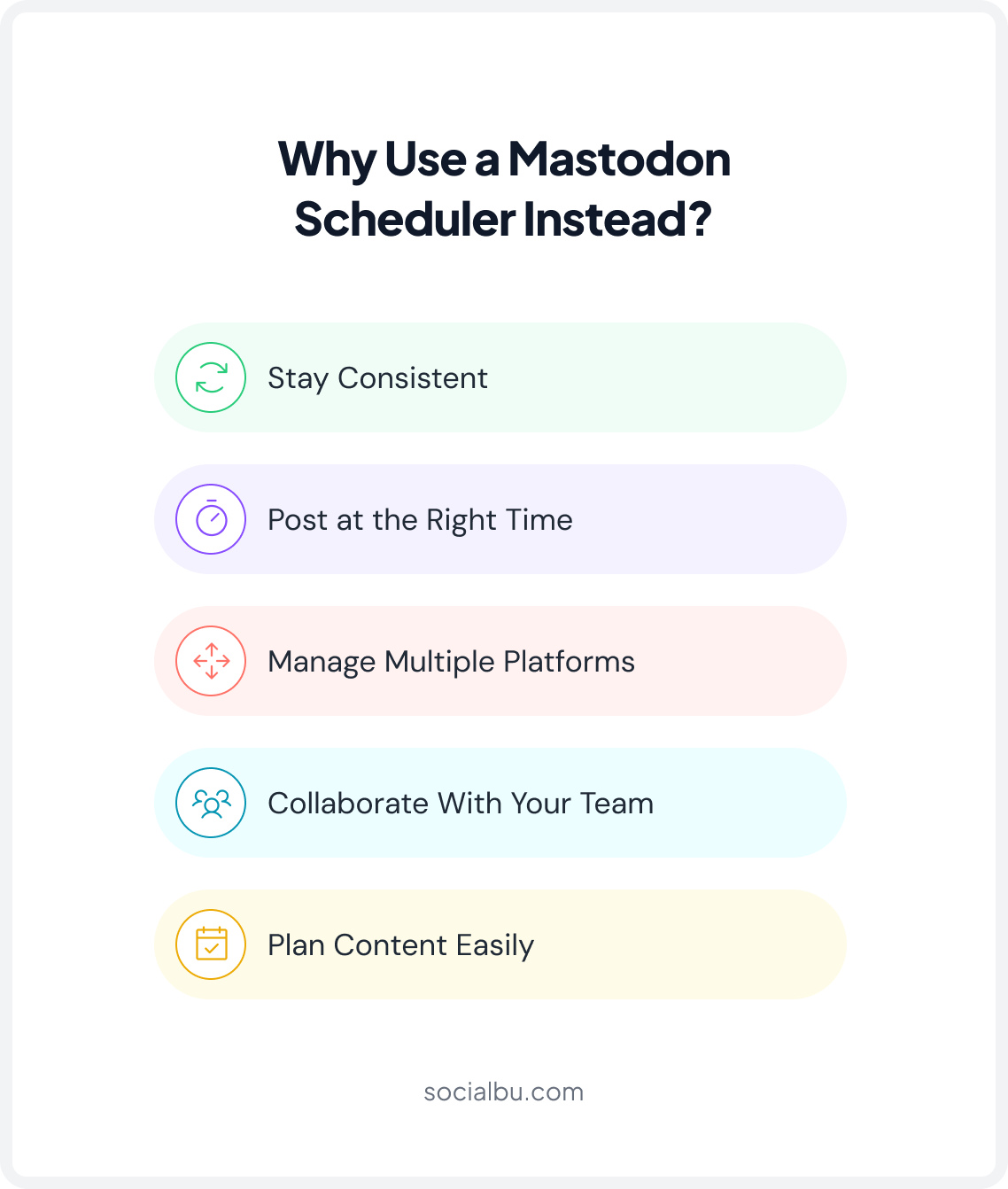
1. Stay Consistent
A Mastodon scheduler lets you batch a week’s worth of toots in one sitting, so consistent posting doesn’t depend on remembering to log in every day.
2. Publish at the Right Time
Because Mastodon’s feed is chronological, engagement timing has an outsized effect on visibility. Scheduling lets you publish when your specific audience is active, even if that’s outside your own working hours.
3. Manage Multiple Platforms
Cross-posting means writing a post once and publishing it to Mastodon, X, Bluesky, and LinkedIn at the same time, instead of retyping it into four separate composers.
4. Collaborate With Your Team
A proper social media content approval workflow on Mastodon means that drafts, reviews, and approvals happen in a single shared workspace, so nothing goes live without a second pair of eyes.
5. Plan Content with a Calendar
A visual content calendar shows every scheduled toot across every connected account, so you can spot gaps and plan campaigns at a glance instead of guessing what’s already queued.
Stop Juggling Tabs.
Connect your Mastodon account to SocialBu and schedule your first toot in under five minutes.
Advanced Mastodon Scheduling Tips
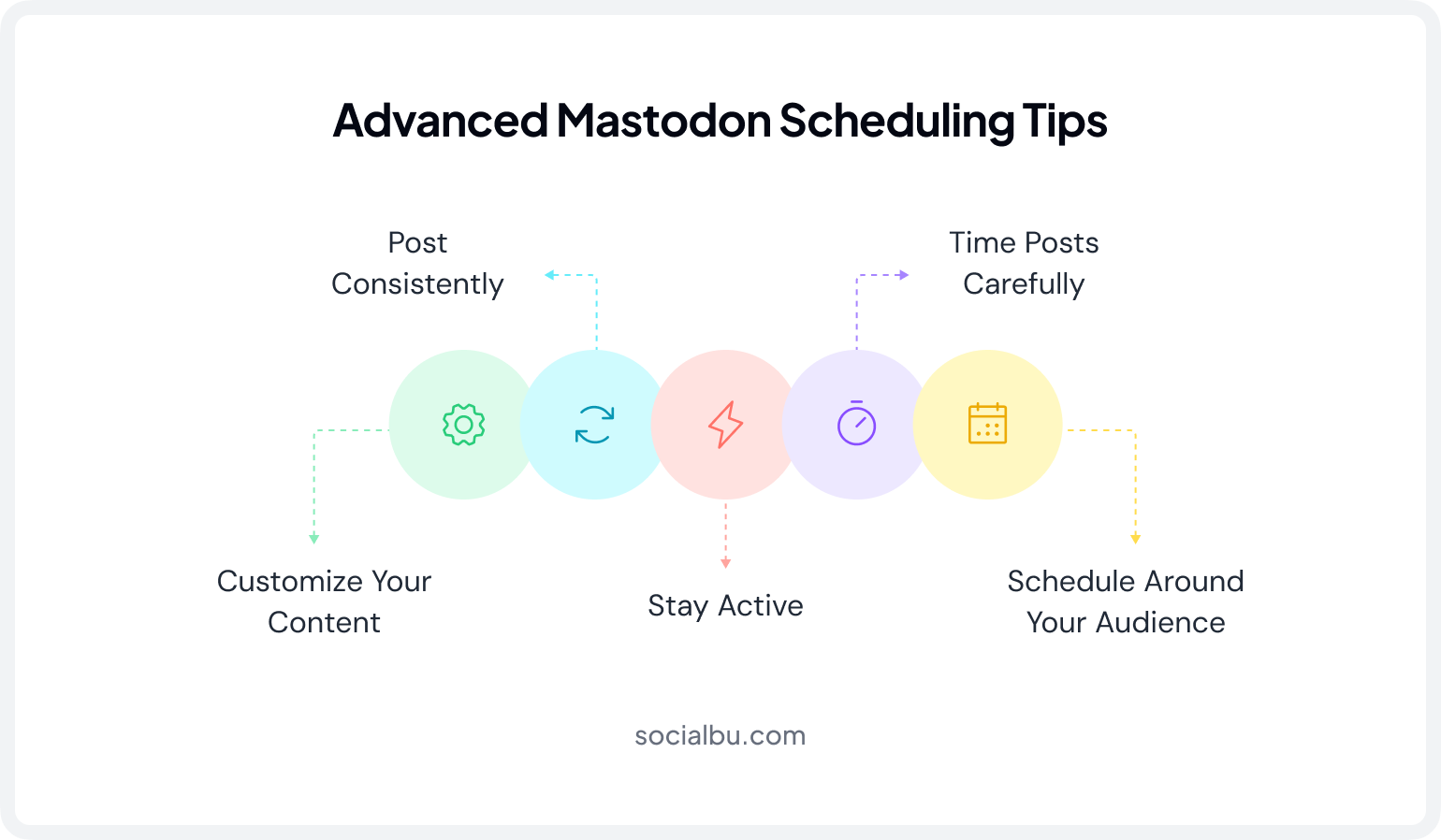
Some of the advanced Mastodon scheduling tips to make scheduling fun and useful for you are as follows:
1. Use the Right Posting Frequency
Consistency beats volume. A steady stream of well-timed Mastodon scheduled posts outperforms sporadic bursts followed by silence.
2. Optimize for the Chronological Timeline
Since there’s no algorithmic boosting older posts back into view, a chronological timeline rewards precise timing over clever re-shares.
3. Don’t Become a “Zombie Account”
A zombie account is one that was created, often during a migration wave, but never posts or engages again. Scheduling tools make it easy to avoid this by keeping a baseline of activity flowing even during busy weeks.
4. Customize Posts Instead of Cross-Posting Everything
Adapt tone and format per platform rather than blasting an identical post everywhere; Mastodon’s community tends to notice obviously recycled content.
5. Schedule Around Audience Activity
Track your own post performance over a few weeks to find your account’s real engagement timing, then build your queue around those windows instead of generic “best time to post” advice.
Why SocialBu Is the Best Mastodon Scheduler?
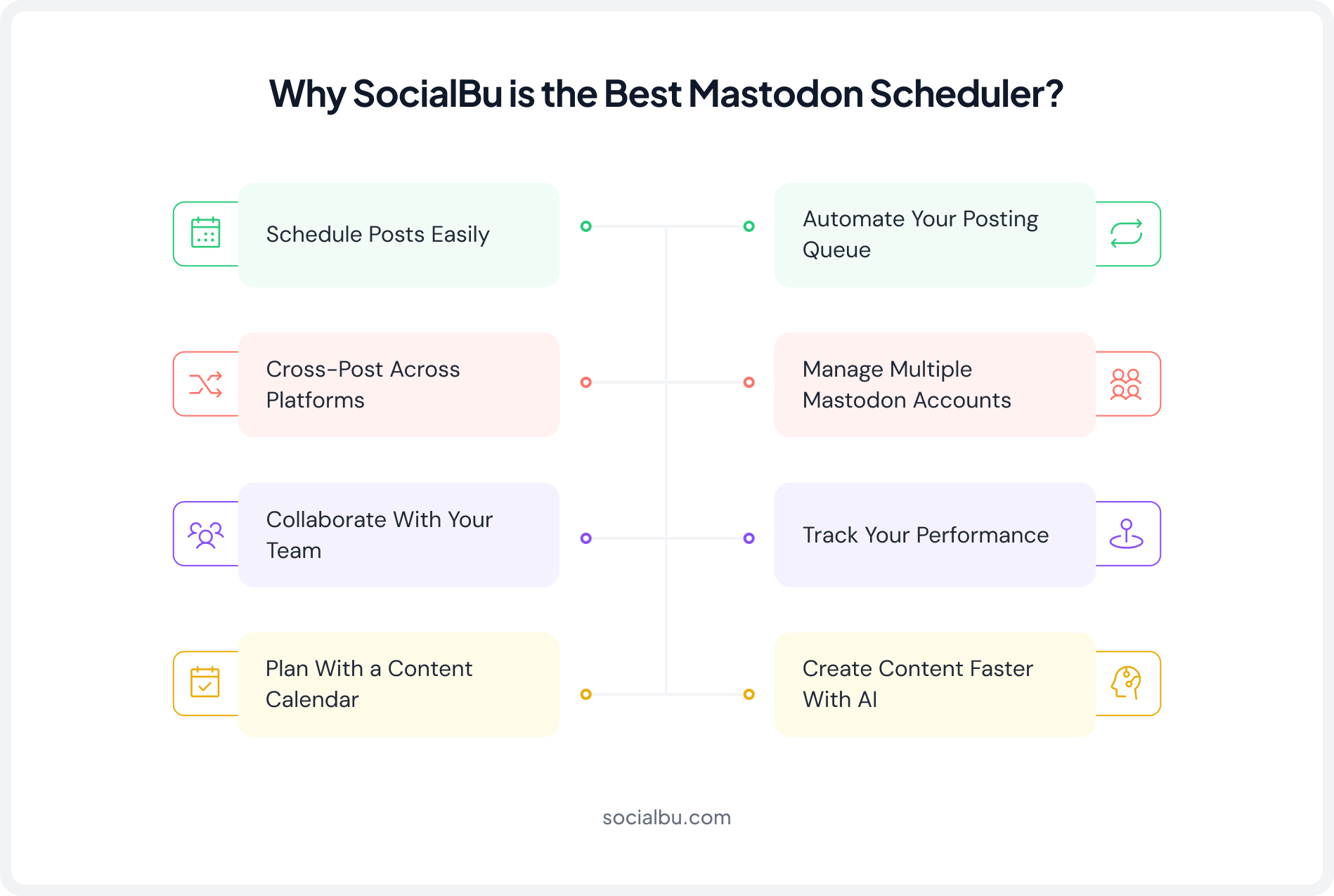
Most “best Mastodon scheduler” lists just dump a feature checklist. Here’s what each of those features actually solves in practice.
1. Schedule Posts (Core Need)
This is the baseline: write a Mastodon schedule post action once and let it fire automatically, instead of being tied to your phone at 9 am on a Saturday to hit publish.
SocialBu handles this exactly the way Mastodon’s own scheduler does, just with a calendar wrapped around it.
2. Cross-posting (Save re-typing)
Most brands aren’t Mastodon-only. Cross-posting means you draft once and SocialBu adapts and publishes it to Bluesky, X, and LinkedIn alongside your Mastodon instance; so growing a fediverse presence doesn’t mean a second full-time job.
3. Team Collaboration (No single point of failure)
Team collaboration on Mastodon in SocialBu means drafts, comments, and approvals live in one place. A community manager can queue posts, a lead can approve or edit them, and nothing goes out without the right eyes on it first, even across multiple Mastodon instances.
4. Content Calendar (See the whole picture)
A visual content calendar shows every scheduled toot across all connected servers and platforms in one view, so you can spot gaps, avoid double-posting, and plan campaigns instead of scrolling through a list of drafts.
5. Queue Scheduling (Fill the calendar automatically)
Queue scheduling lets you set recurring time slots; say, weekdays at 9 am and 4 pm, and drop new posts straight into the next open slot, so your posting rhythm stays steady without you manually picking a date and time for every single toot.
6. Multi-Platform Publishing (One dashboard, every server)
Beyond cross-posting to other networks, SocialBu’s multi-instance management lets you connect several Mastodon servers, a brand account on a self-hosted instance, a community account on mastodon.social, and publish to any combination of them from the same composer.
7. Analytics (Know what’s working)
Because Mastodon’s chronological timeline rewards good timing over algorithmic luck, analytics on which posts and times actually drive replies and boosts is how you refine your timing for engagement instead of guessing at it.
8. AI Assistance (Faster drafting)
SocialBu’s built-in AI can help draft, rephrase, or shorten a toot to fit Mastodon’s 500-character limit, and suggest hashtags for better discovery across the federated timeline, useful when you’re batching a week of posts at once.
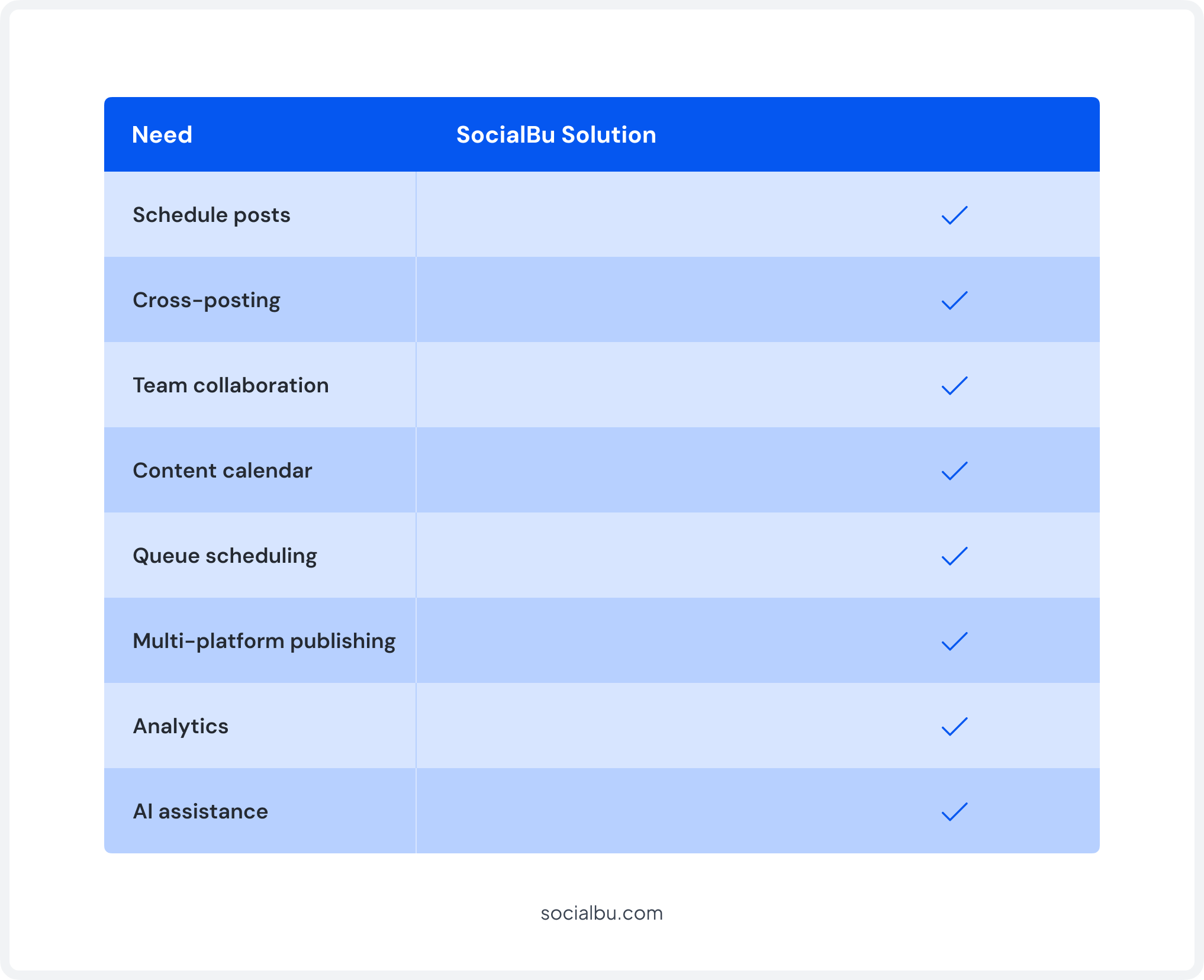
At a Glance
Managing Multiple Servers or a Team?
SocialBu’s shared calendar and approval workflows keep everyone aligned. No missed posts, no duplicate tools.
Conclusion
Mastodon scheduling gives you back the two things a decentralized, chronological network demands most: consistency and good timing.
Instead of manually posting into the fediverse and hoping your audience happens to be online, a proper Mastodon scheduler lets you plan ahead, batch your content, and publish across every server and platform you manage.
SocialBu simplifies planning, publishing, and cross-posting while supporting the unique nature of the fediverse, from OAuth-based multi-instance connections to native content warnings and team approval workflows.
FAQs
Q: What is Mastodon scheduling?
Mastodon scheduling means writing a toot in advance and setting it to publish automatically at a future time, rather than posting it live. You can use Mastodon’s built-in scheduler for simple scheduling, or a dedicated Mastodon scheduler like SocialBu for calendars, multi-instance accounts, and team approvals.
Q: Can I schedule Mastodon posts across multiple instances/servers?
Yes, with a dedicated tool. Each Mastodon instance requires its own OAuth authorization, but SocialBu lets you connect several servers and manage all of them from one shared content calendar; this is multi-instance management.
Q: What’s the best tool to schedule Mastodon posts for a team?
Look for role-based permissions, draft/approval workflows, and a shared calendar, not just scheduling. SocialBu covers team collaboration on Mastodon with assignable drafts and approval routing, so posts don’t go live without review.
Q: Is there a limit to how many posts I can schedule on Mastodon?
Mastodon itself doesn’t impose a hard cap, though very high-volume bulk scheduling can bump into individual instance rate limits. Third-party schedulers may also apply their own plan-based limits, so check your tool’s specific tier.
Q: Do scheduled Mastodon posts look different from posts published in real time?
No, once a scheduled toot goes live, it’s indistinguishable from a manually posted one; same formatting, same behavior across the federated timeline, no “scheduled” label visible to followers.
Q: What happens to a scheduled post if I delete my Mastodon account first?
Scheduled posts tied to a deleted account will fail to publish, since the account no longer exists to post from. If you’re planning to deactivate or migrate, cancel any pending scheduled posts first in both Mastodon’s native scheduler and any connected third-party tool.
Q: What’s the best time to post on Mastodon for maximum engagement?
There’s no universal answer, since the feed is chronological rather than algorithmic; engagement timing depends entirely on when your specific followers are active. Track your own post performance and schedule around the hours that consistently perform best.
Ready to Schedule on Mastodon?
Connect your account, build your queue, and let SocialBu handle publishing across every instance you manage.