One calendar. Every channel.
See your scheduled posts with real previews, and drag a post to a new day when plans change.
Explore Publish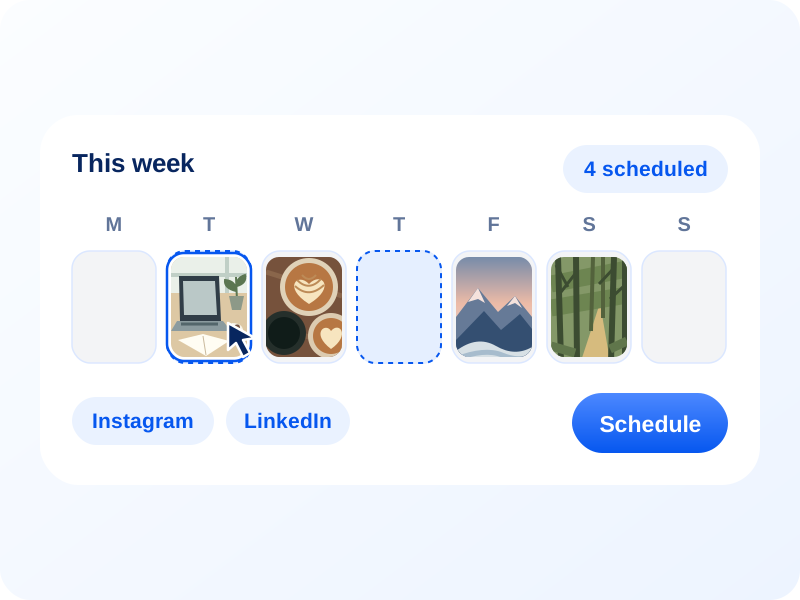
Describe your image, choose landscape or portrait, and add an optional title and brand color. Download your image as PNG, JPG, or WebP.
Plan posts, manage supported inbox conversations, collect ideas, and review reports for your connected accounts. Use team approvals when you need a review before publishing.
See your scheduled posts with real previews, and drag a post to a new day when plans change.
Explore Publish
Connect an RSS feed, set conditions, and add new blog posts to a publishing queue for your connected accounts.
Explore Automations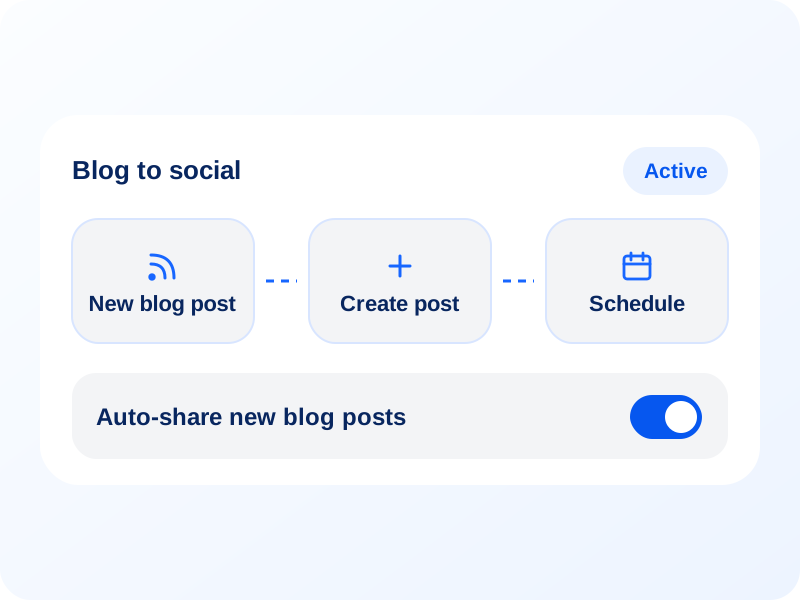
Use SocialBu’s MCP server so your AI assistant can create drafts and manage your social accounts after you approve access.
Explore MCP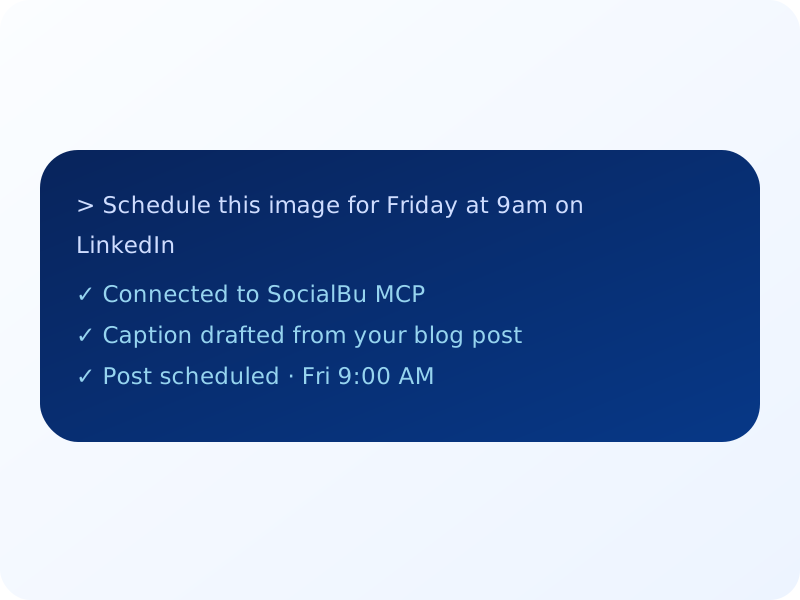
Track the performance metrics available for your connected accounts and share reports with your team or clients.
Explore Analyze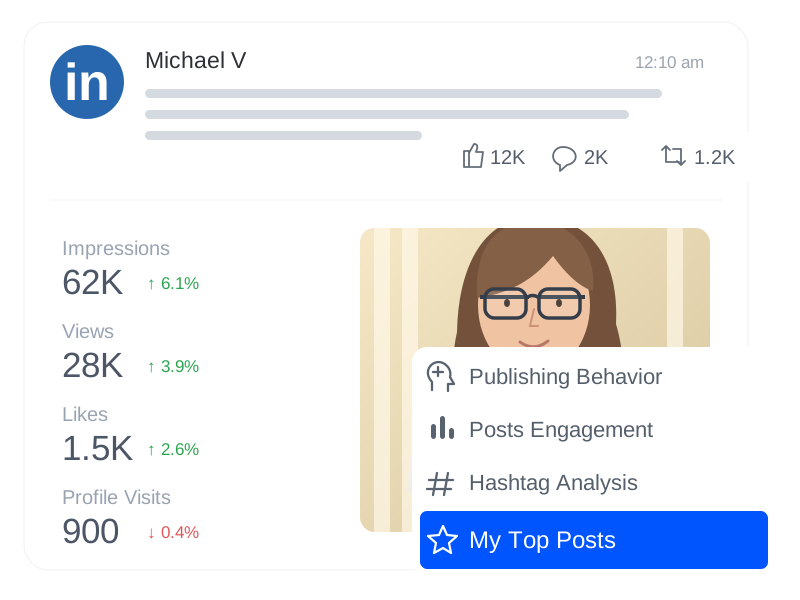
A strong featured image makes people click, and a matching set makes your blog look cohesive. SocialBu’s free AI blog image generator is built for anyone who publishes regularly and doesn’t want to spend an hour hunting for the right picture. Here’s how different people use it.
When you publish every week, finding a fresh image for each post is what slows you down. With this blog image generator, you describe your topic and the style that suits your blog, and get a featured image that feels like yours. Keep the same style and color mood across posts, and your archive starts to look like a deliberate brand instead of a pile of stock photos.
Content calendars are full of articles that all need a header image by Friday. Use this blog header image generator to produce on-brand banners, choose landscape (1536 × 1024) for a wide image, and resize it in your editor if your blog or link preview needs a different ratio. Hand your designer fewer routine requests so your team can focus on strategy and quality.
You don’t need a design team to publish helpful posts about your products, seasonal sales, or how-to guides. Use a free AI image generator for blog posts to describe the post and a friendly style, and get polished images without a photoshoot. Then share the post across your social accounts so customers find it where they already spend time.
Product updates, changelogs, and thought leadership posts all need visuals, and usually all in the same week. Generate clean images for launches, feature announcements, and company news. Download your favorite, then bring it into SocialBu to schedule a post across LinkedIn, X, and other supported connected accounts.
Managing several brands means juggling several visual styles. Describe different styles and choose a brand color per client, and pick landscape or portrait to suit each blog featured image. Download the image and bring it into SocialBu for review and scheduling, with more time for work clients actually notice.
Everything you need to know about SocialBu’s free blog image generator.
Yes. You can use this AI blog image generator for free. Usage limits apply, and the tool will let you know when you need to wait or sign up for more.
Describe your post and the style or mood you want, choose an optional brand color and an orientation, and the tool turns that brief into an image. You can generate another version to compare results and pick your favorite.
A 16:9 banner works well for many blog themes, and 1.91:1 is commonly used for social link previews. This tool creates landscape images at 1536 × 1024 or portrait images at 1024 × 1536. Crop or resize your download in an editor if your blog or social network needs a different ratio.
Yes. Enter your blog title and choose Auto, Top, Center, Bottom, Left, or Right to ask AI to place it on the image. Review the spelling and placement before publishing. Choose Off to use the title only as context and create an image without text. You can also leave the title blank with Auto selected.
AI image tools aren’t reliable with logos and tiny lettering, so we suggest adding those afterward. The title option asks AI to create readable text, but you should still check the result before publishing.
No. It creates images only. Download your favorite and bring it into SocialBu to add a caption and schedule it to your connected accounts.


