Managing social media for an e-commerce brand while running the actual business is exhausting. Products to launch, sales to promote, and five platforms demanding fresh content every single day, everything adds up fast.
The best social media scheduling tools fix that. They let you plan, create, and auto-publish content across Instagram, TikTok, LinkedIn, Facebook, X, and YouTube from a single dashboard, saving you 10+ hours every week. This guide covers the 7 best social media scheduling tools for e-commerce brands in 2026, what each one does, who it is best for, and how to pick the right one for your workflow.
How We Evaluated Each Social Media Scheduling Tool for E-Commerce Brands
Not every social media scheduling tool is built with e-commerce workflows in mind. Here is exactly what we looked at while evaluating and selecting each tool:
- Multi-platform coverage: supports Instagram, TikTok, Pinterest, Facebook, and other platforms where product discovery actually happens
- Bulk scheduling; handles high-volume campaign content, not just basic post queuing
- Visual content planning: calendar, grid preview, or drag-and-drop interface for maintaining feed consistency
- True auto-publish: publishes automatically, including Reels, TikTok videos, and Pinterest pins; no manual tap required
- Actionable social media analytics: performance data tied to content and campaigns, not just vanity metrics
- Team collaboration and approval workflows: review stages and role-based access so nothing goes live unreviewed
- Scalable pricing: real value for solo store owners, small teams, and growing DTC brands without gating core features behind expensive tiers
We are not listing tools because they are popular. Every social media scheduling tool below earned its place based on these criteria.
7 Best Social Media Scheduling Tools for E-commerce in 2026
Here is how the top social media scheduling tools for e-commerce compare before we go deeper on each one.
Tool | Best For | Platforms Supported | Starting Price | Free Plan |
SocialBu | Bulk scheduling and AI-powered automation | 12 platforms | $19/month | Yes |
Later | Visual-first Instagram presence | 6+ platforms | $25/month | Yes (limited) |
Hootsuite | Enterprise teams and busnisses | 10 platforms | $99/month | No |
Metricool | Analytics-focused E-commerence brands | 14+ platforms | $25/month | Yes |
Vista Social | Feature-rich mid-market management | 10 platformd | $79/month | No |
Sendible | Established Agencies | 9 platforms | $29/month | No |
Loomly | Content approval workflows | 10 platforms | $65/month | No |
1. SocialBu: Best for E-Commerce Brands Needing an All-in-One Social Media Scheduling Tool
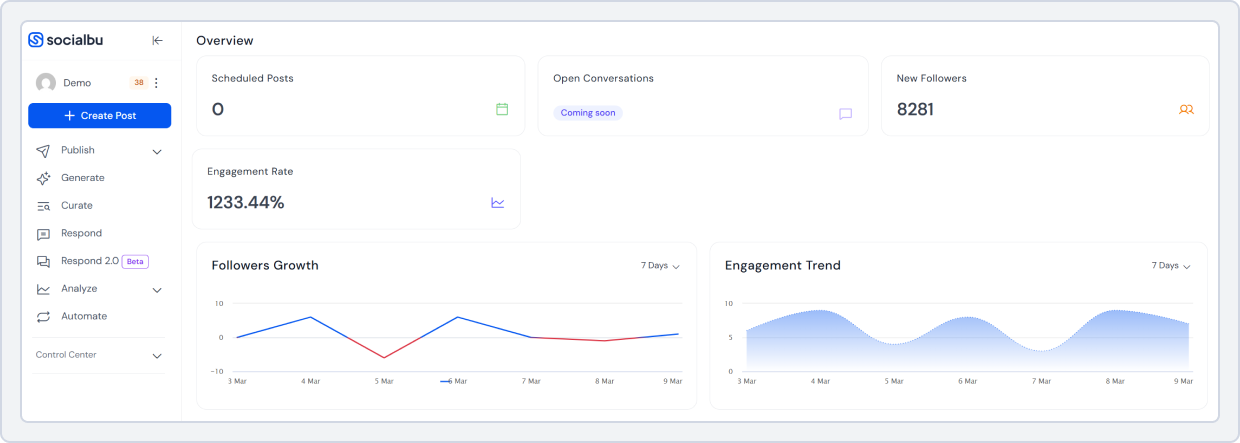
Need serious scheduling capability without a bloated price tag? SocialBu is the solution. It is an all-in-one social media management platform built for social media managers, small businesses, agencies, and e-commerce brands.
For agencies managing multiple e-commerce brands, SocialBu provides everything in one dashboard: bulk scheduling, AI-powered writing tools, social listening, set-once-and-forget automation, smart queues, link-in-bio, and social media analytics.
What makes SocialBu a fit for e-commerce brands specifically is the combination of depth and accessibility. You can plan an entire product launch campaign, schedule it across 12 social media platforms in bulk, customize captions per platform, and track performance.
All of this and more without needing a separate tool for any of it- amazing, right? These features make SocialBu the best social media scheduling tool for e-commerce brands.
Key Features:
- Schedule and auto-publish across 12 platforms, including Instagram, TikTok, Facebook, LinkedIn, Pinterest, YouTube, Threads, Bluesky, and more
- Bulk scheduling via CSV import; upload a full month of posts in minutes
- Visual drag-and-drop content calendar to map your entire content strategy in one go
- AI tools to speed up your content creation process
- Automation features, including RSS feeds, triggers, and evergreen content recycling
- Unified social inbox to manage comments, DMs, and mentions across platforms
- Team collaboration with role-based access and approval workflows
- Built-in analytics and performance reporting
Honest limitation: The automation feature gives a slight learning curve to first-time users, and the free plan is limited to 2 social accounts with 10 posts per month, enough to explore the platform but not for active e-commerce use.
Pricing: Free plan available. Paid plans start at $19/month (billed monthly). 7-day free trial on all paid plans—no credit card required.
Try SocialBu For Free
SocialBu to elevate their social media presence every month.
2. Later: Best for Visual-First Instagram Content
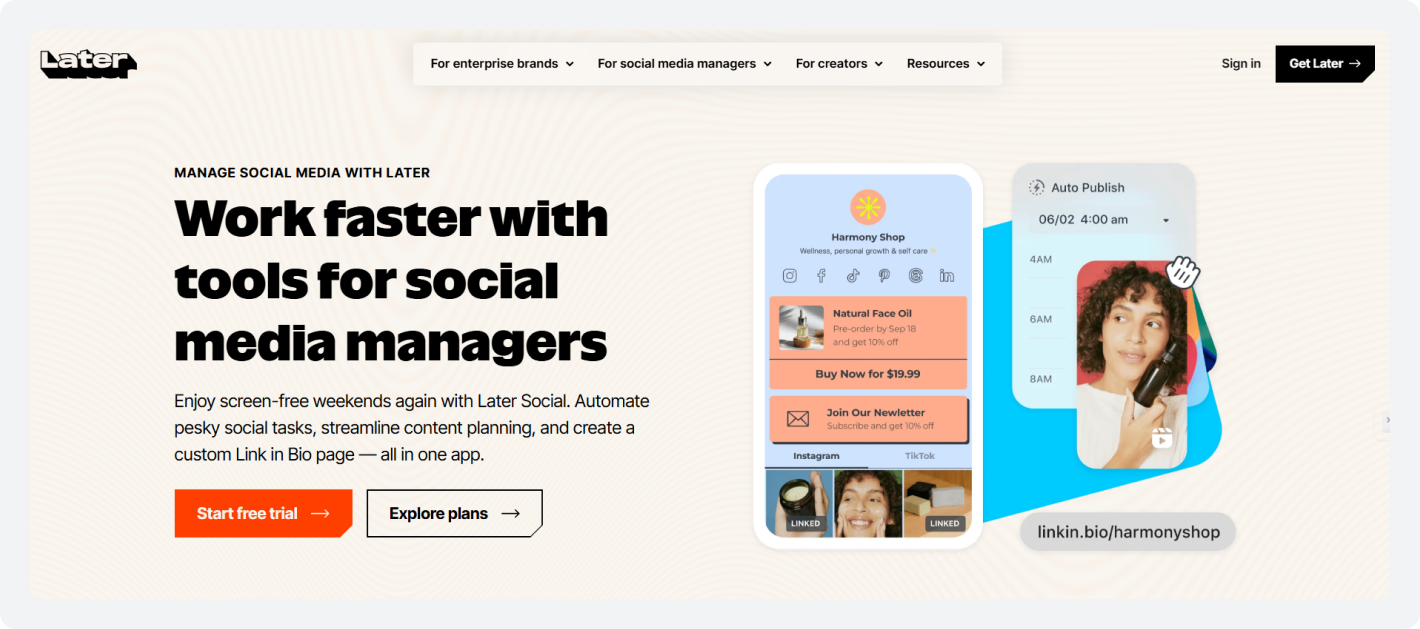
Later built its reputation as an Instagram scheduler and is now covering TikTok, Pinterest, Facebook, LinkedIn, and X. Its standout feature is the visual content planner, which gives you a drag-and-drop preview of how your Instagram grid will look before anything goes live.
For e-commerce brands where the visual aesthetic of the feed matters- fashion, beauty, home goods, and lifestyle products- this is a useful tool.
Moreover, Later also includes a Link-in-Bio tool that turns your Instagram profile link into a shoppable landing page. This is a direct benefit for e-commerce brands, as it drives traffic from Instagram to product pages.
Key Features:
- Auto-publish for Instagram feed posts, Reels, Stories, TikTok, and Pinterest
- AI caption writing and hashtag recommendations
- Later’s Smart Scheduling suggests optimal posting times based on audience data
Honest limitation: Later is Instagram-first by design. Its multiplatform depth is thinner than that of other social media scheduling tools on the list for e-commerce brands. The analytics are also basic. Smart and bulk scheduling are only available on higher-tier plans.
Pricing: Free plan available (1 profile per platform, limited posts). Paid plans start at $25/month.
 Also Read: We tried and reviewed the 9 Best Later Alternatives. Choose the one that best suits your needs.
3. Hootsuite: Best for Enterprise E-commerce Teams
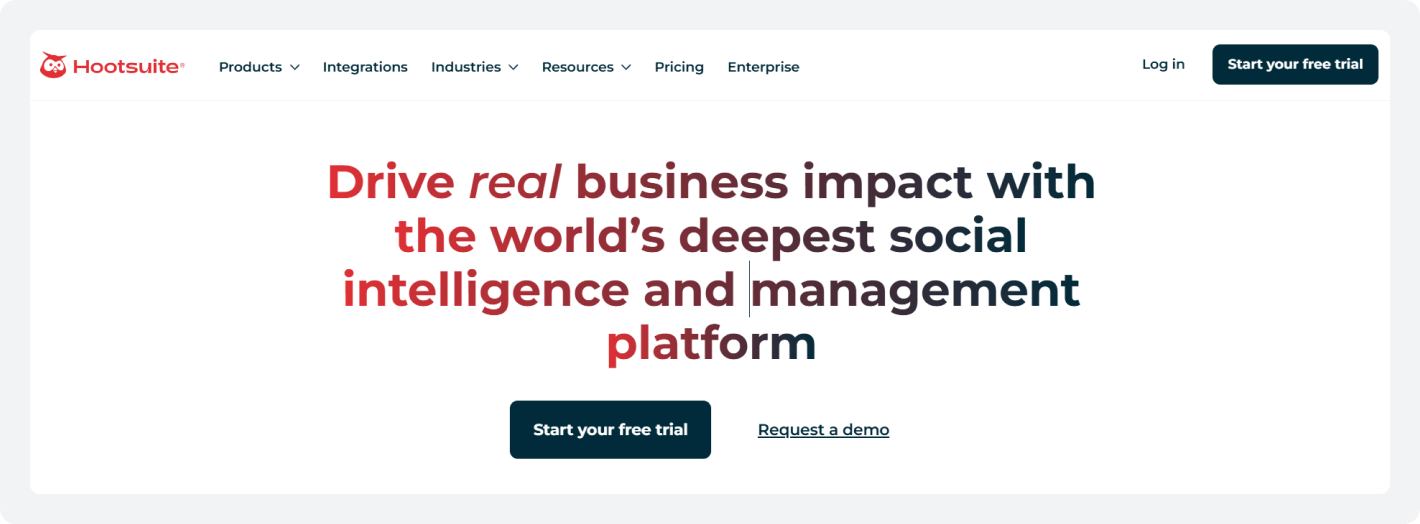
Hootsuite is one of the oldest on the list of social media management platforms. It supports 10 core platforms and offers deep team collaboration features, social listening, and comprehensive social media analytics dashboards.
For larger e-commerce operations with dedicated social media teams, compliance requirements, or complex workflow approval chains, Hootsuite has the infrastructure to support them.
Its OwlyWriter AI generates captions and content ideas, and another advanced feature lets you monitor brand mentions, competitor activity, and hashtags in real time via a customizable dashboard.
Key Features:
- Social listening streams for brand mentions, competitor monitoring, and hashtag tracking
- Advanced team permissions, role-based access, and multi-step approval workflows
- In-depth analytics and custom reporting
- Bulk scheduling via CSV upload
- Integration with 150+ third-party apps, including Canva, Salesforce, and Shopify
Honest limitation: Hootsuite discontinued its free plan on March 31, 2023. The $ 99-per-month entry price is a significant commitment for small- and mid-sized e-commerce brands and creators. The platform can also feel overly complex if you do not need all its features.
Pricing: No free plan. Starts at $99/month for 1 user and 10 social accounts. 30-day free trial available.
Also Read: Free Hootsuite Plan Is No More! What to do now? Try SocialBu.4. Metricool: Best for Analytics-Focused E-commerce Brands
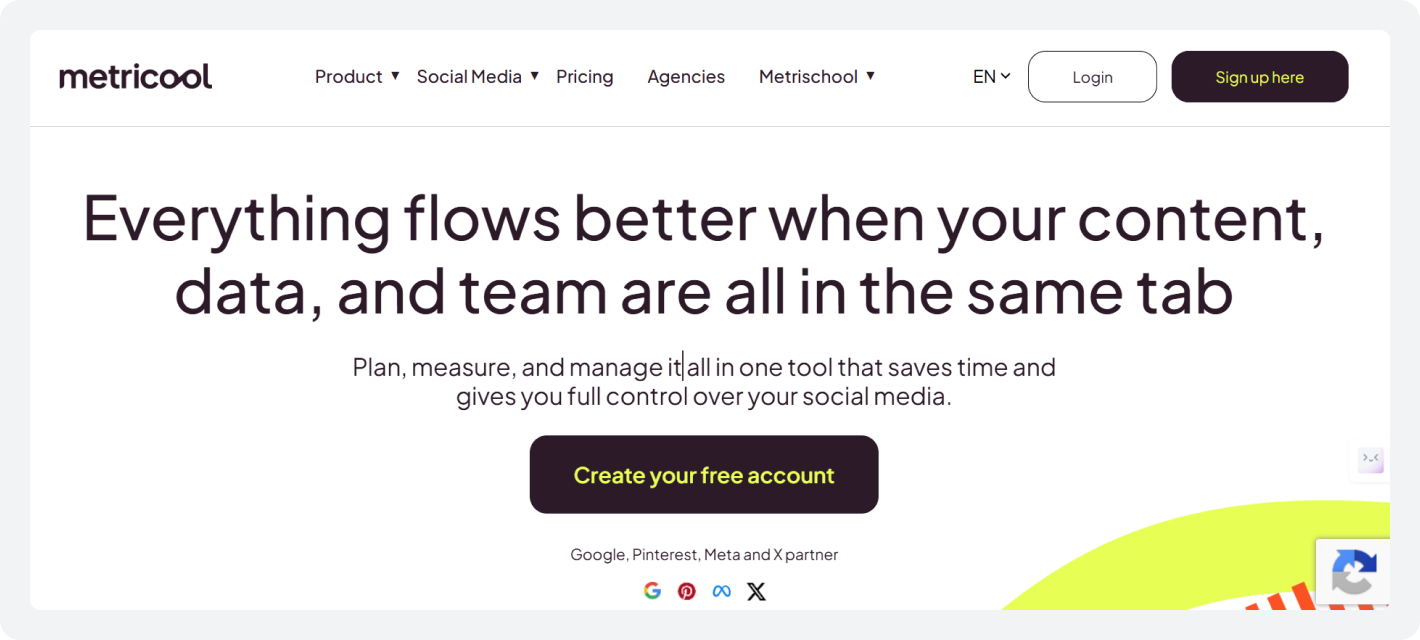
Metricool is built around data more than scheduling. It offers one of the most detailed free analytics dashboards available in 2026.
The tool covers social media performance, paid ad results, website traffic, and competitor analysis in a single view. For e-commerce brands running paid campaigns alongside organic social, the ability to see both in one place is a real advantage.
Its scheduling features are solid, including a visual content calendar and best-time recommendations based on your audience data. The free plan is genuinely useful, making this social media management tool for online stores a strong starting point for those who want in-depth analytics without an upfront investment.
Key Features:
- Schedule and auto-publish across 14+ platforms
- Unified analytics dashboard covering social, paid ads, and website data
- Visual content calendar with best-time-to-post suggestions
- Auto-lists for Instagram hashtag management
- SmartLinks: a link-in-bio tool for driving traffic from social profiles
- Team collaboration and client management features
Honest limitation: Metricool’s scheduling interface is less polished than Later or SocialBu. Bulk scheduling is available but limited on lower-tier plans. The free plan is capped at one brand and 20 posts per month.
Pricing: Free plan available. Paid plans start at $25/month.
5. Vista Social: E-commerce Brands and Agencies that Want Enterprise-level Features
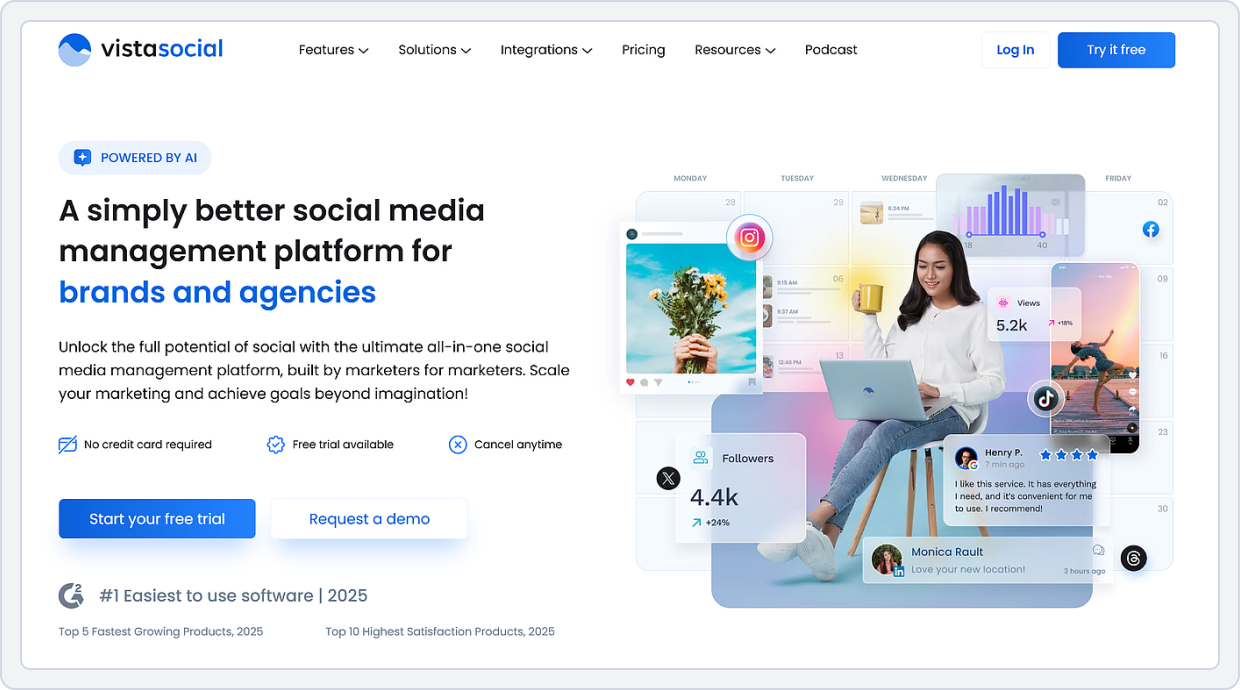
Vista Social is a modern social media management platform built to handle more than just simple social media publishing. Its advanced features, such as social listening, review management, DM automation, unified inbox, and advanced reporting, make it an enterprise-level tool.
It offers a cleaner, less cluttered dashboard, smoother publishing, and a more practical inbox and alert system. For e-commerce brands that have outgrown basic schedulers, Vista Social is a suitable tool for managing their online presence.
Best for: Growing e-commerce brands and agencies that need a feature-rich mid-market management with social listening, review management, DM automation, and team collaboration, without paying enterprise prices.
Key Features:
- Schedule and auto-publish across all major platforms
- Bulk scheduling via multiple import formats
- Visual content calendar with drag-and-drop planning and grid preview for Instagram and TikTok
- Unified social inbox managing comments, DMs, and mentions across platforms
- Social listening across social, web, and news
- DM automation for hands-free engagement and lead collection
- Link-in-bio and landing page support to drive more traffic
Honest limitation: Vista Social does not offer a permanent free plan, only a 14-day free trial. Some advanced features are locked behind higher plans.
Pricing: No free plan. Paid plans start at $79/month for the Professional tier, which includes 3 users. 14-day free trial available.
Check Out: Top 17 Affordable Social Media Management Tools Reviewed. Find out the best tool for your needs.6. Sendible: Best for Agencies Managing E-commerce Clients
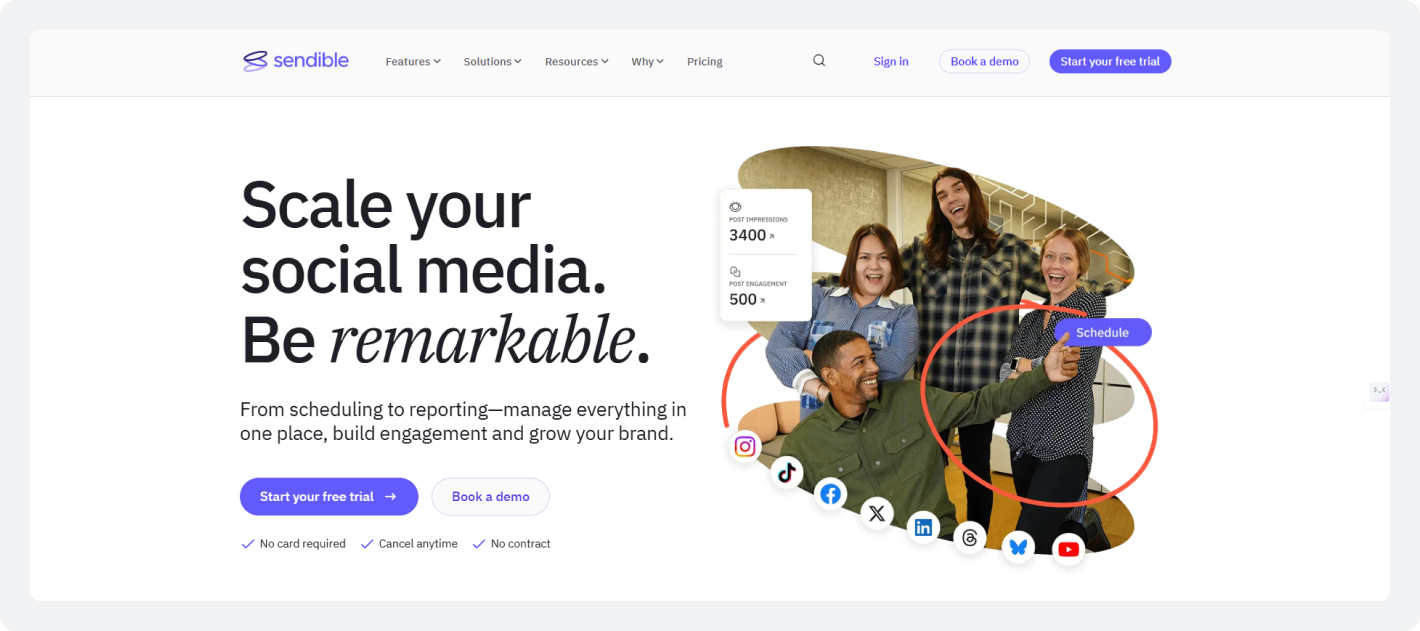
Sendible’s white-label dashboards, client reporting, and multi-brand workspace management make it the most structured option for teams handling social media for multiple e-commerce clients simultaneously. Each client gets a separate workspace, and the exporting features make it easy to present performance data in a professional, client-ready format.
The content approval workflow is one of Sendible’s strongest features. The posts go through a defined review and sign-off process before publishing, which reduces errors and eliminates the back-and-forth of managing client content over email.
Key Features:
- White-label reports and dashboards for professional client presentations
- Social inbox for managing engagement across client accounts
- Canva integration for in-workflow design
- Priority queue scheduling and best-time-to-post suggestions
Honest limitation: Sendible is a paid-only tool with no free plan. Its feature set is optimized for agency workflows, but solo store owners or small e-commerce brands may find it more than they need.
Pricing: No free plan. Starts at $29/month for the Creator plan (1 user, 6 social accounts). 14-day free trial available.
7. Loomly: Best for Content Approval Workflows
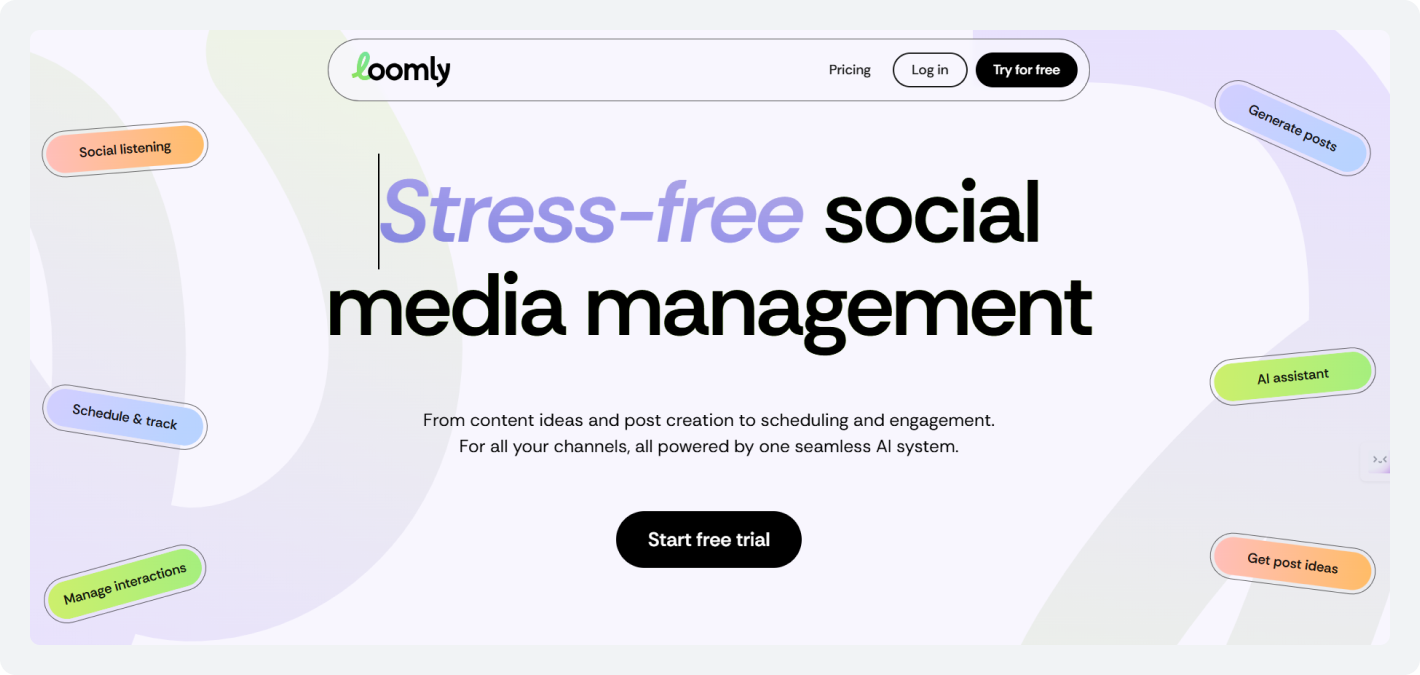
Loomly is a content planning and approval tool that excels at keeping teams aligned on what gets published and when. Its calendar-based interface is clean and focused, and its approval workflow features let you define custom review chains. This ensures that every post goes through the right eyes before it goes live.
For e-commerce brands with compliance requirements, multiple stakeholders, or a history of things going live before they are ready, Loomly solves that problem cleanly.
Key Features:
- Custom multi-step approval workflows with role-based access
- Clean visual content calendar with post preview across all platforms
- Post idea generator based on trending topics, RSS feeds, and upcoming events
- Basic analytics and post-performance tracking
- Media library for storing and organizing visual assets
Honest limitation: Loomly analytics are less detailed than Metricool or Hootsuite. Furthermore, it also does not provide auto-posting for Instagram stories and requires manual posting.
Pricing: No free plan. Starts at $65/month. 15-day free trial available.
Check out Loomly’s pricing plan in detail to see the features it offers, the actual cost, and whether it’s worth the investment.Why Social Media Schedulers Are Essential for E-commerce Brands?
In 2026, social media scheduling tools for e-commerce brands are must-haves. They are the difference between a social presence that drives sales and one that disappears for two weeks every time you get busy.
Here is why social media schedulers are non-negotiable for your consistent online presence.
Posting Consistency and Engagement Rate for E-commerce Brands
Every major platform rewards consistency. When you post on a regular cadence, algorithms treat your account as active and push your content to more people. When you go quiet, reach drops, and it takes time to recover.
For e-commerce brands, this matters more than for most other brands. Your audience needs to see your products repeatedly before they buy.
What does this mean for you? Think of it. If you are not showing up consistently, someone else is.
A social media scheduler removes the manual effort from staying consistent. You plan your content once, schedule it across platforms, and let it publish automatically. In the meantime, you and your team are packing orders, running ads, or taking a day off.
Managing Product Launch Social Media Without Burning Hours
Product launches are the highest-stakes moments in e-commerce social media. You need teaser content, launch-day posts, follow-up engagement, and promotional pushes, all precisely timed across multiple platforms.
Doing that manually is a full-time job. With a social media scheduling tool, you build the entire launch campaign in advance, schedule every post for every platform, and let it run. Your launch goes live exactly when it should, without you having to watch the clock and sit down to do it manually.
Content Calendar for E-commerce Brands: Why Planning Matters
As an e-commerce brand running seasonal campaigns, flash sales, and product drops, you cannot afford to plan content the day it needs to go live. A visual content calendar gives you a full view of what is scheduled across all platforms, so you can spot gaps, plan around key dates, and make sure your content pillars are balanced.
Planning 2 to 4 weeks also means your social media feeds during a product launch or Black Friday campaign look intentional and in the moment.
What to Look for in a Social Media Scheduling Tool for Your Brand
Not every social media scheduling tool is built for the same workflow. Before committing to one, here are the essential features you must look for when looking at and evaluating the list of best social media scheduling tools for e-commerce before subscribing to the tool:
1. Multi-Platform Support
Your audience is not on one platform. Instagram, TikTok, Facebook, Pinterest, YouTube, and X each serve different content types and different buyer stages. Your social media management tools for online stores need to cover all of them in a single dashboard. They must remove the hassle of logging into separate apps or paying per platform.
2. Bulk Scheduling
Bulk scheduling is the ability to upload and schedule multiple posts at once, via CSV import or a batch composer. For e-commerce brands running product launches, seasonal campaigns, or high-volume content calendars, this is one of the highest-benefit features available.
3. Visual Content Calendar
A drag-and-drop content calendar gives you a bird’s-eye view of everything scheduled across all your platforms. You can spot gaps, rearrange posts, and visualize how your campaign content is distributed before it goes live. For e-commerce brands managing multiple product lines or campaign timelines, this is essential.
4. Auto-Publish Posts
There is a meaningful difference between a tool that auto-publishes your post and one that just sends you a notification to post it manually. Always verify that the social media scheduling tool you’re choosing actually publishes automatically, including Instagram Reels, TikTok videos, and Pinterest pins without requiring you to tap anything.
5. Social Media Analytics and Performance Tracking
Your scheduling tool should show you which posts are performing and which are not. Look for engagement rate, reach, impressions, link clicks, and follower growth broken down by platform. For e-commerce brands, knowing which content type drives the most traffic or product interest helps you refine your content strategy every month.
6. Team Collaboration and Approval Workflow
If you have a team, a designer, a copywriter, or a client who needs to review content before it goes live, you need a built-in approval workflow. This means posts can move from draft to in review to approved without anyone chasing feedback over email. Role-based access ensures the right people can edit, review, or publish, and nothing goes live without sign-off.
5. AI-Powered Assistance
The best scheduling tools in 2026 include AI features that help you generate captions, suggest optimal posting times based on your audience’s activity data, and repurpose content across formats. This is a real time-saver when you are producing high volumes of content every week.
How to Choose the Right Social Media Scheduling Tool for Your E-commerce Brand
The right e-commerce marketing tools for your social media presence depend on your workflow, your team size, and what you actually need them to do.
Here is a straightforward breakdown by use case.
1. Solo Store Owner or Solopreneur
You need a tool that is fast to set up, covers all your platforms, and does not require a large budget. SocialBu’s free plan covers 3 social accounts and 10 lifetime posts, enough to get started. The Standard plan at $19/month gives you 12 accounts, up to 800 monthly posts, bulk scheduling, automation, and AI caption-writing credits, which cover most solo e-commerce workflows without overspending.
2. Visual-First Brand on Instagram and Pinterest
If your brand lives on its visual aesthetic, such as fashion, home goods, beauty, or food, Later’s grid planner and visual content calendar are your best partners.
Pair it with SocialBu for multi-platform scheduling, bulk uploads, and automation when you are ready to expand from Instagram and Pinterest to other social media platforms.
3. Analytics-Driven E-commerce Team
If your priority is to prove social media ROI, track which content types drive traffic, and monitor competitors, Metricool gives you more data for every cent you spend on it. Its free plan includes competitor tracking and basic ad analytics.
4. Agency Managing Multiple E-commerce Clients
Sendible is the most structured option for agencies. Each client gets a separate workspace, approval workflows keep content organized, and the white-label reporting makes client presentations straightforward.
For smaller agencies managing 2 to 5 clients, SocialBu’s paid plans are a more cost-effective starting point than Sendible’s full agency infrastructure.
5. Structured Content Strategy with Evergreen Content
If you want your content mix to stay balanced automatically and want your best posts recycled to new audiences without manual effort, SocialBee’s category-based system handles this better. It requires more upfront setup but runs with less ongoing management once set up.
Ready To Grow Your E-commerce Brand?
Schedule posts, automate tasks, and grow faster – all with SocialBu.
Wrap Up
You now have a clear list of the best social media scheduling tools for e-commerce brands in 2026, what to look for before you commit, and which tool fits which workflow.
Choose the tool to schedule social media posts that best fit your business needs. And you’re all set to successfully automate your social media posting schedule to bring in consistency and more leads.
SocialBu gives you everything you need to run your e-commerce social media workflow as a proper system: multi-platform scheduling, bulk uploads, AI content creation, social listening, automation, and analytics, all in one place.
FAQs
Q. What is the best social media scheduling tool for e-commerce?
A. SocialBu is the strongest all-in-one option for most e-commerce brands, creators, and small- to mid-sized agencies. It covers 12 platforms, includes bulk scheduling and AI captions on every paid plan, and starts at $19 per month. For visual-first brands on Instagram and Pinterest, Later is worth considering alongside it. For analytics-heavy teams, Metricool is preferred.
Q. What social media platforms should e-commerce brands focus on in 2026?
A. Instagram, TikTok, and Pinterest are the highest-priority platforms for product-based e-commerce brands in 2026. Instagram and TikTok drive discovery and direct purchase behavior. Pinterest delivers long-tail traffic from buyers actively searching for products. Moreover, Facebook is also relevant for paid campaigns and community building, while LinkedIn is preferred for B2B e-commerce and wholesale.
Q. What is bulk scheduling, and why does it matter for e-commerce brands?
A. Bulk scheduling is the ability to upload and schedule multiple posts at once via a CSV file. For e-commerce brands, it means you can plan a full product launch campaign, load all posts in a single session, and have them publish automatically across platforms at optimal times. It eliminates the need to enter posts one at a time.
Q. Can I manage multiple e-commerce brands from one scheduling tool?
A. Yes, the best social media scheduling tools for e-commerce allow you to do that effortlessly. SocialBu, Sendible, Hootsuite, and Metricool all support multiple brands or client accounts within a single dashboard. Sendible is the most structured option for agencies with multiple clients. SocialBu also works well for brands that manage multiple store accounts or product lines within a single workspace.
Q. Do social media scheduling tools help with product launches?
A. Yes. A social media scheduling tool lets you build your entire product launch content calendar in advance, schedule teaser posts, launch-day announcements, and follow-up content across all platforms, and run it automatically. You stay free to manage real-time engagement and customer questions instead of manually posting each piece of content on the go.