
In 2026, social media is louder and more competitive than ever. Over 5.17 billion people use social media, spending about 2 hours 24 minutes daily, so every post matters. One small mistake can cost reach. Something as small as a weak caption can hurt a brand.
Ask yourself: Is your agency publishing strategically, or just posting and hoping?
Clients expect results. A strong Social media publishing checklist for agencies keeps your team aligned, content sharp, and approvals smooth.
This guide shows you how to build a Social media publishing checklist for agencies that truly works.
Why Every Agency Needs a Social Media Publishing Checklist (2026)?
Agencies handle multiple clients. Each client has a unique voice. Without a clear social media publishing checklist 2026, it is easy to make mistakes.
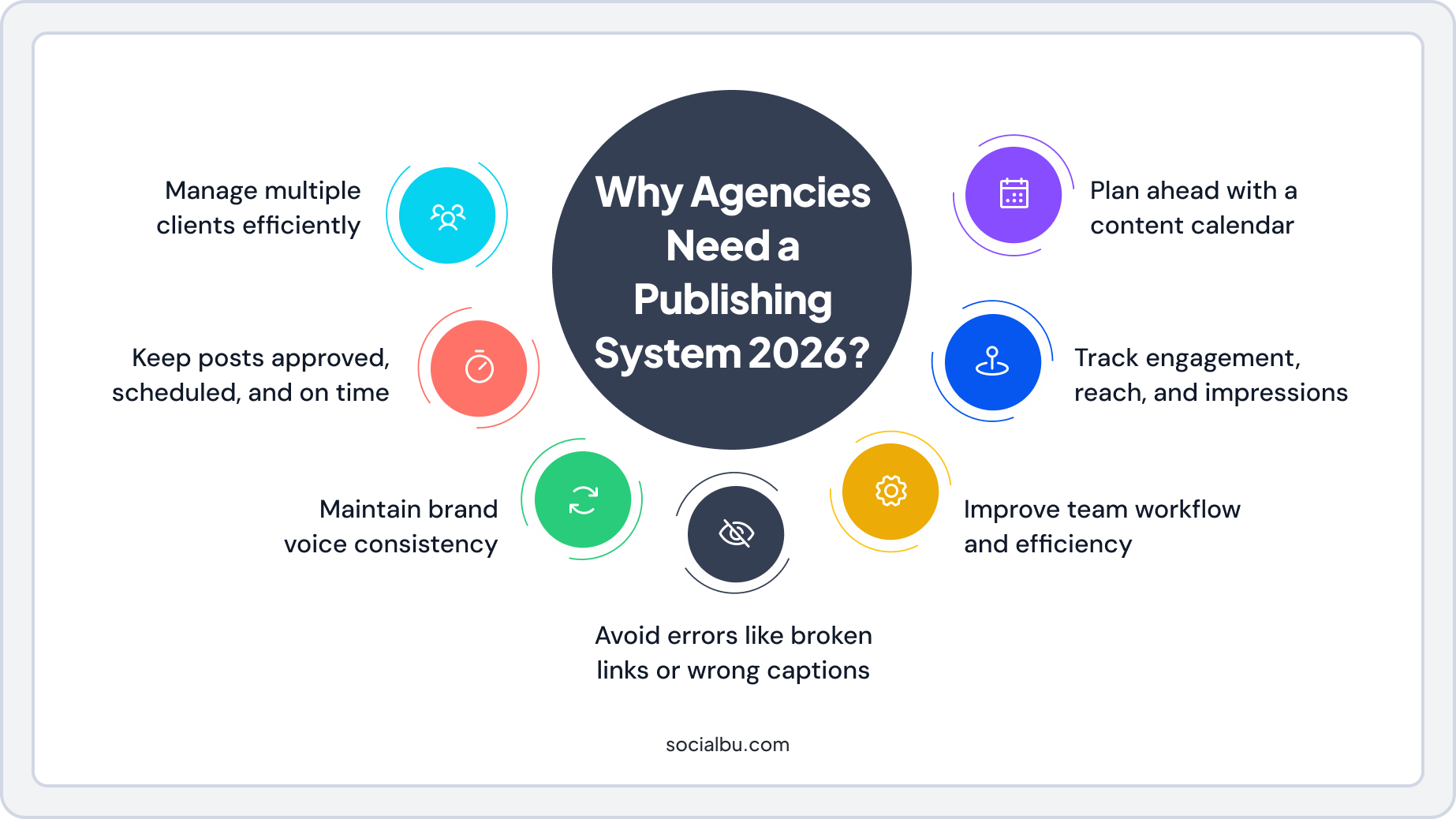
Here’s why every agency should use one:
- Manage multiple clients efficiently without confusion
- Keep posts approved, scheduled, and published on time
- Maintain brand voice consistency across all platforms
- Reduce errors like wrong captions, broken links, or missed deadlines
- Improve team workflow, everyone knows what to do and when
- Track key metrics: engagement, reach, and impressions
- Use a social media content calendar to plan ahead and save time
A good social media content calendar is the backbone of this workflow. By planning ahead, you save time and reduce stress.
Now, let’s discuss the social media publishing checklist for agencies and what should be included.
Social Media Publishing Checklist for Agencies (2026)
Managing social media for multiple clients can be overwhelming. Each brand has its own voice, audience, and goals. That’s why having a social media publishing checklist for agencies is important.
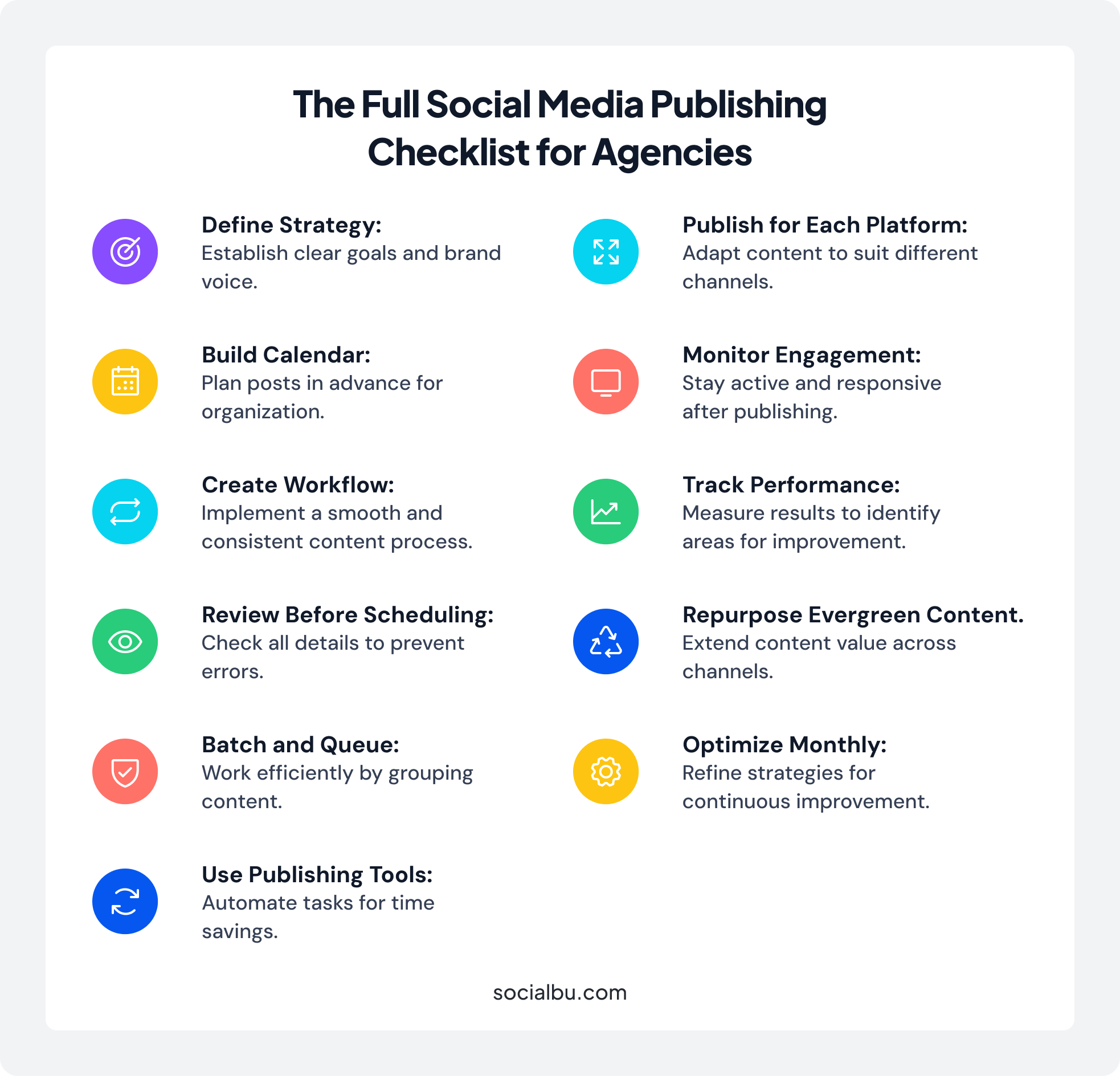
Additionally, this step-by-step guide helps agencies plan, create, approve, schedule, and monitor posts efficiently.
1. Define Your Publishing Strategy
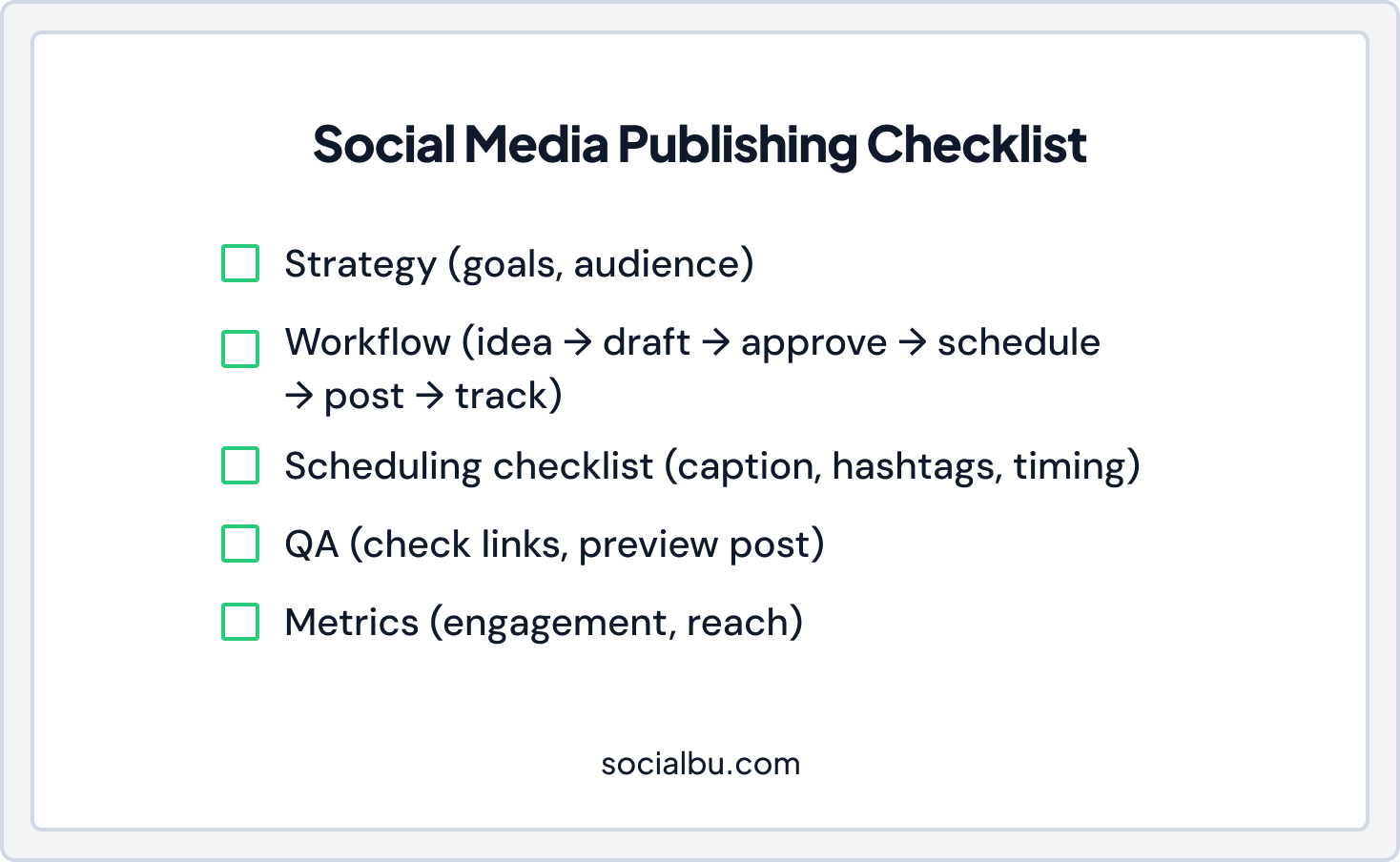
Start with a plan. Ask:
- What are the client’s goals?
- Who is the target audience?
- How will success be measured?
Then create:
- Brand voice consistency checklist
- Content pillars (tips, news, promotions)
- Posting frequency targets
A weekly content calendar for social media helps spot gaps and keeps your agency’s social media workflow on track.
2. Build a Content Calendar for Social Media
A social media publishing checklist 2026 begins with a social content calendar. It shows when and where posts go live. Include:
- Platform (Instagram, LinkedIn, Twitter, TikTok)
- Post type (video, carousel, reel, story)
- Caption text and hashtags
- Visual asset links
- Approval status
Plan at least 4–6 weeks in advance. This ensures social media consistency and prevents last-minute stress.
3. Set Up a Publishing Workflow
A clear social media publishing process keeps your team efficient.
Ideation
- Collect ideas that match client goals.
- Focus specifically on audience needs.
Drafting
- Write captions and design visuals.
- At the same time, follow the brand voice consistency checklist.
Internal Review
During the internal review, your team carefully checks each post before it goes to the client. Specifically, look at:
- Clarity: Make sure the message is easy to understand and makes sense
- Tone: Ensure the writing matches the client’s brand voice and style
- Accuracy: Double-check facts, numbers, links, and any information shared
In short, the internal review helps catch mistakes early, keeps content professional, and speeds up client approval.
Client Approval
- Use a social media content approval workflow for teams.
- Keep all comments in one place.
Scheduling
- Schedule approved posts using social media scheduler tools.
Publishing
- Publish posts at the planned time.
- Follow the social media posting workflow for agencies.
Monitor & Report
- Track engagement, reach, and impressions.
- Then, adjust based on the analytics and reporting workflow.
This prevents unapproved or incorrect posts from going live.
4. Use Social Media Publishing Tools to Save Time
Manual posting drains energy. Use smart social media publishing tools for:
- Bulk scheduling social media posts
- Social media queue scheduling
- Evergreen content scheduling
- Cross-platform publishing
- Workflow automation
You can use platform-native tools from:
- TikTok
- X
Platforms include Instagram, LinkedIn, TikTok, X, and social media management tools for agencies. Alternatively, use third-party schedulers like SocialBu.
SocialBu helps agencies manage their entire social media publishing workflow from one place. Instead of logging into multiple platforms, teams can handle all accounts in a single social media management dashboard.
Here’s how it makes work easier:
- Schedule and auto-publish posts across platforms
- Use social media queue scheduling to keep posts consistent
- Set up evergreen content scheduling to reuse top-performing posts
- Track brand mentions with built-in monitoring tools
- Manage comments in one inbox for a smooth community management workflow
- See engagement rate, reach, and impressions in one dashboard
Overall, for agencies with many clients, this saves time, reduces mistakes, and improves team collaboration. Therefore, SocialBu helps create a scalable social media publishing system without complicating the process.
5. Social Media Scheduling Checklist
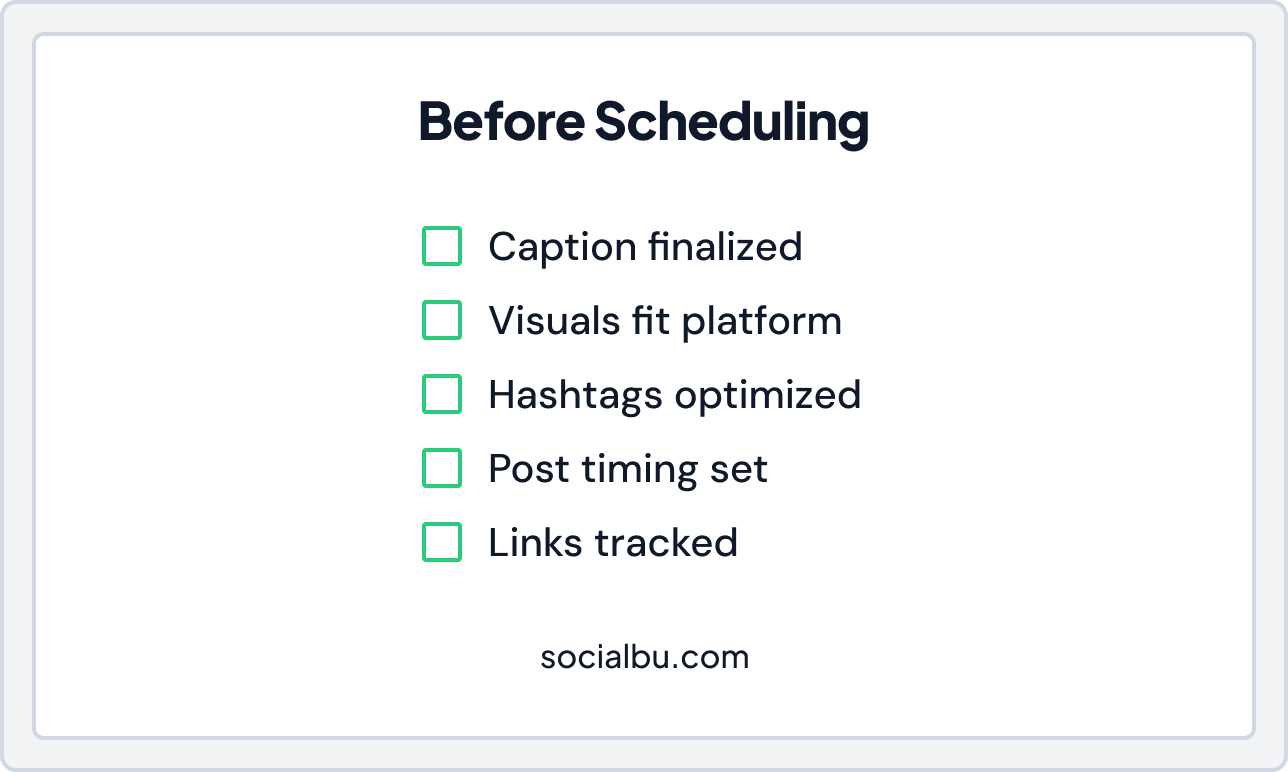
Before scheduling posts, check:
- Captions are approved
- Visuals fit each platform
- Hashtags match the strategy
- Post timing is optimized (post timing optimization)
- Links are tracked and corrected
By doing this, using a social media scheduling checklist improves engagement and reach.
6. Batch Content and Queue Posts
Batching improves efficiency:
- Write multiple posts at once (content batching for social media)
- Schedule them together (social media queue scheduling)
- Leave room for real-time or trending content
As a result, this keeps content fresh and consistent.
Create Engaging Social Media Posts in Seconds Now
7. Quality Assurance Before Publishing
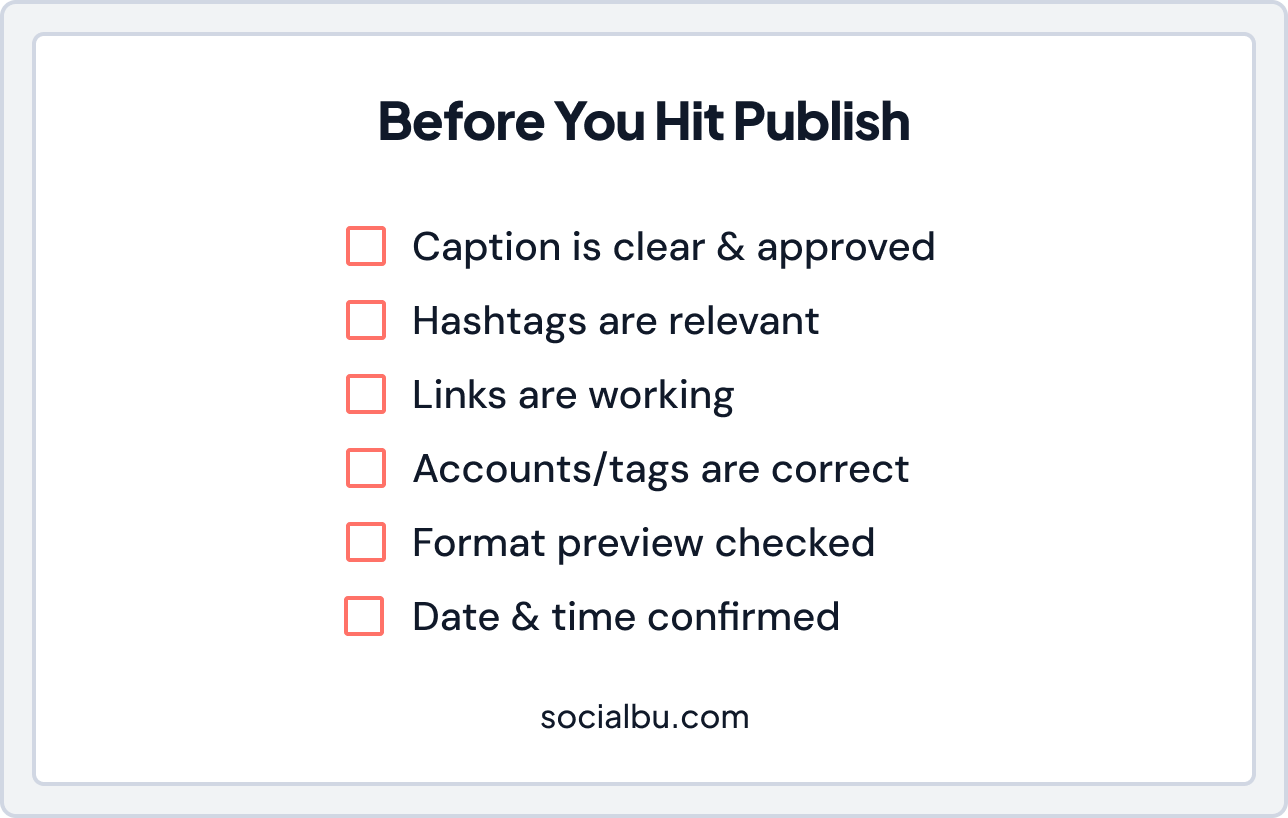
Before you hit “publish,” it’s essential to double-check every post. Following a social media QA checklist ensures your content is accurate, visually appealing, and aligned with the client’s brand. This step helps prevent mistakes that could hurt engagement or brand reputation.
- Double-check captions and hashtags
- Verify links and tags
- Preview platform formatting
- Confirm date and time
Ultimately, QA prevents mistakes and protects your client’s brand.
8. Track Results After Publishing
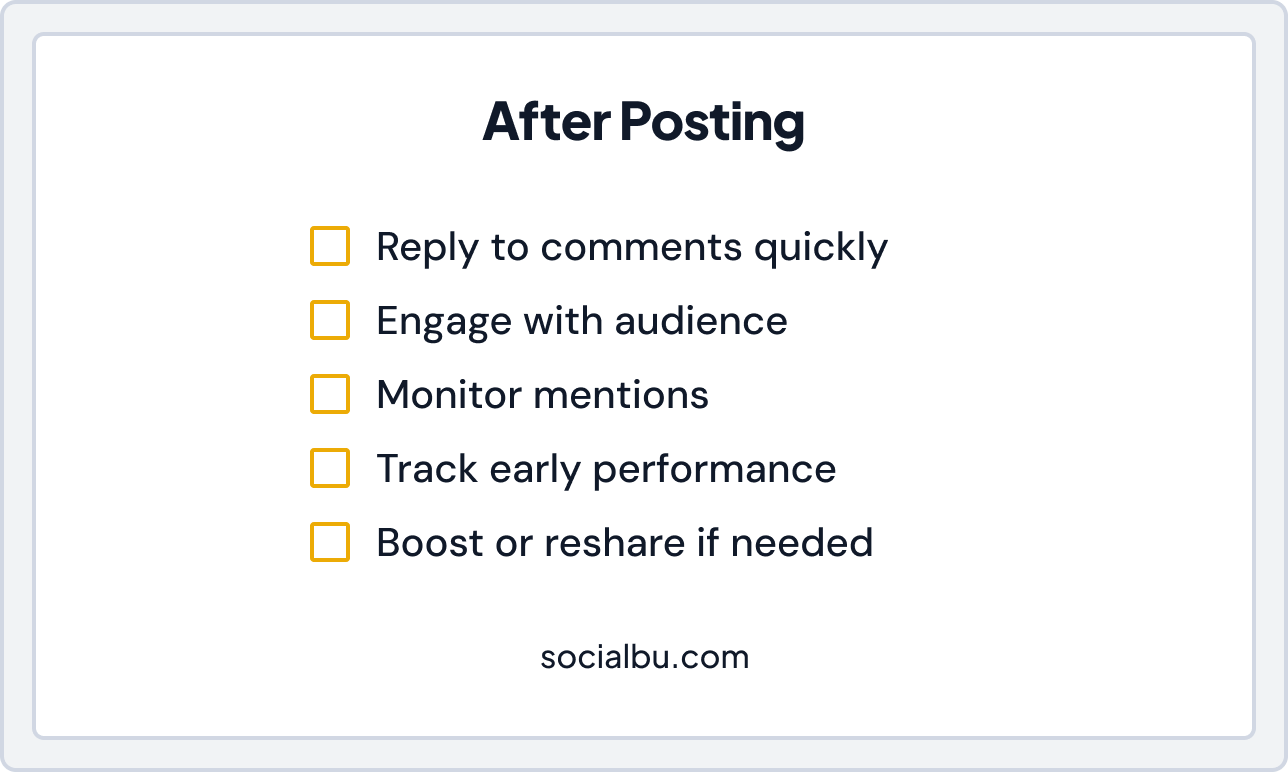
After posts go live, monitor:
- Engagement rate
- Reach and impressions
- Click-throughs
- Follower growth
A social media reporting checklist and analytics dashboard help your team refine posting times and strategy.
9. Evergreen and Repurposed Content
Evergreen content stays relevant over time.
- Reshare top posts on a schedule (evergreen content scheduling)
- Repurpose content efficiently (content repurposing)
Examples:
- Long video into short clips
- Blog into carousel posts
- Quotes into graphics
If you want to repurpose content effectively across platforms, start by creating a clear social media cross-posting strategy. Instead of simply copying the caption, adjust the format and style to fit each platform’s audience and layout. In this way, your content stays engaging and relevant everywhere it appears.
10. Build a Clear Analytics and Reporting Workflow
You can’t improve what you don’t measure. A strong analytics and reporting workflow helps you see what’s working and what’s not. It should track key metrics such as:
- Engagement rate
- Reach and impressions
- Clicks
- Follower growth
- Conversion trends
Follow a social media reporting checklist every month. Agencies often ask how to track engagement and reach across multiple brands.
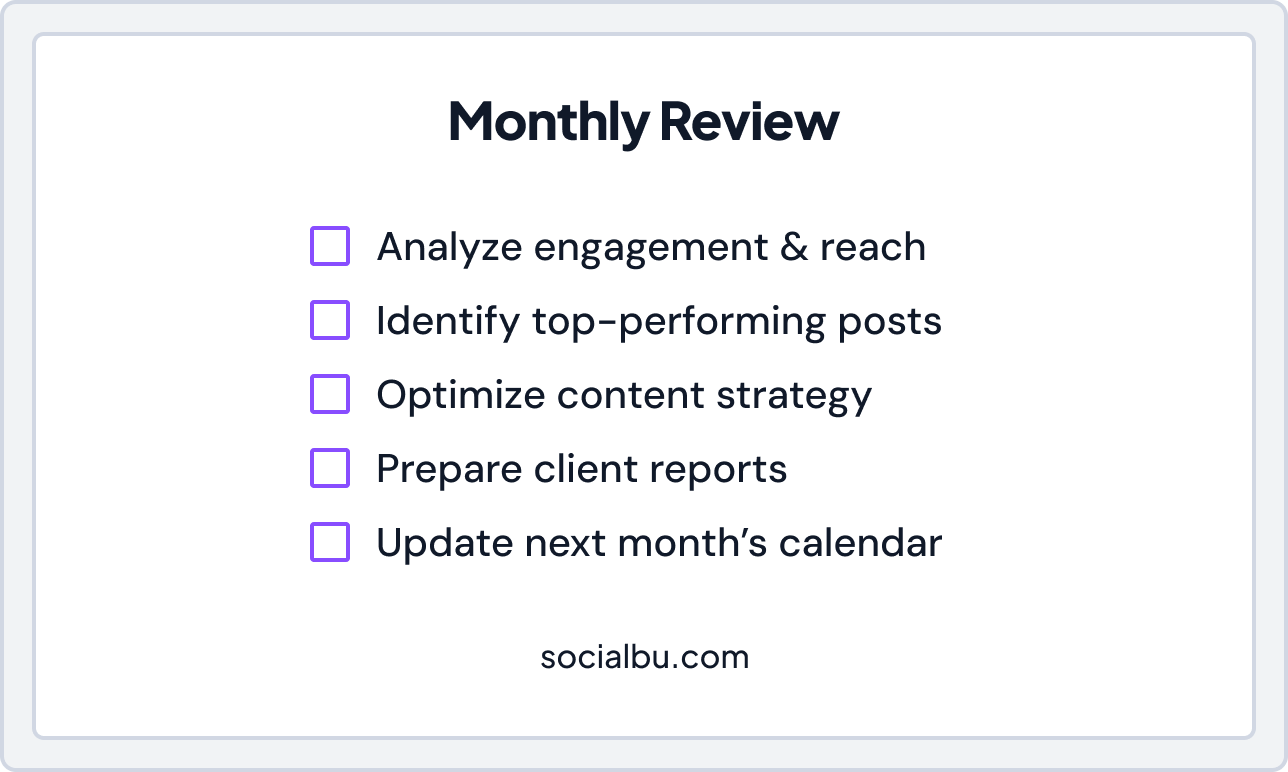
Use one analytics dashboard. Compare month-over-month data. Look for patterns. Optimize accordingly. This is what turns a posting team into a performance-driven agency.
11. Strengthen Your Community Management Workflow
Publishing is just the beginning. A strong community management workflow includes:
- Unified inbox monitoring
- Fast replying workflow
- Social listening
- Comment moderation
- Daily monitoring
Use a social media monitoring checklist to track brand mentions and sentiment. Active engagement improves visibility and builds trust.
To make your publishing system stronger, let’s now break down how your strategy should adjust for each platform.
Platform-Specific Social Media Posting Checklist (2026 Edition)
Every platform works differently. A strong social media posting checklist must adapt to platform rules and user behavior.
Instagram Checklist
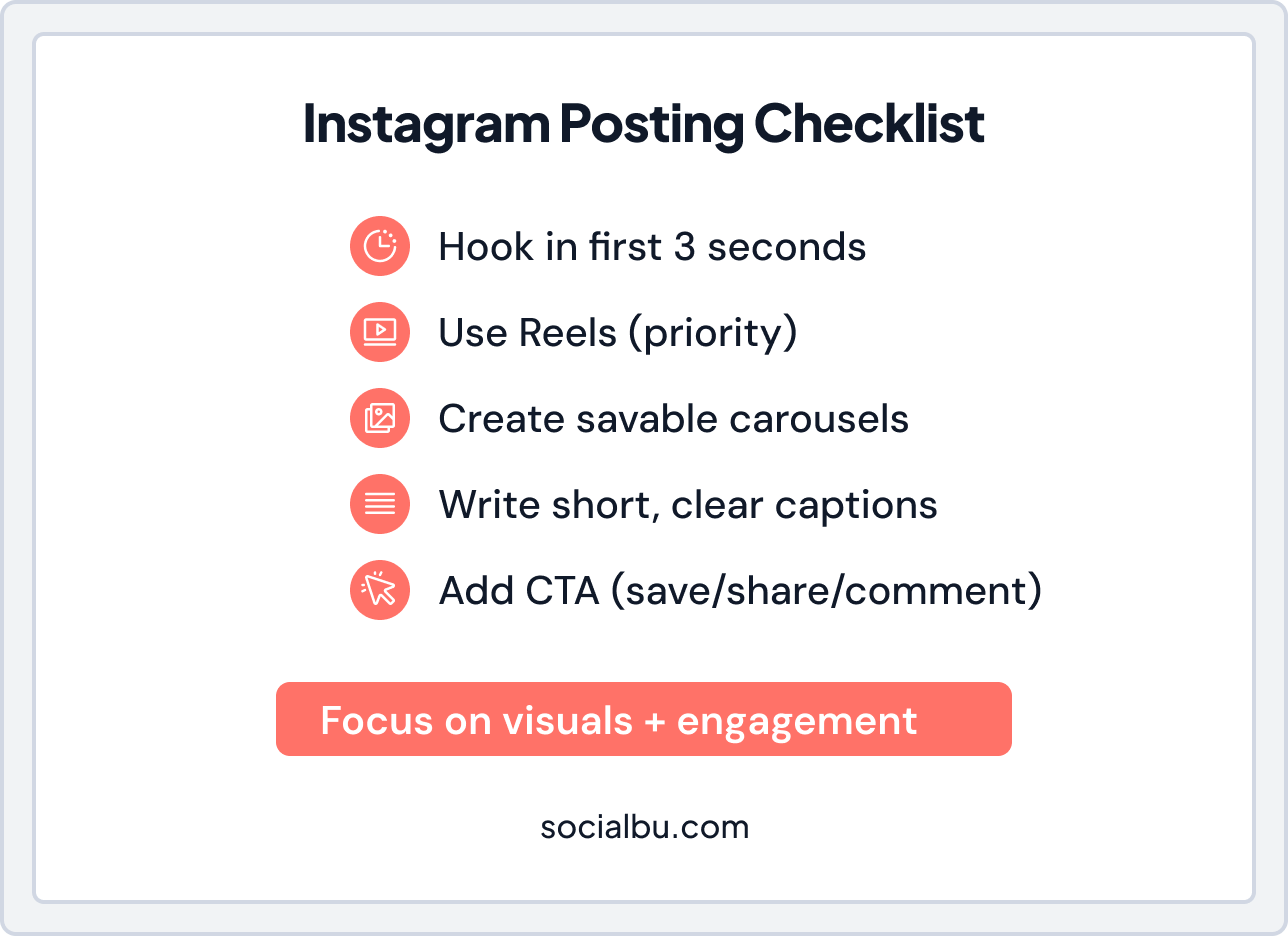
- Hook in the first 3 seconds of the video
- Focus on Reels and short-form content
- Save-worthy carousel posts
- Clear call-to-action
- Native platform formatting
Short attention spans win here. Visual storytelling matters most. In 2026, video accounts for over 60% of global social media consumption, making it the dominant content format across platforms.
LinkedIn Checklist
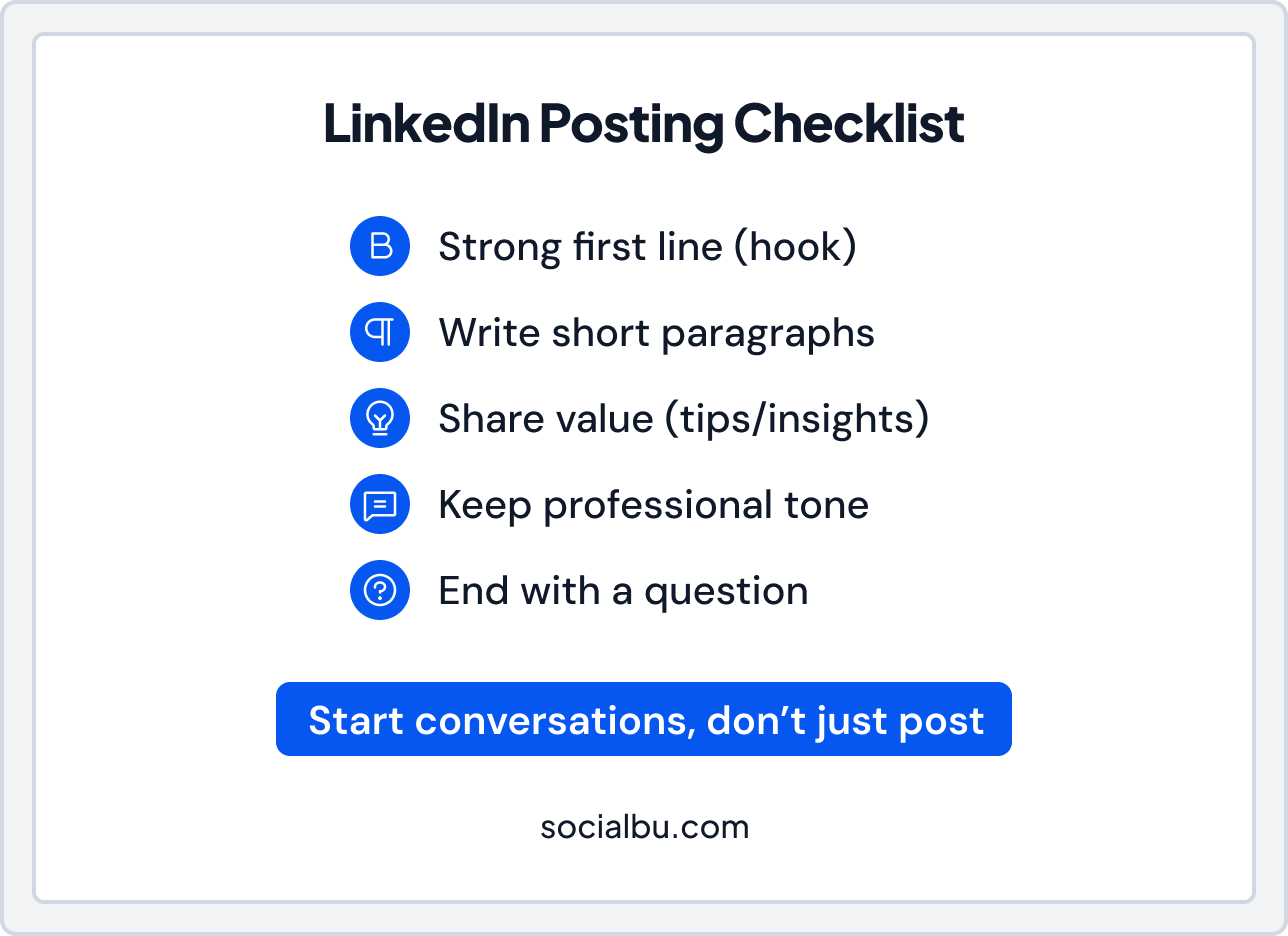
- Strong opening line
- Short paragraphs
- Thought-leadership tone
- Encourage conversation
- Professional formatting
People come here for value. Lead with insight, not promotion.
TikTok Checklist
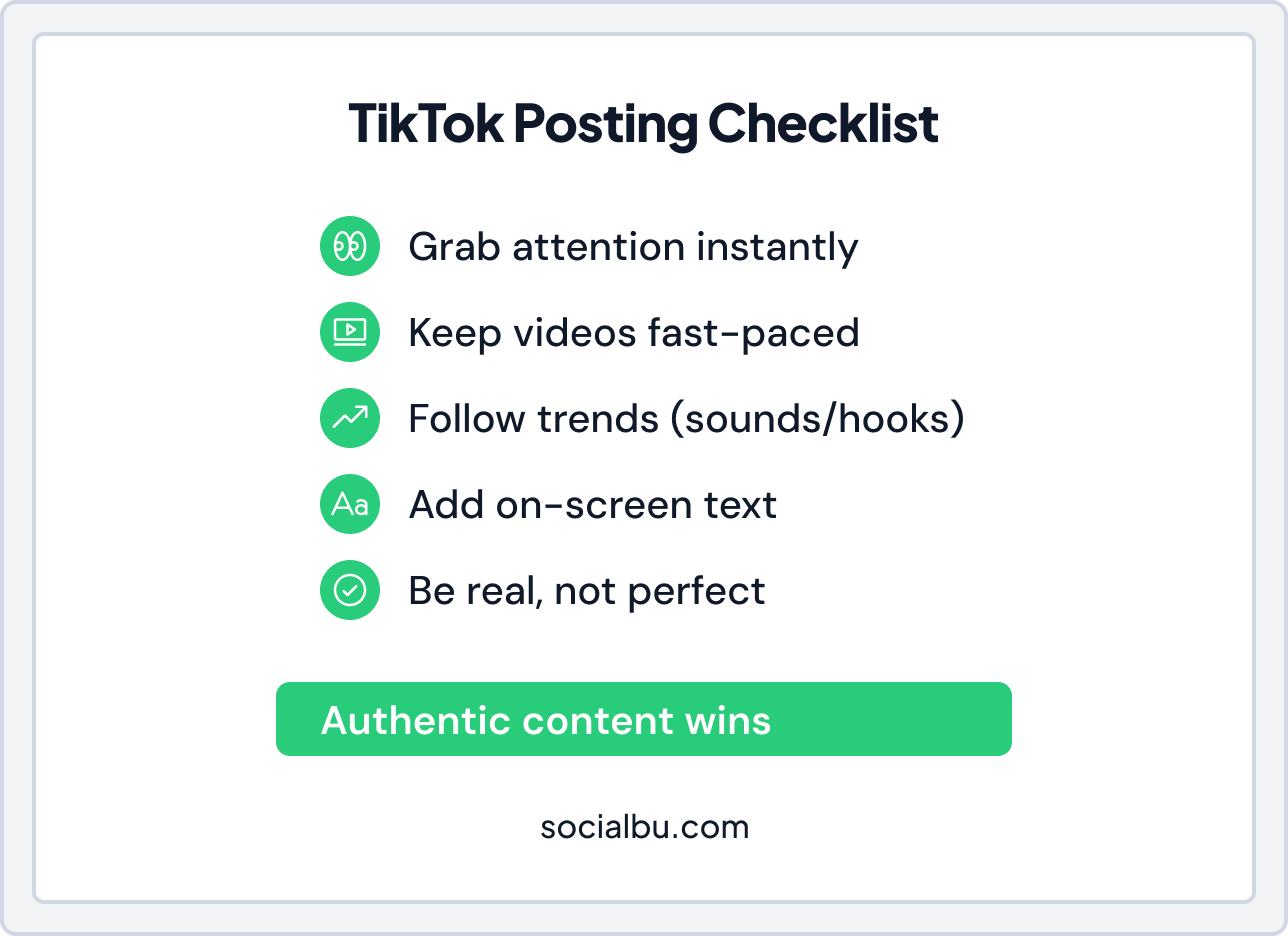
- Fast pacing
- Clear captions
- Trend adaptation
- Direct audience engagement
Raw and real often outperform polished content.
X Checklist
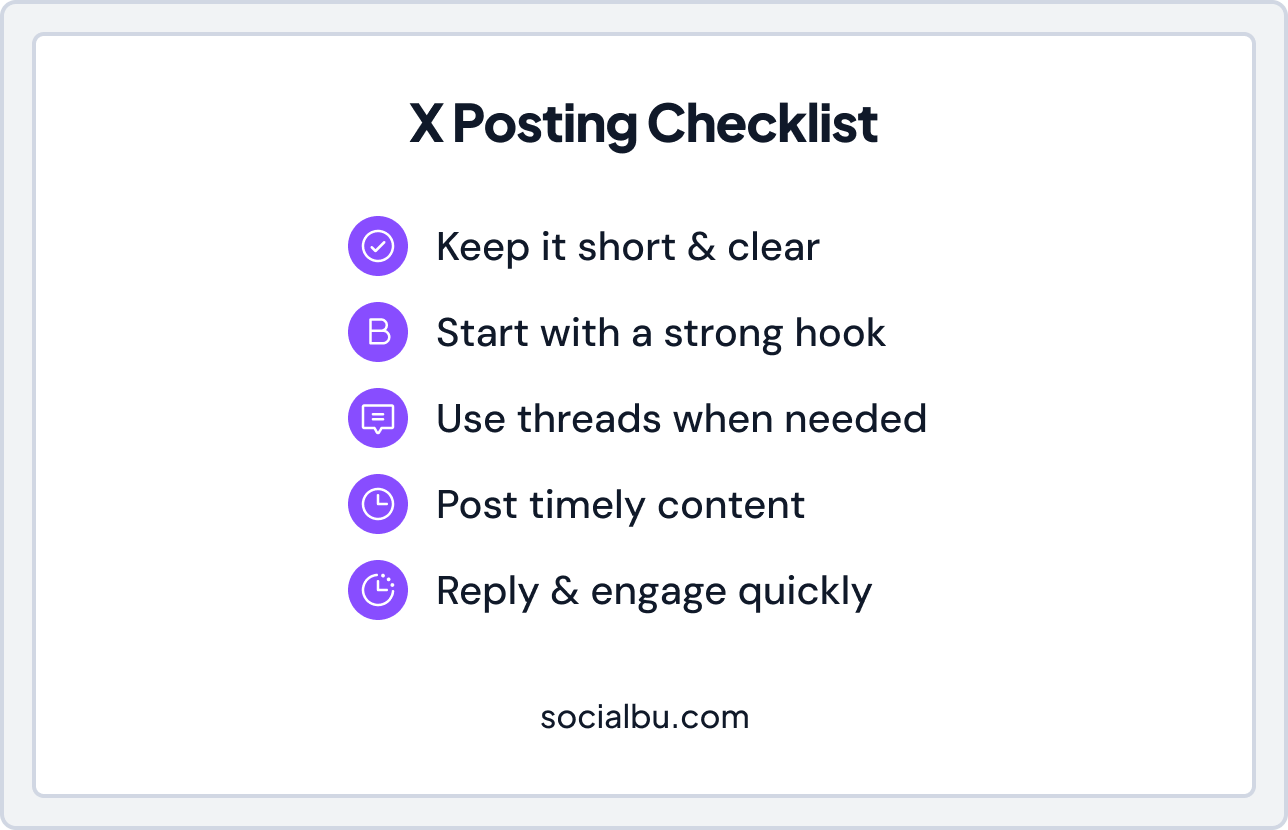
- Concise messaging
- Thread marketing strategy
- Timely posting
- Strong hooks
Speed and relevance matter most on this platform.
This improves your social media cross-posting strategy. Do not copy and paste across platforms. Adapt instead.
Pro Tip:
Don’t just optimize for posting. Optimize for the first interaction. Ask yourself:
- Does this post invite a reply?
- Does it encourage a save or share?
- Does it start a conversation?
In short, don’t just publish. Spark interaction.

Common Publishing Mistakes to Avoid
- Posting without approval
- Scheduling too far in advance
- Ignoring analytics
- Cross-posting the same content on all platforms
- Forgetting to engage after posting
Avoid these to maintain client trust and brand consistency.
Conclusion
A social media publishing checklist for agencies keeps your team organized, consistent, and results-driven. Using a clear social media publishing workflow, a content calendar, and a social media content approval workflow reduces mistakes and saves time.
Plan ahead, follow clear approval steps, and automate where possible. Track results, adjust your workflow, and stay consistent. With this approach, agencies can deliver excellent results every time.
Tools like SocialBu make it easy to bulk-schedule social media posts, use queue scheduling, manage multiple accounts, and track engagement from a single social media management dashboard.
Optimize Your Social Media Publishing Checklist
Plan, approve, schedule, and manage multiple clients from one dashboard without the chaos.
FAQs
Q. Do scheduled posts get less reach than manual posts?
A. Not if done correctly. In fact, by using post timing optimization along with a proper social media publishing workflow, scheduled posts can perform just as well as manual ones. Moreover, scheduling helps maintain consistency and frees up time for real-time engagement.
Q. Is automated social media publishing worth it in 2026?
A. Yes. Automation saves time, reduces errors, and supports a scalable publishing system while maintaining social media consistency.
Q. How do agencies maintain brand voice consistency across multiple clients?
A. Use a brand voice consistency checklist, a content calendar for social media, and a structured social media content approval workflow for teams.
Q. What should be included in a social media publishing checklist?
A. Key items: platform, post type, caption, hashtags, visuals, approval status, and scheduled date. Include QA, reporting, and engagement tracking steps.
Q. How far in advance should agencies schedule posts?
A. Plan at least 4 to 6 weeks ahead to maintain a social media consistency strategy while leaving room for trending content.
Q. Are third-party scheduling tools safe for engagement and reach?
A. Yes, they are safe. In fact, tools like SocialBu and other third-party scheduling platforms not only support auto-publishing but also help maintain reach. Additionally, using these tools can save time and improve overall posting consistency.
Q. What are the biggest social media publishing mistakes agencies make?
A. Posting without approval, ignoring analytics, copying content across platforms, scheduling too far in advance, and forgetting to engage after posting.
Q. How do you bulk-schedule social media posts for multiple clients?
A. Use bulk scheduling social media posts features in tools like SocialBu, along with social media queue scheduling to maintain frequency.
Q. What’s the best approval workflow for agency social media teams?
A. A clear social media content approval workflow: draft → internal review → client approval → final scheduling.
Q. How do agencies streamline content approvals with clients?
A. Centralize comments and approvals in one platform, follow a social media approval process for agencies, and use workflow automation.
Q. How do you maintain engagement while automating publishing?
A. Combine scheduled posts with real-time content, active monitoring, and community management workflow to reply quickly.
Q. What’s the best workflow for scheduling plus real-time posting?
A. Use a content calendar template, batch content for scheduling, and leave room for trending posts. Tools like SocialBu can handle both.
Q. How often should agencies review analytics and reporting?
A. Monthly is ideal. Follow a social media reporting checklist and analytics and reporting workflow to optimize performance.
Q. How do you manage cross-posting without hurting platform performance?
A. To manage cross-posting effectively, always adapt your content for each platform rather than simply copying it. Furthermore, by following a clear social media cross-posting strategy, you can maintain engagement and ensure your posts perform well across all channels.
Q. What are the essential QA checks before publishing a post?
A. Before publishing, follow a social media QA checklist. Make sure to double-check captions, hashtags, links, tags, formatting, and the scheduled date and time. By doing this, you can prevent errors and ensure your content looks professional on every platform.
Q. How do agencies track engagement rate and reach effectively?
A. Use a centralized social media management dashboard to track engagement rate, reach and impressions, and compare month-over-month data.
Q. What tools help manage multi-account social media publishing?
A. Tools like SocialBu, Hootsuite, or Buffer help manage multiple clients, schedule posts, and monitor analytics in one place.
Q. Is a social media scheduling platform worth the investment for agencies?
A. Yes. It saves time, reduces mistakes, maintains social media consistency, and improves team productivity.
Q. How do you integrate a content calendar with publishing tools?
A. Link your content calendar for social media to your scheduling tools. Platforms like SocialBu support direct integration.
Q. What does a scalable social media publishing system look like in 2026?
A. It includes a clear social media publishing checklist 2026, automated scheduling, workflow automation, content batching, monitoring, and analytics for all clients in one dashboard.









