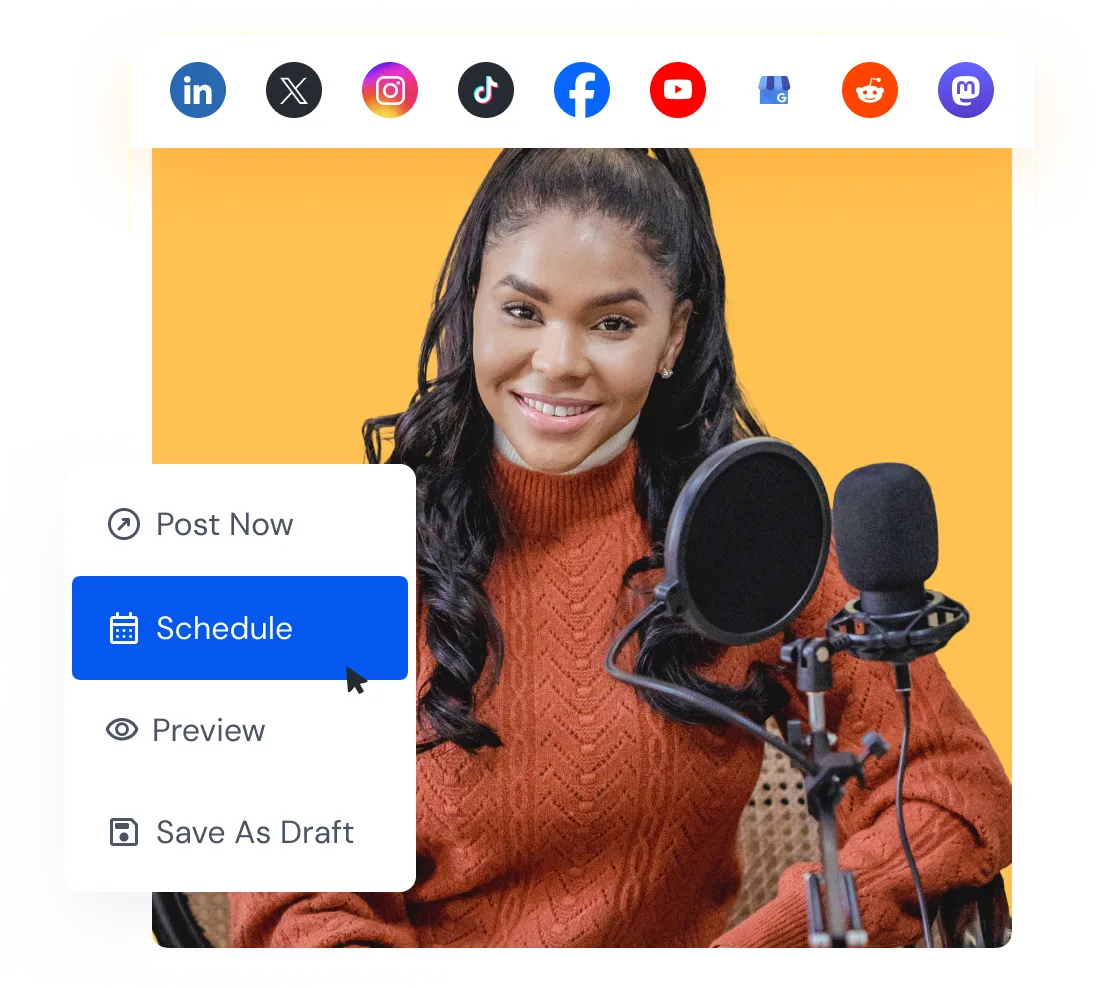
Keep every publishing detail together
Create a post for multiple accounts, then adjust the text, media, and settings for each social network before scheduling.
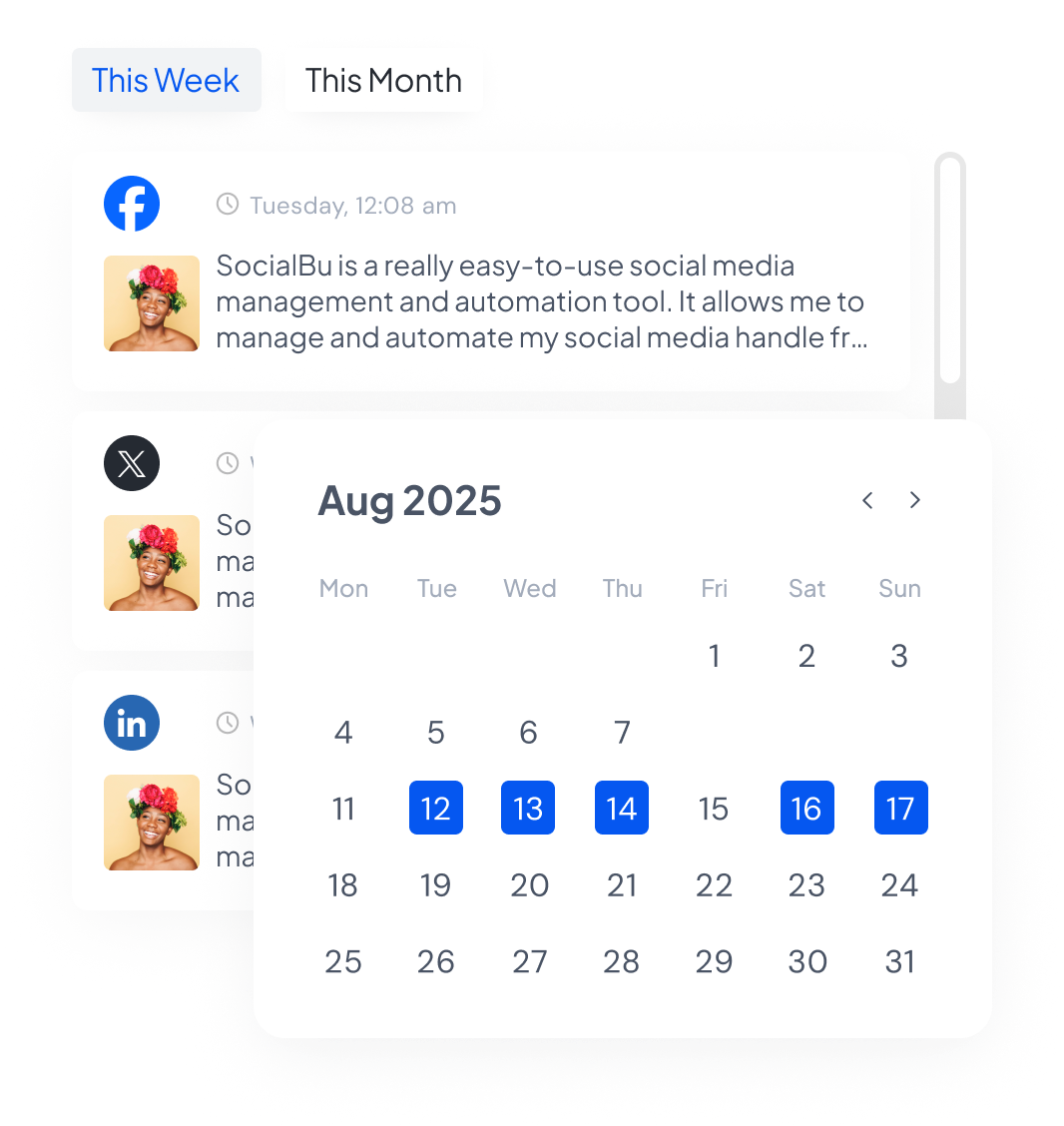
Know what goes out next
See scheduled content by date and check how upcoming posts fit around the rest of your plan.
Keep control of each account
Select the right connected accounts and adjust the content, media, and available settings for each one.
Review before publishing
Save unfinished work as a draft and use optional approval rules when another person needs to check it.
Plan campaigns in one publishing calendar
Bring scheduled posts from your connected accounts into one calendar. Check campaign spacing, find dates that still need content, and confirm what is due to publish.
Separate views for drafts, scheduled posts, published posts, and content awaiting approval make each stage easy to find.
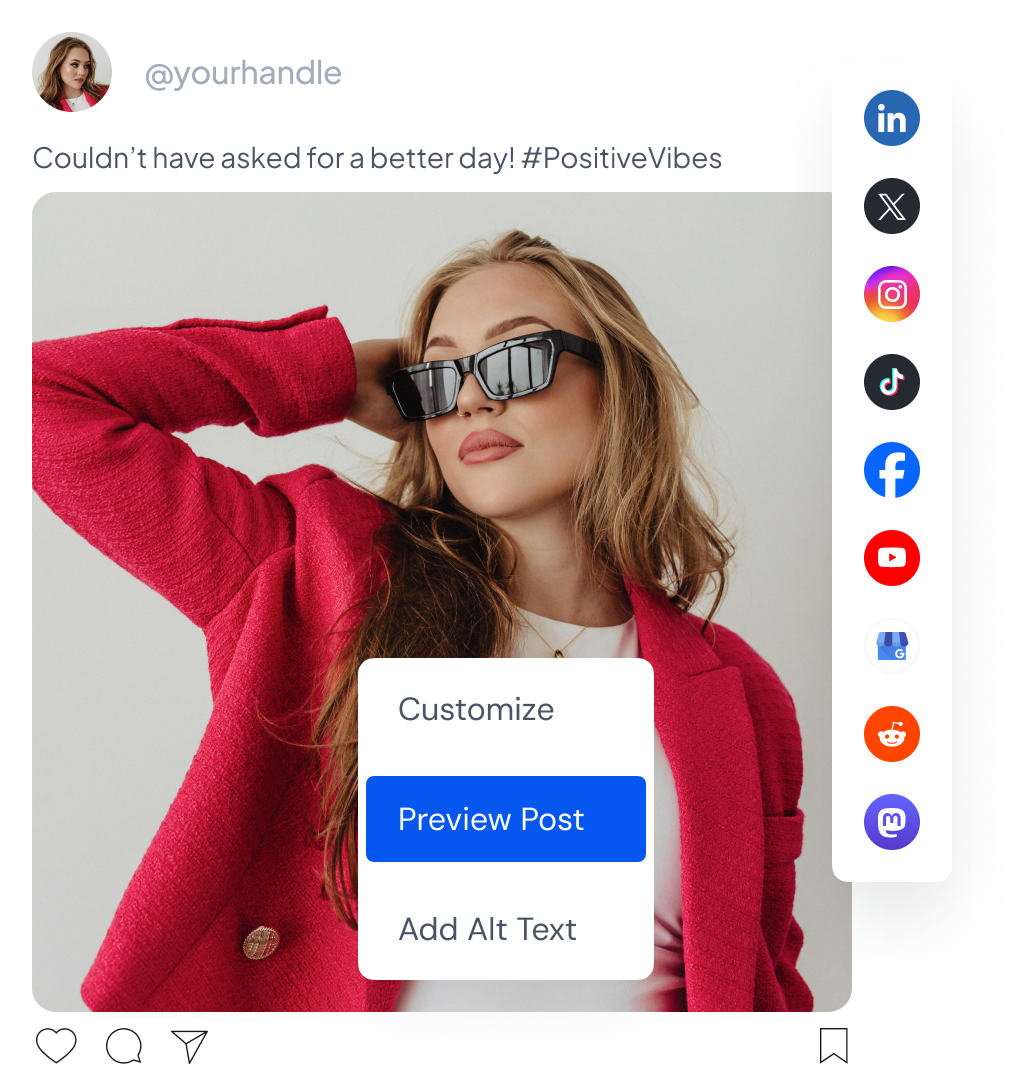
Make each post fit its social network
Start with the accounts that should receive the post, then customize the content and attachments where needed. Preview the selected account before scheduling so you can catch an incorrect format or destination early.
Available formats, fields, and publishing controls depend on the network and account type. The composer shows the relevant options for the account you are editing.
Schedule more content without creating every post one by one
Use the publishing method that matches the content you already have and the posting schedule you need to maintain.
Upload prepared posts from a CSV file
Move a larger batch from your spreadsheet into SocialBu instead of rebuilding each scheduled post manually.
Fill recurring time slots with queues
Add posts to a queue with a weekly or monthly schedule, then reorder or shuffle the queue as the plan changes.
Keep review part of the schedule
Give team members the publishing permissions they need and require approval when scheduled content needs another check.
Schedule for the networks you manage
Connect supported social accounts and manage their scheduled posts from the same publishing workspace. Open a network guide to check its current formats and account-specific capabilities.
 Facebook
 X
X
 Instagram
 Threads
 LinkedIn
 TikTok
 YouTube
 Reddit
 Mastodon
 Pinterest
 Bluesky
 Google Business Profile
Supported formats and controls vary by network, account type, plan, and team permission.
Put your next posts on the calendar
Connect your social accounts, prepare the content, and choose whether to publish now, schedule for later, save a draft, or add the post to a queue.
Cancel anytime. Free for 7 days.