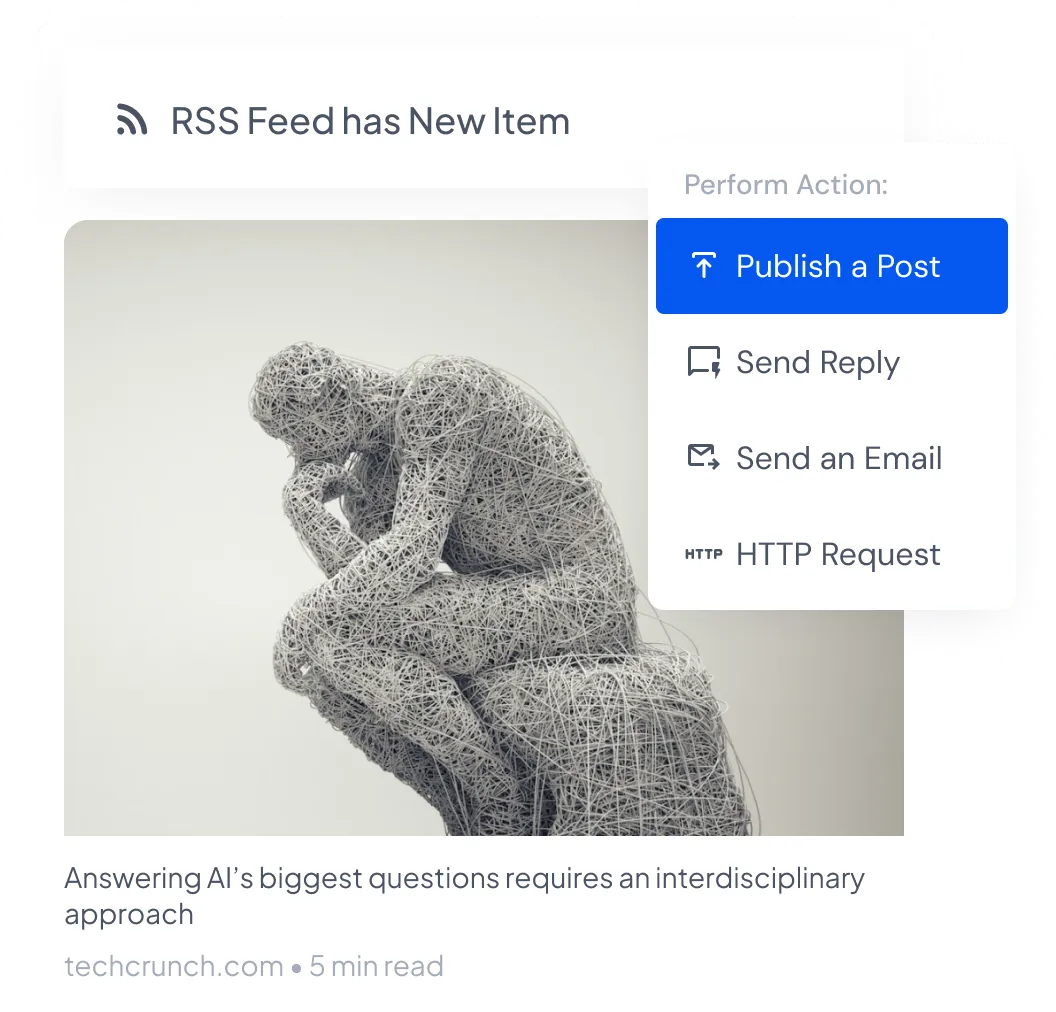
Publish from RSS feeds
Connect an RSS feed, choose the destination accounts, and define how new feed items become social posts. RSS rules can publish immediately, schedule a post, or add it to a queue based on the action you select.
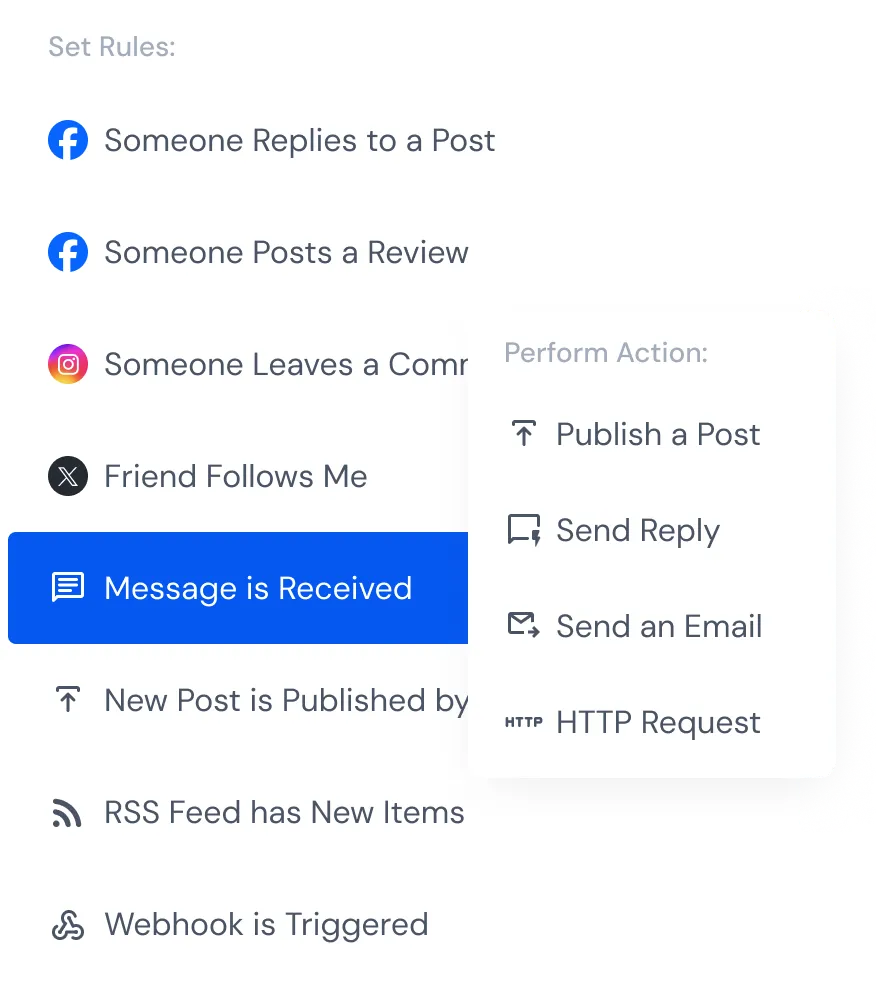
Act on supported social activity
Use conditions to narrow supported events by account, text, or other available fields, then run actions such as sending a reply, direct message, email, or new post. Available events, conditions, and actions depend on the connected network.

Connect automations with other systems
Start an automation from an incoming webhook, or send a webhook request as an action when another rule runs. This lets SocialBu exchange data with tools that can send or receive HTTP requests.

Keep automation rules under your control
Each rule has a defined trigger and action path, so you can review what will run and which accounts it can affect. Automation count and monthly execution limits depend on your plan.
See the social inbox for conversations that still need a person.
Social media automation questions
Can SocialBu publish posts from an RSS feed?
Yes. Use a new RSS item as the trigger and a publishing action for a supported connected account.
Can I start an automation from another app?
Use a webhook trigger to run a SocialBu automation when another service sends a request to its webhook URL.
Can I limit when a rule runs?
For supported events, add conditions using available fields such as account or text. Available conditions and actions depend on the trigger and network.
How many automations can I run?
Your plan determines how many rules you can set up and how many times they can run each month.
Build your first SocialBu automation
Build your first SocialBu automation
Connect your accounts and test SocialBu automation during your 7-day free trial.