Coordinate every location
Plan updates for one connected location or every location from the same calendar.
Publish local updates, events, and offers
Add the dates, terms, links, media, and calls to action each location needs.
Connect reviews with local results
Handle supported reviews and see available calls, clicks, views, and directions for each location.
What you can manage for Google Business Profile in SocialBu
Available features depend on your plan, account type, and what Google Business Profile allows for that account.
Publish updates, events, and offers
Create standard updates, dated events, or offers with coupons, links, terms, and one image. Supported calls to action include Book, Order, Shop, Learn More, Sign Up, and Call. You can also save the image to the location gallery.
Schedule every connected location
Publish now or choose a future time, customize the update for each selected location, and see every location and date on the calendar.
Continue a draft with AI autocomplete
Use AI autocomplete to continue the text in the composer. Availability depends on your plan.
Use approvals across teams or locations
Publish directly when you work alone, or let an authorized teammate approve or reject the location, post type, dates, terms, media, call to action, link, and time.
Schedule location updates in bulk
Import standard updates, events, and offers from CSV with their locations, dates, media, links, and offer details.
Reuse a posting schedule
Add updates to a queue with recurring time slots, or create an RSS rule for supported feed updates.
Reply to location reviews
Use Respond to read supported Google reviews and publish replies. Each review shows the Business Profile location it came from.
Compare available local results
Use Analyze for the Maps views, website clicks, call clicks, direction requests, and review count SocialBu can retrieve for a connected location.
Important support details
- Each Business Profile location must be connected separately with a Google account that has the required permissions.
- SocialBu schedules posts and retrieves supported reviews and metrics. It does not verify a listing or change its ownership.
Keep every location on one publishing calendar
Schedule updates for one location or several and customize each one when local details differ. The calendar shows the location, post type, status, and date for every update.
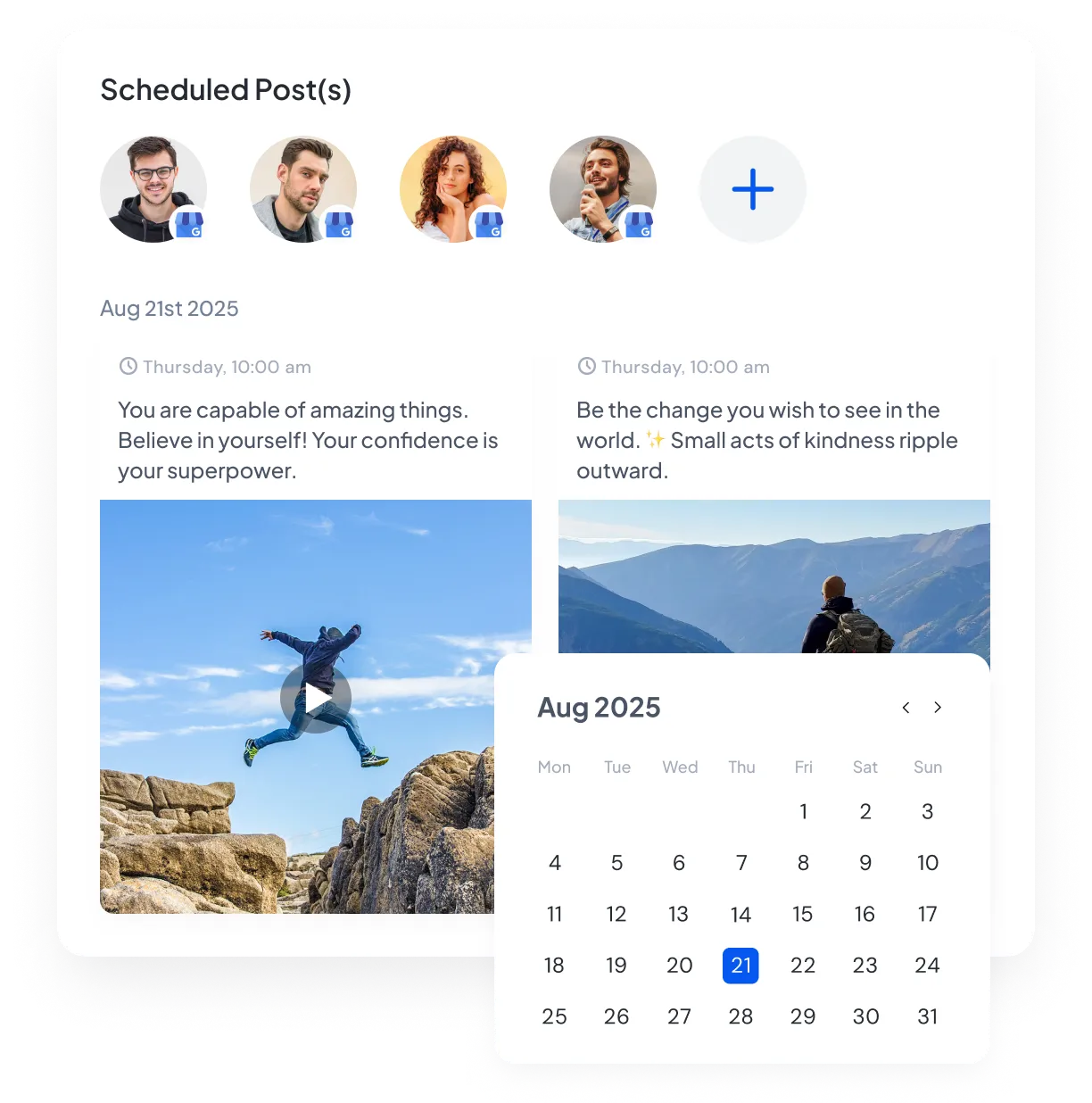
Give each post type the details it needs
Choose a standard update, event, or offer. Events require a title with start and end times. Offers require a title and date range, with optional coupon, link, and terms fields. Standard posts can use a supported call-to-action button.

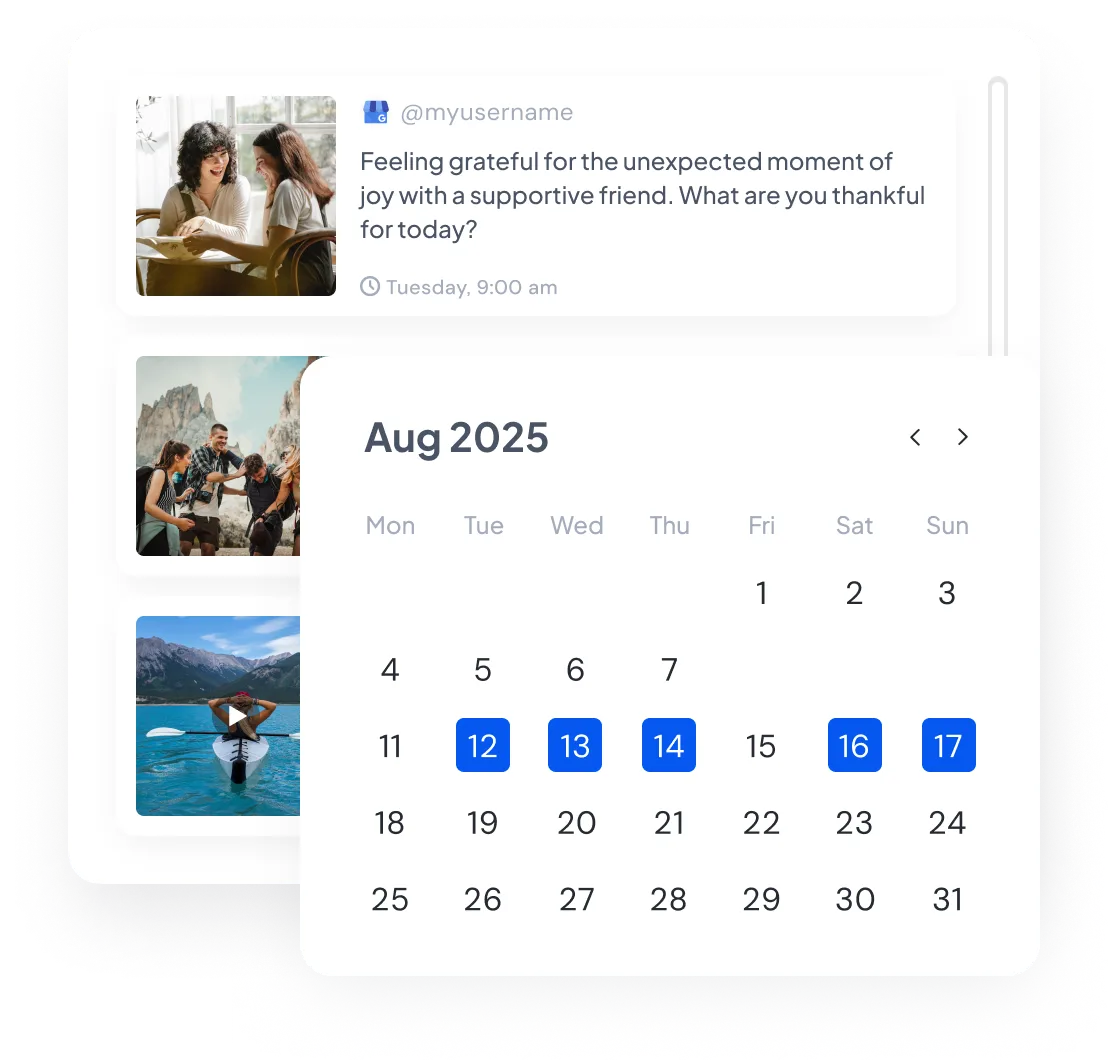
See what is live and what comes next at every location
View scheduled and published updates by location and date. Filter to one branch or see all connected locations on the calendar.
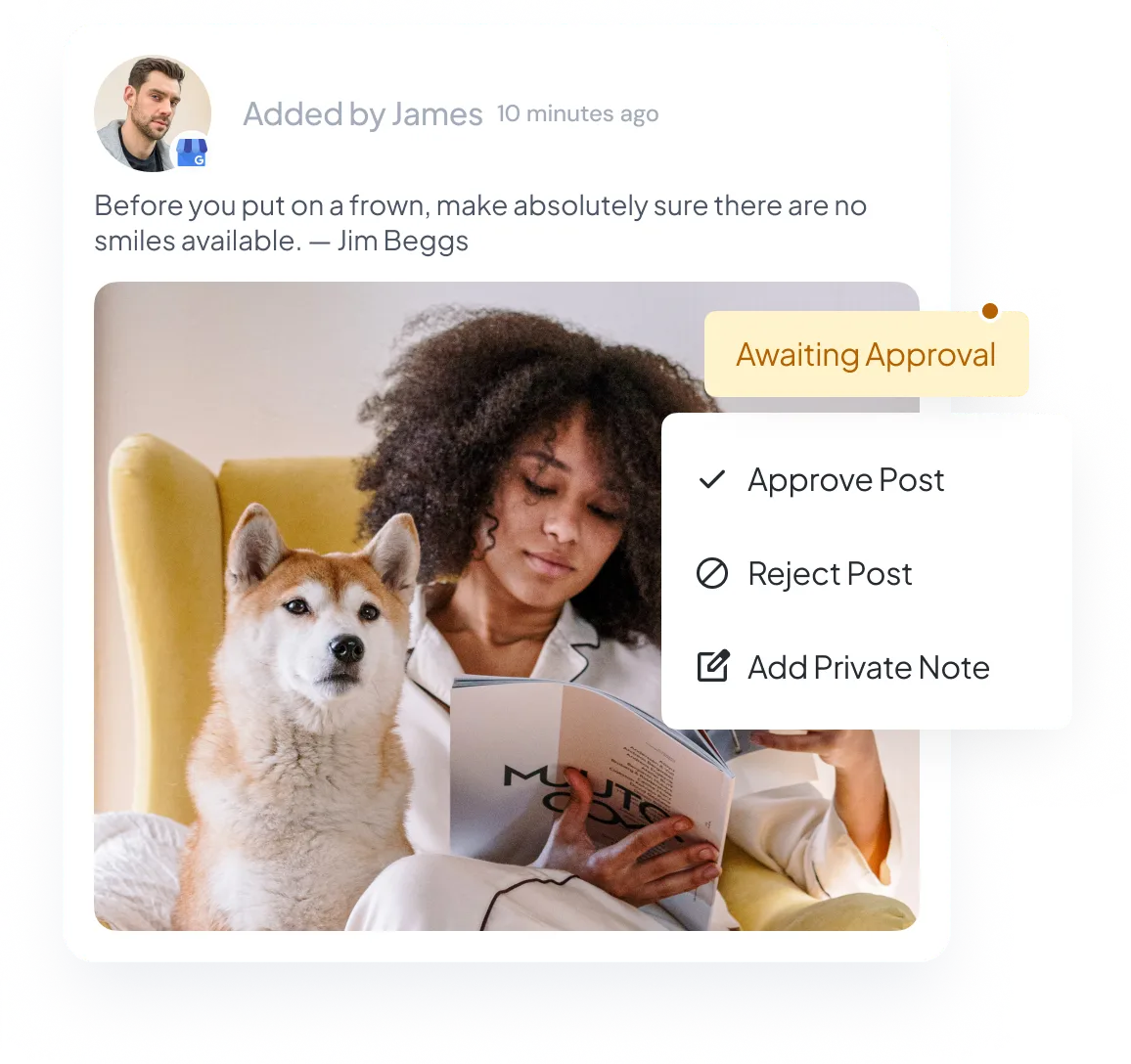
Let local managers approve updates when needed
If a local manager needs to approve an update, send it with the location, post type, dates, offer details, media, call to action, link, and publishing time included.
Update several locations from one CSV
Add updates, events, and offers to the CSV template and import them together with their locations and publishing times. Use it for campaigns that need to reach several branches.
Turn new feed items into location updates
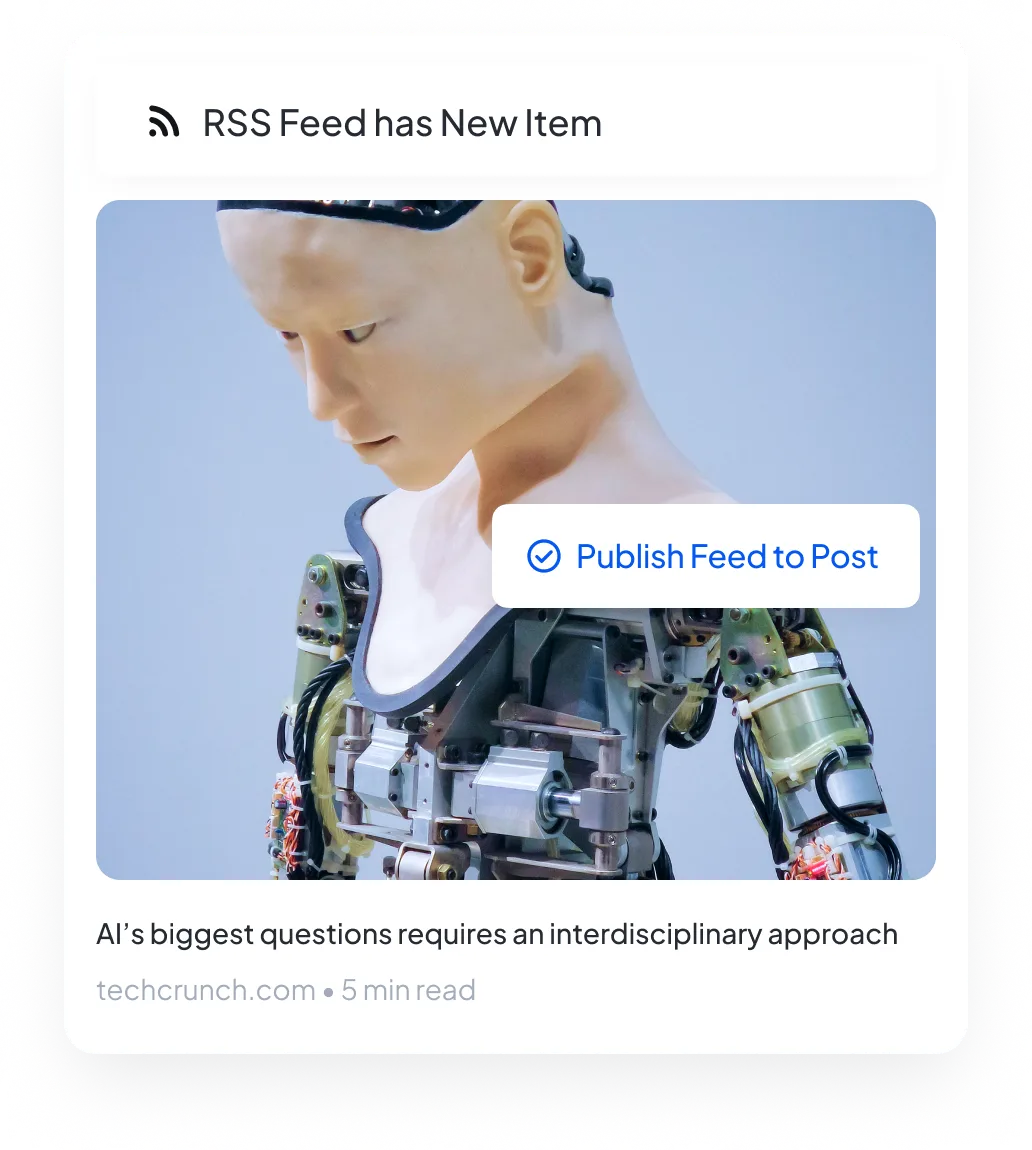
Connect your RSS feed and choose a Business Profile location. When the feed has a new item, SocialBu can turn it into a standard update or place it in your publishing queue.
Compare available results by location
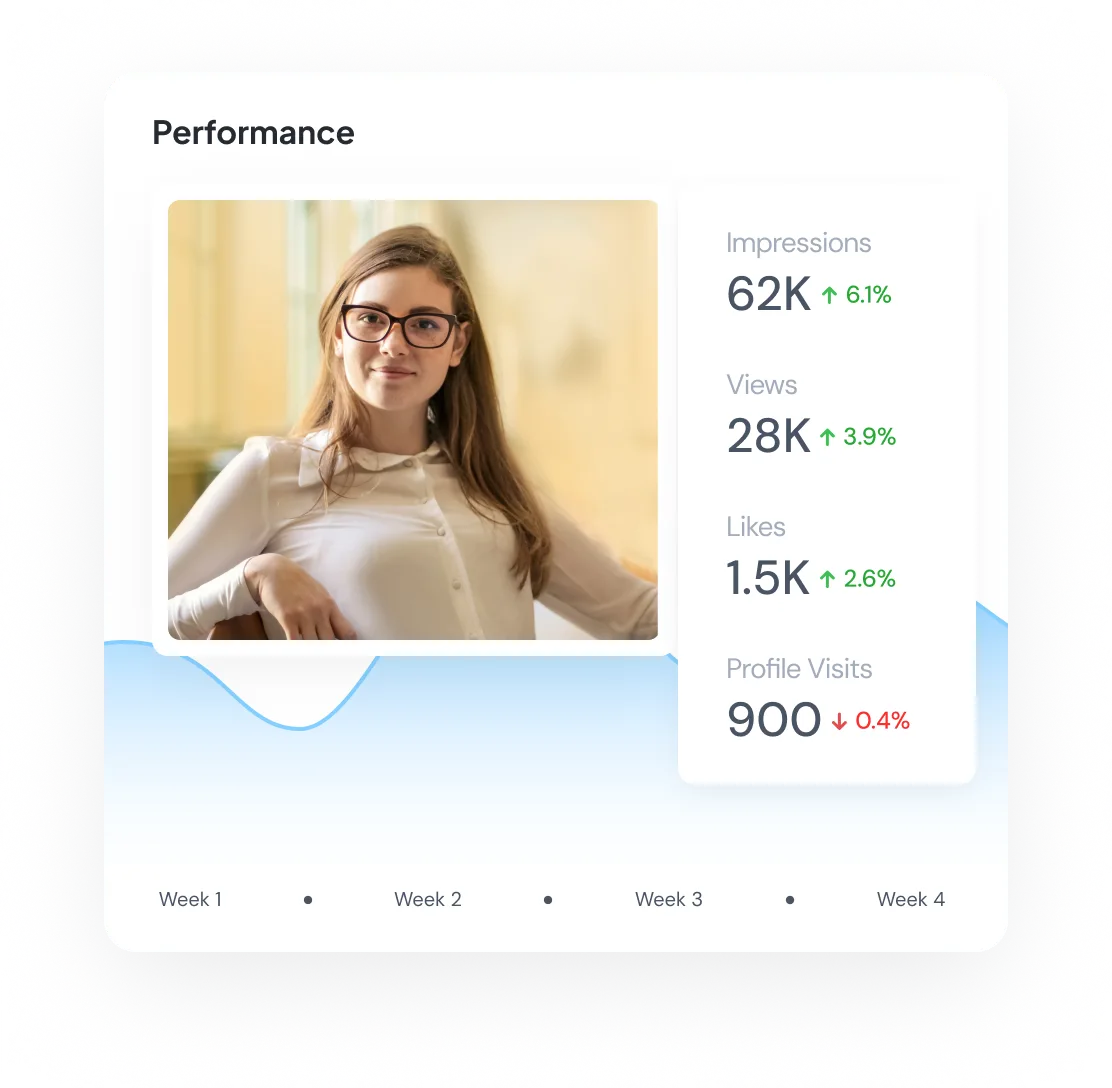
Compare Maps views, website clicks, call clicks, direction requests, and review totals for the locations and dates you select.
Keep local publishing, reviews, and results connected
Use Publish for location updates, events, and offers. CSV imports, queues, and supported RSS rules help with repeat work across connected locations.
Each Business Profile location must be connected separately with a Google account that has the required permissions. SocialBu does not verify listings or change their ownership.
After publishing, use Respond for supported location reviews and replies, then use Analyze to compare the local results available for the locations and dates you select.
Start scheduling Google Business Profile posts
Manage Google Business Profile from the same calendar as your other social accounts. Plan a few posts or a full campaign with the right location, post type, dates, offer details, and call to action for each post.
Cancel anytime. Free for 7 days.