
Days are gone when you are used to being stuck on a design idea and using all your energies to create it. Now, it’s the AI era, where artificial intelligence takes the lead in helping humans and saving time and energy. AI image generators are also the product of AI and are revolutionizing how we create visuals.
These powerful tools use artificial intelligence to turn text descriptions into unique images in seconds. From concept art to social media graphics, AI image generators can boost your creative workflow and bring your ideas to life.
In this guide, you’ll find 9 of the best AI image generators in 2026 (both free and paid). Whether you need blog graphics, social media visuals, or concept art, these tools will help you turn simple text into scroll-stopping images in seconds.
The Rise of AI Image Generators
AI image generators are innovative tools that allow users to create visuals directly from text descriptions. Imagine describing a “futuristic underwater city” and instantly seeing a corresponding image come to life. This is the power of AI image generation.
These AI Image generators are not just for professional artists or designers. Free and easy-to-use AI image generators are readily available online, making them accessible to anyone with a creative spark.
Whether you’re a marketer, a designer brainstorming social media visuals, or a writer looking for character inspiration, AI image generators offer many pictures.
In 2026, AI image generators are part of everyday workflows for bloggers, marketers, designers, and small business owners. With the right prompts, you can create studio-quality visuals without opening Photoshop.
Advantages of Using AI Image Generators
Here are some of the advantages of using AI Image generators:
- Overcome Creative Block: AI image generators spark your creativity and give your ideas a visual shape. They offer unexpected visual interpretations of your text descriptions and provide images that are next to real.
- Generate Variations: AI image generators create a variety of visual outputs based on your initial prompt. This allows you to explore different artistic directions and select the one that best suits your project’s needs.
- Speed Up Workflows: AI image generators generate ready-to-use pictures and images for the ongoing project, and hence save you valuable time. This frees you to refine and polish the visuals you find most promising.
- Explore New Ideas: Give AI image generators diverse prompts and experiment with the different styles and concepts they provide. This can lead to unexpected and inspiring visual discoveries.
- Get commercially safe visuals: Many of the best AI image generators in 2026 offer clearer licensing and content safety policies for social media security, so you can confidently use images in blog posts, ads, and client projects.
Create AI Images and Publish Them in One Place
Top 9 AI Image Generator Tools (2026)
The applications of AI image generation are vast and constantly evolving. Let’s explore the best AI image generators in 2026, from free blog image tools to advanced creative platforms.
1. SocialBu’s AI Blog Image Generator
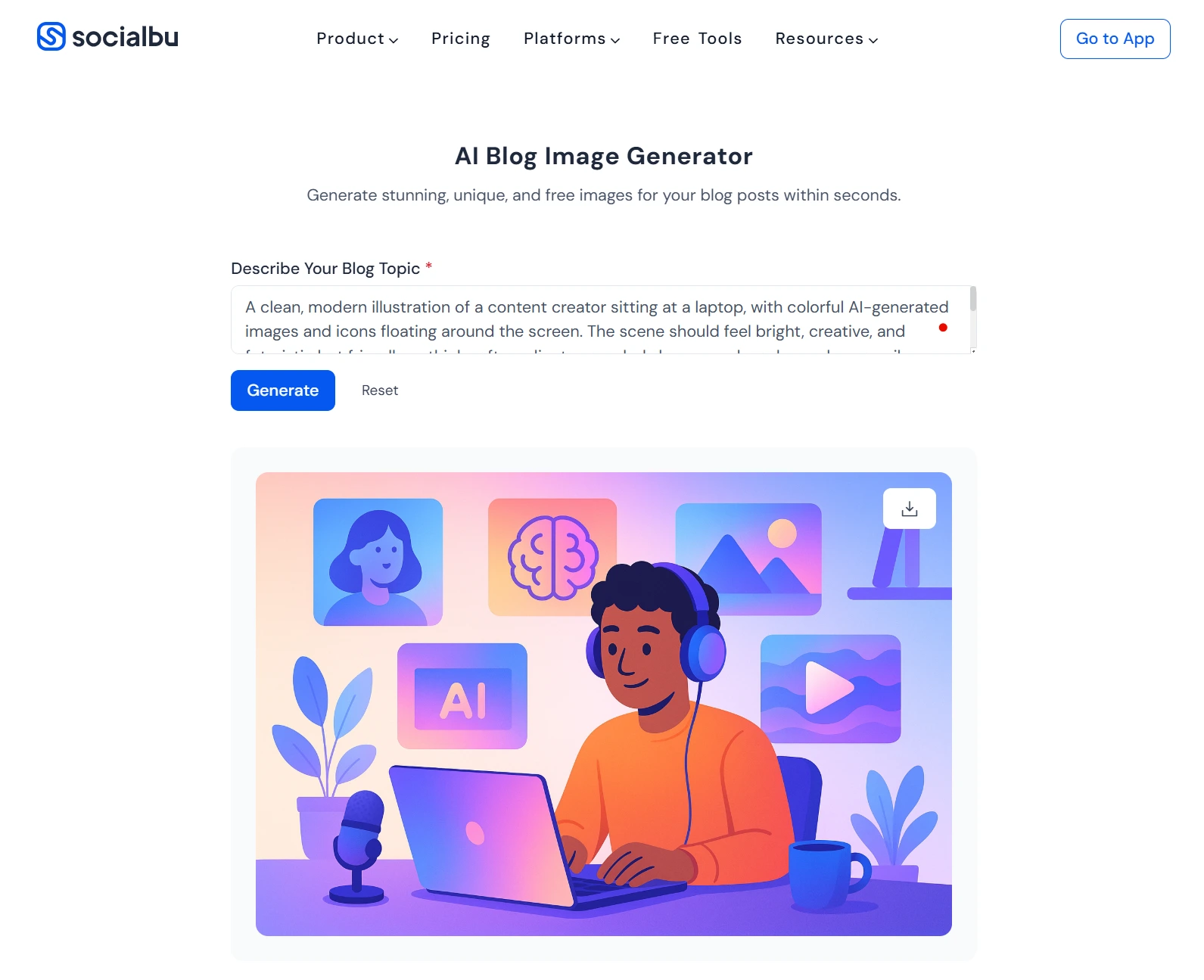 SocialBu’s AI Blog Image Generator is built specifically for bloggers and content writers who are tired of staring at that empty “featured image” slot. Instead of spending 20–30 minutes hunting through stock photo sites, you just tell the tool what your post is about, and it turns that context into a unique, ready-to-use image in a few seconds.
You start by typing a short description of your blog post or section (for example, “minimal illustration of a remote marketing team planning content” or “a calm workspace flat lay for productivity blog”).
- The tool uses AI to turn that context into a smart prompt, generates the image, and lets you preview it instantly in your browser.
- You do not need any design skills or templates to think of. You will get a visual that actually matches what you’ve written.
Because it’s part of the SocialBu ecosystem, this generator works especially well if you’re already planning and scheduling content there. You can keep your AI-written posts, captions, and blog images under one roof, instead of bouncing between different apps for copy, visuals, and scheduling.
Pricing: SocialBu’s AI Blog Image Generator is offered as a free, browser-based tool, so you can create blog visuals without paying extra just to test it. If you later decide to use SocialBu’s full social media management platform (for scheduling, automation, etc.), the blog image generator fits naturally into that workflow, but the image tool itself is still accessible as part of SocialBu’s free AI tools.
This makes it one of the most practical free AI blog image generators for writers, marketers, and small teams who want on-brand visuals without adding another paid design tool to their stack.
 Also read:
 2. DALL·E 3 (by OpenAI)
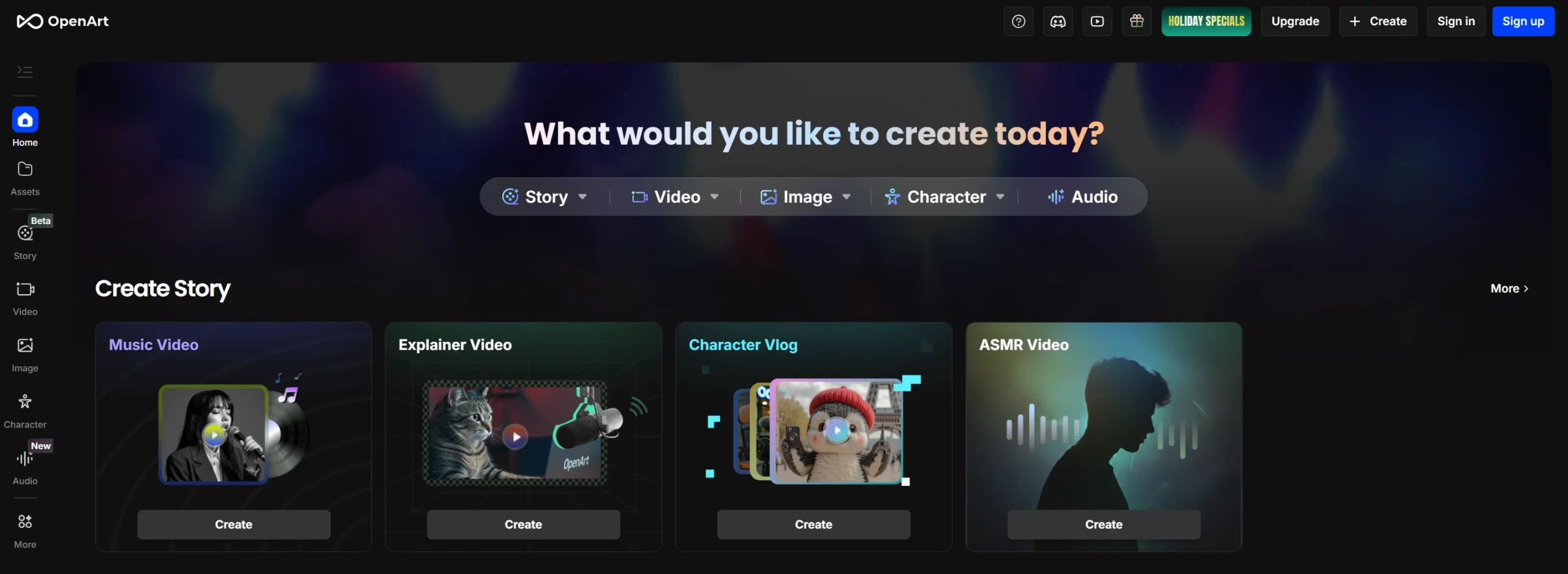 DALL·E 3, OpenAI’s latest AI image model, creates highly detailed and context-aware images from simple text prompts. You can access it directly inside ChatGPT or via the OpenAI API, making it a great choice for marketers, bloggers, and product teams who already use AI for writing.
It’s a strong pick if you’re looking for a reliable AI image generator for blog posts and landing pages.
Pricing: DALL·E 3 is available through paid ChatGPT plans and via the OpenAI API on a pay-as-you-go basis. Pricing can change, so always check OpenAI’s official pricing page before publishing exact numbers.
3. Midjourney
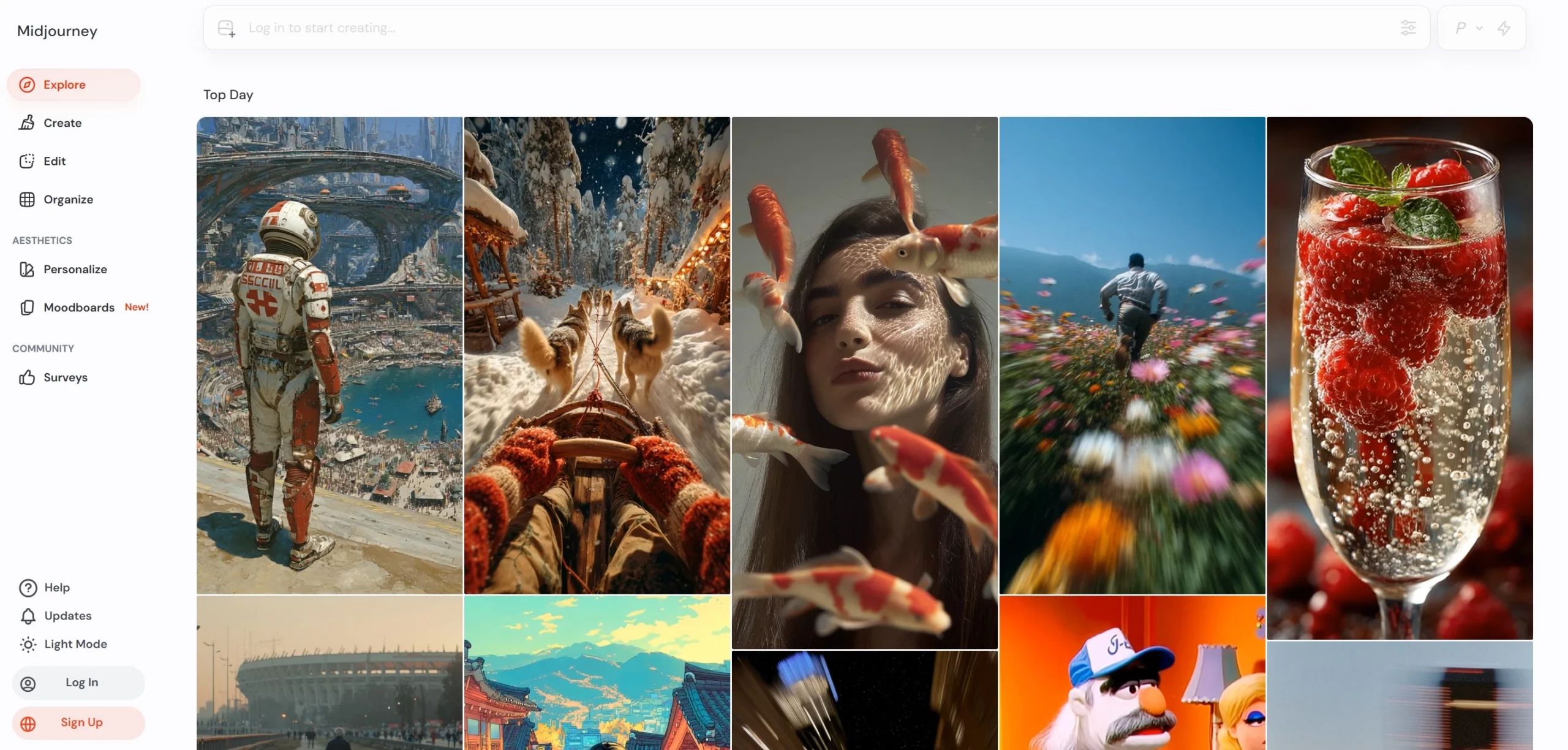 Known for its artistic and dreamlike outputs, Midjourney is a favorite among creatives looking for unique and inspiring visuals. It produces high-quality images from descriptive text prompts and offers a strong community for sharing creations and receiving feedback.
Midjourney is ideal when you need stylized hero images, campaign visuals, or concept art rather than simple blog illustrations.
Pricing: Midjourney now requires a paid subscription from day one. Plans typically start around $10/month for light usage and go up for heavier or professional users. There’s currently no permanent free trial, so treat it as a premium creative tool.
4. Nightcafe Creator
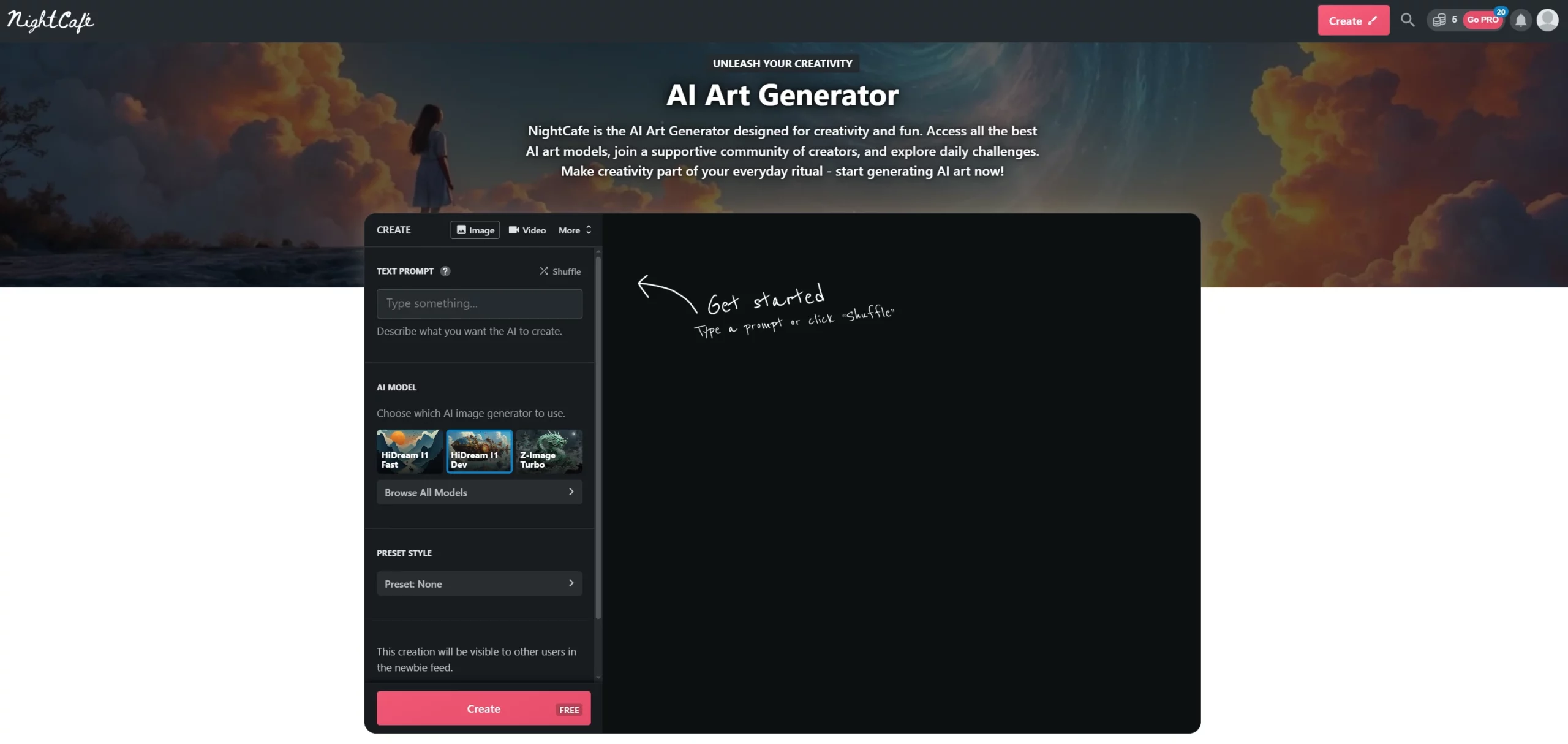
Explore a world of artistic styles with NightCafe Creator. This user-friendly platform allows you to generate images based on text descriptions (AI image generator from text).
Generate multiple variations of your image concept and download them for further editing or use. Now, fine-tune your image generation by providing custom “seeds” that influence the artistic direction of the final output.
It’s a good fit if you want an AI art generator for social media posts and personal projects.
Pricing: NightCafe uses a credit-based model with a small free allowance and paid packs/subscriptions starting at just a few dollars per month. Higher-resolution images and faster processing use more credits.
5. Stable Diffusion
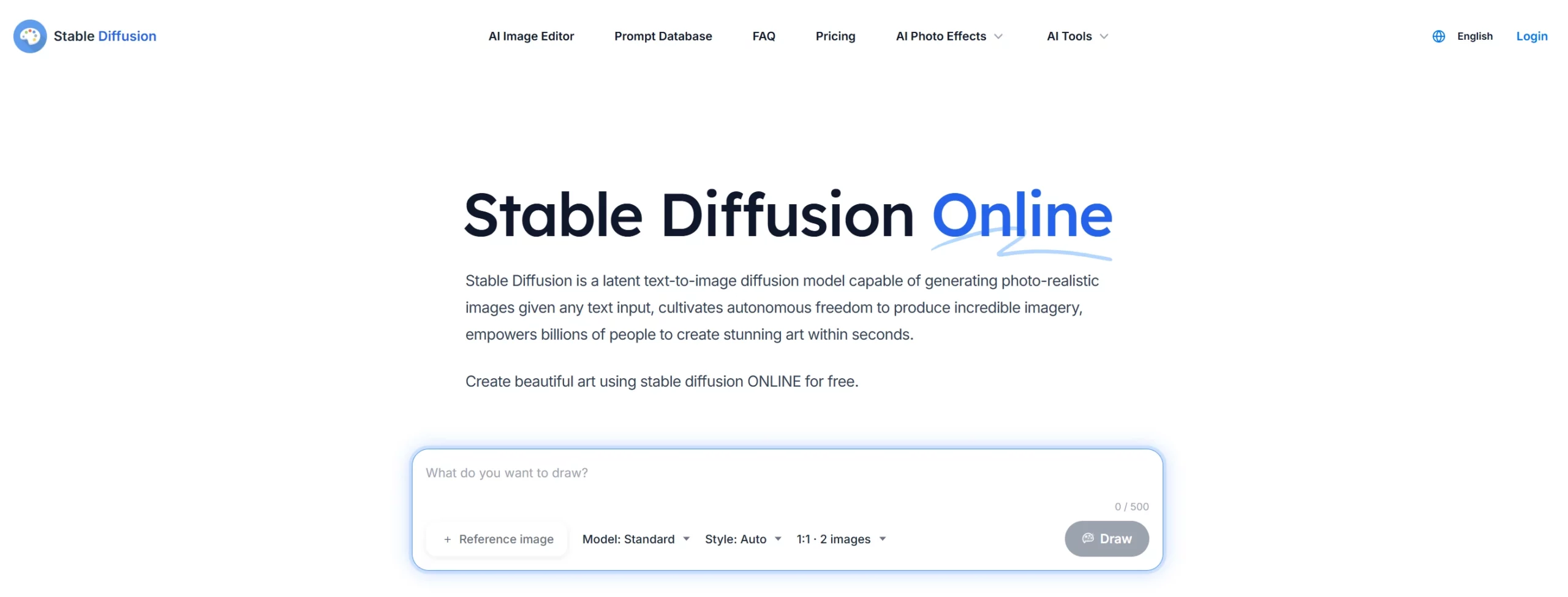
Stable Diffusion is an open-source AI image generator that generates photorealistic images when any text input is given. Unlike some closed-source options, it allows users to fine-tune outputs and experiment with different settings under the hood. This makes it a powerful tool for experienced users and those comfortable with some technical aspects.
It’s great if you want full control over an AI image generator in 2026 and don’t mind a bit of technical setup.
Pricing: The core Stable Diffusion model is open-source and free to download and run, but you may pay for cloud hosting or third-party tools built on top of it.
6. Canva AI Image Generator
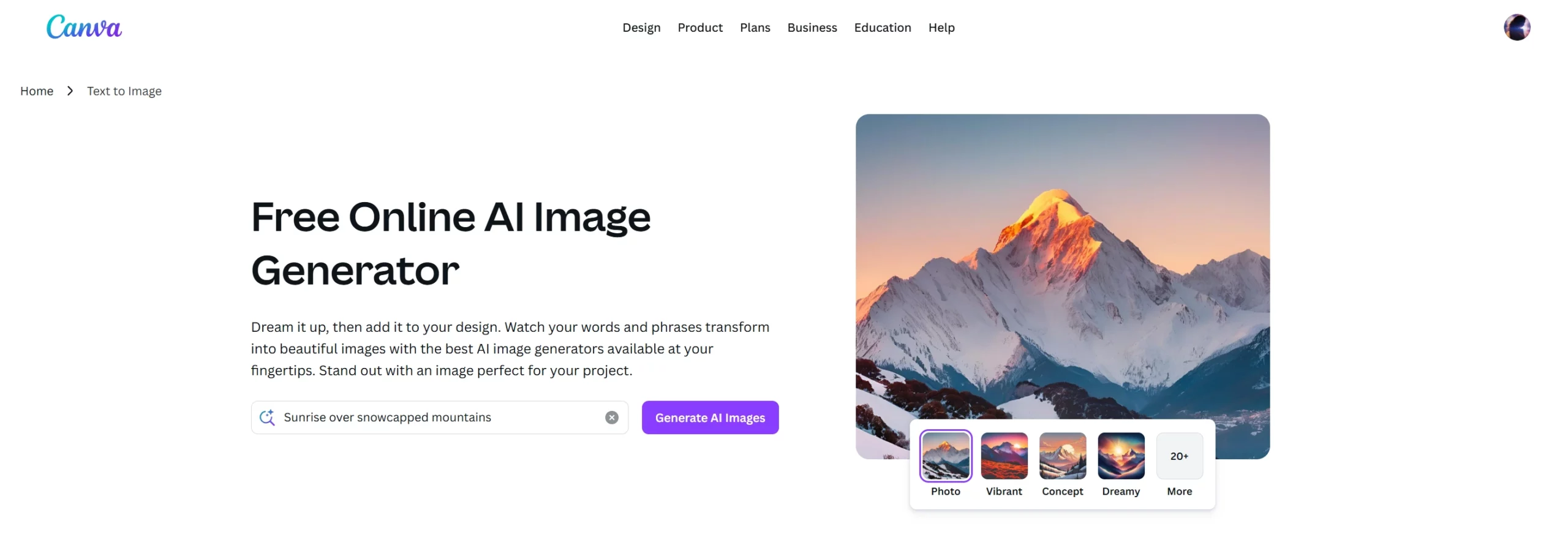
Canva AI Image generator is a built-in feature within the popular design platform Canva. It allows you to create unique images directly from text descriptions. This user-friendly tool offers a variety of artistic styles and the ability to choose the image layout and composition.
If you already design social media graphics or presentations in Canva, this is a very convenient text-to-image AI tool for everyday marketing visuals.
Pricing: Canva’s AI image generator is available on the Free plan with limited AI usage. Canva Pro and Business/Teams plans unlock higher AI limits and more advanced features.
Exact AI quotas and pricing change over time, so check Canva’s pricing page for the latest details.
7. Freepik AI Image Generator
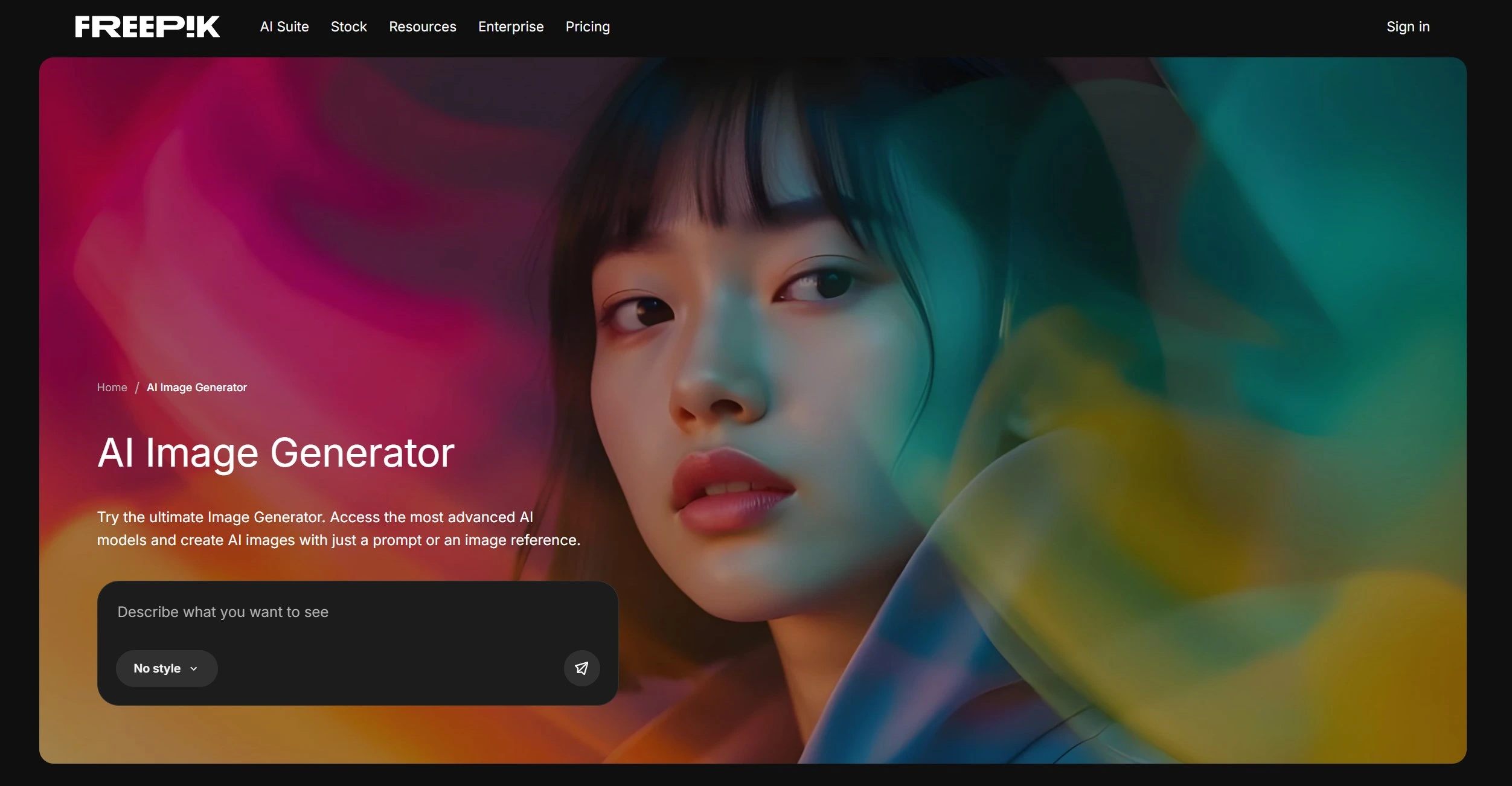
Freepik’s AI Image generator stands out for its user-friendly interface and seamless integration with the popular Freepik design platform. This tool allows you to generate high-quality images directly within the Freepik website. This eliminates the need to switch between applications.
Moreover, Freepik offers a variety of pre-made styles and color filters, allowing you to customize the look and feel of your generated images without needing advanced editing skills. It’s especially useful if you need consistent AI images for websites, ads, and social media and already rely on Freepik assets.
Pricing: You can try the Freepik AI image generator with limited free usage. For heavy use and access to more advanced models, Freepik’s Premium+ or Pro subscriptions offer generous and, in some cases, unlimited AI generations for images and even video.
8. VistaCreate AI Image Generator
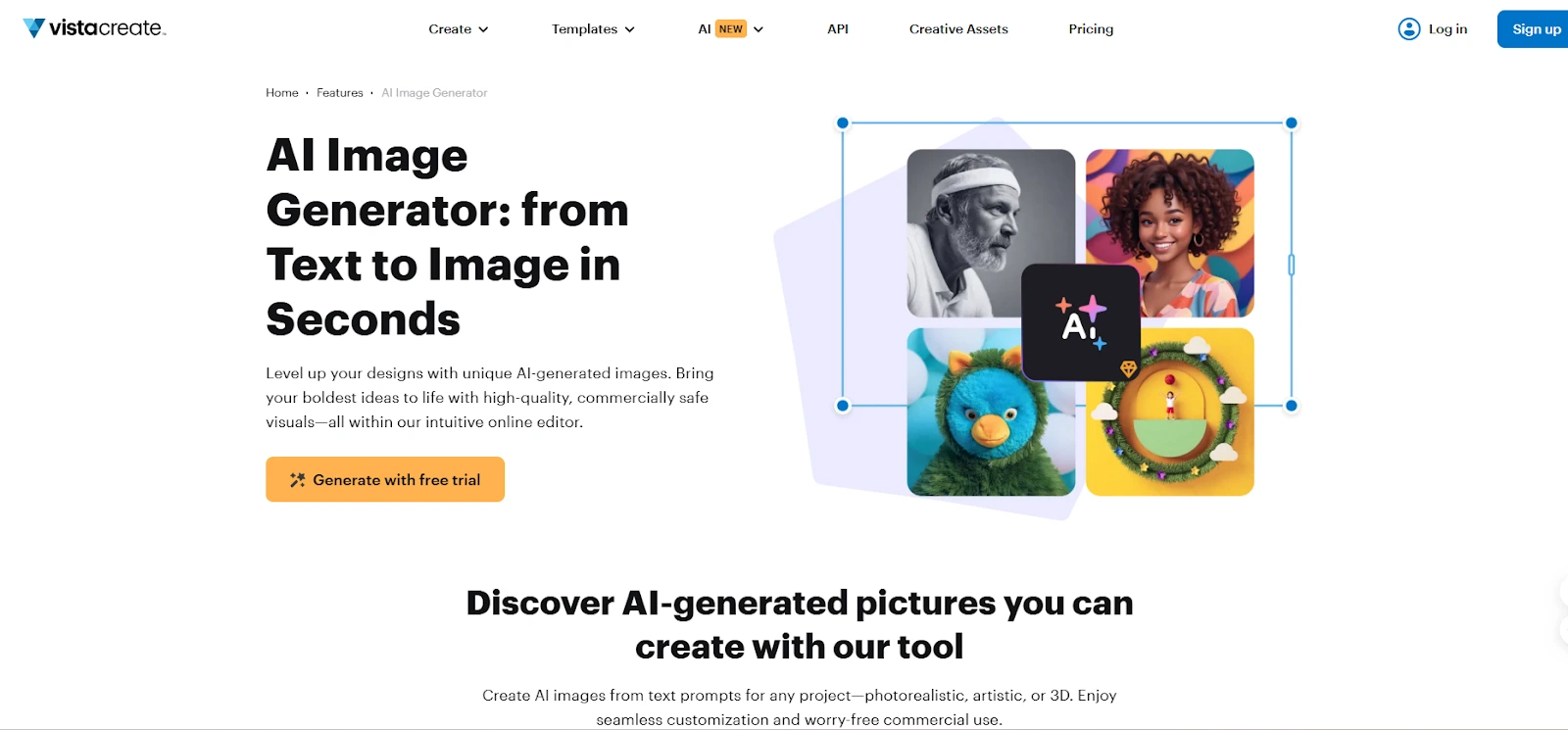
VistaCreate AI Image Generator is an integrated creative tool designed to help users produce unique visuals quickly from text descriptions. Built within the popular VistaCreate design platform, it allows you to turn simple prompts into high-quality, ready-to-use images for social media, marketing materials, or websites.
The tool offers flexible customization. You can adjust colors, styles, and compositions directly within the VistaCreate editor. It’s especially helpful for non-designers who want to create professional visuals without needing advanced editing skills. Its library of templates and design elements further enhances your creative workflow, letting you mix AI-generated content with existing assets.
Pricing: VistaCreate offers a free plan that includes access to the AI Image Generator with limited daily uses. Upgrading to the VistaCreate Pro plan unlocks higher generation limits, additional templates, and premium design tools. The platform is fully accessible via a web browser, making it convenient for users on any device.
9. Pixlr’s AI Image Generator
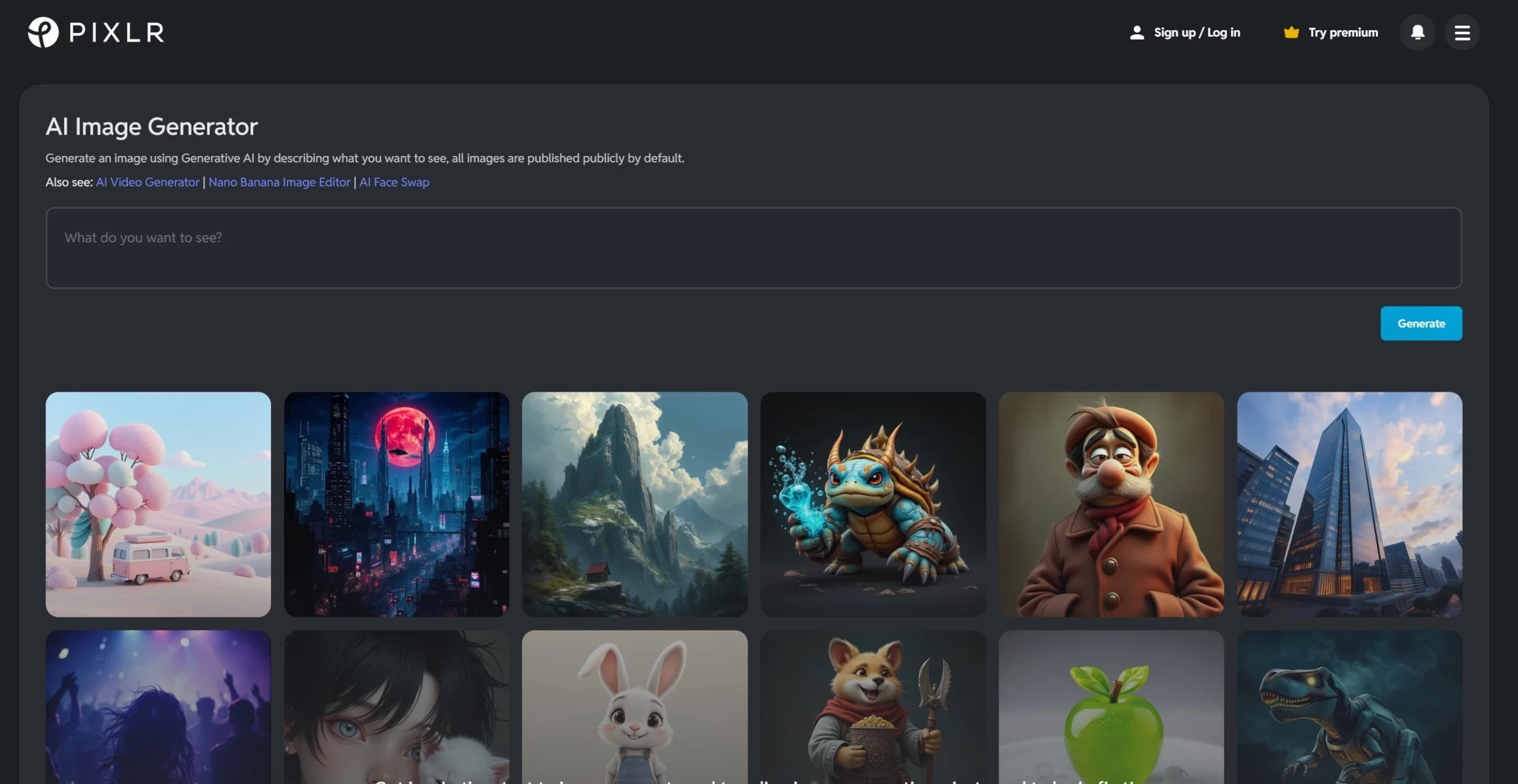
This online AI image generator offers a simple interface for creating visuals from text prompts. It’s a convenient option for casual users or those wanting to experiment with AI image generation without commitment.
It’s a good option if you want a lightweight AI image generator for quick social media posts and simple blog graphics.
Pricing: Pixlr offers a 7-day free trial that includes AI credits for image generation. After that, you can stay on a limited free plan or upgrade to paid subscriptions (starting from a few dollars per month) to unlock more AI credits and pro features.
Choosing the Right AI Image Generator For You
With various AI image generators available, selecting the perfect tool depends on your needs and preferences.
Here are some key factors to consider:
- Features and Functionality: Do you prioritize creating photorealistic images, artistic styles, or something else entirely? Some AI image generators excel at specific tasks, like generating characters or landscapes.
- Skill Level: Some tools offer greater customization and require more technical knowledge, while others have user-friendly interfaces that cater to beginners.
- Cost: Many AI image generators offer free trials or limited free tiers. Consider how often you plan to use the tool, and choose a pricing plan that aligns with your needs. Free online options are a great starting point for experimentation.
- Text-to-Image vs. Image-to-Image: Some AI image generators focus on creating visuals from text descriptions (text-to-image). In contrast, others allow you to upload an image and modify it (image-to-image). Decide which approach best suits your workflow.
- Usage rights and licensing: Check whether the tool gives you commercial usage rights for the AI images, especially if you use them in ads, client work, or paid products.
- Data privacy and content policies: In 2026, some tools are clearer about how they use your prompts and images to train models. If you work with sensitive or client data, read the tool’s AI and privacy policy.
Considering these factors, you can narrow your choices and select the AI image generator that sparks your creative potential. Don’t be afraid to experiment with different tools to discover which is most intuitive and inspiring.
Let AI Handle Your Images, You Focus on the Content
Wrap Up
Here, you have a list of the best AI image generator tools to experiment with and get your designed images. From free online tools to advanced features, there’s an AI image generator perfectly suited to unlock your productive and creative vision.
Whether creating a captivating character or generating breathtaking views, these innovative tools empower you to bring your ideas to life in seconds. As AI keeps evolving in 2026, the best AI image generators will only get faster, smarter, and more accessible. Start with one or two tools that feel simple and safe, then gradually add more advanced options as your content needs grow.
FAQs
Which AI Image Generator is the Best in 2026?
There isn’t a single “best” AI image generator in 2026. For all-round quality and safety, tools like DALL·E 3 (via ChatGPT) and Freepik’s AI image generator are strong picks. Midjourney is great for artistic, stylized visuals, while tools like Canva and SocialBu’s AI blog image generator are better for quick, everyday marketing graphics.
Is There a Completely Free AI Image Generator?
Yes, there are free AI image generators, but most come with limits. For example, tools like SocialBu’s AI blog image generator, Freepik, NightCafe, and Pixlr all offer free usage with caps on image credits, resolution, or speed. If you need heavy or commercial use, you’ll usually need a paid plan.
Is DALL·E 3 free to use?
DALL·E 3 isn’t fully free. You can access it through paid ChatGPT plans and via the OpenAI API, where you pay per image generated based on size and quality. Occasionally there may be limited free credits or trials, but you should treat DALL·E 3 as a paid, professional-grade tool. Always check OpenAI’s pricing page for the latest details.
Which AI image generator is best for bloggers and content writers?
If you’re a blogger or content writer, look for tools that fit into your writing workflow. SocialBu’s AI blog image generator is made specifically for blog visuals. Canva and Freepik are great if you want templates and branded graphics. For more unique illustrations, you can supplement with tools like DALL·E 3 or Midjourney and then resize or edit them inside Canva or another editor.
What is the Best App for AI images?
There isn’t a single “best” app since some AI image generators are web-based and not apps. This blog explores popular tools like Dall-E, Nightcafe Creator, and Midjourney. Consider factors like features, skill level, and cost when choosing the one.










1 thought on “9 Best AI Image Generators in 2026 (Free & Paid Tools)”
These are some amazing picks! Thank you! We also enjoyed using an ai image generator called pixai.art which you didn’t include but is just as good and is free. Could be a good addition to your lists.