Manage multiple client social accounts from one place
Plan and publish across connected accounts, give the right people access, automate repeat work, handle messages and comments where supported, and review results in SocialBu.
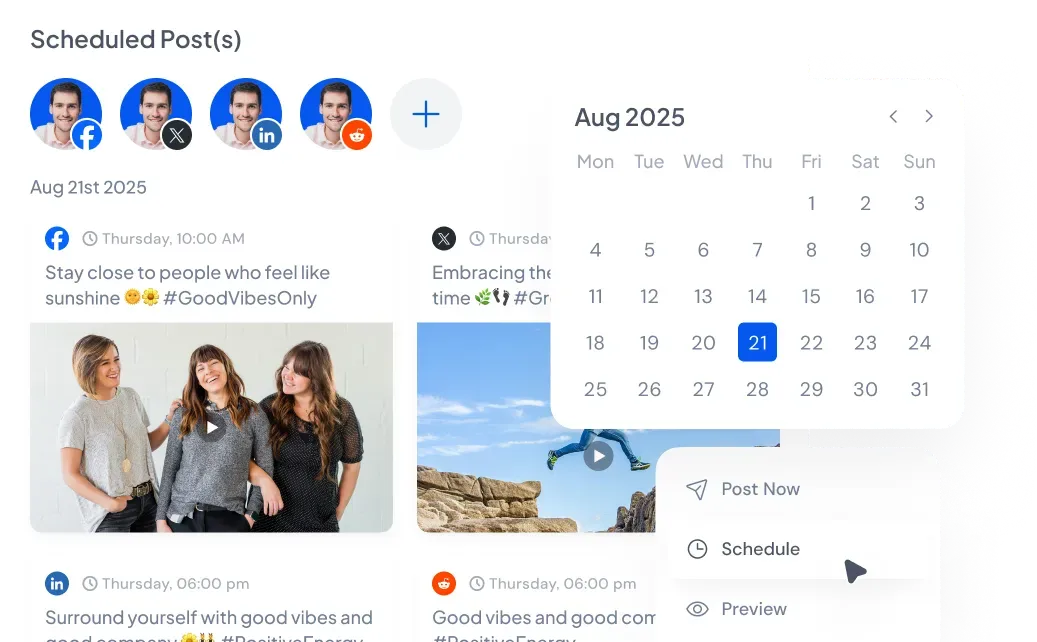
Separate client access
Group connected accounts in Teams and decide who can work on each one.
One publishing calendar
Check the account, network, content, and publish time before work goes live.
Handle routine publishing
Use bulk scheduling, queues, RSS feeds, and rules when the work follows a pattern.
Keep client work clear as your account list grows
SocialBu keeps the account, supported network settings, approval status, and publishing time visible while your team works on a post.
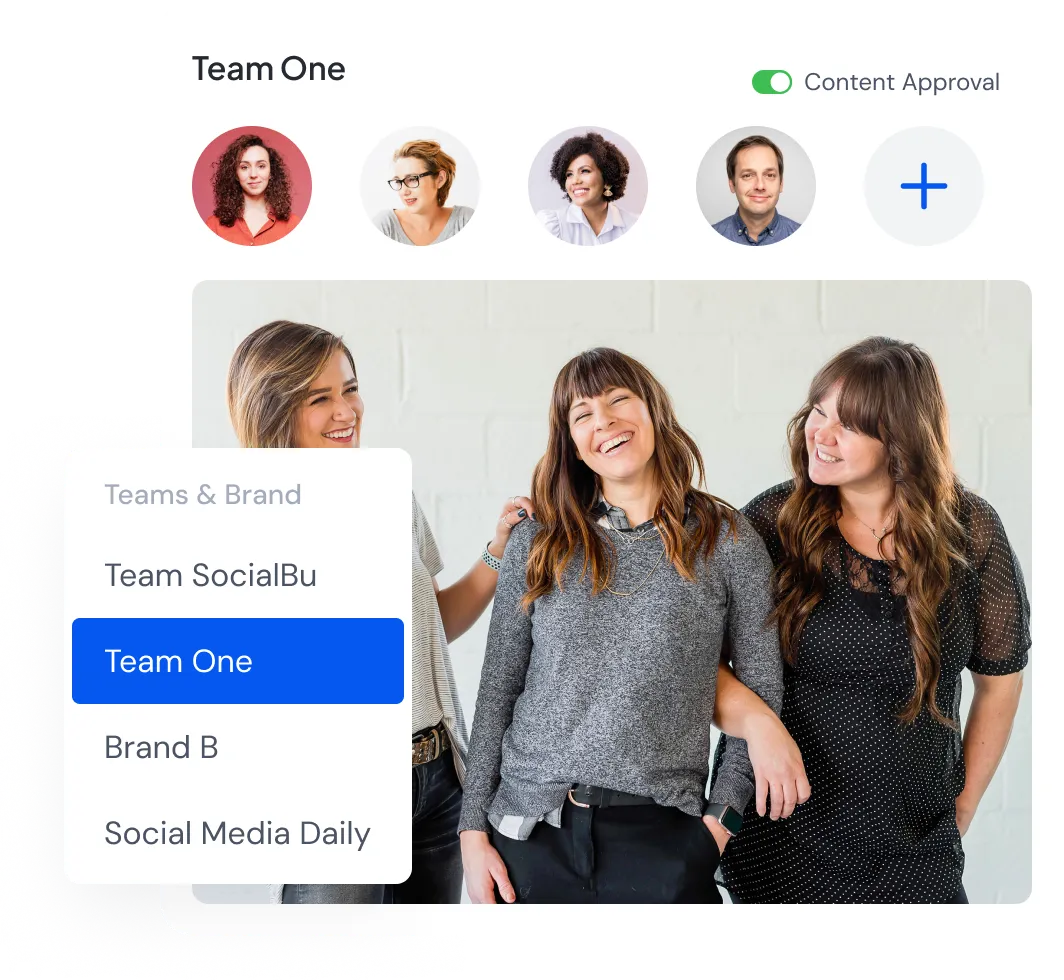
Set up each client with the accounts and people they need
Create a Team for a client and add only their connected accounts. Then invite the teammates or clients who should work on them.
- Set permissions for publishing, approvals, inbox work, analytics, automations, and other Team features.
- Turn on content approval for Teams that need a review before posts publish.
- Add client brand, audience, voice, product, or content context for SocialBu's AI features.
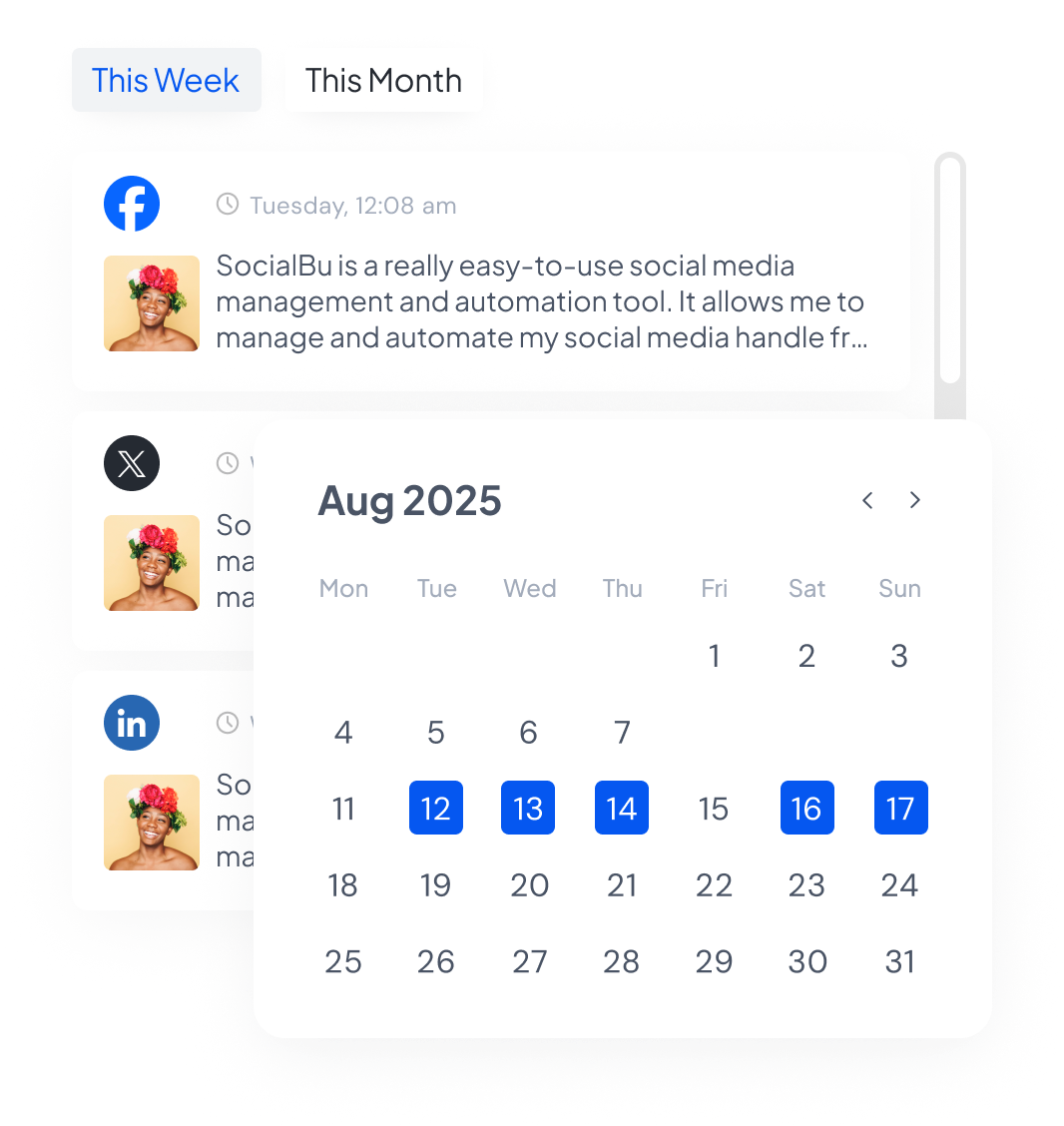
Plan and publish without losing account details
Use the calendar to see past, scheduled, and upcoming posts across connected accounts. Keep the account choice and supported network options visible while you prepare each post.
- Choose one or several connected accounts and adjust the content and settings each network supports.
- Import posts from a CSV when a campaign is already mapped out.
- Use saved snippets, AI help, queues, and post recycling when they're useful for a client's publishing plan.
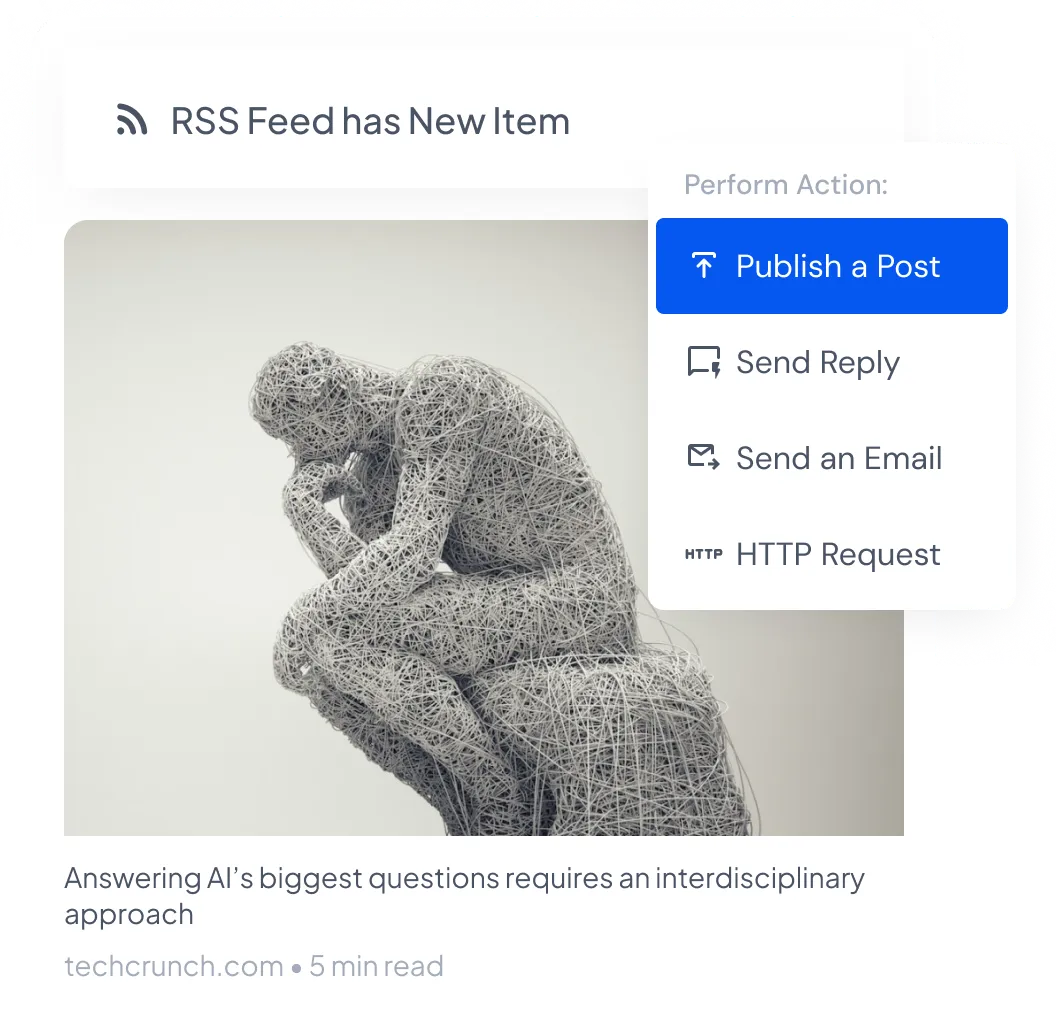
Handle recurring work with rules, feeds, and queues
Set SocialBu to handle work your agency repeats. You can turn new RSS items into social posts, while queues fill the regular publishing times you choose.
- Choose what SocialBu should do after a supported message, comment, post, or other social activity.
- Use RSS feeds for clients whose sites already publish useful, recurring content.
- Change, pause, or remove an automation when the client's process changes.
Manage replies and review performance
Growth and Agency plans include SocialBu's social inbox and advanced analytics, and every paid plan includes social listening. The conversations and metrics available depend on the network and connected account type.
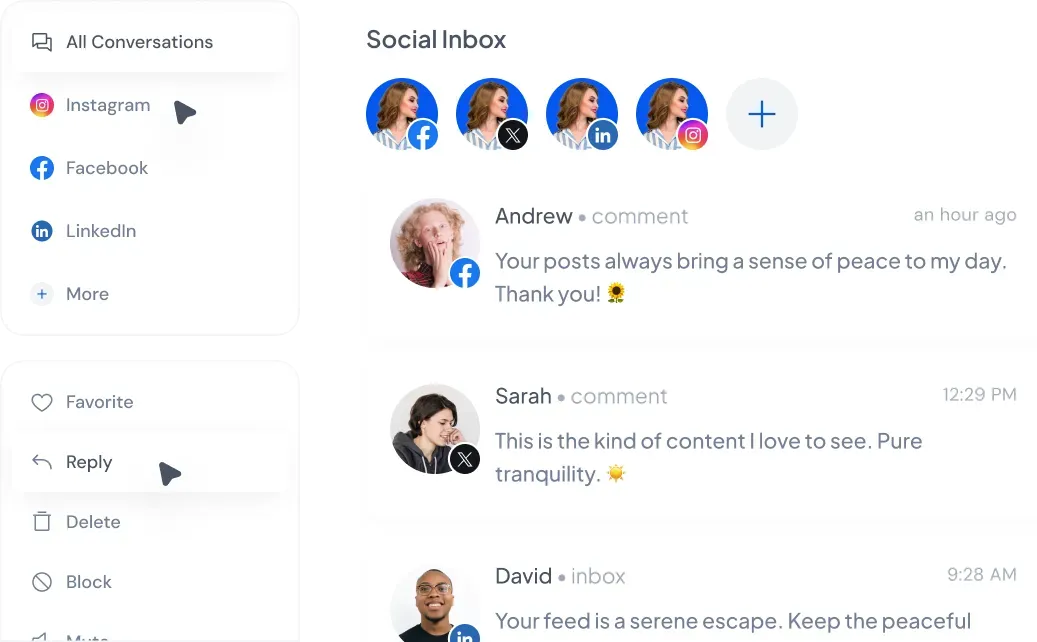
Handle supported conversations
Read and reply to supported messages, comments, posts, and reviews from the social inbox. Team permissions decide who can handle inbox work.
Listening streams can collect relevant public conversations where supported, within the limits of your plan.
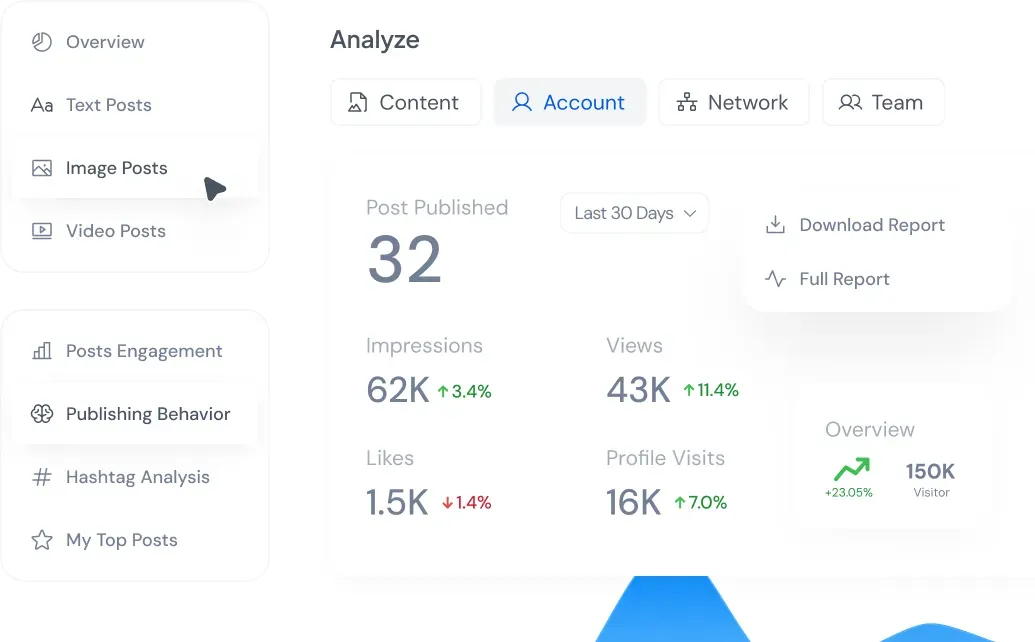
See how each account and post performed
Compare selected periods and review available top posts, engagement, audience growth, and content trends for supported accounts.
Use those results when deciding what to repeat, change, or stop in the next client plan.
Pick limits that match your current client roster
Every paid plan is 20% off when you start through this page. Annual billing includes three months at no extra cost, and the agency offer applies on top.
Discounted prices shown belowStarter
For one person managing a smaller group of connected accounts.
Annual billing: $17.40/month, billed at $208.80/year.
Start 7-day trial- 8 connected social accounts
- 750 posts per month
- Individual use, with no Teams or approval workflow
- 1 queues and 1 automation rules
- Basic analytics, with no social inbox or listening
Growth
For agencies managing clients with a team, approvals, automation, inbox tools, listening, and advanced analytics.
Annual billing: $47.40/month, billed at $568.80/year.
Start 7-day trial- 20 connected social accounts
- 3,000 posts per month
- 5 Teams, with up to 4 members per Team
- 10 queues and 50 automation rules
- Social inbox, listening, and advanced analytics
Agency
For agencies that need more connected accounts, Teams, monthly posts, queues, and automations.
Annual billing: $119.40/month, billed at $1,432.80/year.
Start 7-day trial- 50 connected social accounts
- 100,000 posts per month
- 20 Teams, with up to 8 members per Team
- 30 queues and 100 automation rules
- Social inbox, listening, and advanced analytics
Need limits beyond these plans? Talk to us about a custom plan or compare every plan limit.
Questions agencies ask before starting
How does the 20% agency discount work?
How do I separate one client's accounts from another?
Can clients approve posts in SocialBu?
Do I need the Agency plan?
Which social networks does SocialBu support?
Can I cancel during or after the trial?
See whether SocialBu fits your client workflow
Use the 7-day trial to connect the accounts you need and check the formats, permissions, inbox coverage, automations, and metrics that matter to your agency.
Start your 7-day trialOr book a personalized demo with our team